ZB4BD5
在产Schneider ZB4BD5 3-Position Spring-Return Selector Switch Head
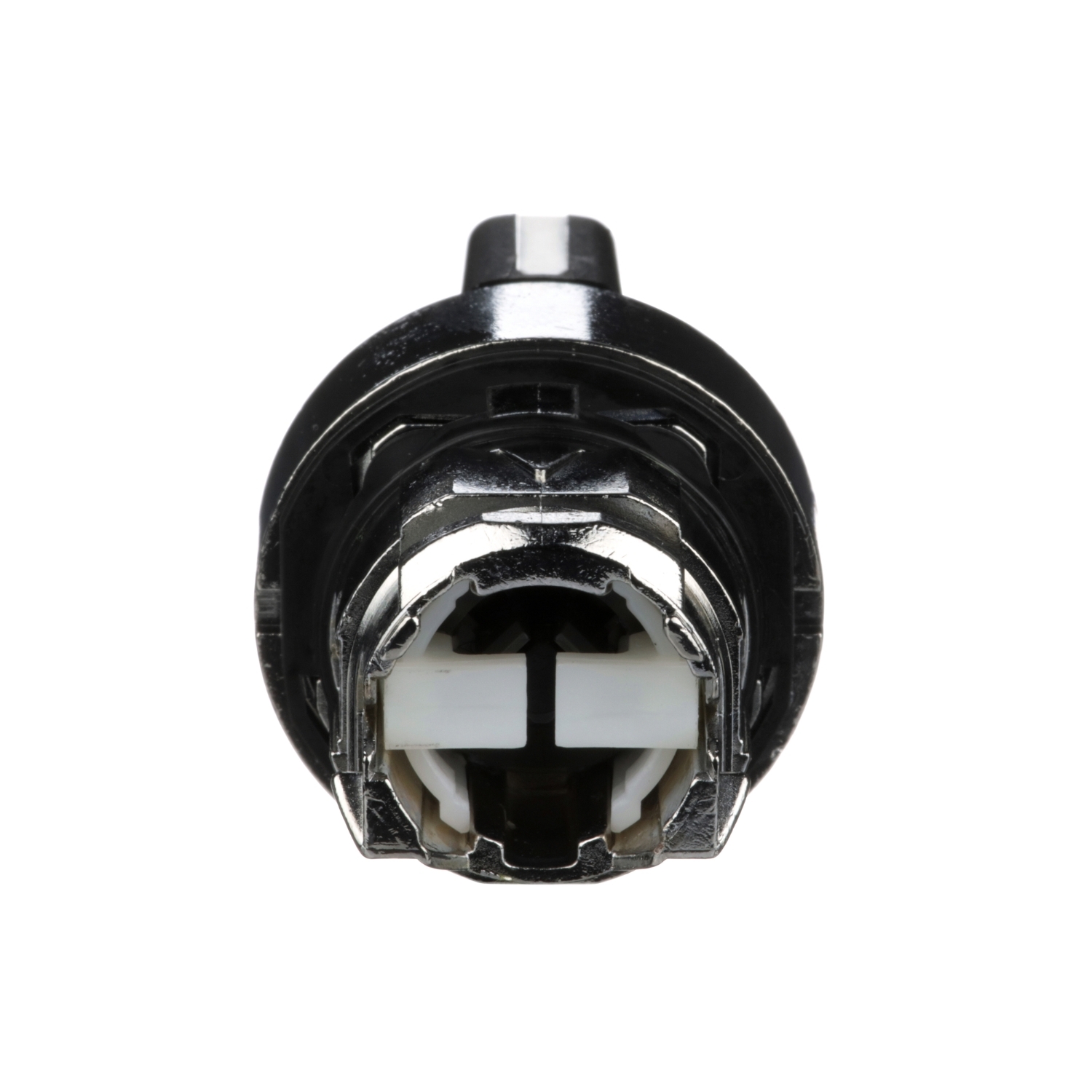
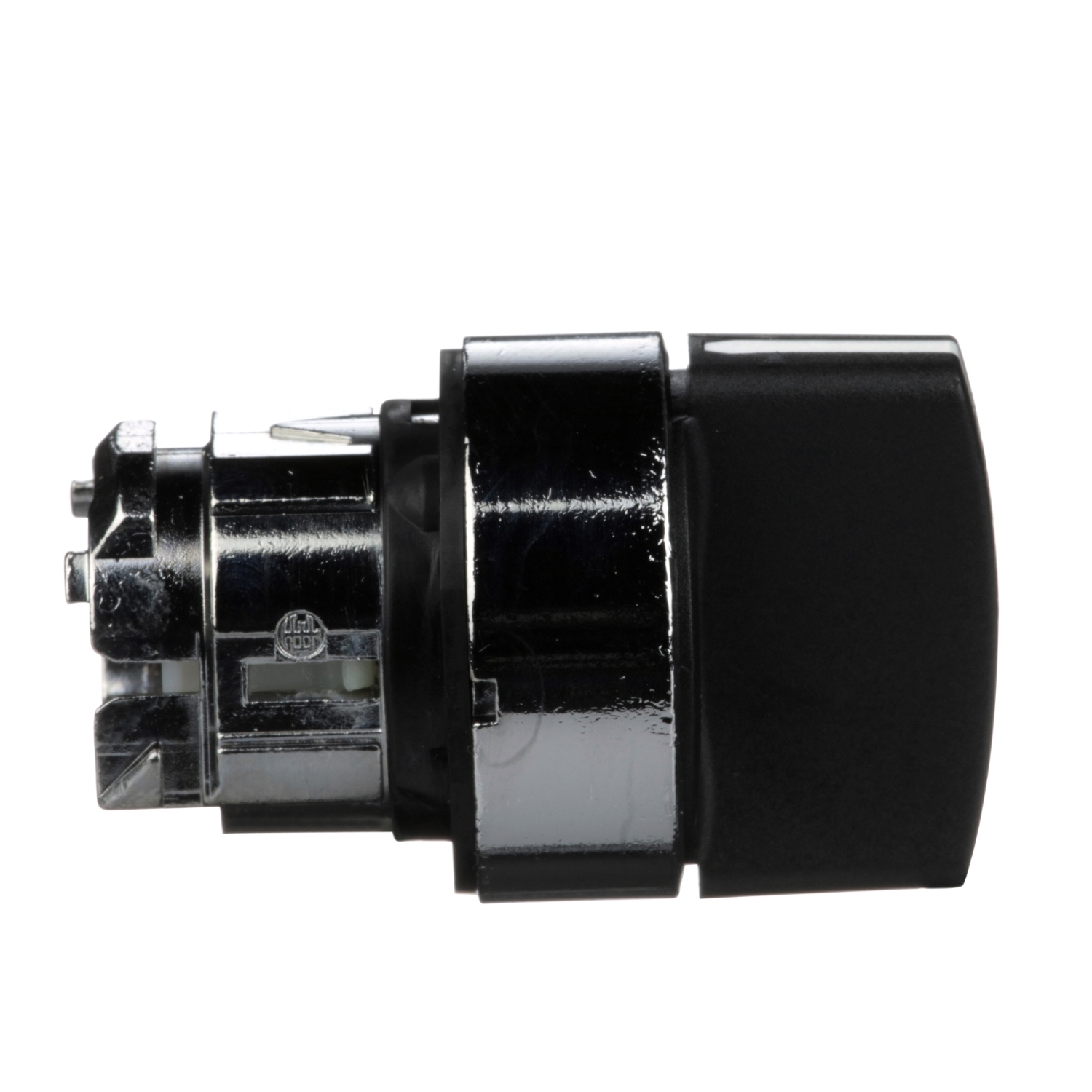
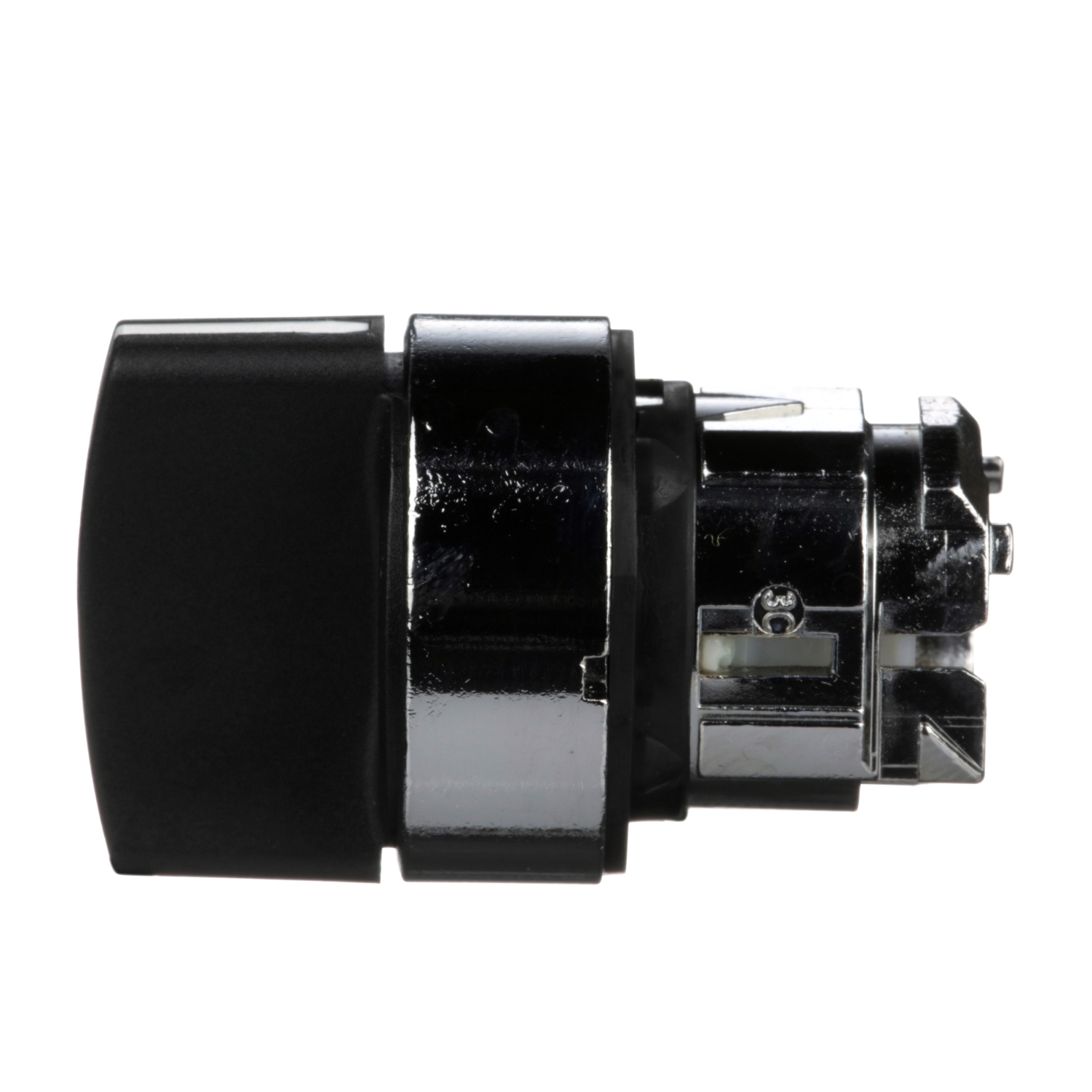
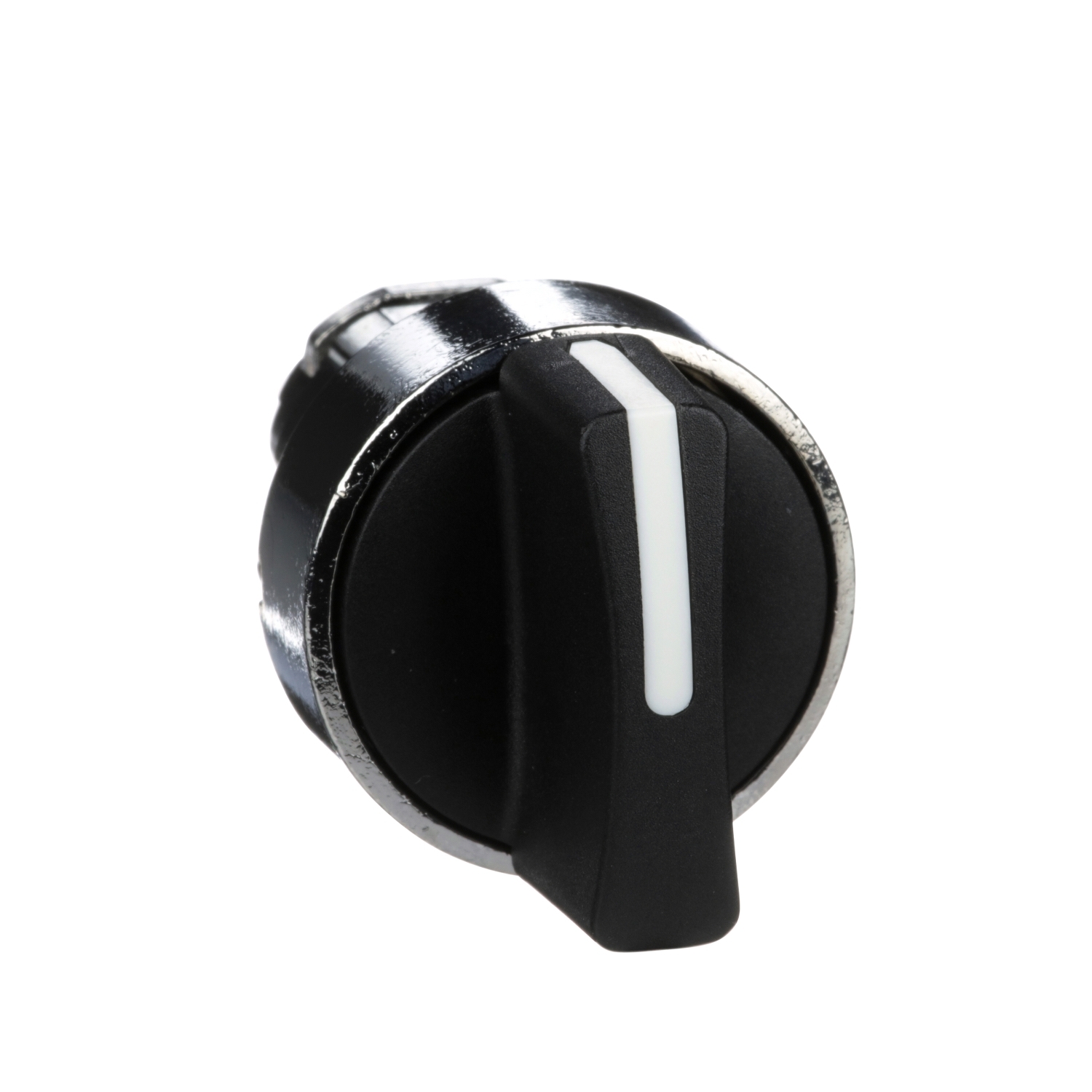
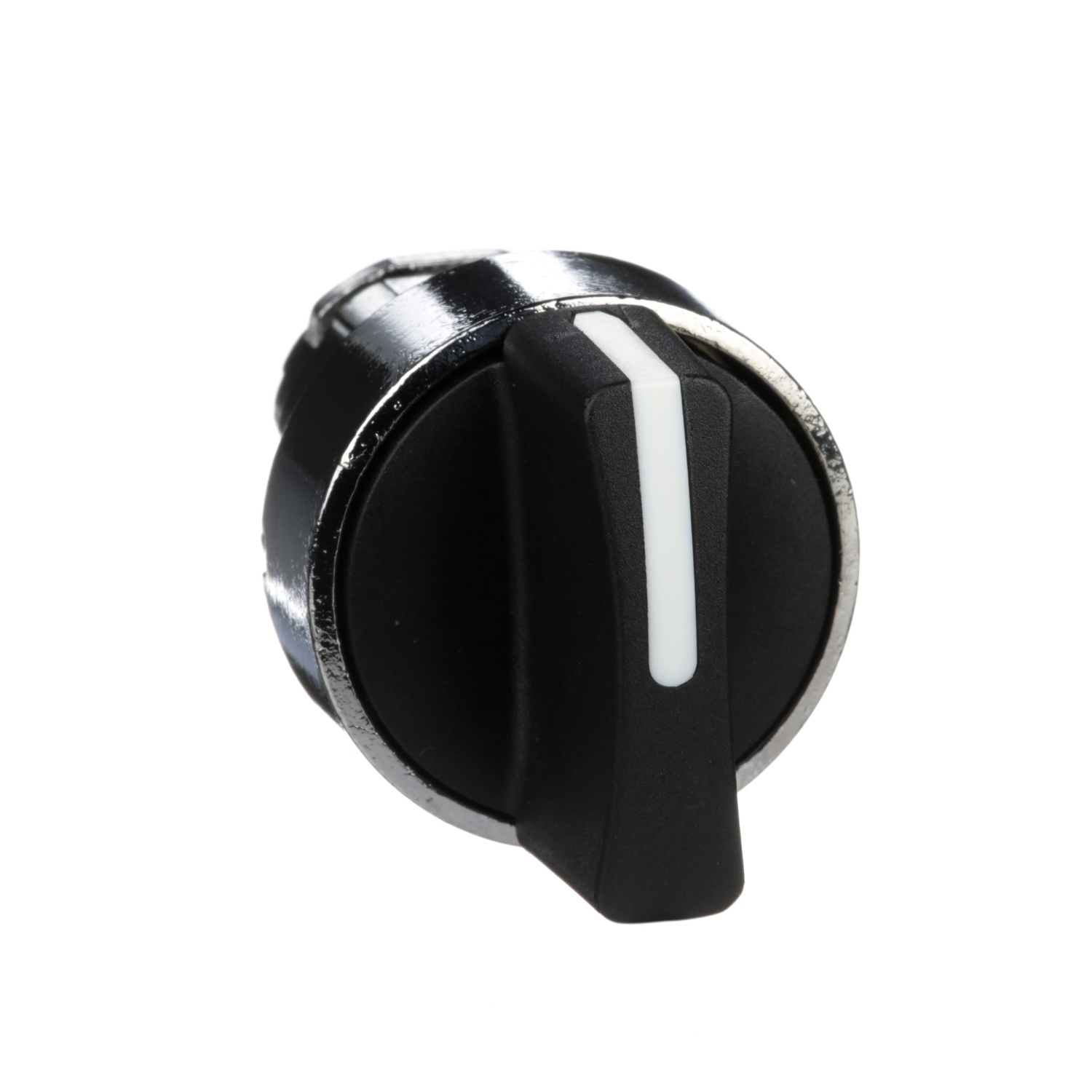
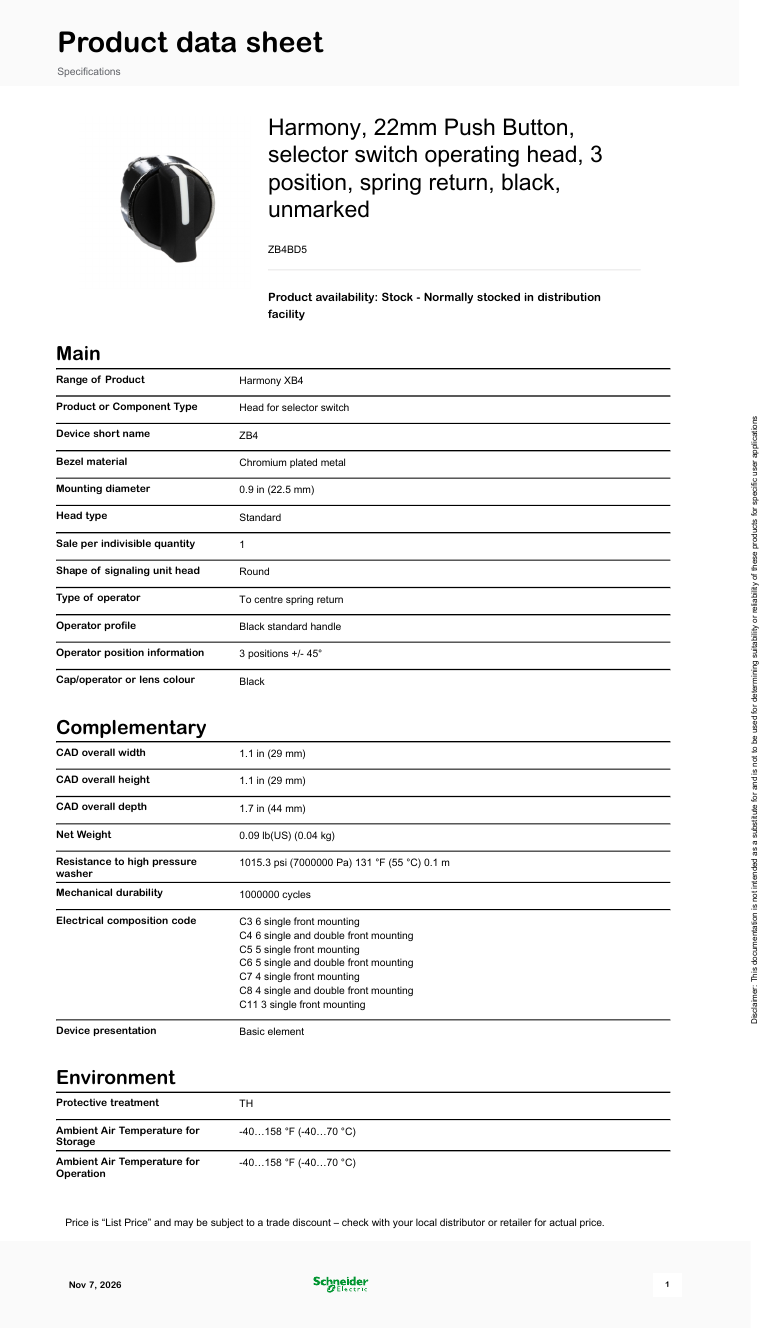
Schneider Harmony XB4 22 mm metal selector switch operating head: black standard handle, 3 positions (±45°), spring return to centre. Head only — contact blocks and the body/fixing collar are ordered separately.
常见应用
Selector switch head (3 positions, spring return to centre) for momentary left/right commands on 22 mm machine panels; needs a Harmony XB4 body with contacts (complete unit XB4BD53).
研究笔记
产品概述
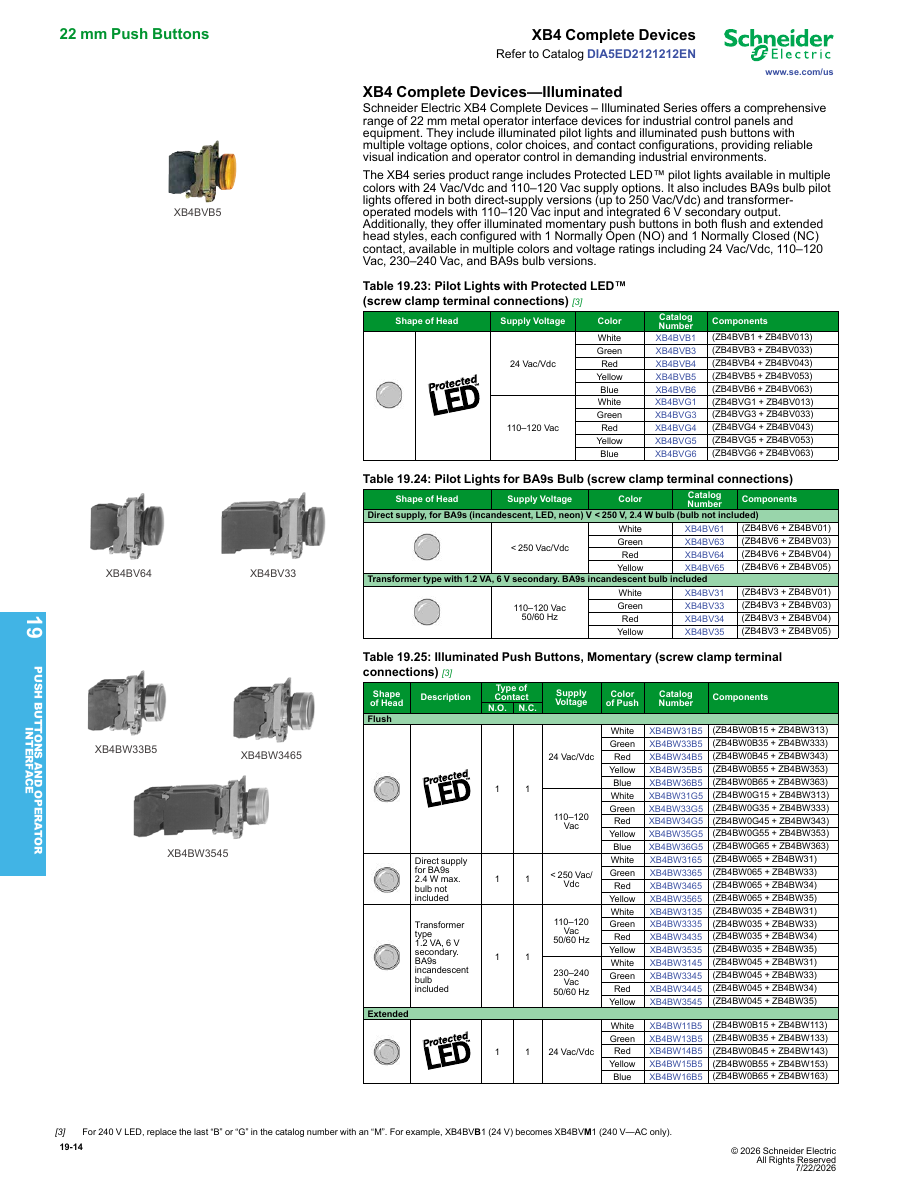
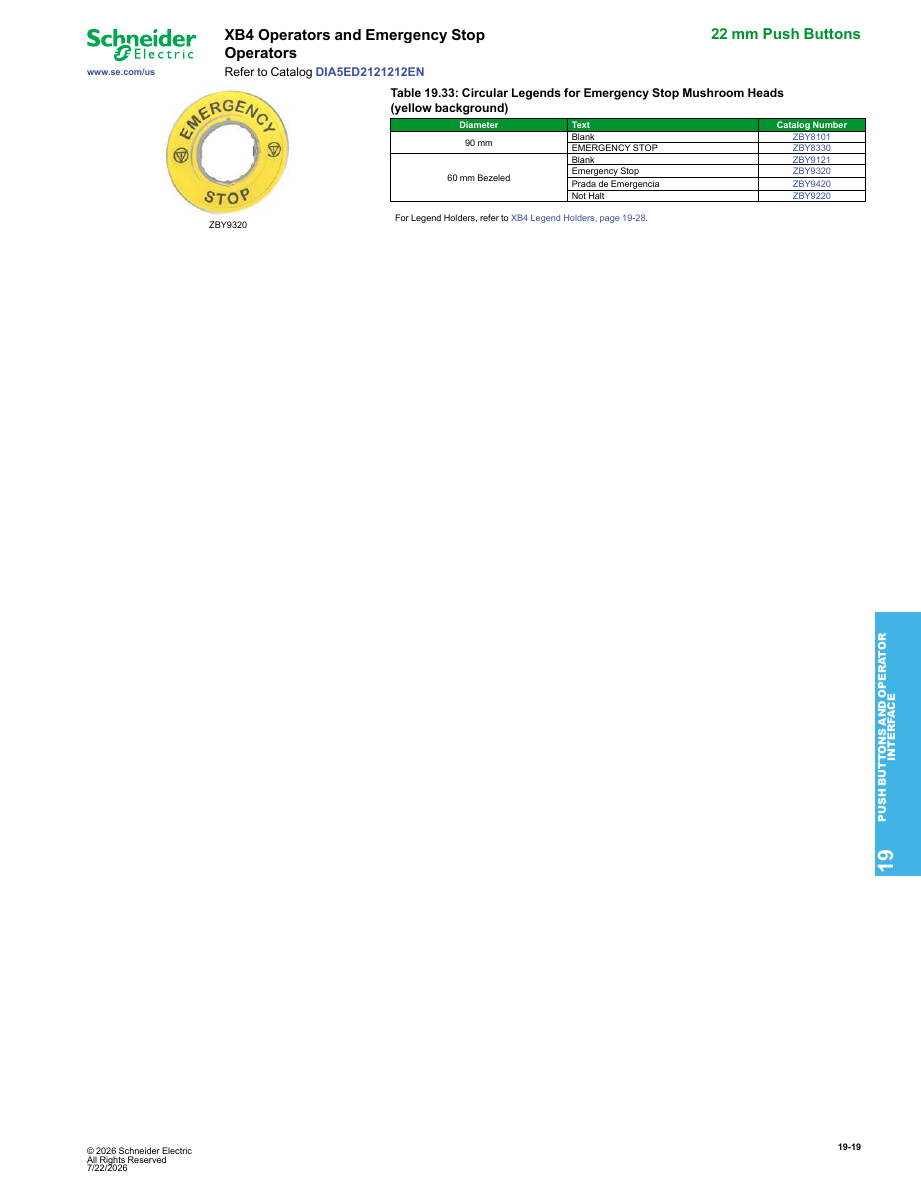
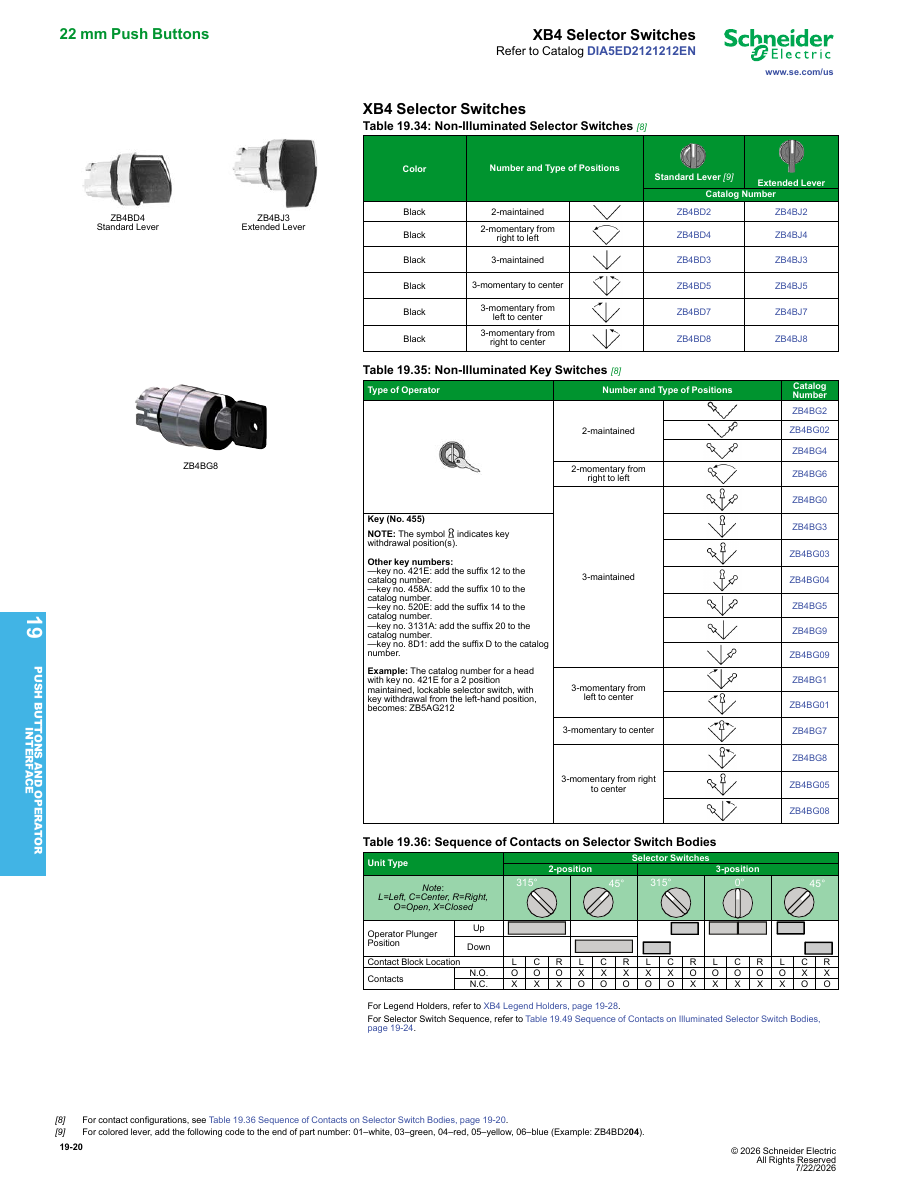
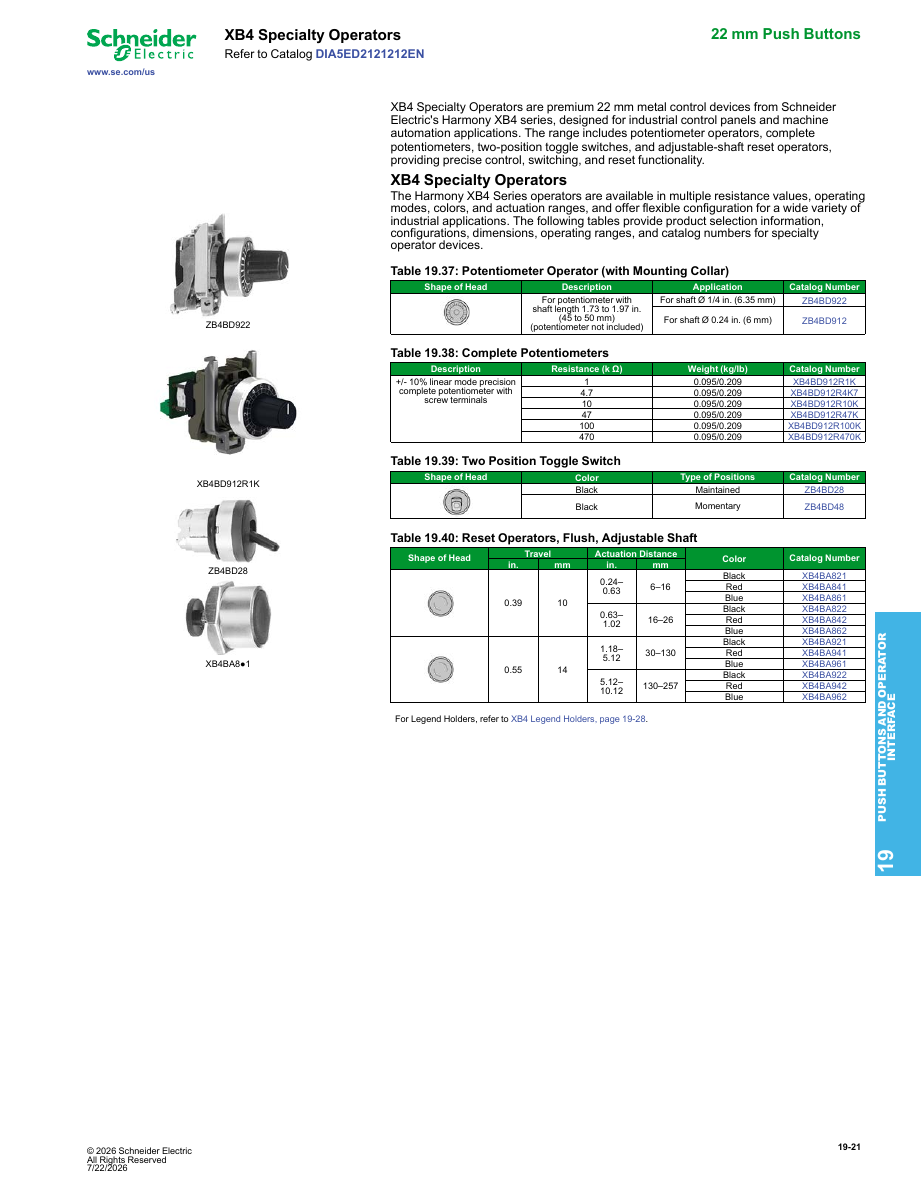
这是施耐德电气 Harmony XB4 系列的 22 mm 金属选择开关的操作头。它配有镀铬金属边框和黑色标准手柄,手柄有三个位置,间隔 45°。向左或向右转动时,手柄在松开后会弹回中心位置。它适用于不能保持开启状态的瞬时命令,例如点动左/关/点动右或下降/停止/上升。
仅包含操作头。 它没有触点和固定环。您需要搭配 ZB4BZ 主体和触头模块,或购买完整单元 XB4BD53(ZB4BD5 + ZB4BZ103,两个 NO 触点)。
关键规格(施耐德数据表)
- 位置: 3 位,±45°,从左和右弹簧复位至中心
- 手柄: 标准(短),黑色
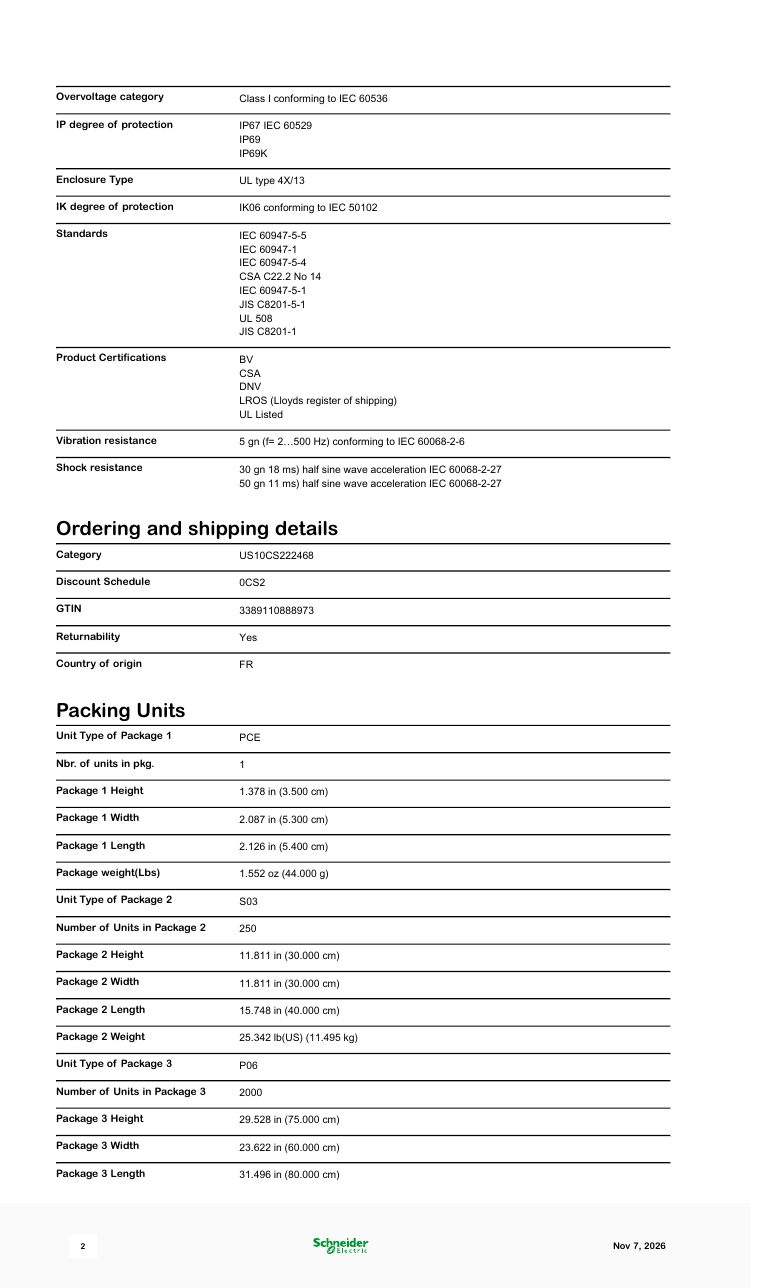
- 机械寿命: 1,000,000 次循环
- 防护等级(操作头): IP67, IP69, IP69K; UL Type 4X/13
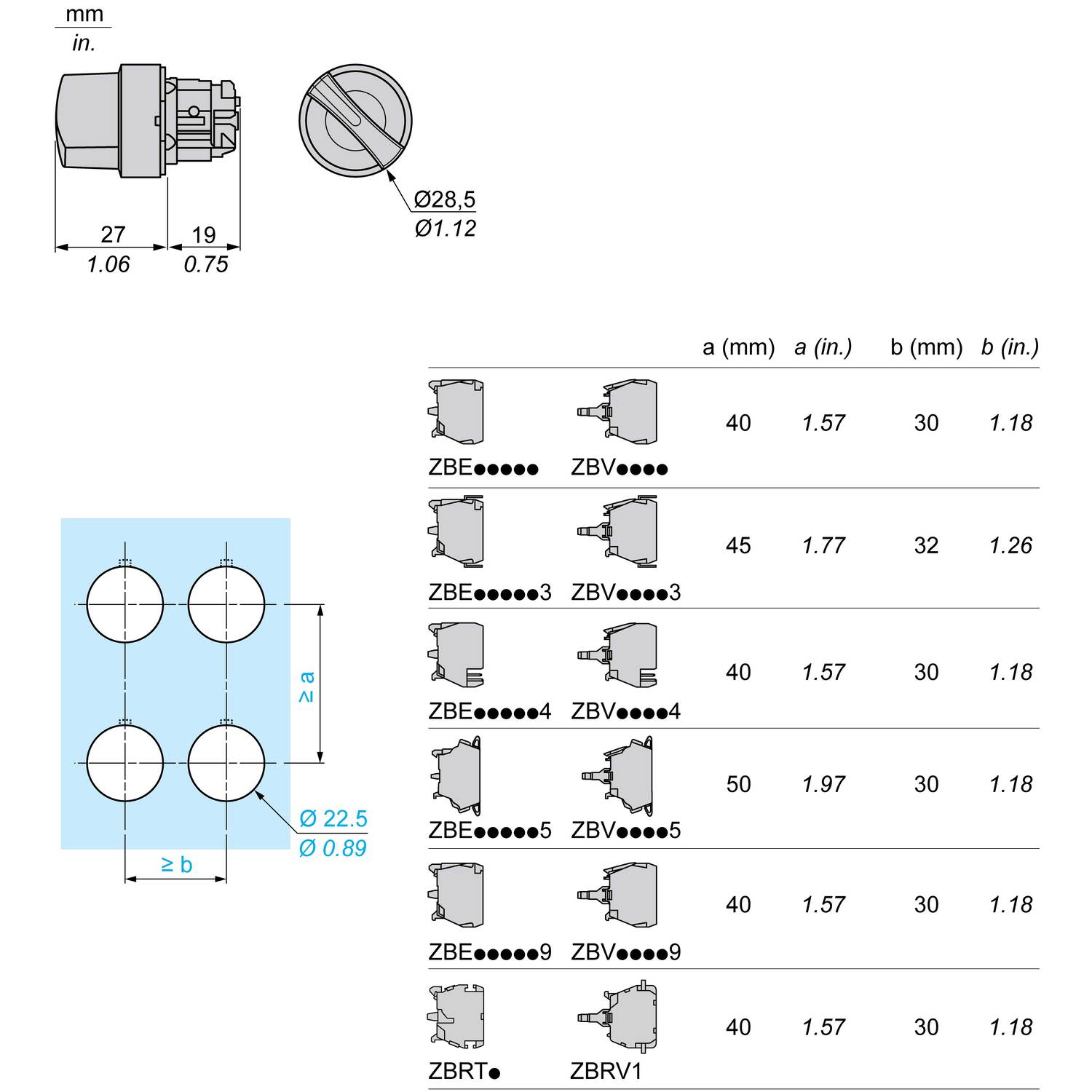
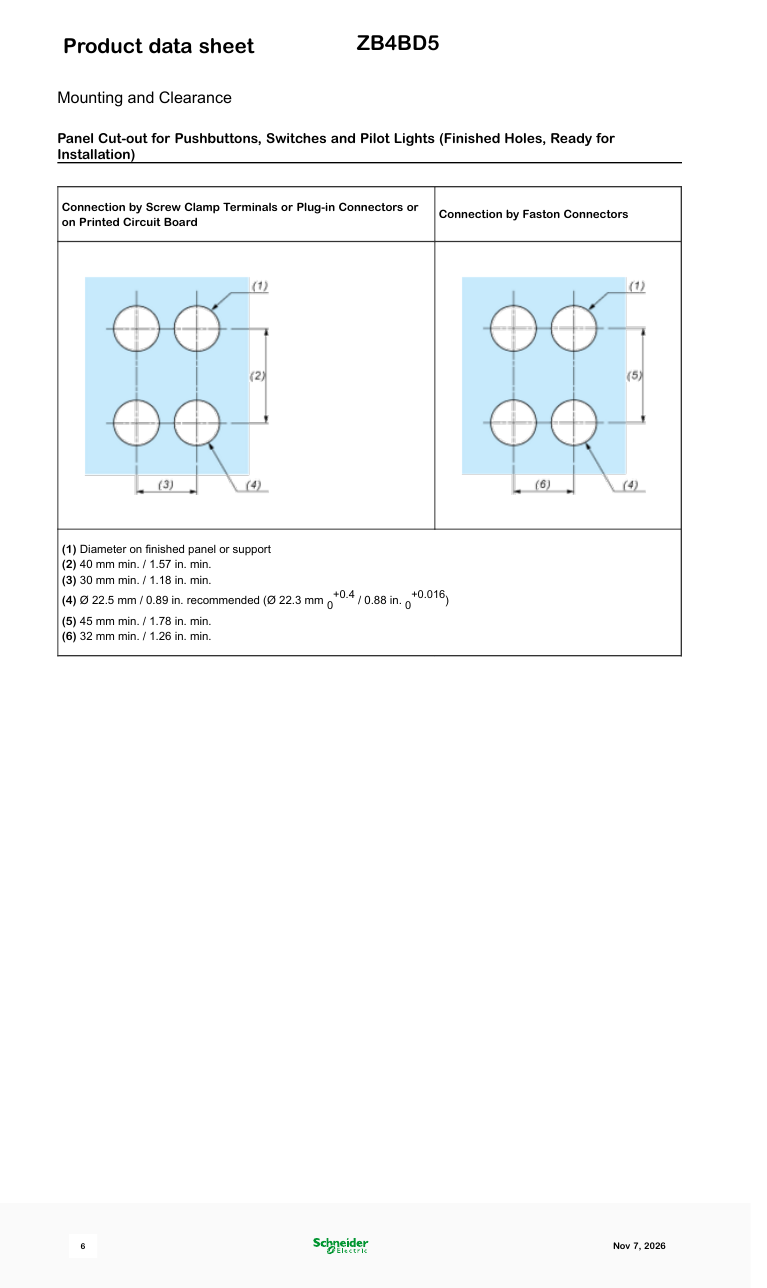
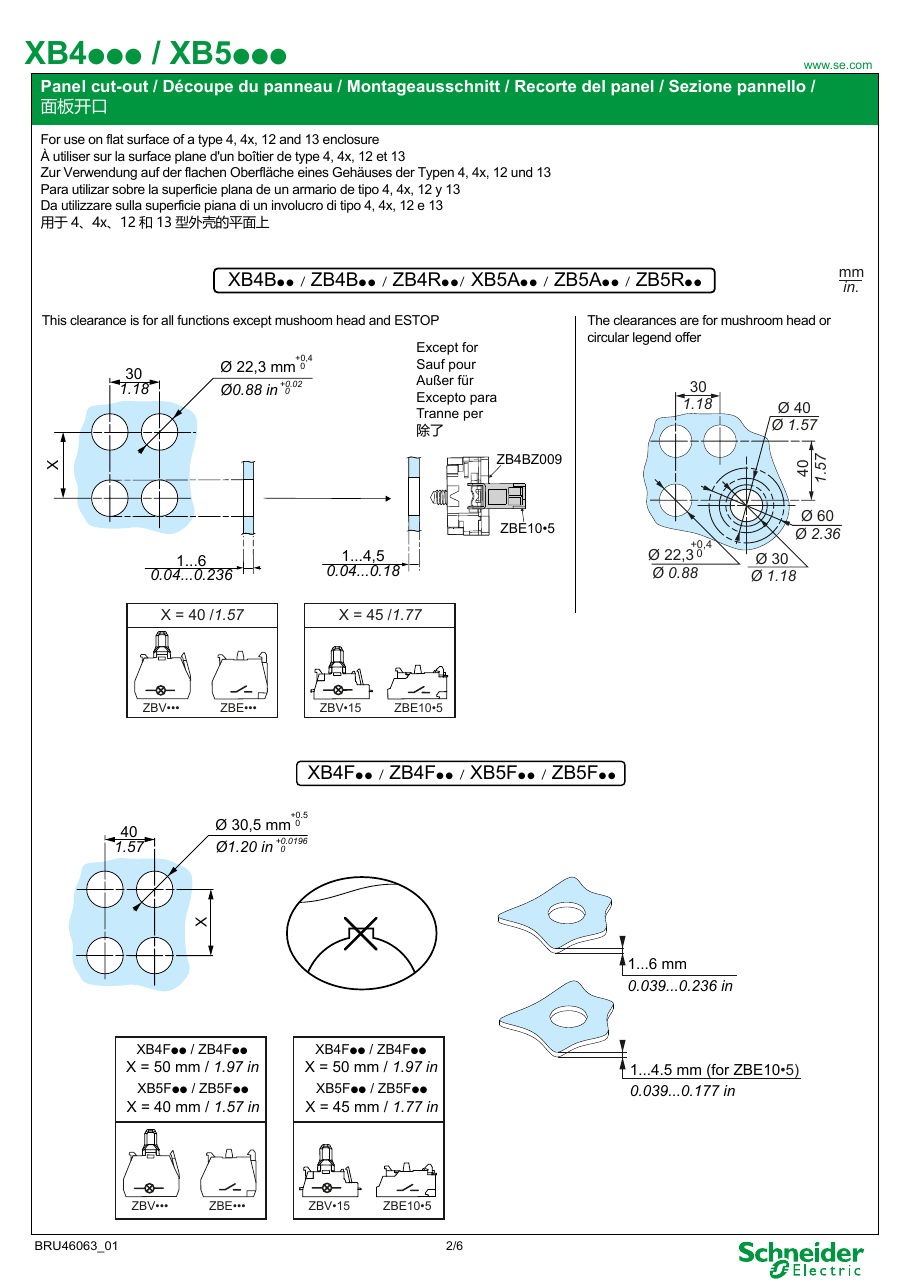
- 安装: 22 mm 孔(推荐 22.5 mm)
- 重量: 40 g
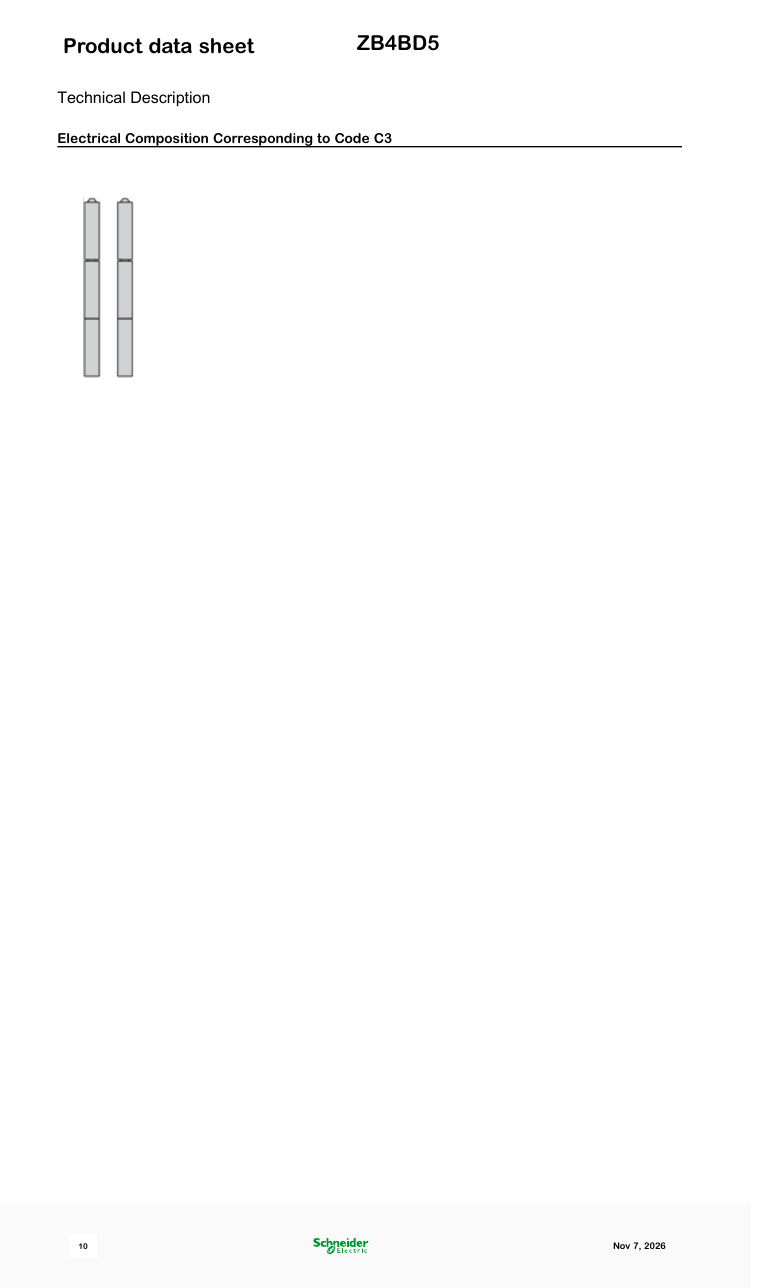
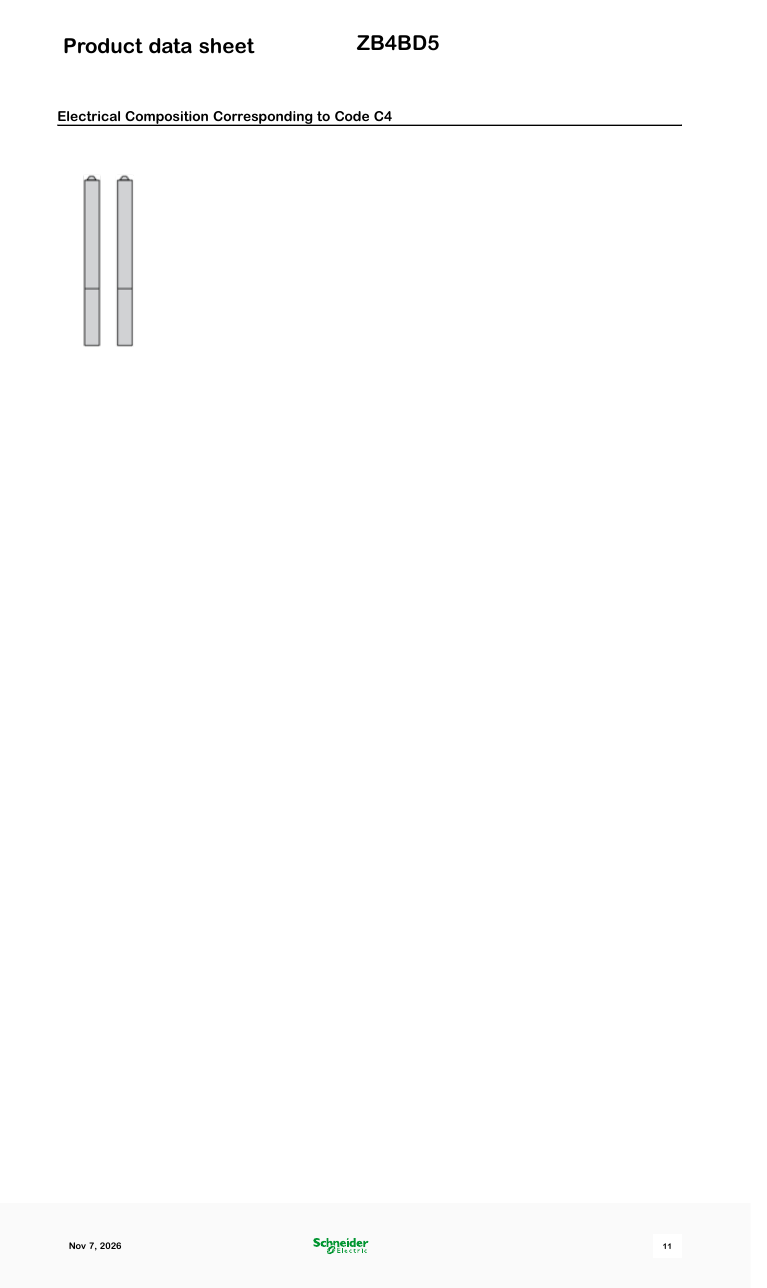
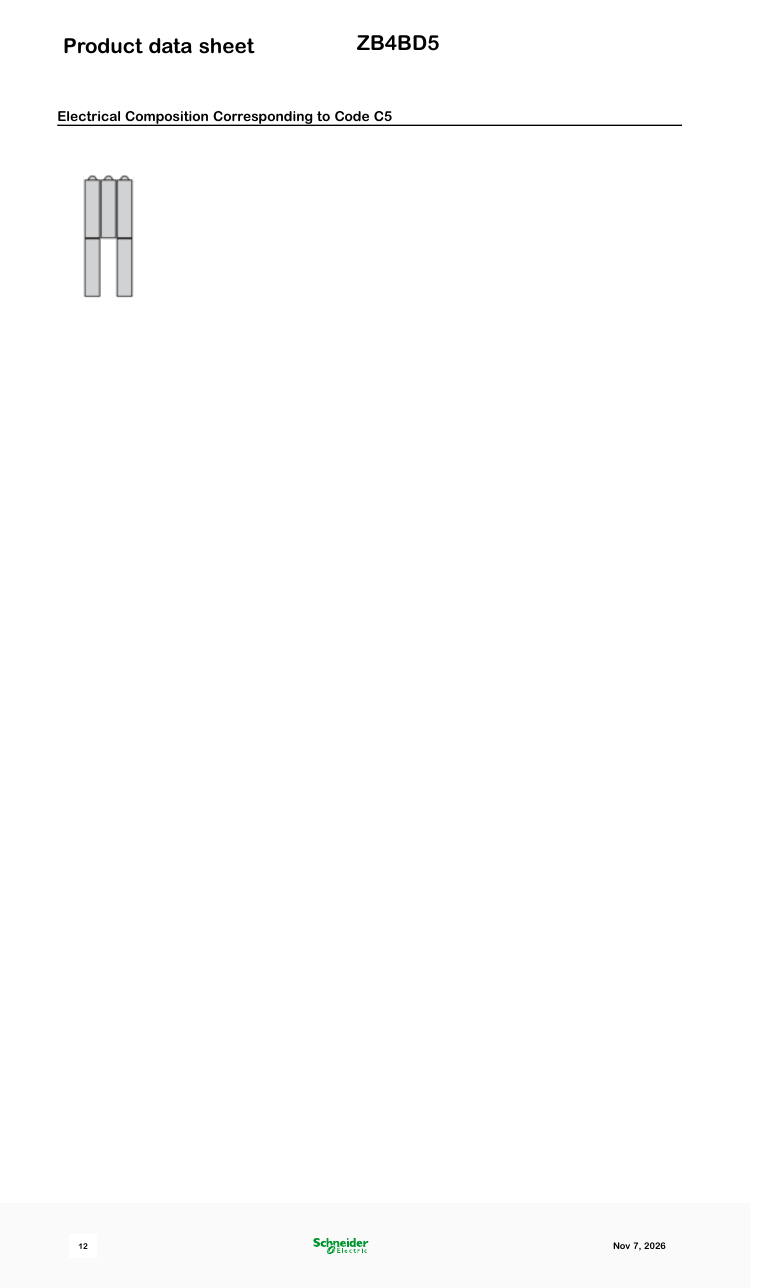
- 主体/触点: 任何 Harmony XB4 主体(ZB4BZ…)搭配 ZBE 触头模块;数据表中列出了可能的电气组合
- 编码: EAN 3389110888973;原产国法国
状态和价格
活跃;根据施耐德的说法,“通常在分销中备货”(2026 年 11 月)。
2026 年 11 月的价格:
- 美国: 亚马逊 $19.43;Zoro $21.69;Newark $44.64;eBay 上的正品列表 $30–75
- 欧洲: Automation24 €10.00(商业价格);RS €13.92(荷兰、比利时)至 €19.72(西班牙);Farnell €16.73,英国 £25.79;Mouser €18.58(库存 49 件);Conrad €20.99;eBay 英国 £9–12,德国 €7–10
- 其他地区: 俄罗斯 600–700 ₽(Wildberries, Avito);印度尼西亚约 Rp500,000(Tokopedia)
相关部件
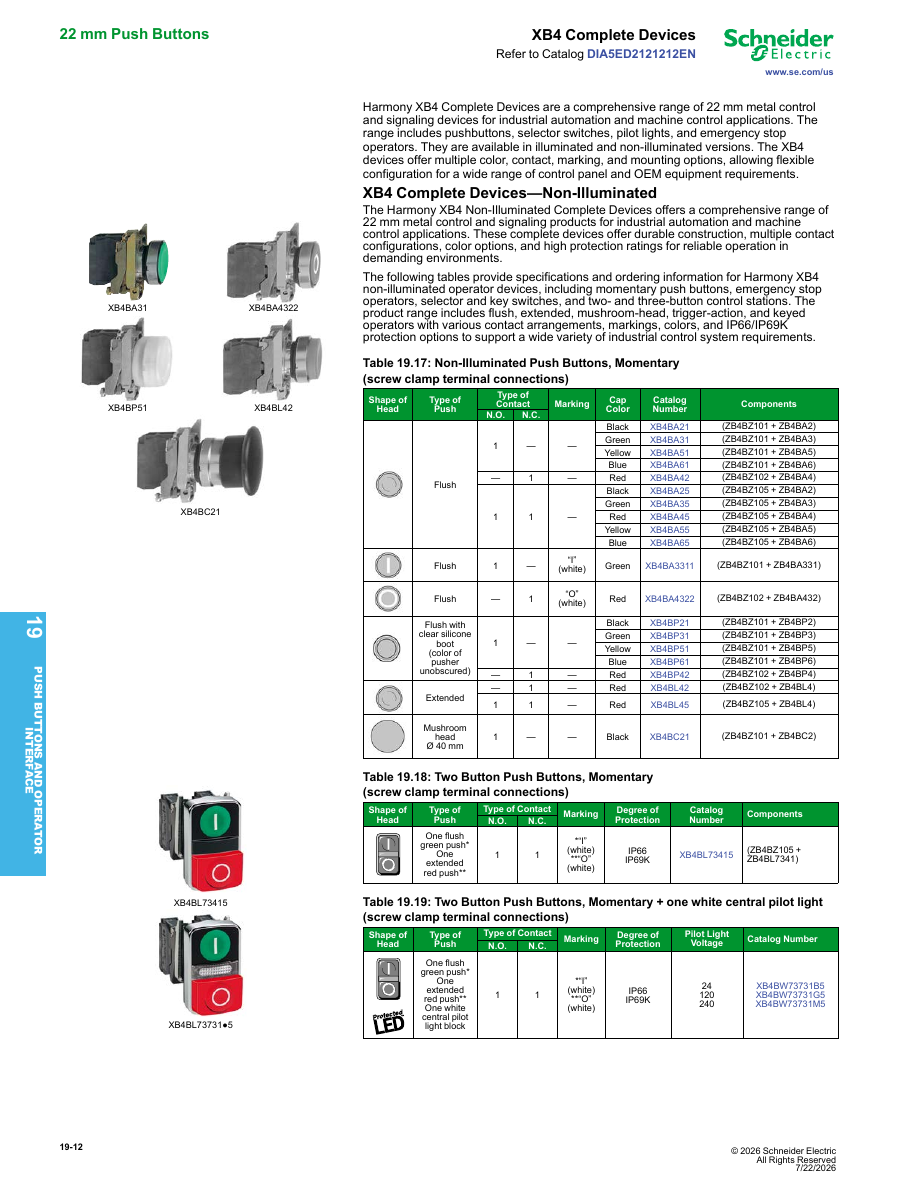
- 包含此操作头的完整单元: XB4BD53(ZB4BD5 + ZB4BZ103,2 NO)
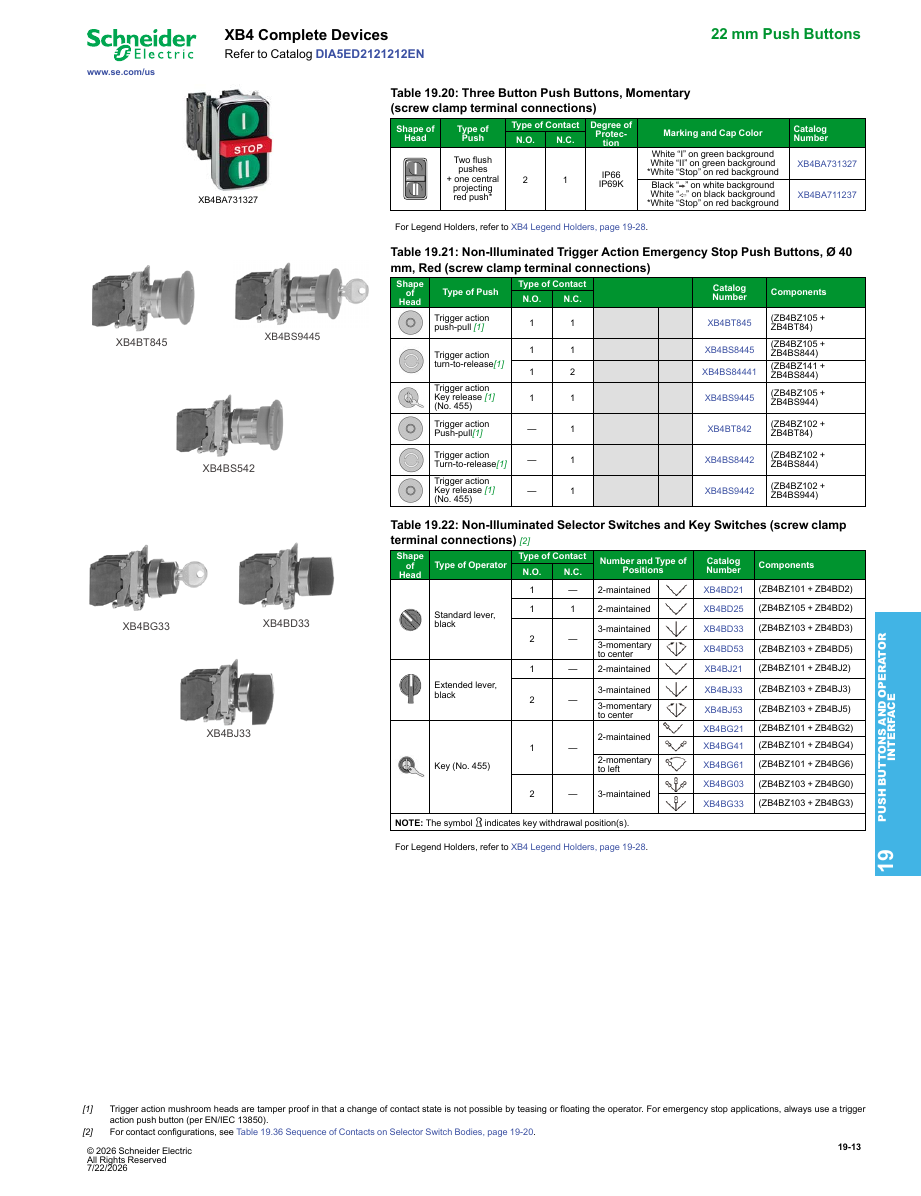
- 其他 XB4 选择开关头(黑色标准手柄): ZB4BD2(2 位,保持位置),ZB4BD3(3 位,保持位置),ZB4BD4(2 位,从右到左弹簧复位),ZB4BD7 / ZB4BD8(3 位,一侧保持位置,另一侧弹簧复位)
- 主体: ZB4BZ103(2 NO),ZB4BZ101(1 NO),ZB4BZ105(1 NO + 1 NC)
- 塑料等效产品: ZB5AD5(Harmony XB5)
- 俄罗斯市场等效产品: KEAZ OptiSignal D22 A4-S-5(332221),“3 位带复位,金属,ZB4BD5”,约 400 ₽。Systeme Electric 也在俄罗斯以 ZB4BD5 编码销售。
使用场景
- 作为机器面板上 XB4BD53 选择开关的操作头,用于不能保持开启状态的点动或上升/下降功能。
- 它出现在葡萄牙的公共招标中,作为车队维护备件,与其他 Harmony 操作头和施耐德 XALD324 控制站一起列出。
购买注意事项
- 仅包含操作头。 它无法直接接线。请同时订购主体和触头模块,或完整的 XB4BD53。
- 正品还是仿品? 我们查阅的约一半使用“ZB4BD5”名称的市场列表提到了施耐德。其余大多是多编码的中国列表,例如“选择按钮 ZB4BD2 BD3 BD4/BD5 XB4BD21/33/41/53/25”(原产国中国),或 AliExpress 上的“ZB4-BD5”,价格为 $3–15。
- 数据表数据与商店描述: 一些商店引用 IP65(旧目录数据)或 IK03(塑料 XB5 的防护等级)来描述此金属操作头。请参考数据表。
用户评价
- “完美——与描述完全一致。”(亚马逊,5★,已验证,意大利,2024 年 4 月)
- “功能正常。”(亚马逊德国,5★,已验证,意大利,2023 年 10 月)
- 亚马逊正品列表(B001GPCEMA)获得 3 个评分的 5.0★。
来源
- Schneider Electric product page and datasheet: ZB4BD5 (November 2026) — Schneider Electric
- Harmony catalogue: XB4BD53 = ZB4BZ103 + ZB4BD5 — Schneider Electric (Mouser copy)
- KEAZ OptiSignal D22 A4-S-5 (332221), sold as the ZB4BD5 equivalent — KEAZ
- ZB4BD5 sold as Systeme Electric in Russia — SvetElektro
- Amazon: genuine ZB4BD5 listing and reviews — Amazon
- Newark: ZB4BD5 price (November 2026) — Newark
- Amazon: multi-code 'Select Button ZB4BD2 BD3 BD4/BD5 …' look-alike listings (November 2026) — Amazon
关于Harmony XB4系列
适用于整个系列的所有部件,而不仅仅是ZB4BD5。
产品系列概述
Harmony XB4 是施耐德电气的 金属22毫米 按钮、选择开关、钥匙开关、急停按钮和指示灯系列,采用镀铬(或黑色)金属边框。旧款部件和许多商店仍使用Telemecanique名称。相同的功能也有 30毫米嵌入式 版本(XB4F / ZB4F),而 Harmony XB5 是该系列的塑料、双重绝缘版本。
部件编号解析
- 完整单元 = 主体 + 头部。 XB4BA31 是带有触点(ZB4BZ101)的主体加上头部(ZB4BA3)。您也可以单独购买三个部件:固定环 ZB4BZ009、触点块 ZBE101 和头部。
- 一个字母改变安装方式: ZB4B… 是标准的22毫米头部,ZB4F… 是30毫米嵌入式版本(ZB4BA3 → ZB4FA3)。
- 黑色金属边框: 在头部编号后加7(ZB4BD2 → ZB4BD27)。
- 插入式端子: 以5结尾的完整单元使用紧凑型插入式触点块(XB4BD335 代替 XB4BD33)。
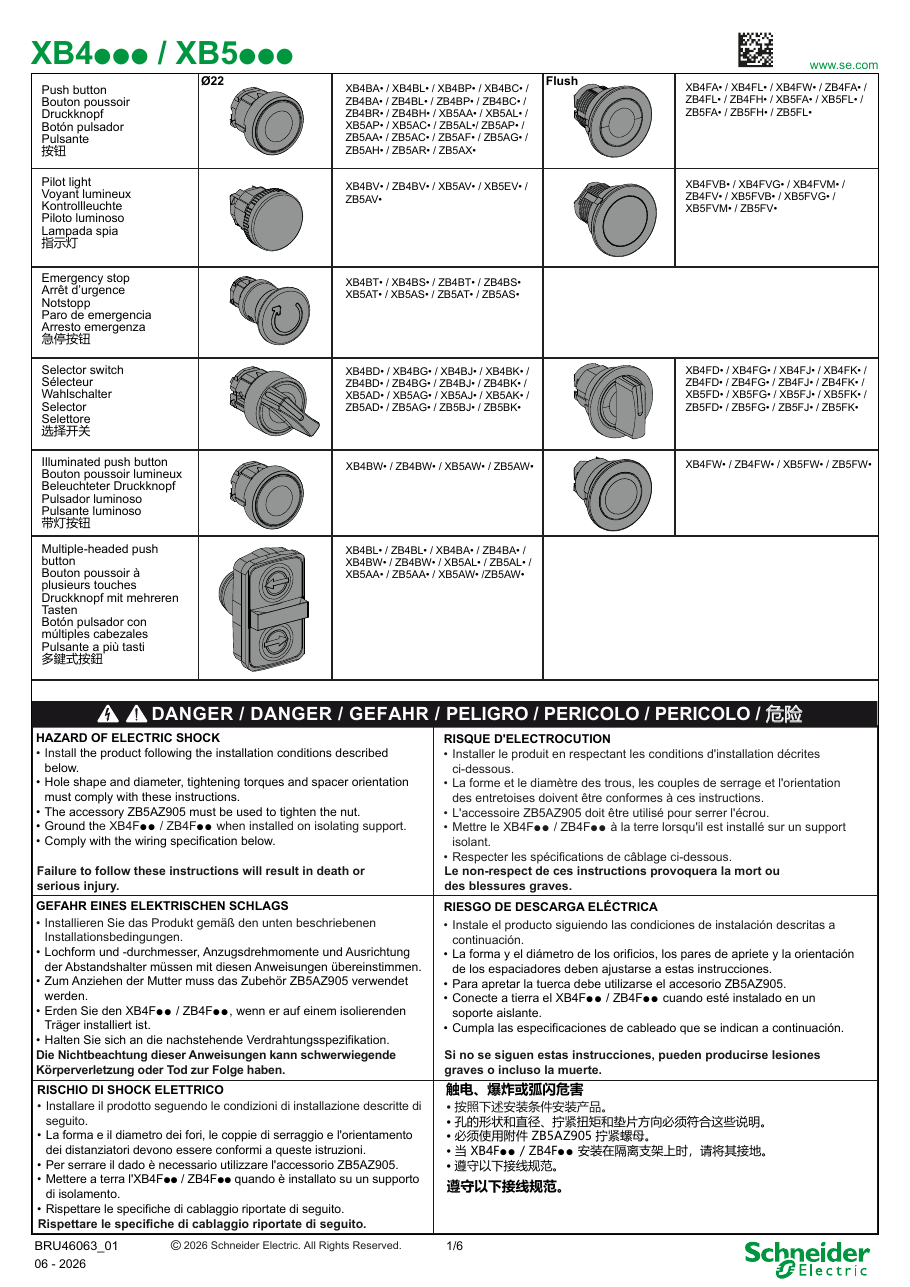
- 选择开关头部: ZB4BD2 两位保持;ZB4BD4 两位,从右到左弹簧复位;ZB4BD3 三位保持;ZB4BD5 弹簧复位到中心;ZB4BD7 / ZB4BD8 从左 / 右弹簧复位到中心。J 代替 D 是长手柄(ZB4BJ3),G 是钥匙开关,K 是带指示灯的选择开关。
- 指示灯: BV 后的字母表示电压(B = 24 V,G = 110–120 V,M = 230–240 V);最后一位数字表示颜色。
主体和触点块
| 带触点的主体 | 触点 | 触点块 | 类型 | |
|---|---|---|---|---|
| ZB4BZ101 | 1 NO | ZBE101 | NO | |
| ZB4BZ102 | 1 NC | ZBE102 | NC | |
| ZB4BZ103 | 2 NO | ZBE203 / ZBE204 / ZBE205 | 双触点:2 NO / 2 NC / NO + NC | |
| ZB4BZ104 | 2 NC | ZBE1016 / ZBE1026 | 低功率(电子输入) | |
| ZB4BZ105 | 1 NO + 1 NC | ZBE201 / ZBE202 | 早通 NO / 晚断 NC | |
| ZB4BZ141 | 1 NO + 2 NC | ZBE501–ZBE505 | 高功率开关 |
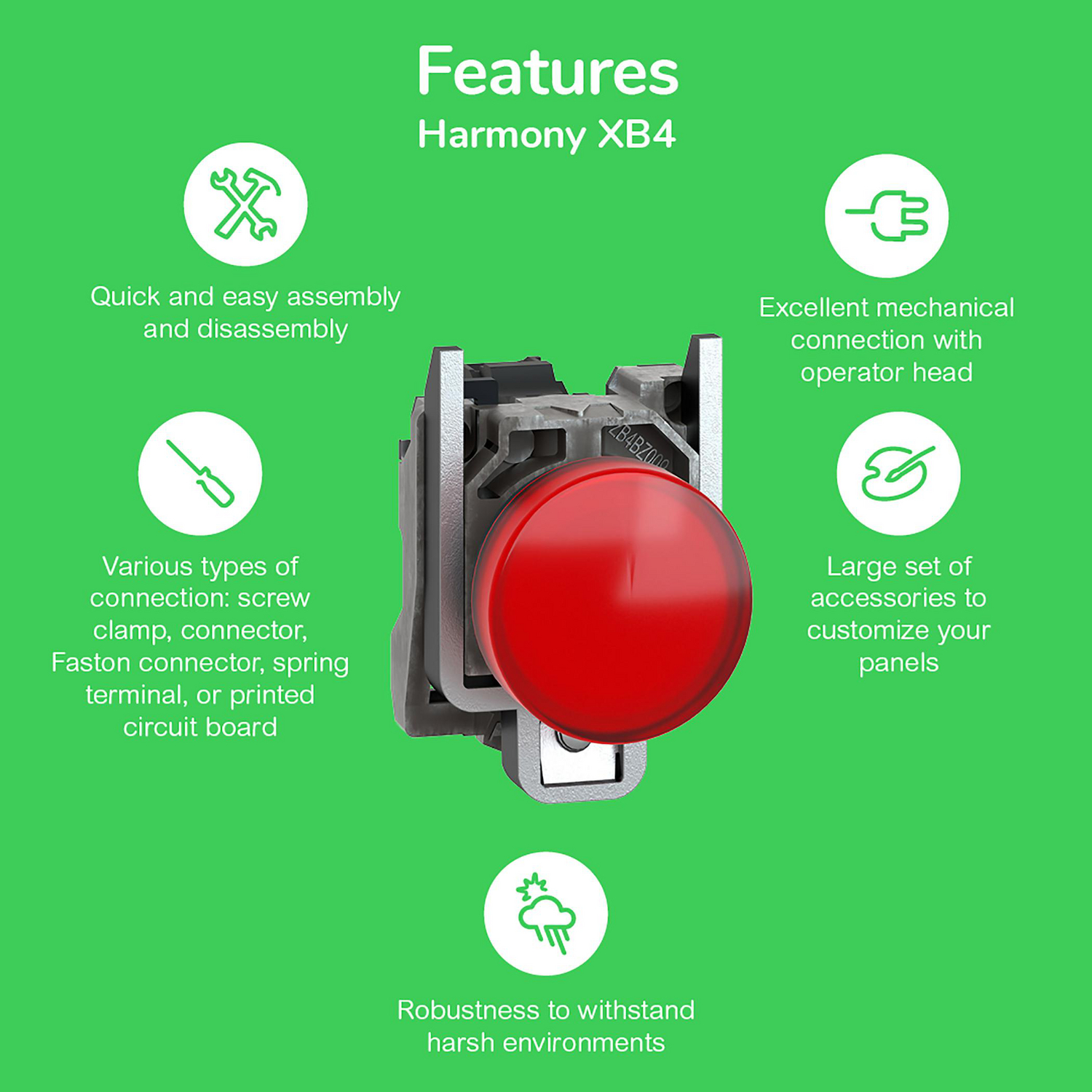
触点块最多可夹装三排。带指示灯单元使用通用LED灯块(ZBVB1 24 V,ZBVG1 110–120 V,ZBVM1 230–240 V,标记为“UN”);一个灯块适用于所有透镜颜色。
全系列规格(施耐德目录,2026年1月)
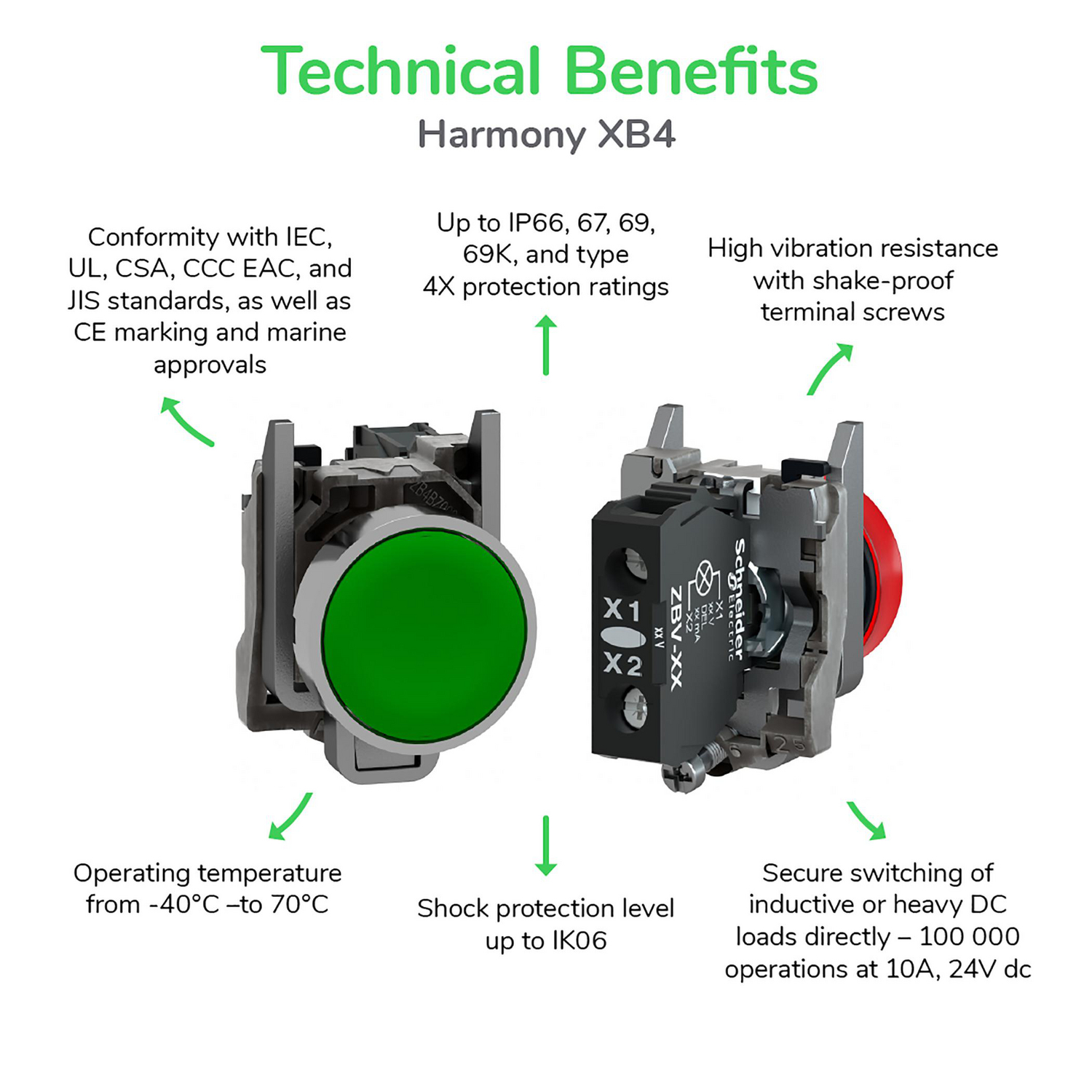
- IP66、IP67、IP69、IP69K 和 UL Type 4X;冲击 IK06(塑料 XB5:IK03)
- −40 至 +70 °C;按钮操作次数可达1000万次
- 22毫米孔,带或不带防旋转缺口;面板厚度1–6毫米
- IEC、UL、CSA、CCC、EAC、JIS;船舶认证(BV、劳氏船级社、DNV)
个别数据表可能与这些系列数据有所不同。例如,XB4BD33选择开关的额定操作次数为100万次。
安装
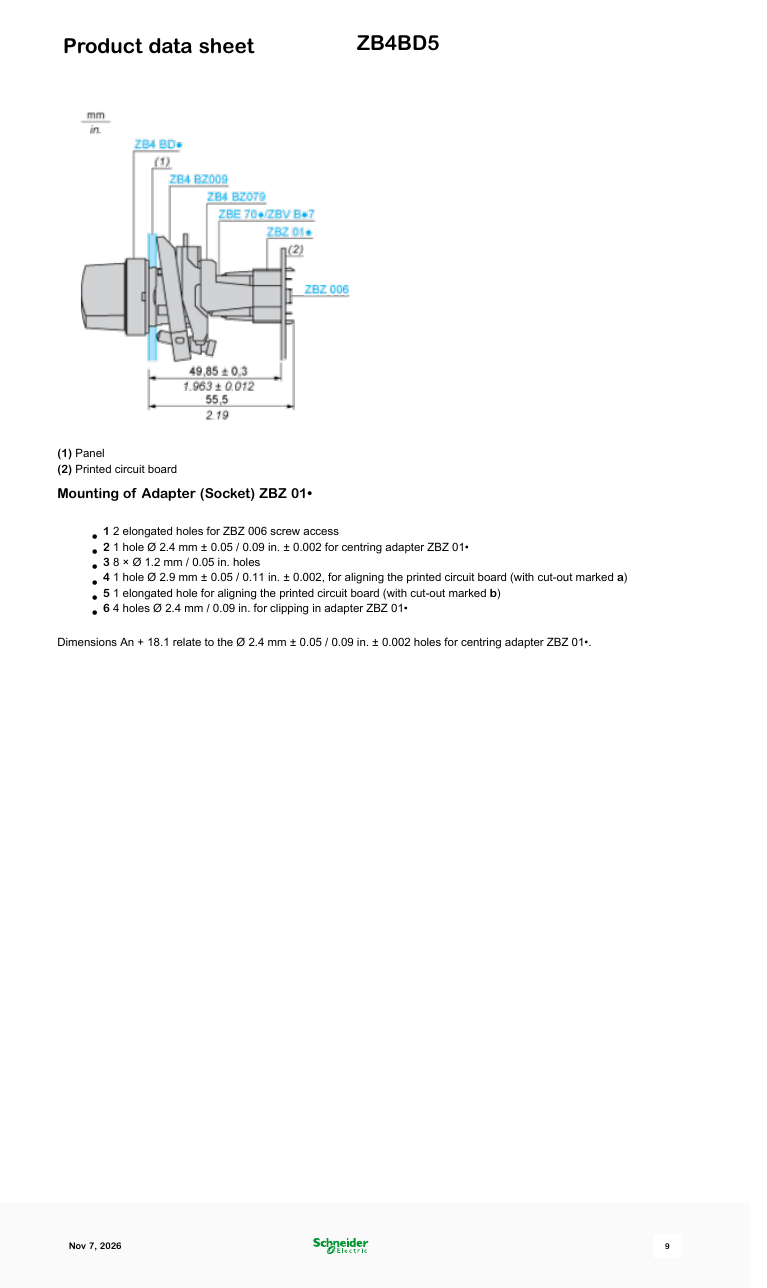
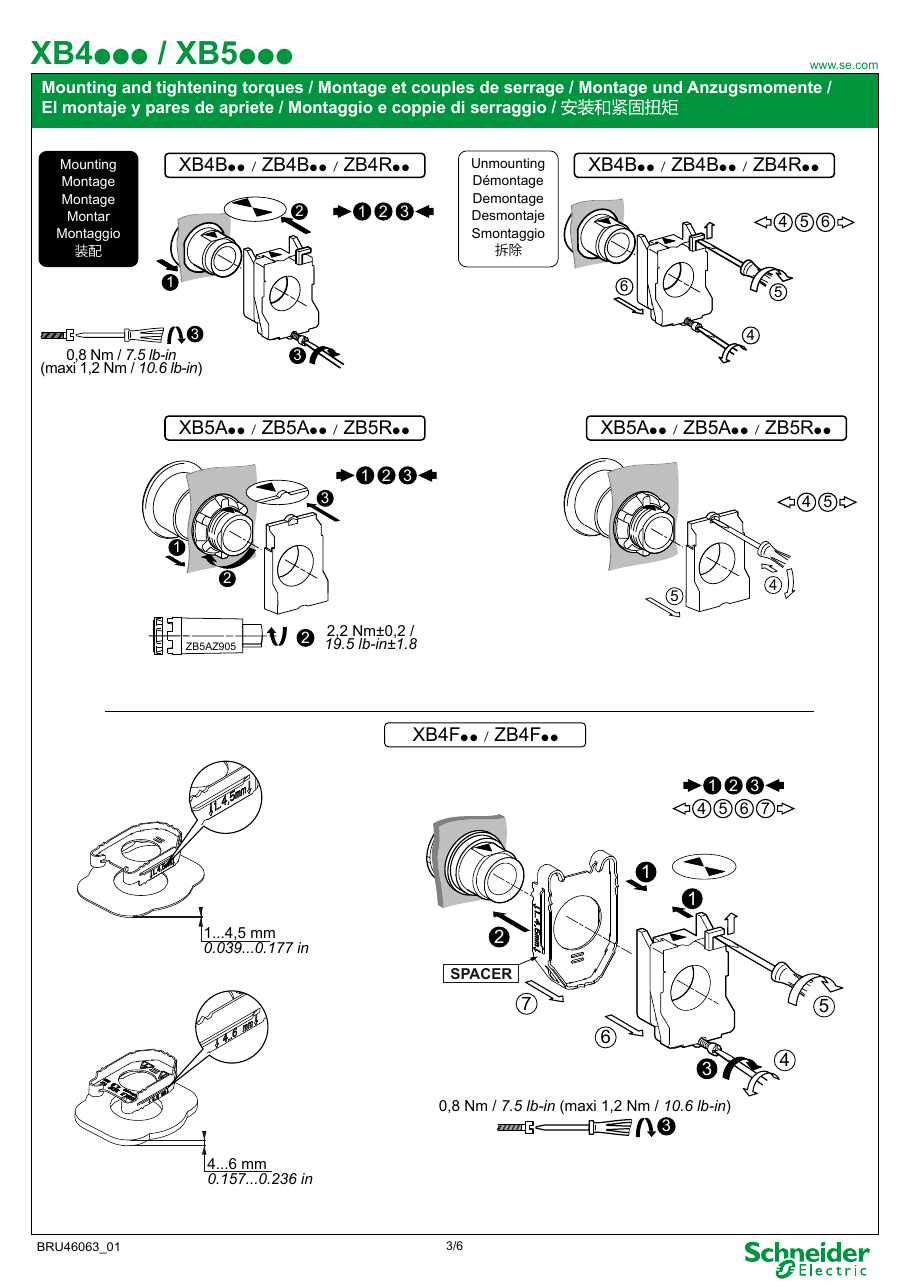
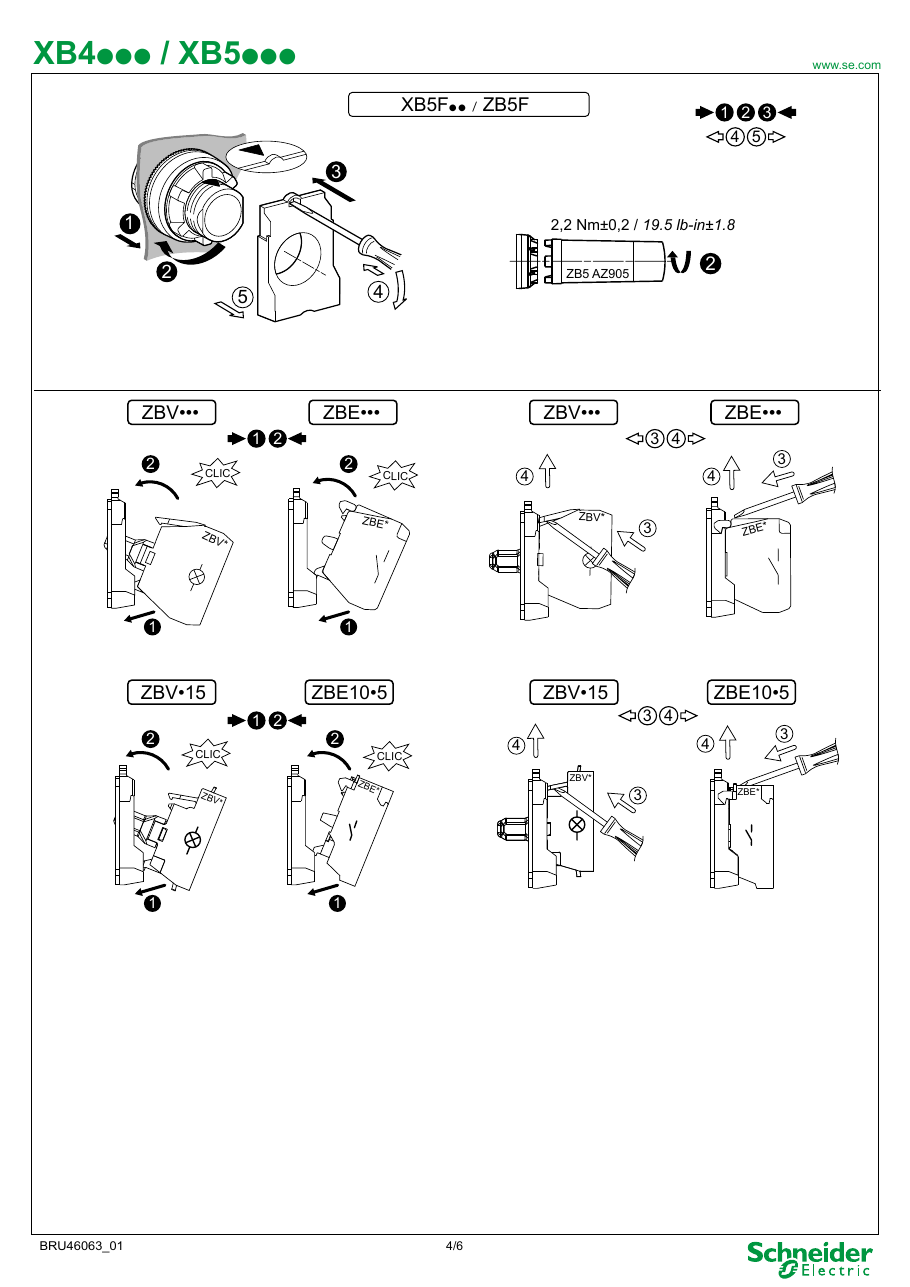
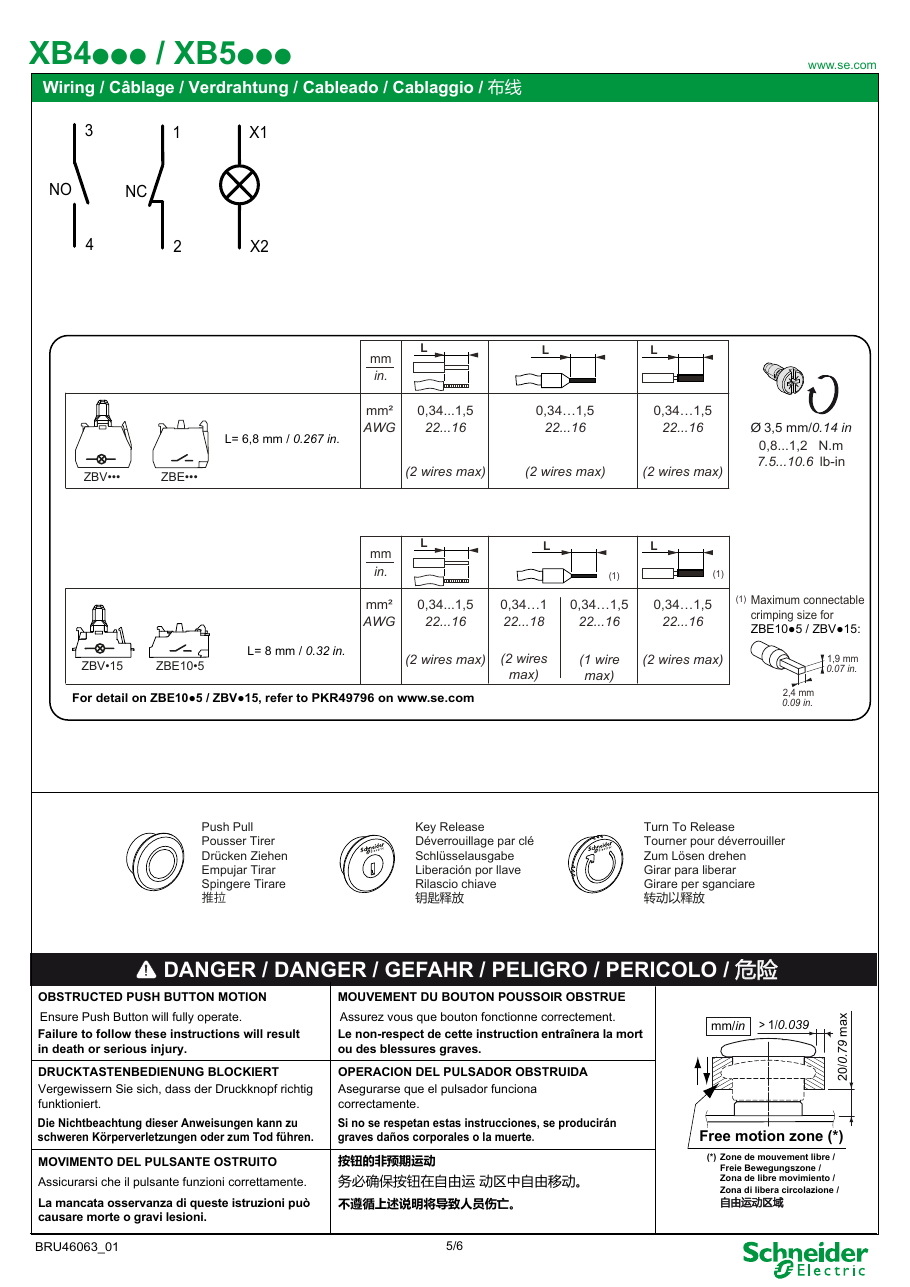
头部自行固定在面板孔中,因此一个人即可安装。主体从后面夹装并用螺钉固定(0.8 N·m,最大1.2 N·m);与塑料 XB5 不同,没有螺母,XB5的螺母使用工具 ZB5AZ905 拧紧。端子适用于0.34–1.5 mm²(AWG 22–16),每个端子可接两根线,扭矩为0.8–1.2 N·m。施耐德表示防松端子螺钉无需定期重新拧紧。要拆卸主体,将平头螺丝刀插入黑色卡扣并向后拉。
实用配件
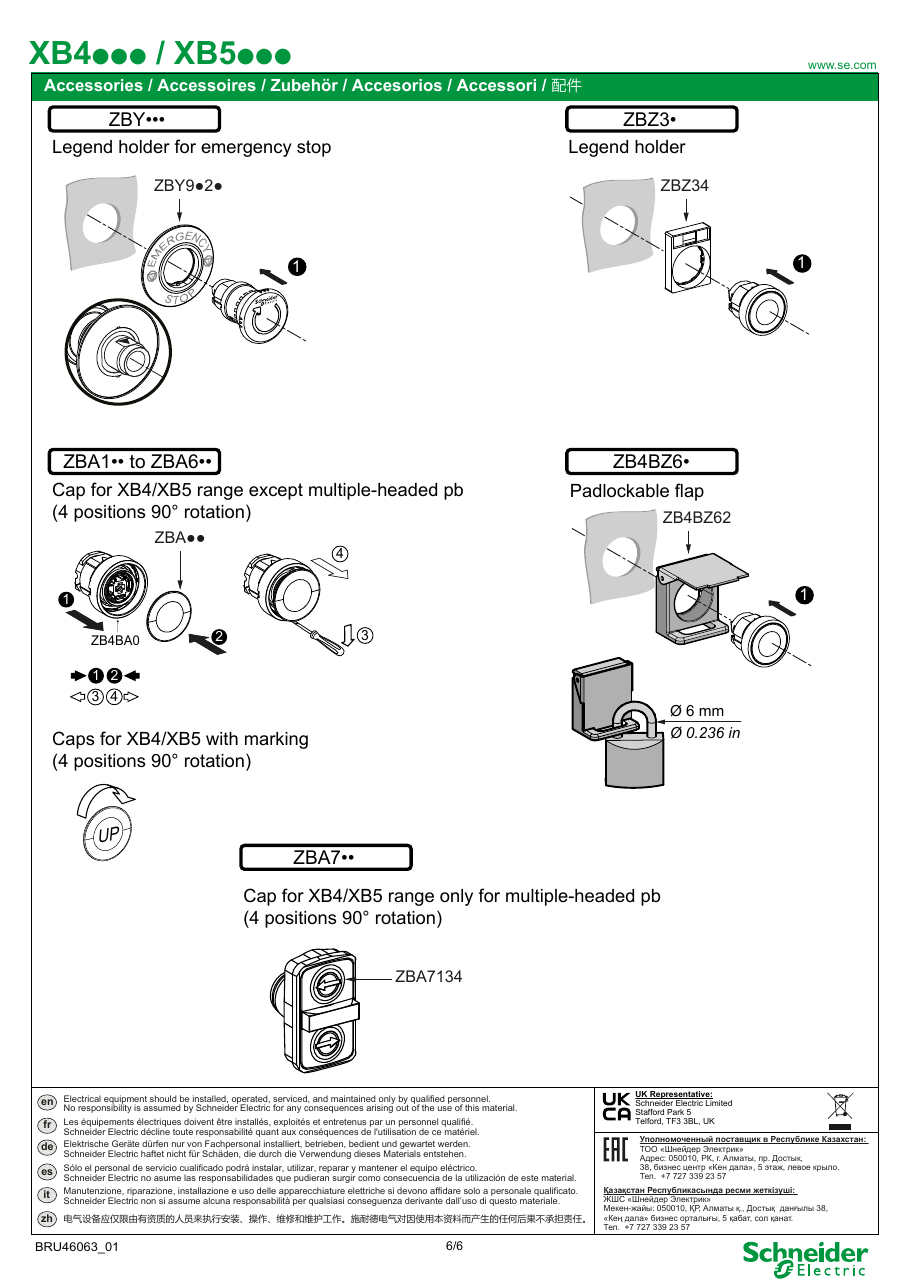
- 标签支架 ZBZ32(30 × 40毫米),带有印刷标签,如 ZBY2385 "AUTO-O-HAND"、ZBY2186 "I-O-II"、ZBY2178 "O-I"、ZBY2303 "START"、ZBY2304 "STOP";ZBY2101 为空白,可用于雕刻
- 防护罩: ZBZ2102 塑料防护罩,适用于选择开关和钥匙开关;ZBZ1605 金属防护罩,适用于急停按钮(可上锁)
- 封堵塞 ZB4SZ3(带固定环 ZB4BZ009),用于未使用的孔;液体喷射垫圈 ZB4BZ007 安装在头部下方
- 30毫米嵌入式套件 ZB4BZ021(按钮、指示灯)和 ZB4BZ022(选择开关、带指示灯的按钮)
金属 XB4 还是塑料 XB5?
它们功能相同,适用于相同的22毫米孔。选择金属适用于冲击、振动和高温(如焊接飞溅),选择塑料适用于双重绝缘和较低价格;两者都有高IP版本。施耐德中国指出,XB4仅进口,而XB5也在本地生产。施耐德的低价系列是 Easy Harmony XA2(金属)和 XB2 / XB7。
购买注意事项
- 仿制品: 许多市场列表使用 XB4 编号表示无品牌仿制品,工厂价格约为每件1美元。卖家视频比较了“高质量仿制品”与正品触点块,显示仿制品的NO触点在连续性测试中断开。请从授权经销商处购买并检查施耐德标记。
- IP66 vs IP67/IP69K: 目录部分标题引用 IP66 表示整个产品组,而个别部件的数据表列出 IP67、IP69 和 IP69K。商店复制任一数字。
- 停产和缺失编号: 一些完整单元已停产,例如 XB4BD73(2022年1月)。头部通常仍在销售,因此可以从头部 + 主体组装开关。
- 使用中的问题: 在我们可阅读的论坛和评论中,未发现该系列的重复故障模式;我们发现的投诉是关于仿制品和错误列表。
来源
- Harmony XB4 metal Control and signaling units catalog (DIA5ED2121212EN, January 2026) — Schneider Electric
- Instruction sheet XB4/XB5 - mounting and tightening torques (BRU46063) — Schneider Electric
- XB4BD73 - discontinued on 27 January 2022 — Schneider Electric
- FAQ FA421338: difference between XB4 and XB5 (2022) — Schneider Electric China
- Pulsadores Schneider Harmony XB4 y XB5 (IK06 vs IK03, ratings) — Schneider Electric Latinoamérica, YouTube, 2019
- Botonería Harmony XB4 y XB5 - how to choose — Dominio Electric, YouTube, 2024
- Mounting Tutorial: Harmony XB4/ZB4 22 mm Pushbutton & Contacts — RS Americas, YouTube, 2020
- How to Spot Counterfeit Schneider XB4 Push Buttons (seller's demo) — Alara, YouTube, 2026
规格参数
|
Actuator Function
Momentary = springs back when released. Maintained/latching = stays pressed until pressed again.
|
3-position, spring return to centre from left and right (±45°)
|
|
Actuator Type
The button head style. Flush sits level with the bezel (prevents accidental presses). Extended protrudes for easy access.
|
Selector, standard handle
|
|
Bezel
The ring around the button face. Chrome/silver for standard use, black for stealth panels.
|
Chromium plated metal
|
|
Color
Button/actuator color. Green = start/go, Red = stop/emergency, Yellow = caution, Blue = reset (per IEC 60204-1).
|
Black
|
|
Composition
|
Head only; complete unit XB4BD53 = ZB4BD5 + ZB4BZ103 (2 NO)
|
|
Contact Configuration
Normally Open — circuit is off until you press. Standard for start/go/enable functions.
|
None (head only)
|
|
Country of origin
|
France
|
|
Cutout Diameter
The hole size you drill in your panel to mount this button. 22mm is the most common industrial standard worldwide.
|
22mm (22.5 mm recommended)
|
|
Ean
|
3389110888973
|
|
Environmental Rating
Combined dust/water/impact protection. IP67 = dust-tight + survives temporary submersion. NEMA 4X = corrosion-resistant outdoor use.
|
UL Type 4X/13
|
|
IP Rating
IP69K: Dust-tight and withstands high-pressure, high-temperature steam jets. Built for food processing washdown environments.
|
IP67, IP69, IP69K
|
|
Mechanical Life
How many press cycles before mechanical failure. Higher is better — 10M cycles at 100 presses/day = 274 years.
|
1,000,000 cycles
|
|
Pn status
|
verified-catalogue
|
|
Weight
|
40 g
|
安装快速参考
Panel cutout: 22mm (22.5 mm recommended). Align the selector positions with the desired panel markings before tightening.
Contact blocks: Attach one contact block per position. Wire each to a separate PLC input for position feedback. A 2-position switch needs 1-2 blocks; 3-position needs 2-3.
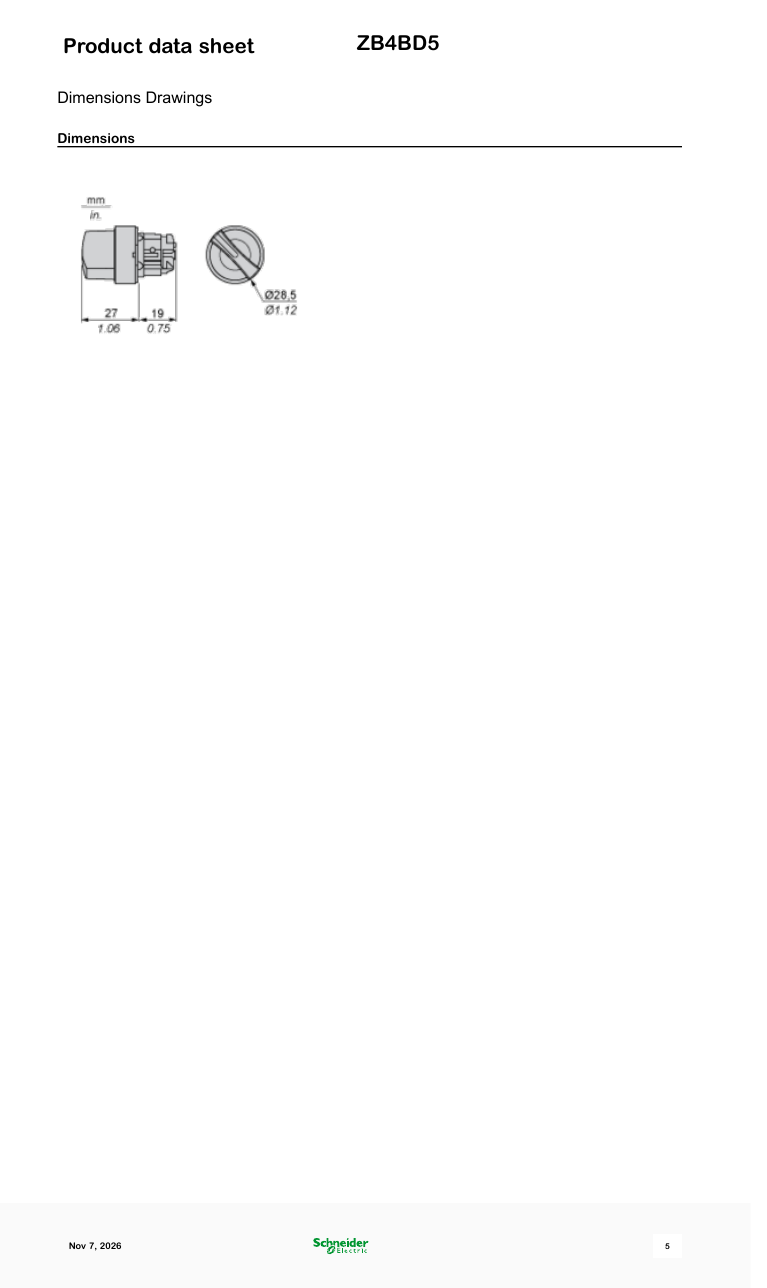
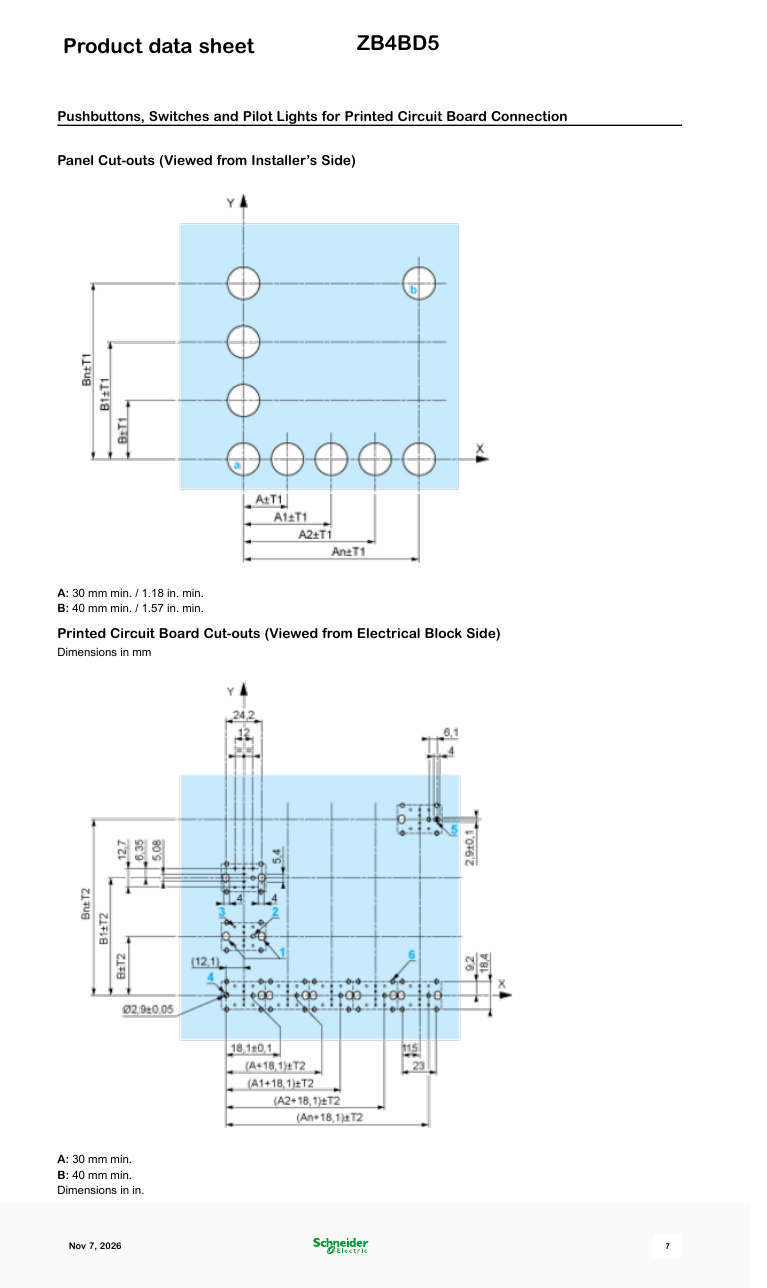
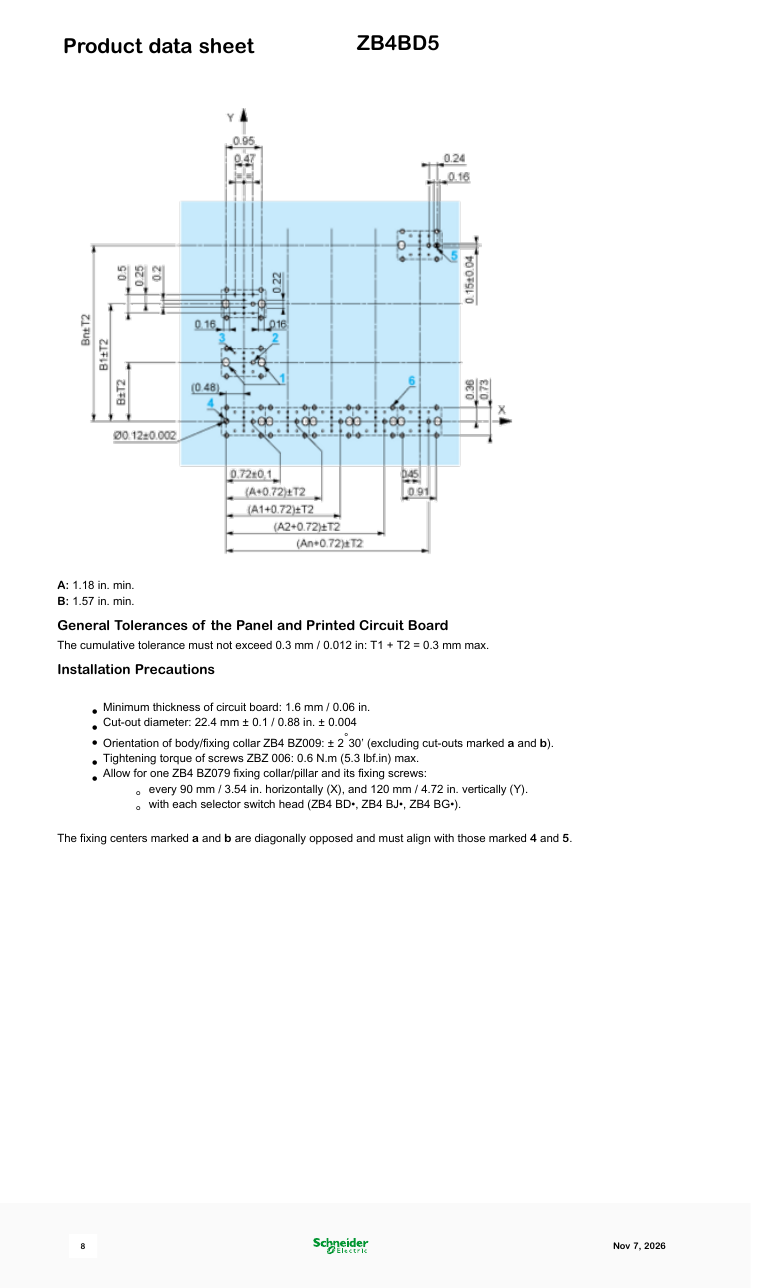
尺寸
接线图
故障排除
Not responding to input
Check wiring continuity with a multimeter. Verify the contact block is properly seated. Inspect terminals for loose connections.
照片与图纸
图片:Schneider Electric
Mounting the Harmony XB4 ZB4 22mm Metal Push Button & Contacts | Schneider Electric Support
Schneider Electric · 在YouTube上观看
逐步
-
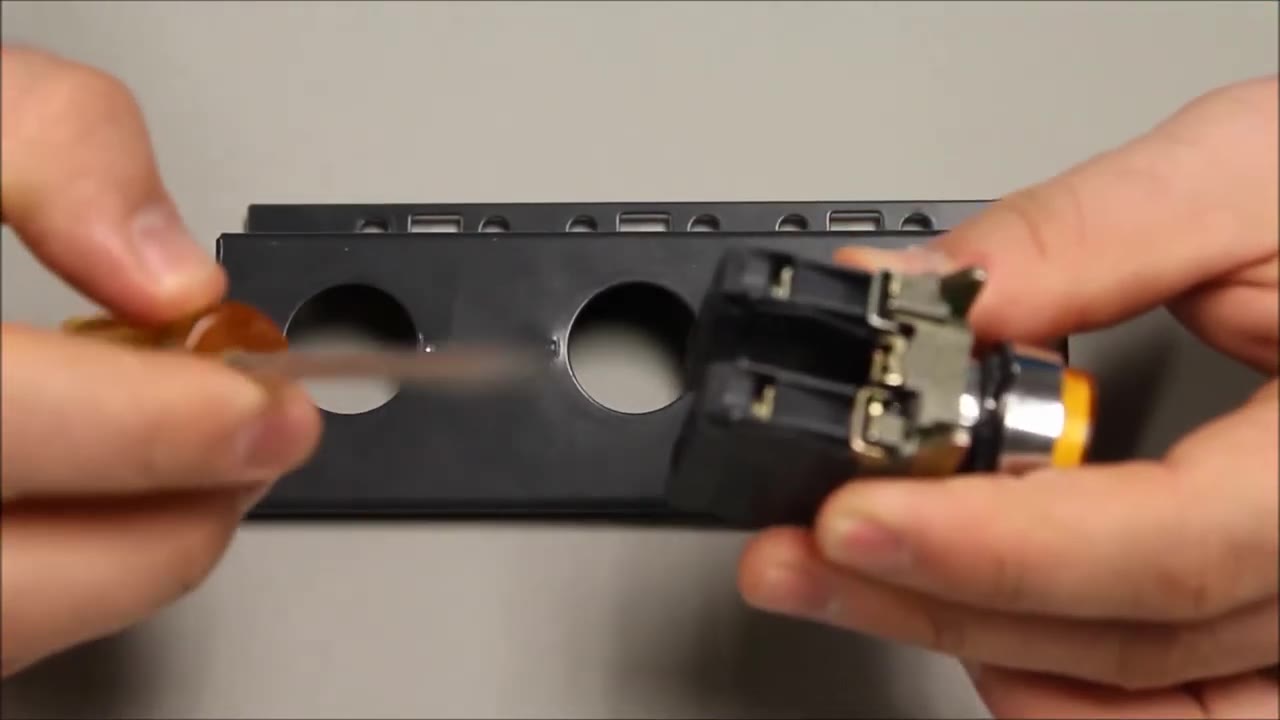
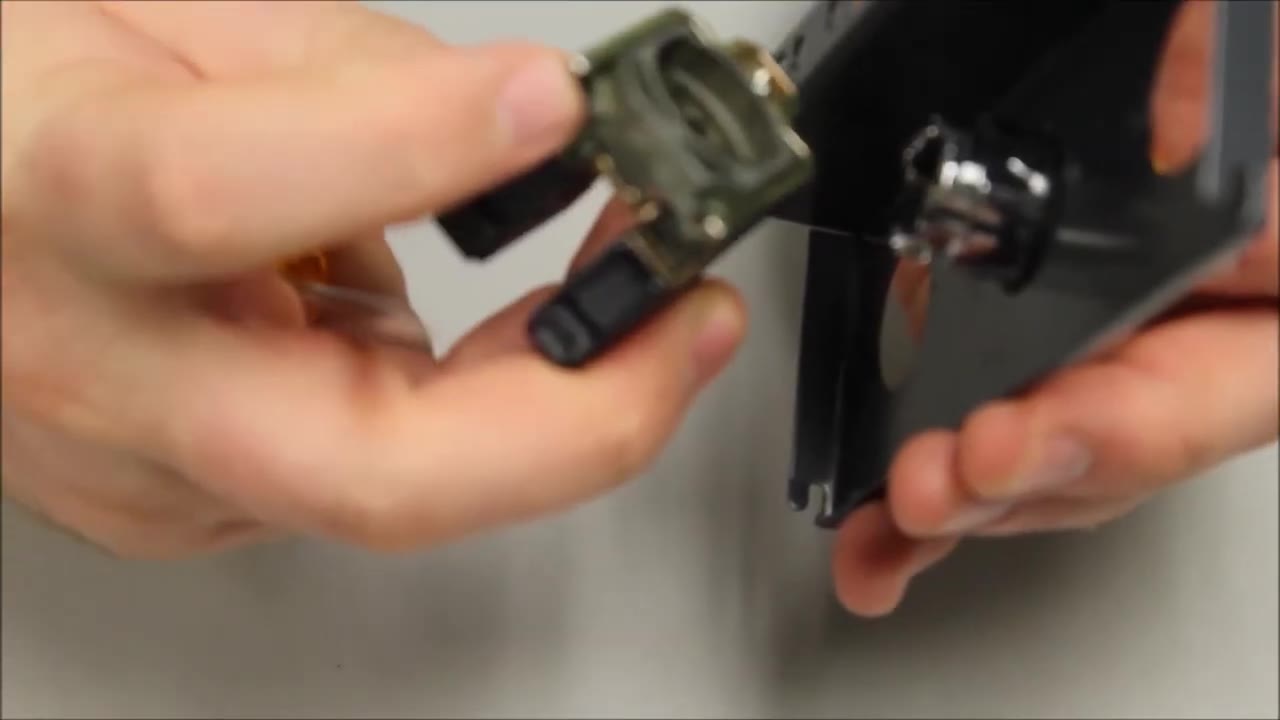
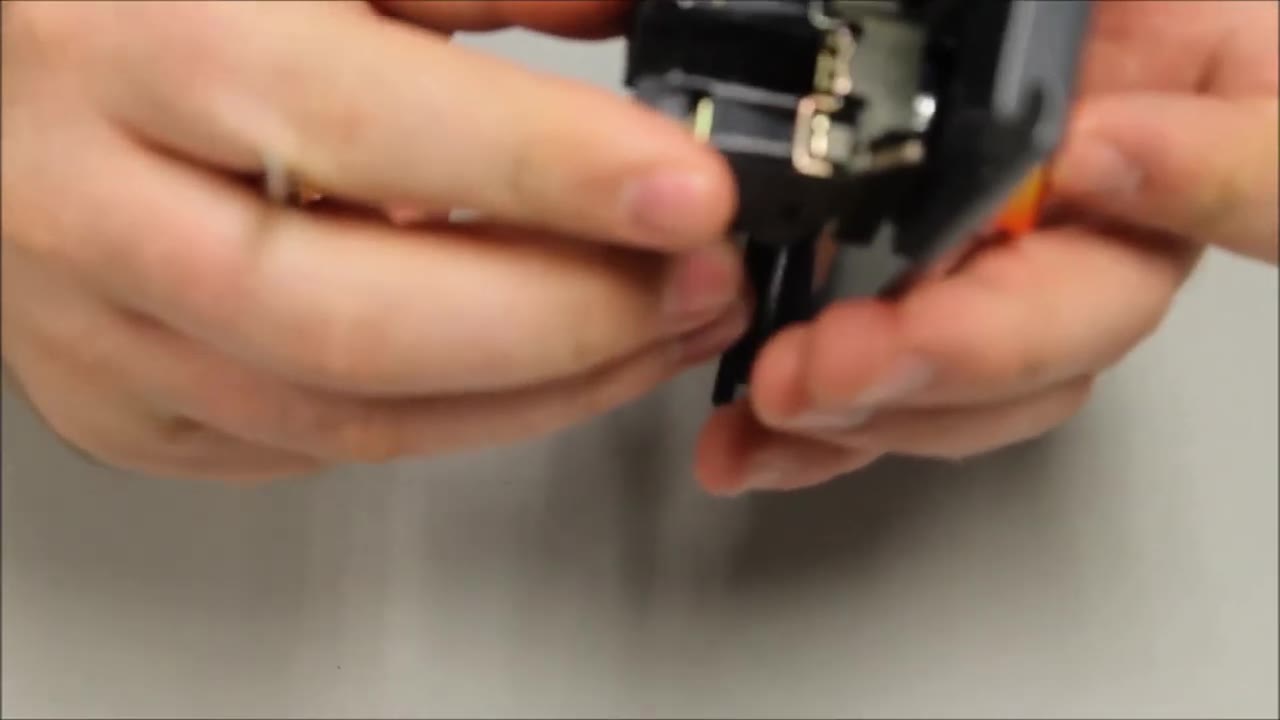
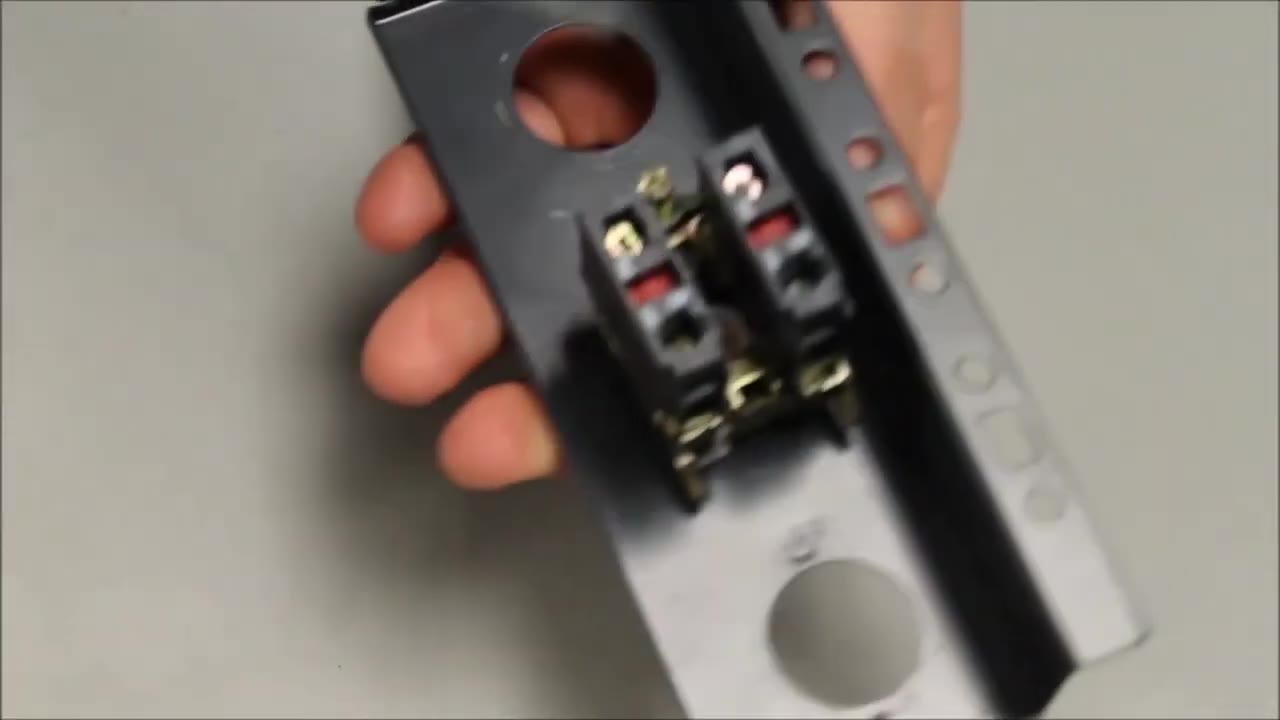
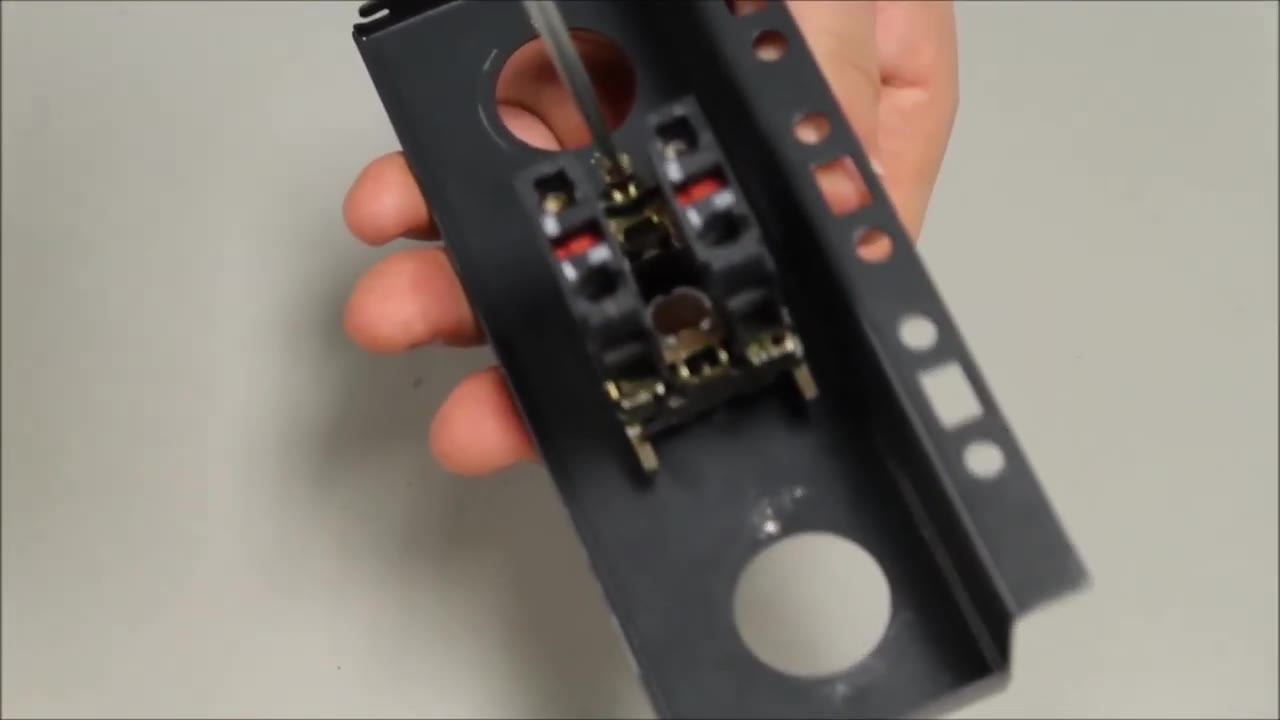
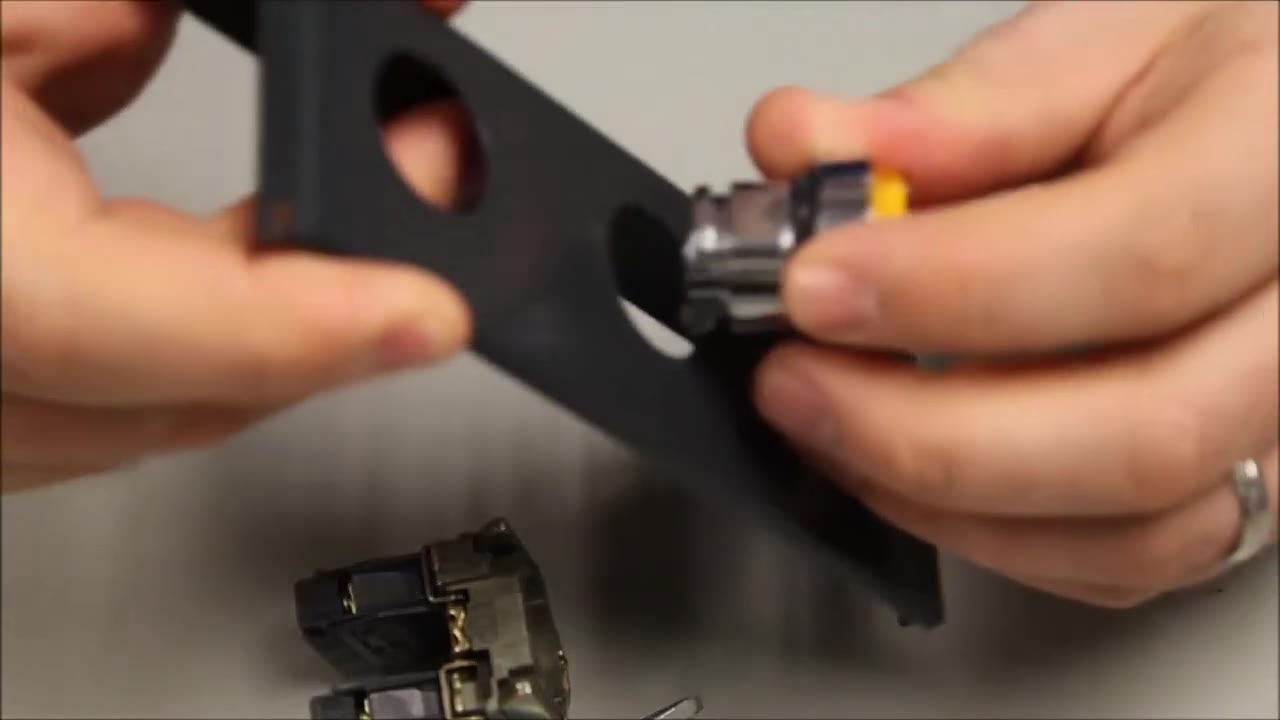
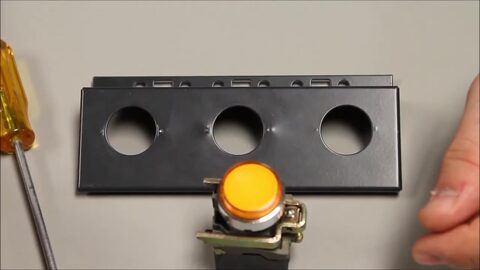 1. Mounting a 22 mm Harmony XB4/ZB4 metal operator: you need the operator and a flat screwdriver. 0:13
-
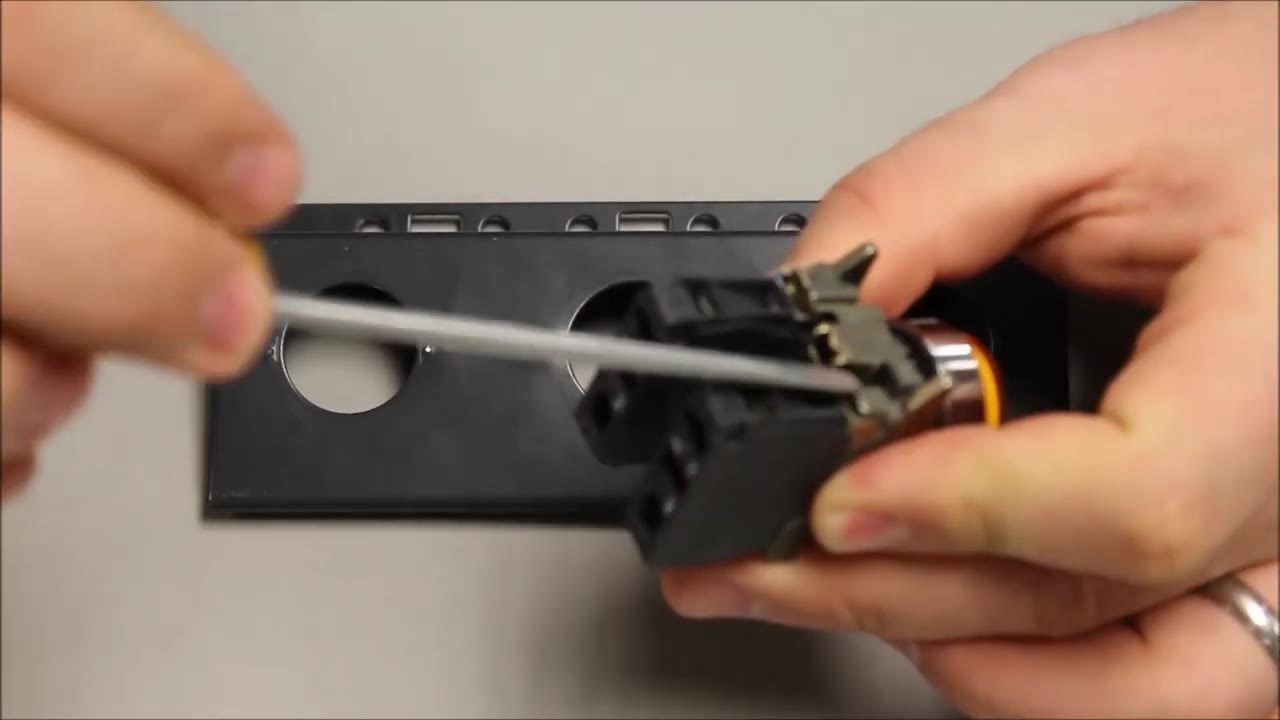
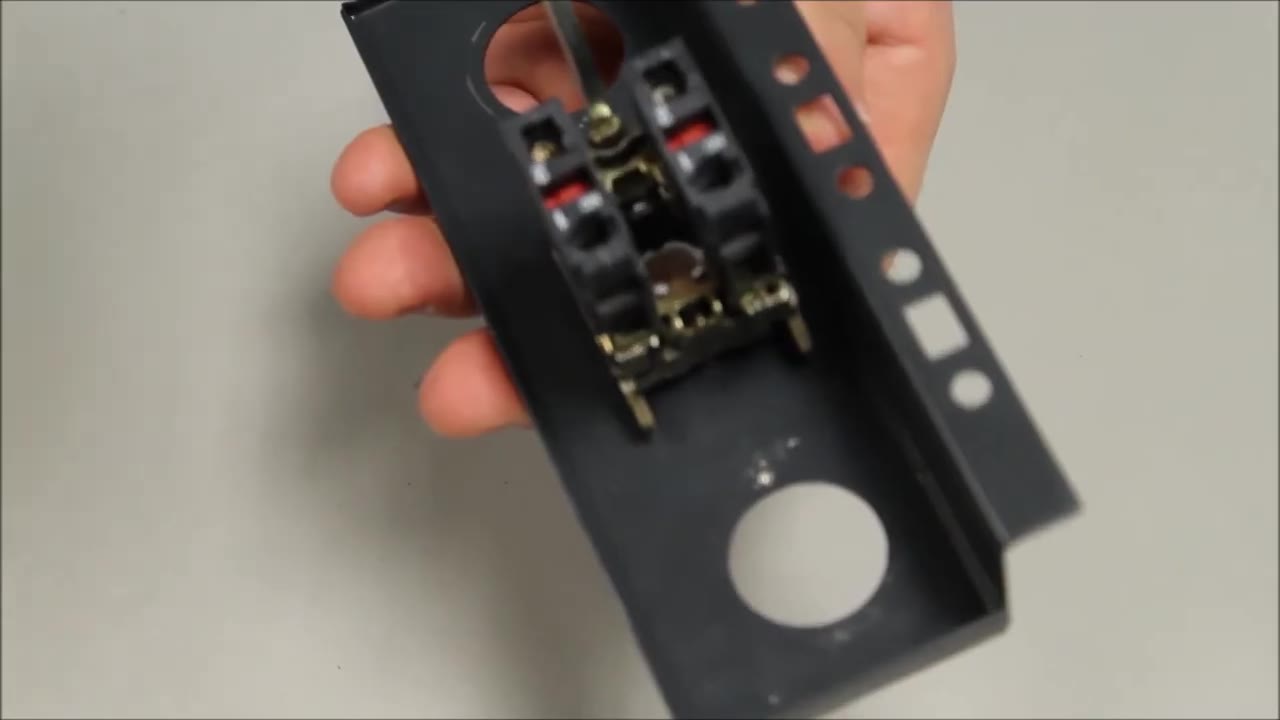
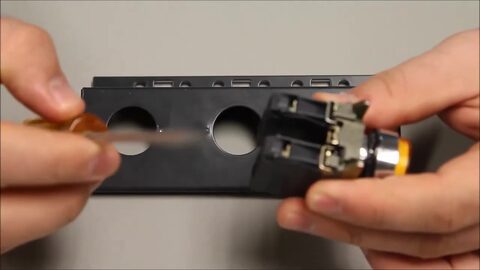 2. Hold the operator with its mounting collar and contact blocks attached, and take a flat screwdriver. 0:19
-
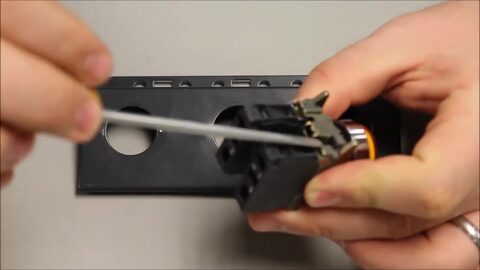 3. Find the black tab on the collar and insert the screwdriver underneath it. 0:20
-
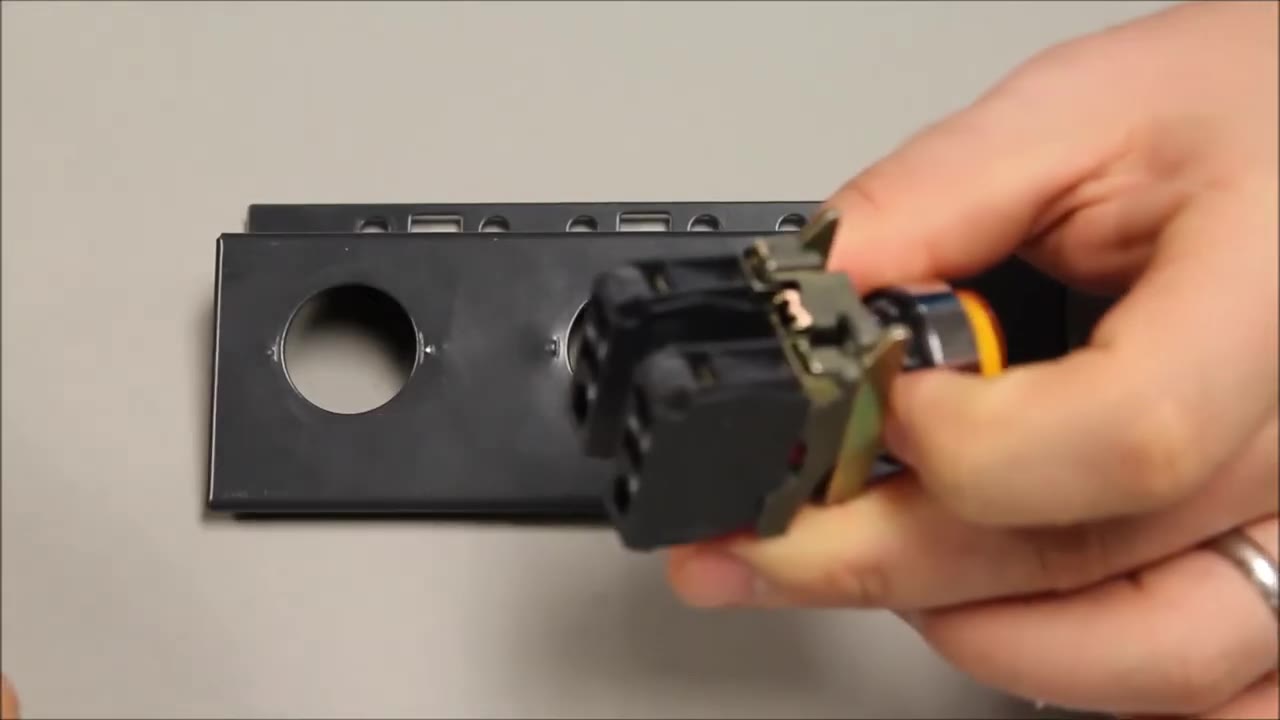
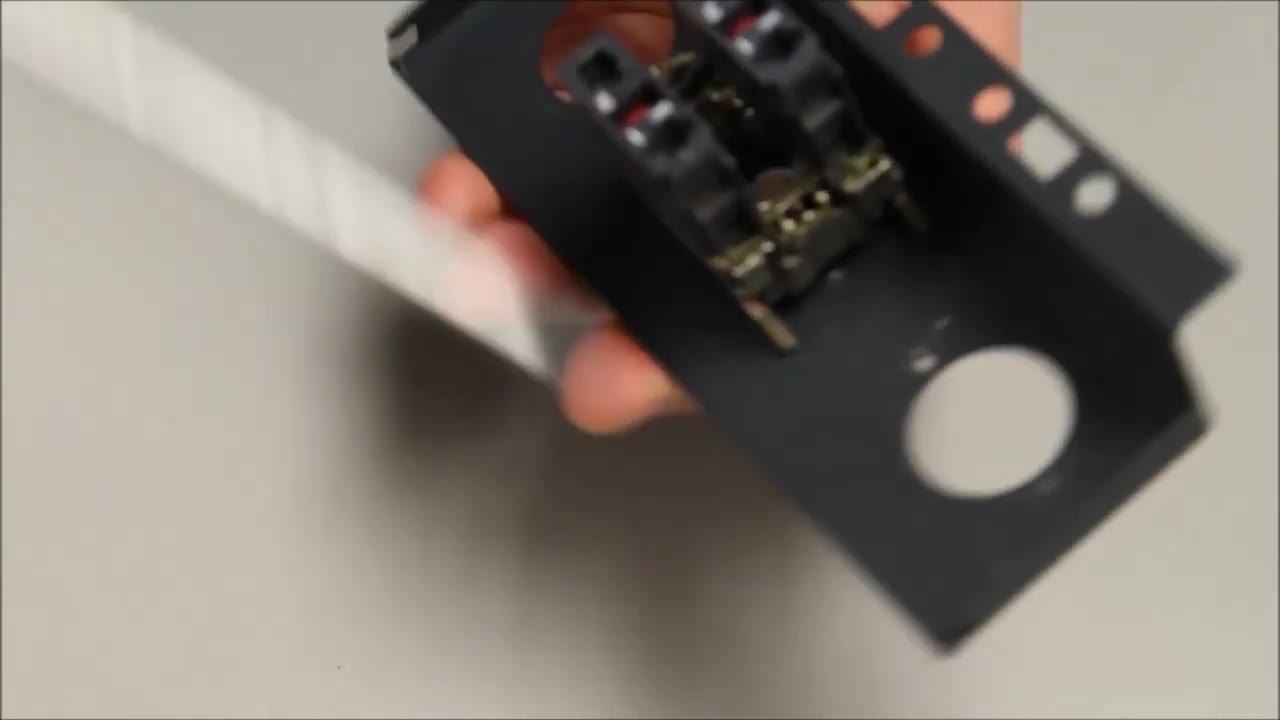
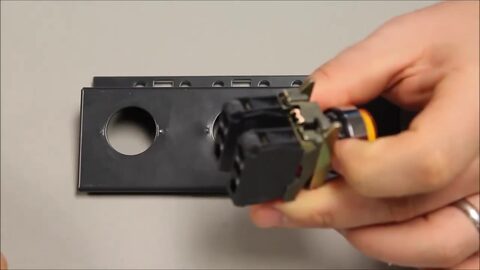 4. Lever the tab up to release the head from the collar. 0:26
-
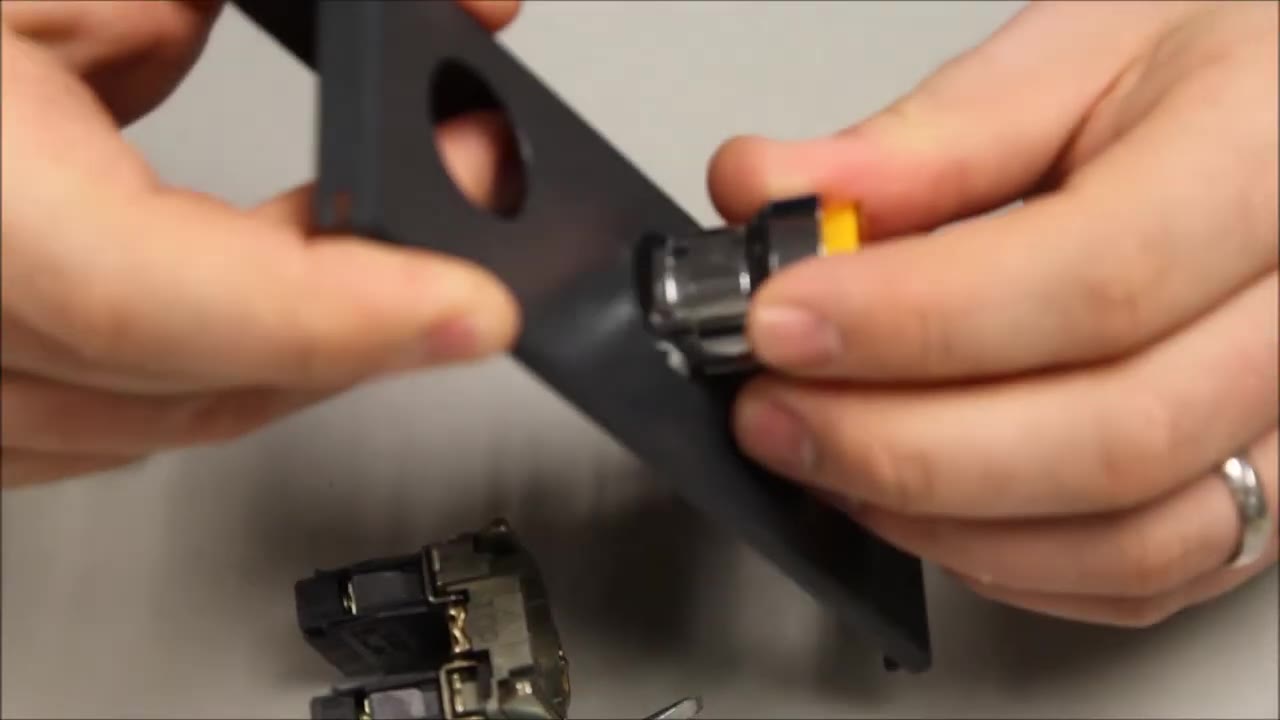
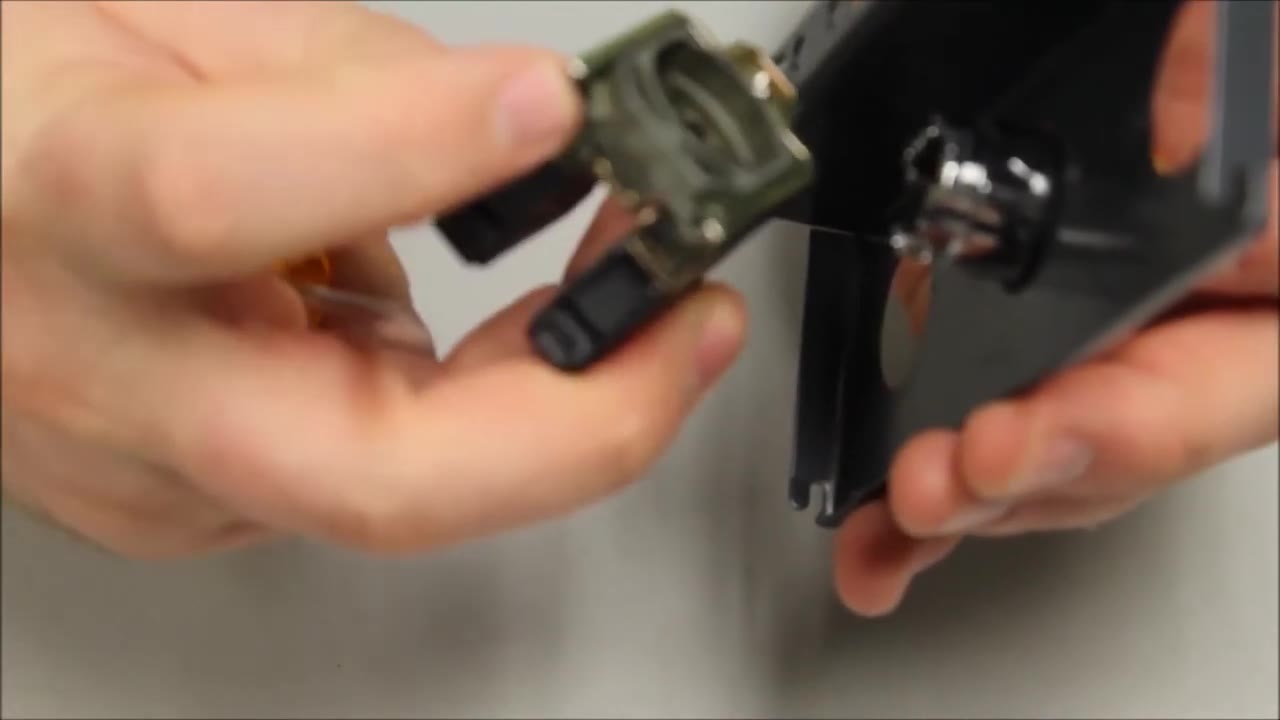
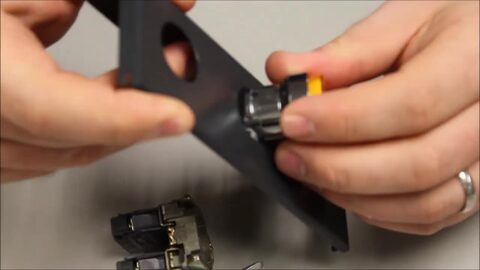 5. Push the head through the 22 mm hole in the panel or door from the front. 0:31
-
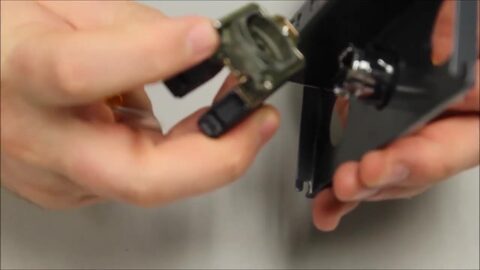 6. From behind, take the mounting collar. 0:37
-
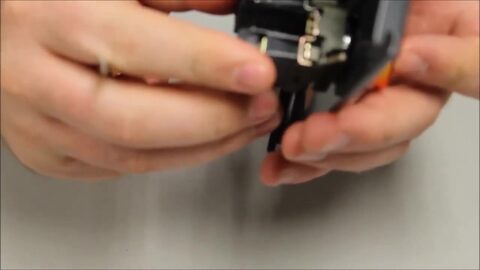 7. With its forks facing up, snap the collar onto the back of the head. 0:43
-
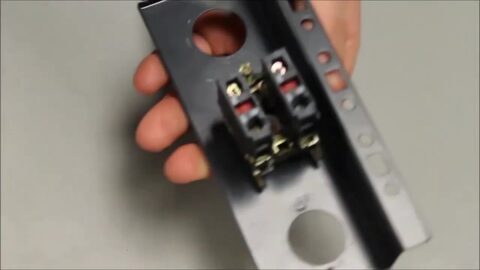 8. The collar now holds in place on its own. 0:46
-
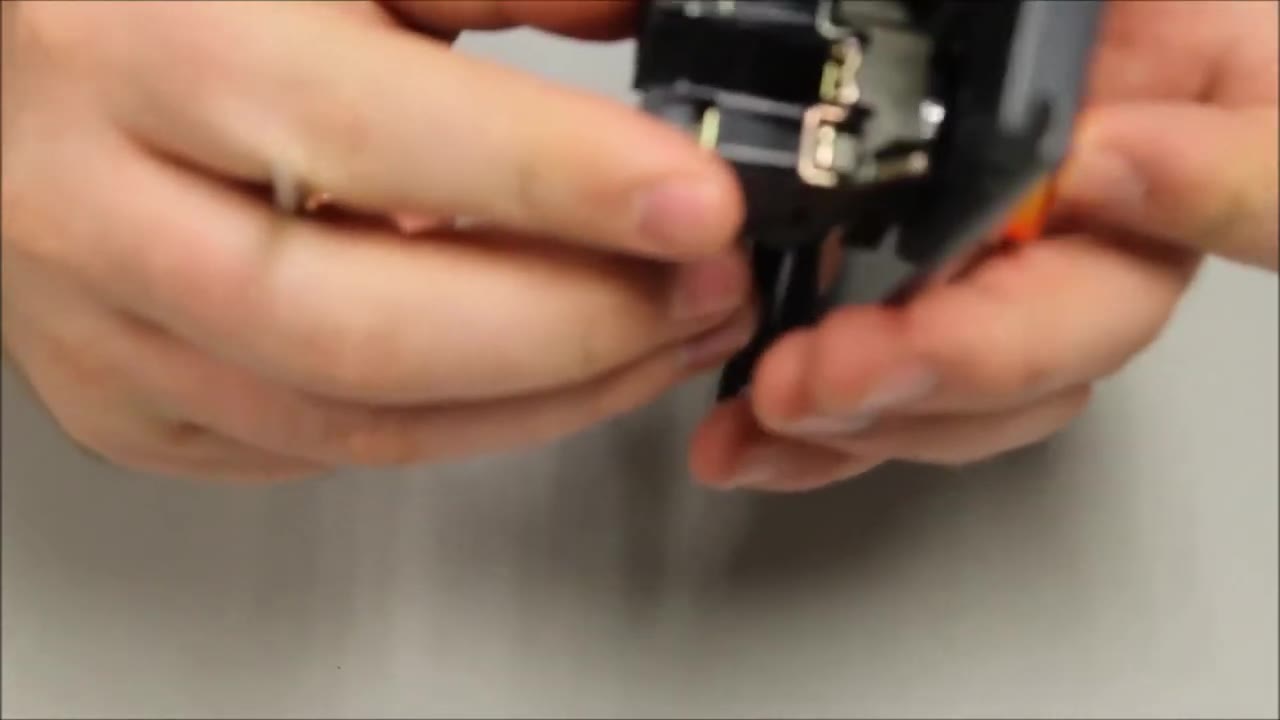
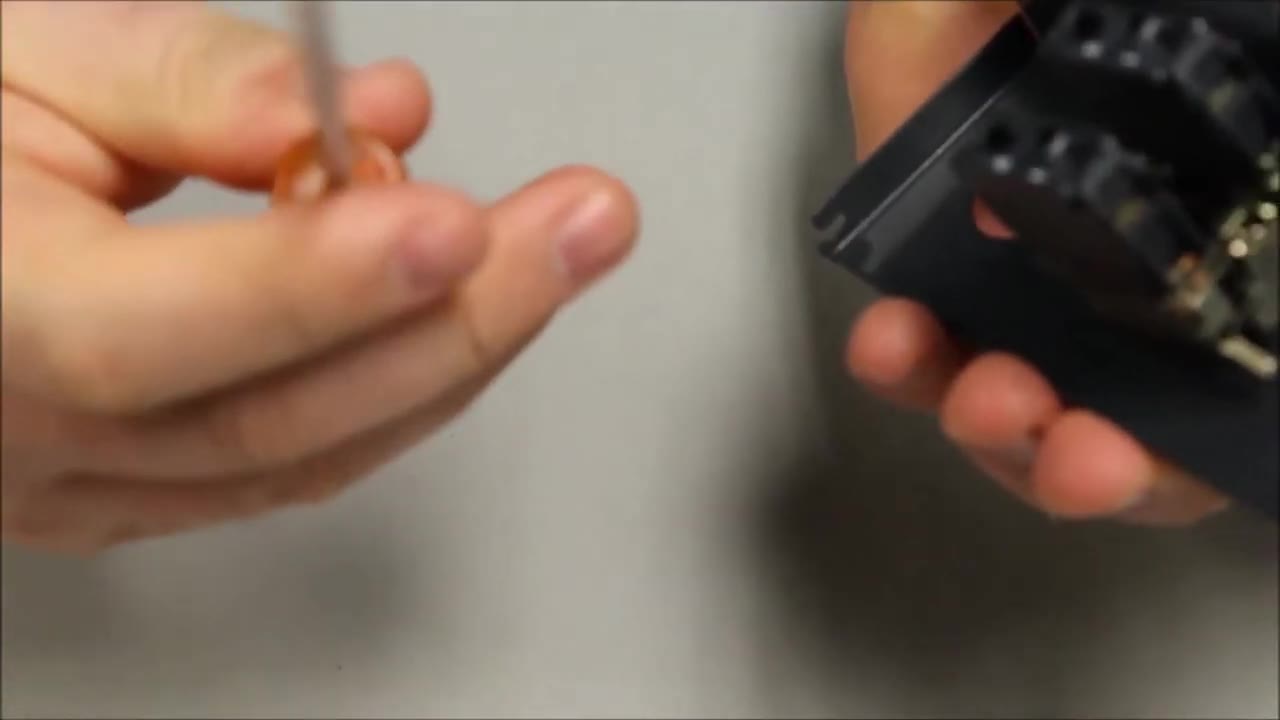
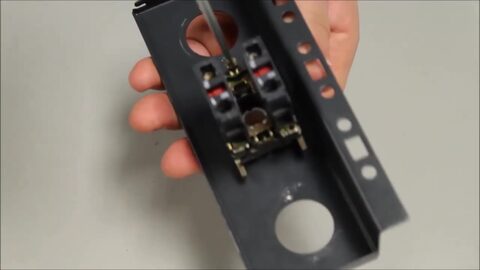 9. Tighten the fixing screw (Schneider calls it the ground screw). 0:50
-
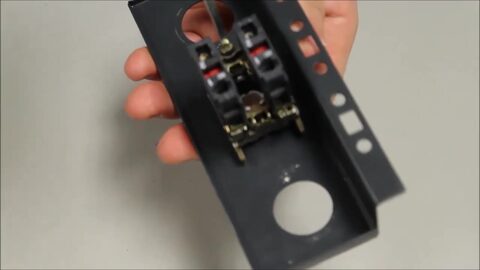 10. Press down firmly while you turn the screw. 0:52
-
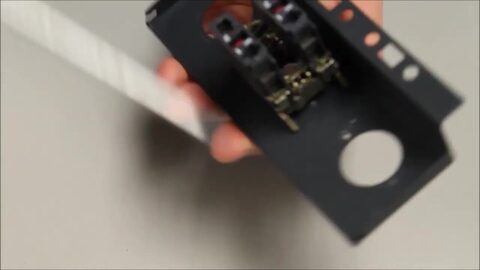 11. Keep turning until the operator sits tight on the panel and no longer turns. 1:00
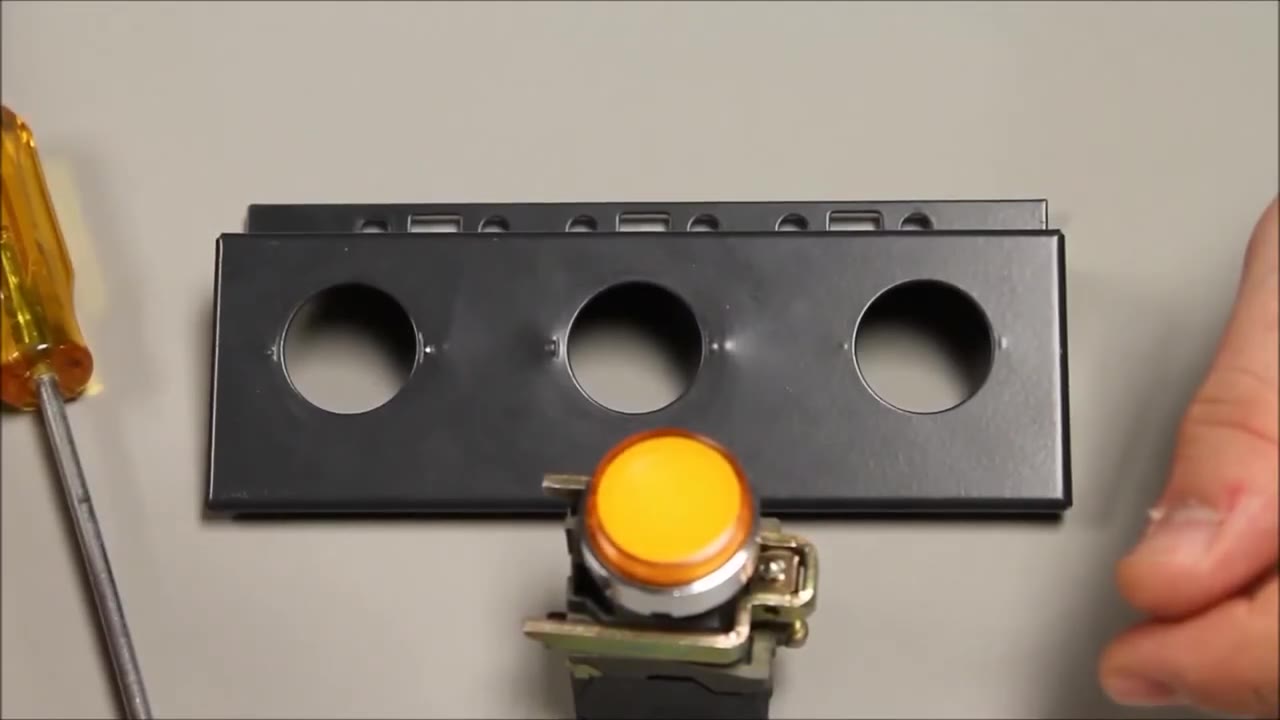
视频旁白中的步骤文本。
Mounting Tutorial: Harmony XB4/ZB4 22 mm Pushbutton & Contacts — Allied Electronics & Automation
RS Americas · 在YouTube上观看
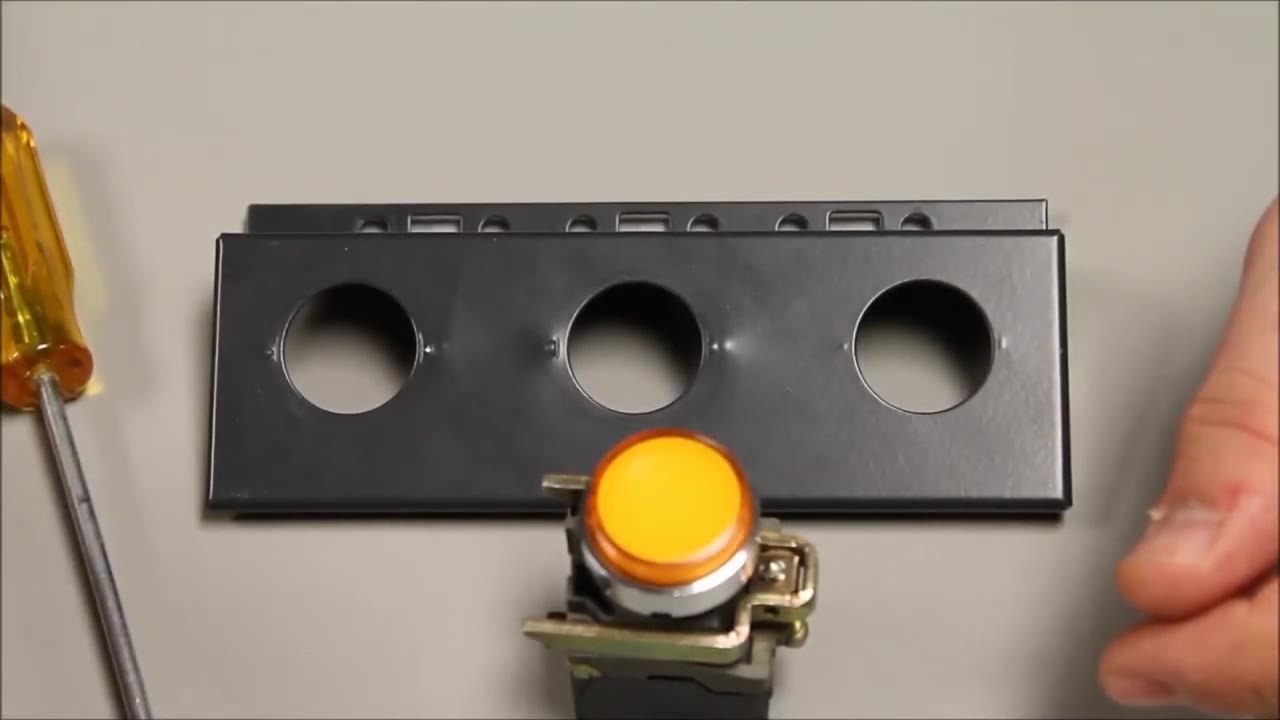
逐步
-
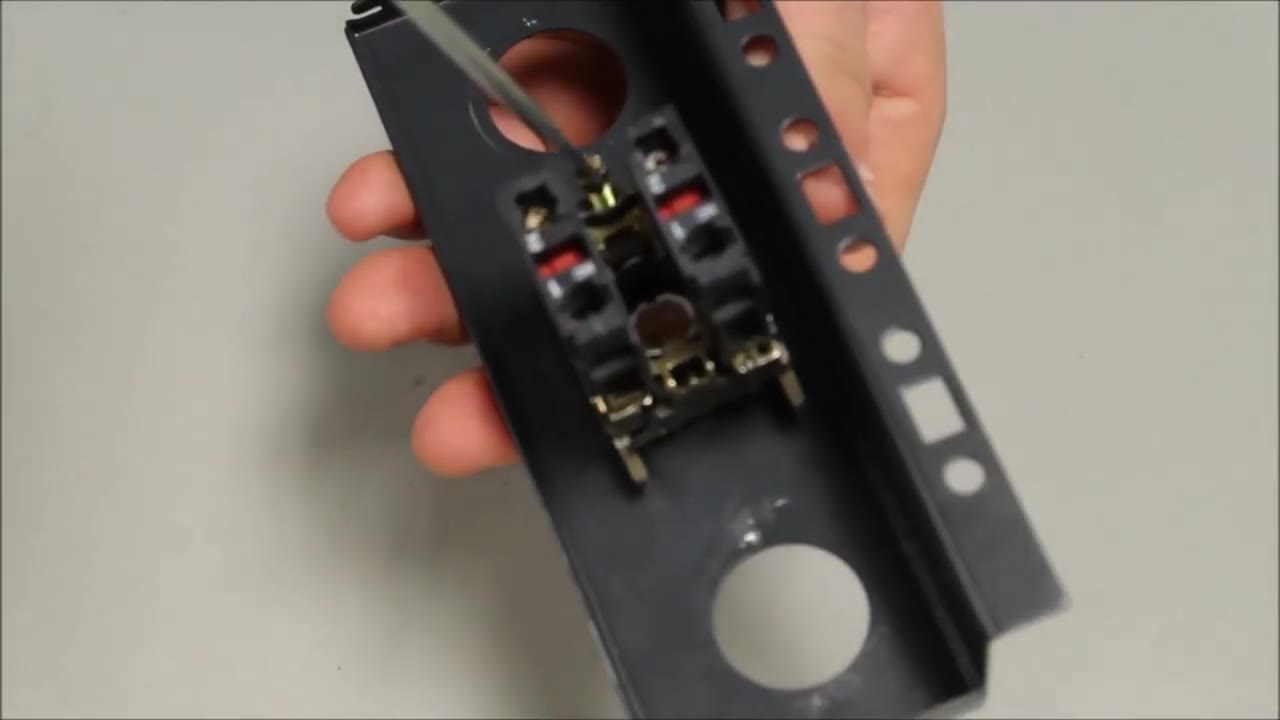
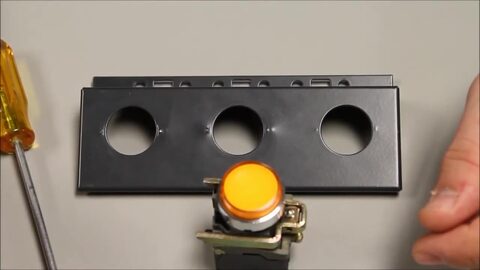 2. The parts: a 22 mm Harmony XB4 metal operator (here an illuminated pushbutton) and a panel with 22 mm holes. 0:13
-
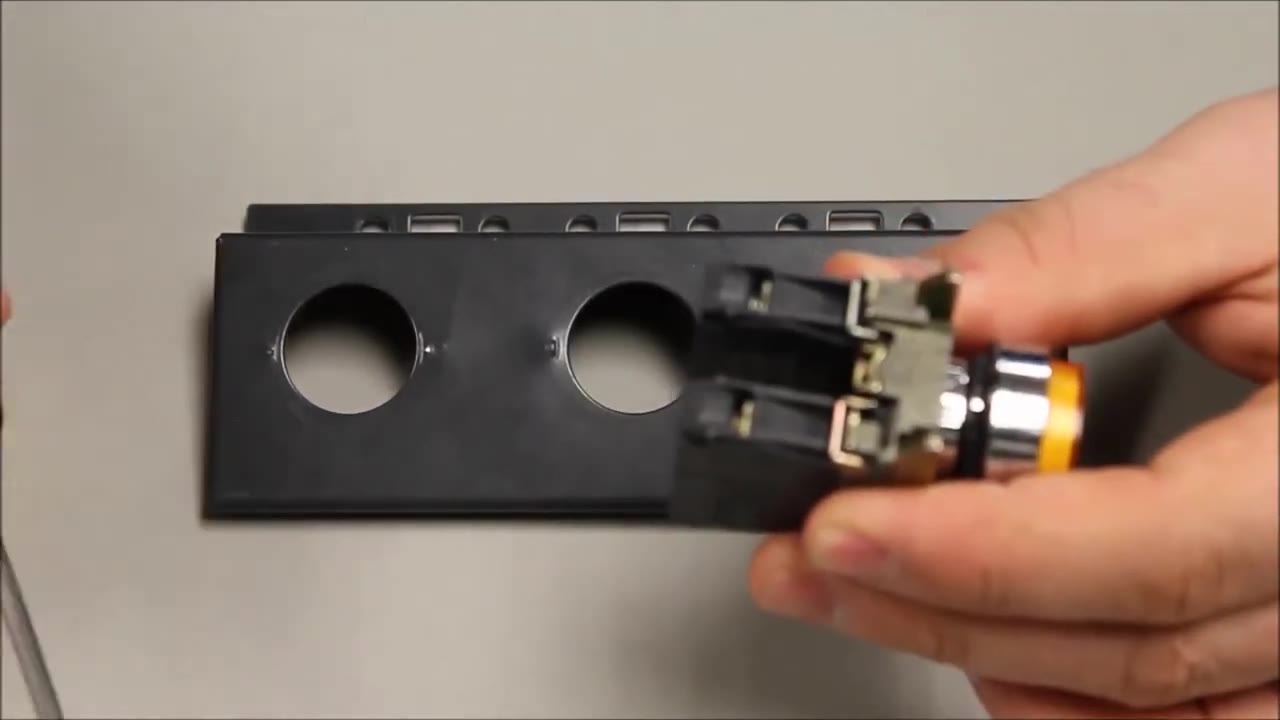
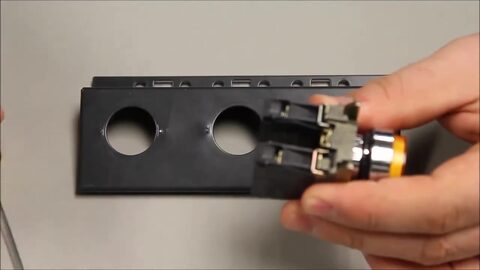 3. Take the operator: the head with its body and contact blocks attached. 0:18
-
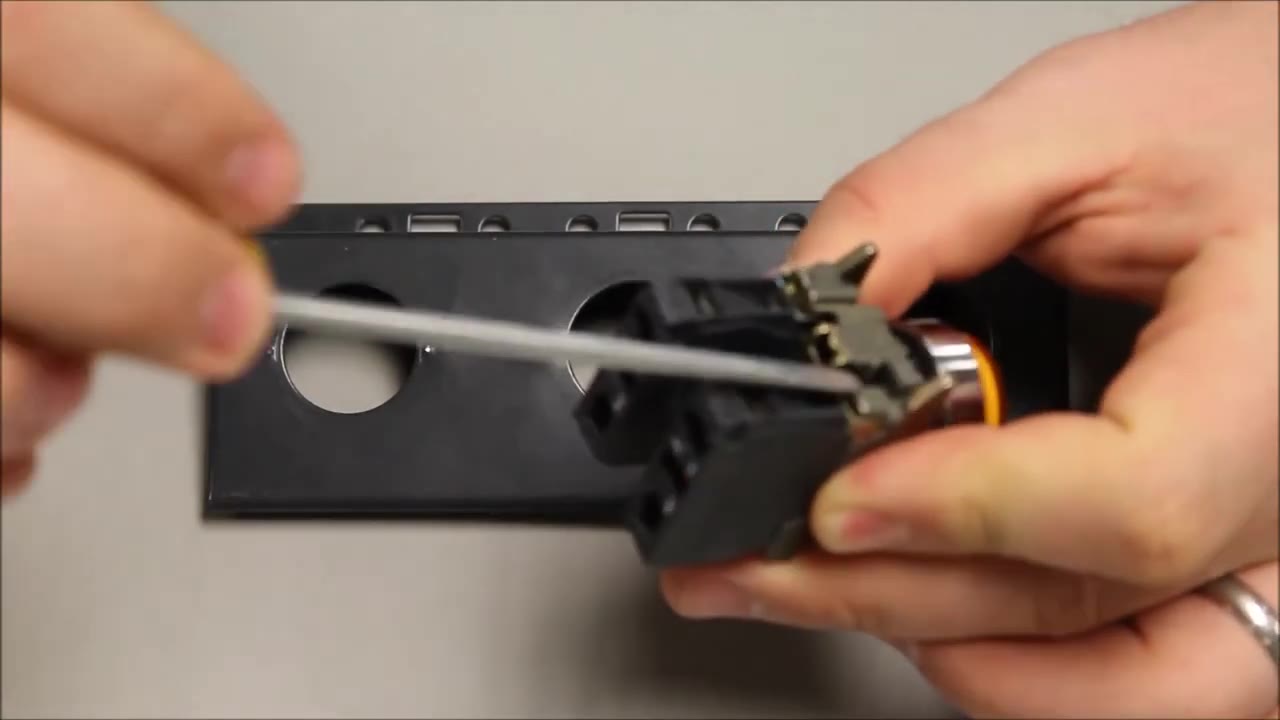
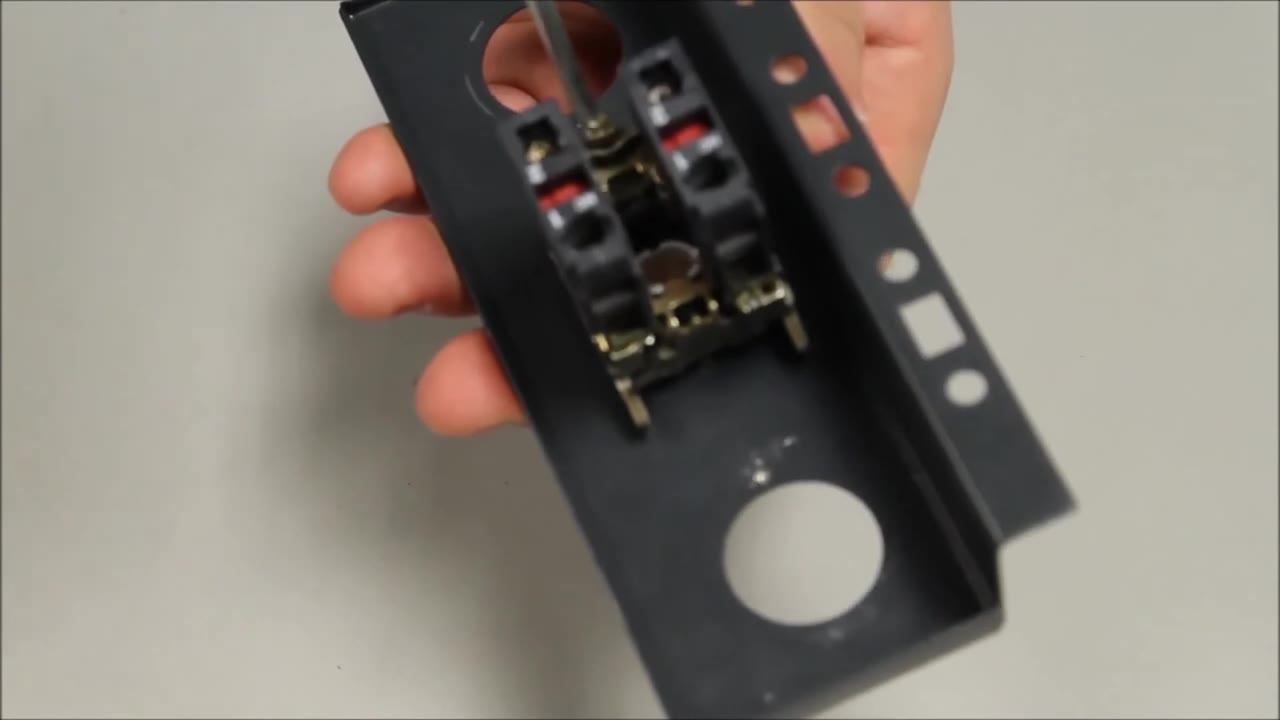
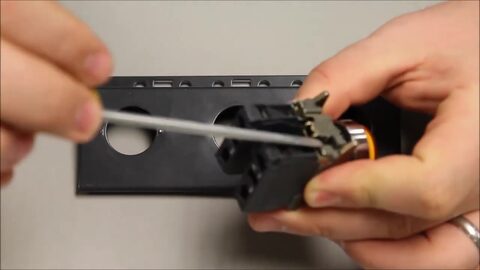 4. Put a flat screwdriver under the black tab on the body. 0:20
-
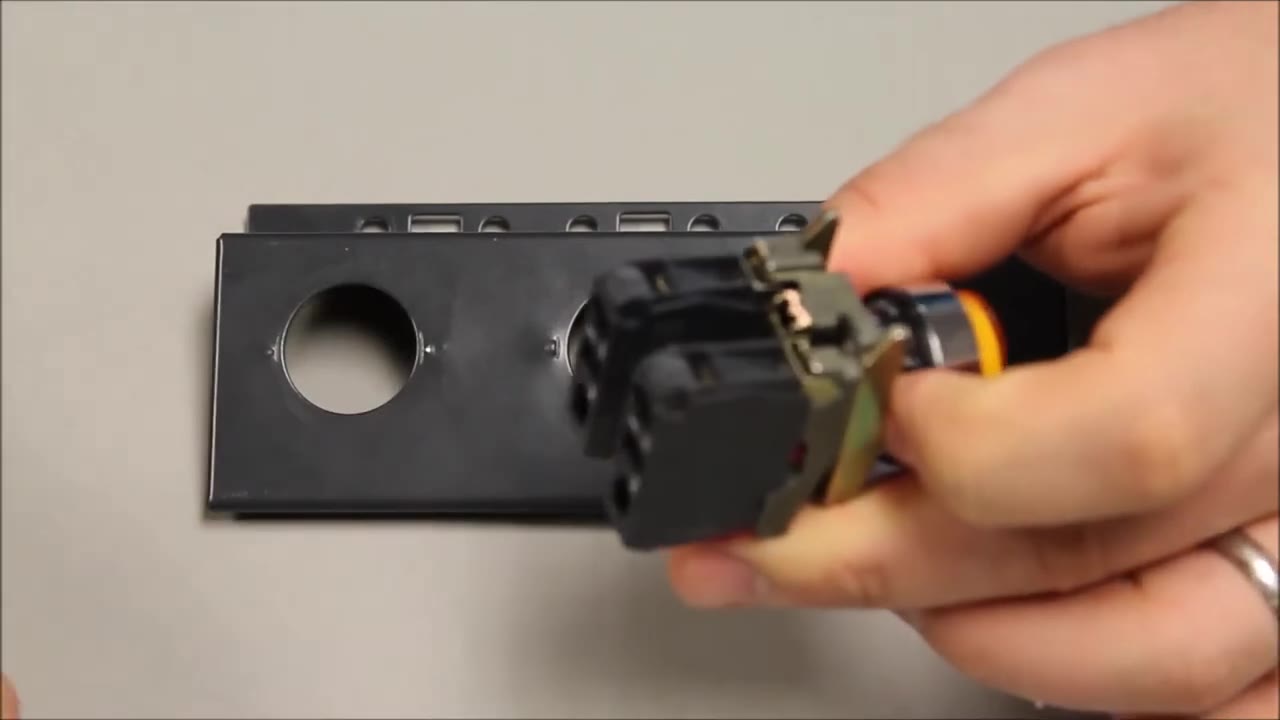
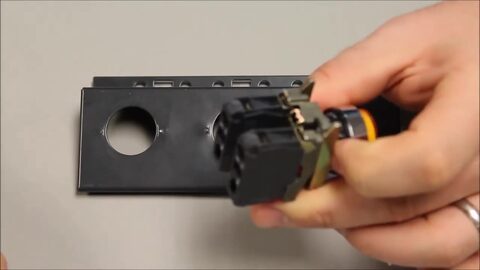 5. Lever the tab up - this releases the head from the body. 0:26
-
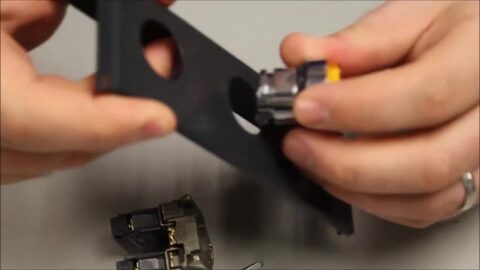 6. Push the head through the hole in the panel or door from the front. 0:31
-
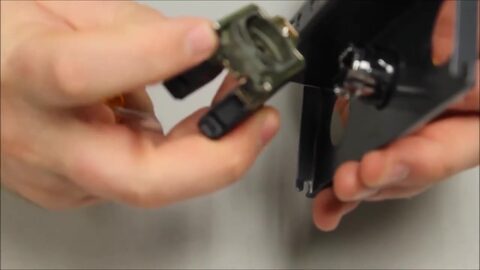 7. Behind the panel, take the body (mounting collar) with its forks pointing up. 0:37
-
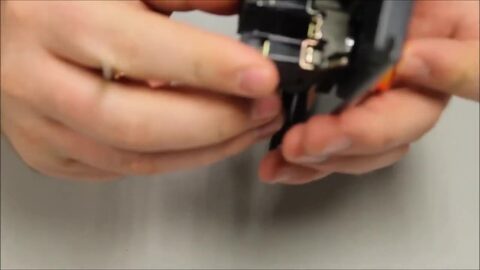 8. Snap the body onto the back of the head. 0:42
-
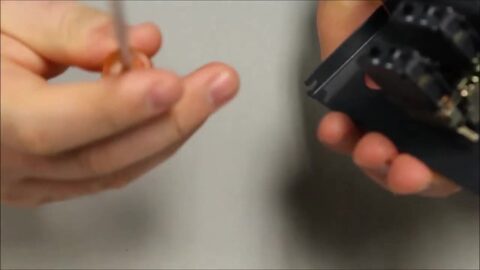 9. It now stays in place on its own. 0:45
-
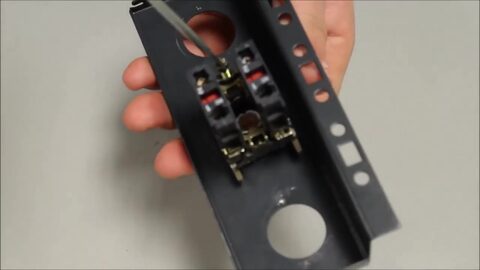 10. Tighten the fixing screw on the body firmly - a Phillips screwdriver is best. 0:48
-
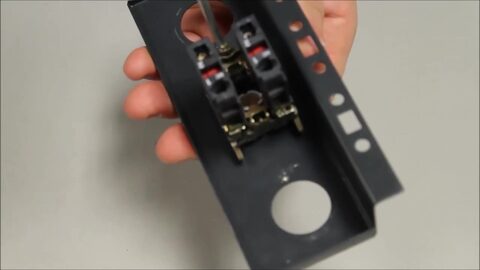 11. Keep turning until the operator is held tight against the panel. 0:52
视频旁白中的步骤文本。
Removing Contacts from Harmony XB4 22mm Metal Push Button | Schneider Electric
Schneider Electric · 在YouTube上观看
逐步
-
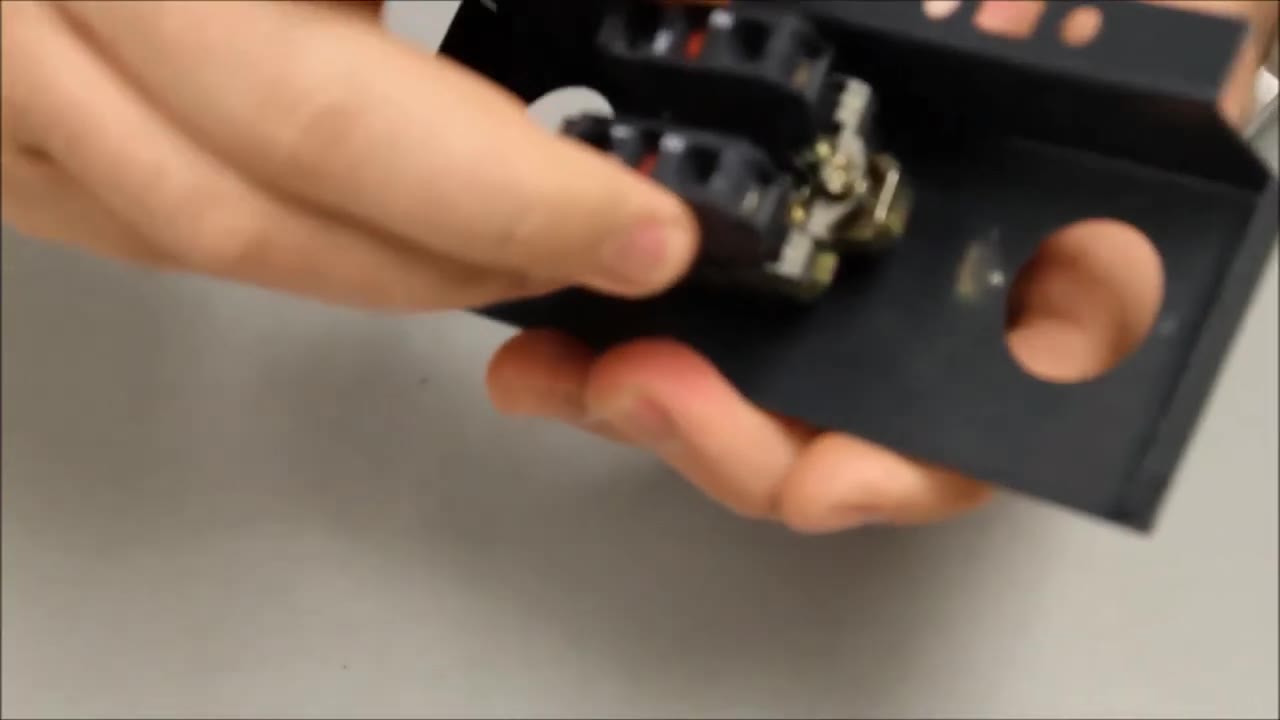
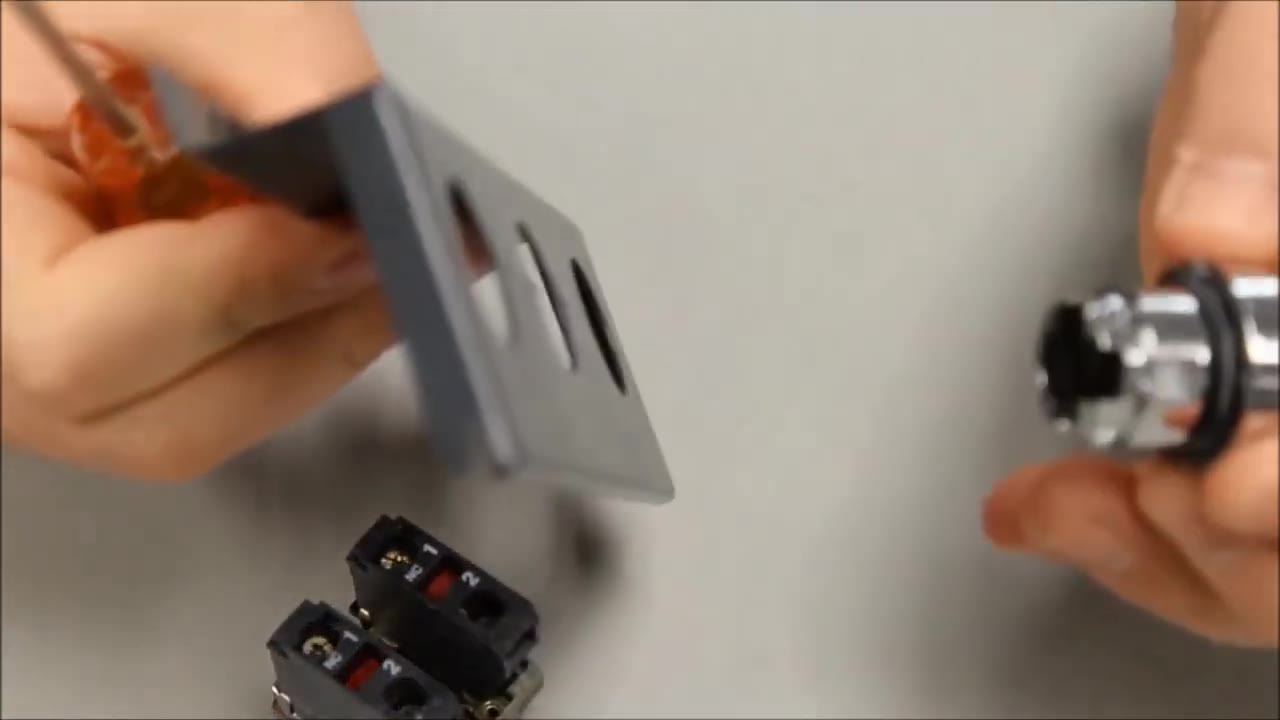
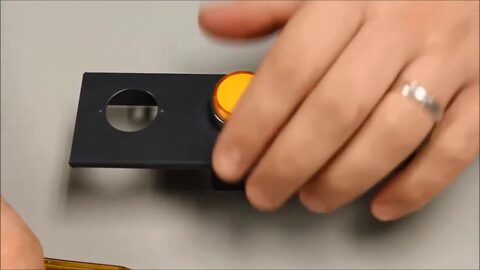 1. Removing the contact blocks from a 22 mm Harmony XB4 metal operator. 0:12
-
 2. Loosen the fixing screw on the back of the collar. 0:18
-
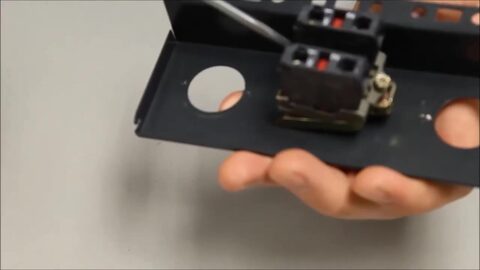 3. Once it is loose, find the black tab that holds the collar to the head. 0:22
-
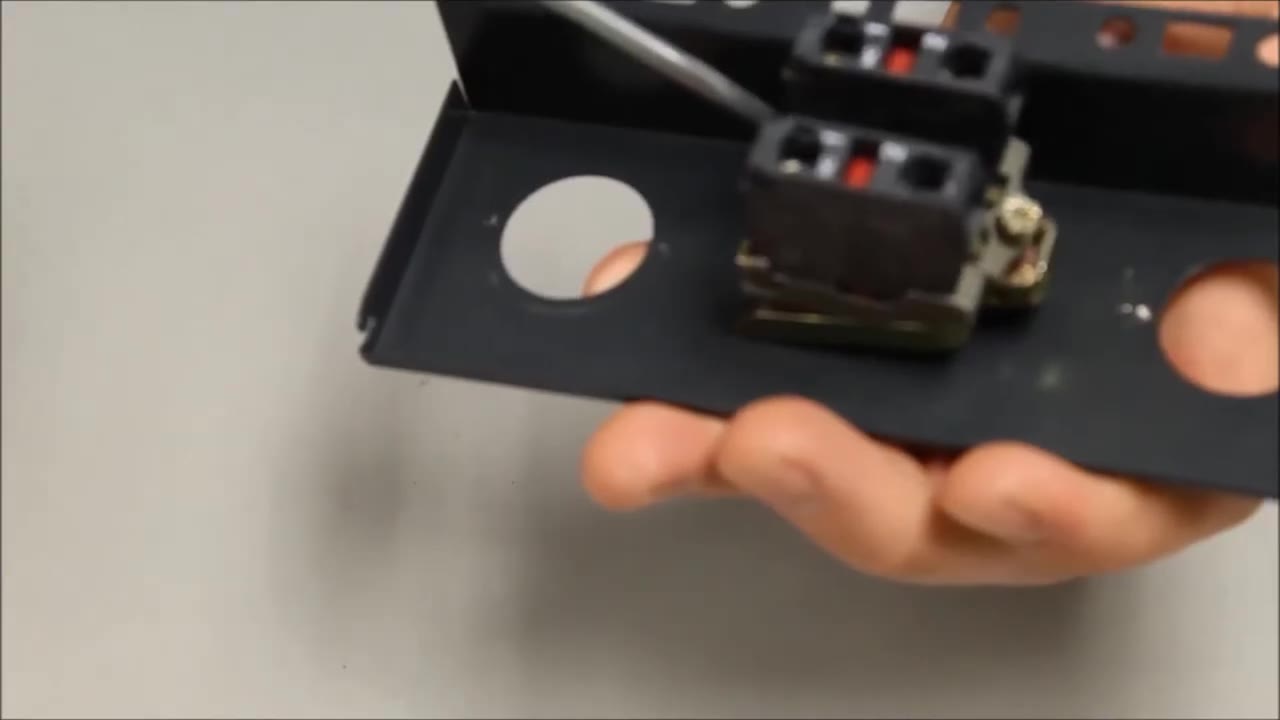
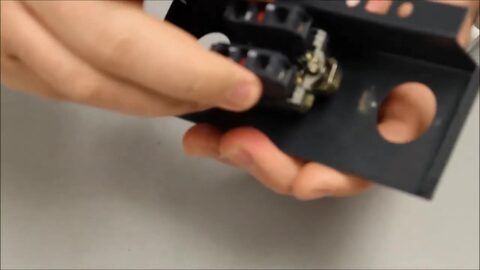 4. Insert the screwdriver under the tab and pull back to release the head. 0:29
-
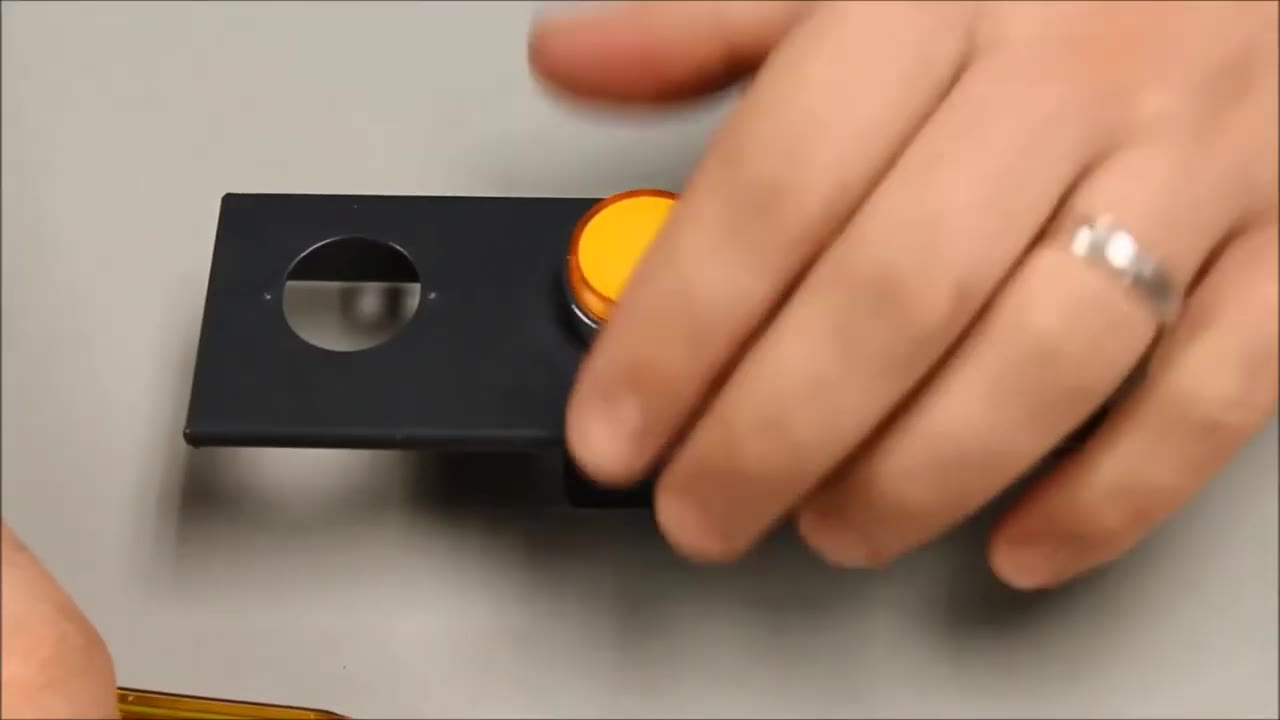
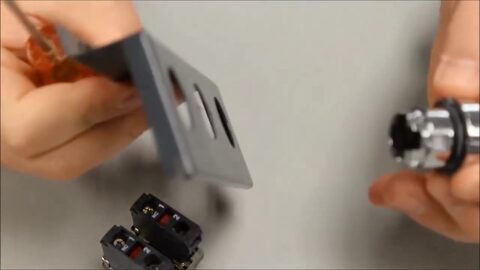 5. The collar with its contact blocks comes away from the head. 0:34

视频旁白中的步骤文本。
Mounting Contacts onto Harmony XB4 XB5 22mm Push Button | Schneider Electric Support
Schneider Electric · 在YouTube上观看
逐步
-
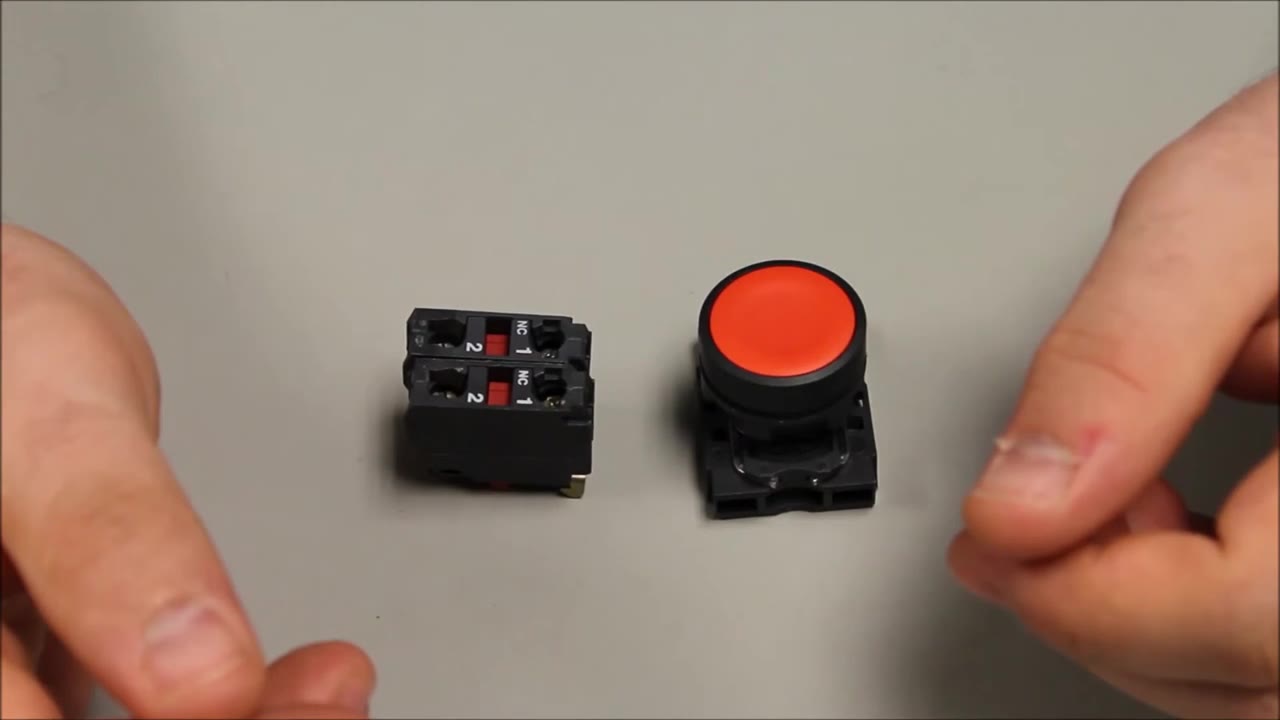
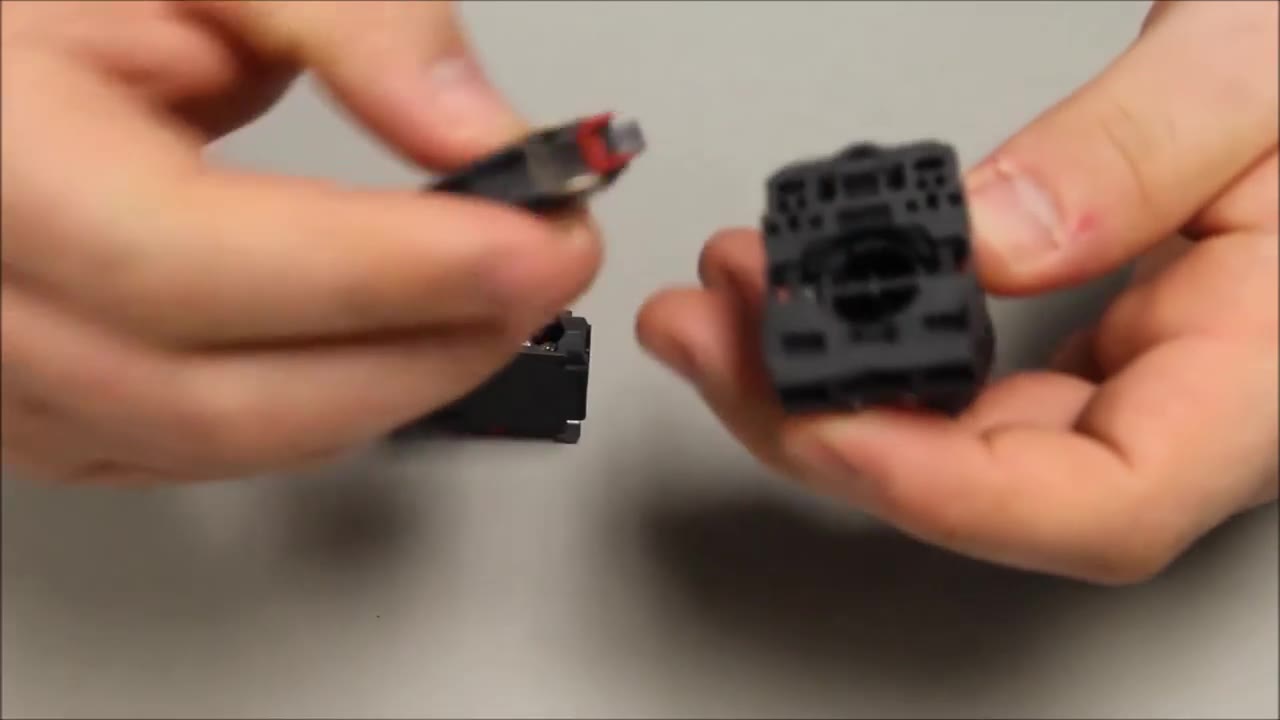
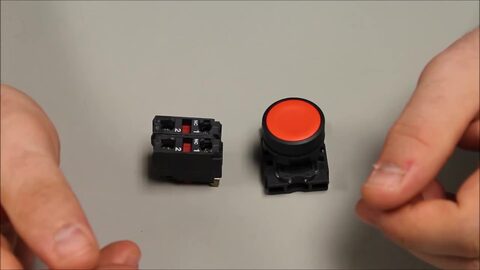 1. Installing a contact block on the back of a 22 mm Harmony pushbutton (shown on a plastic XB5; the metal XB4 works the same way). 0:14
-
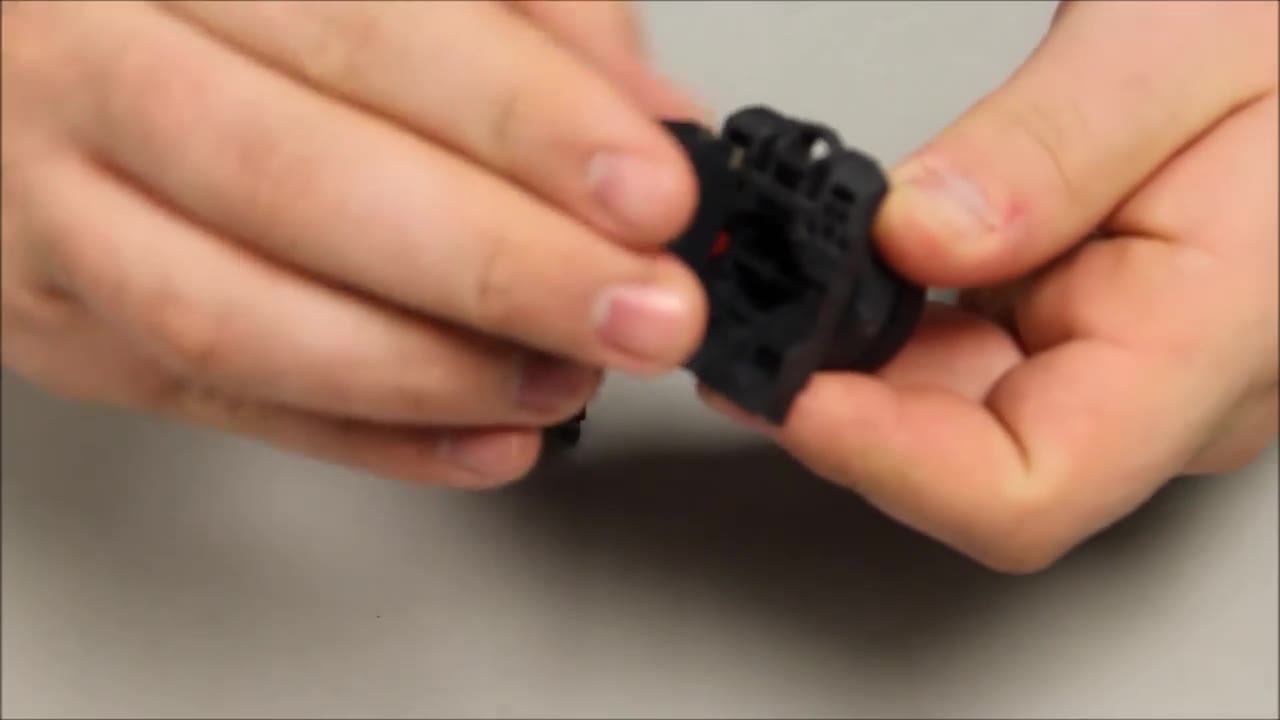
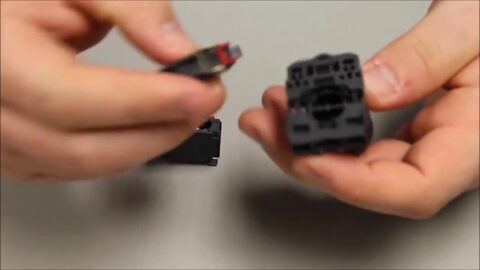 2. Take the black fixing collar and line up the contact block with it. 0:20
-
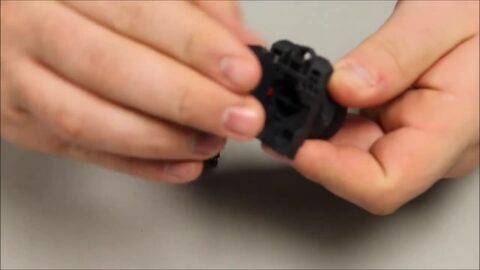 3. The contact block goes onto the back of the mounting collar. 0:25
-
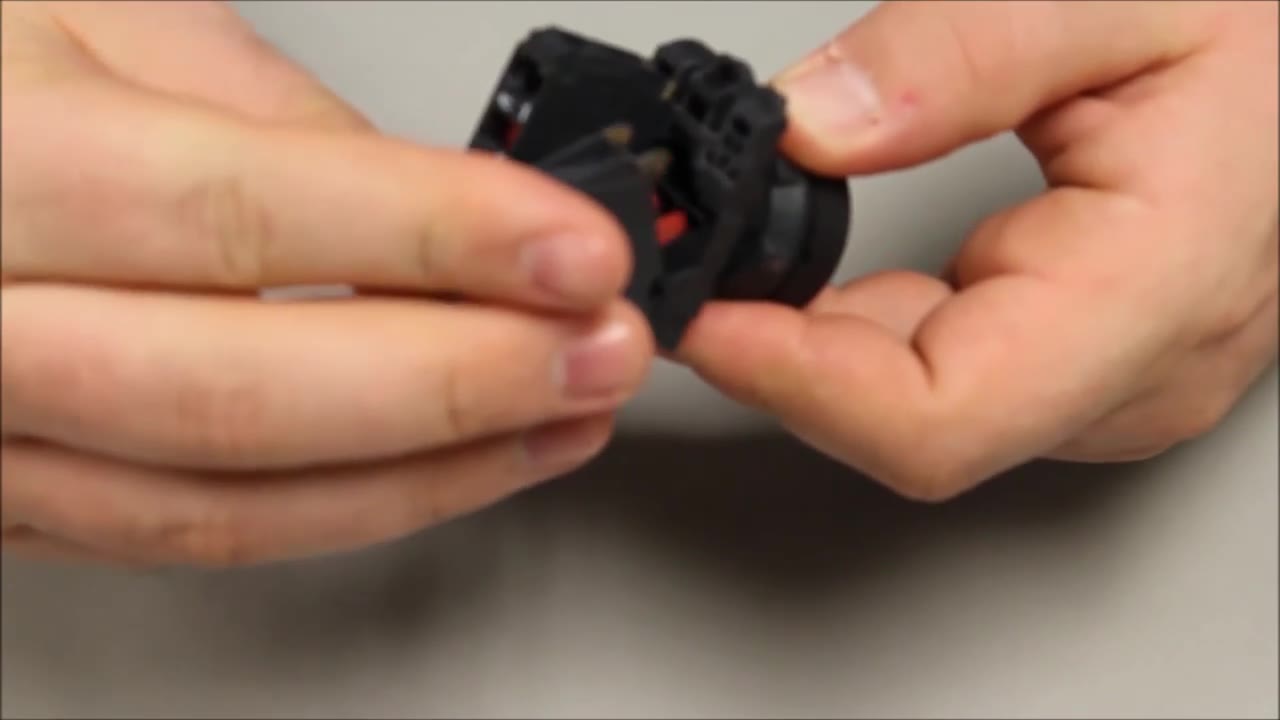
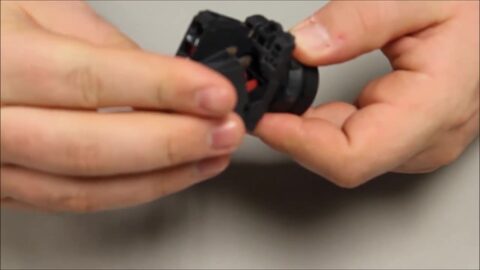 4. It snaps in with a forward motion … 0:30
-
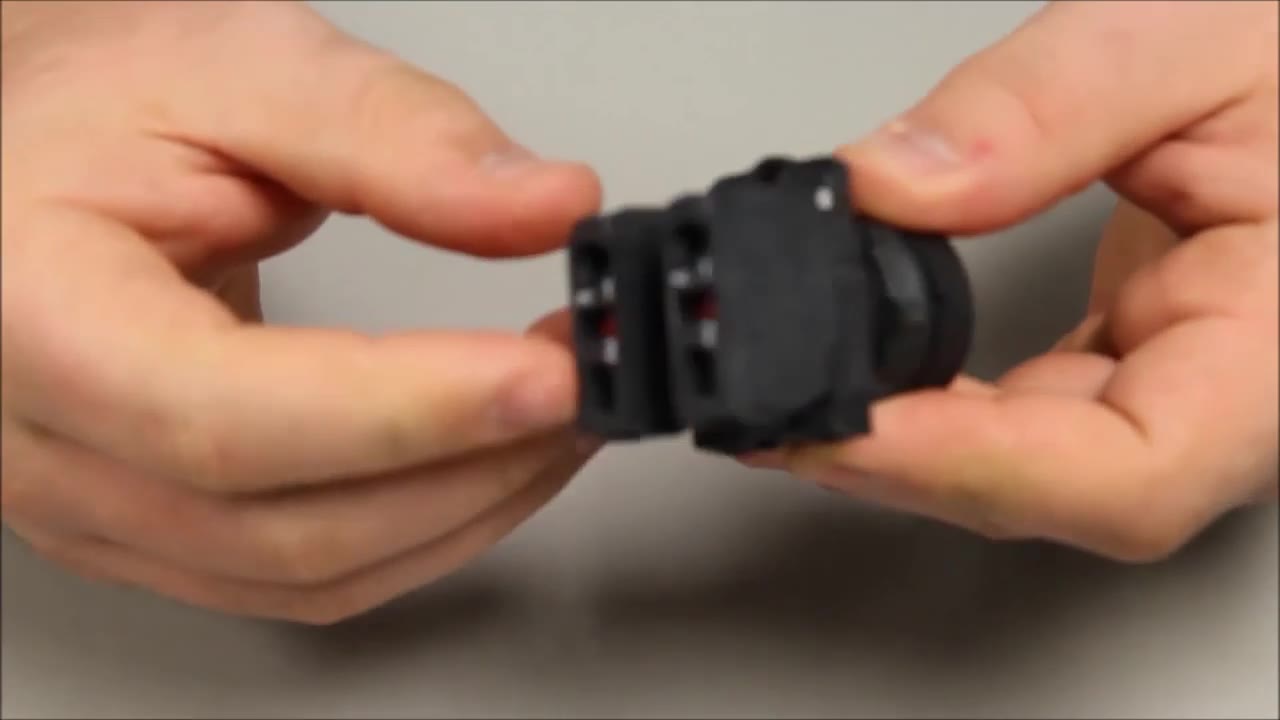
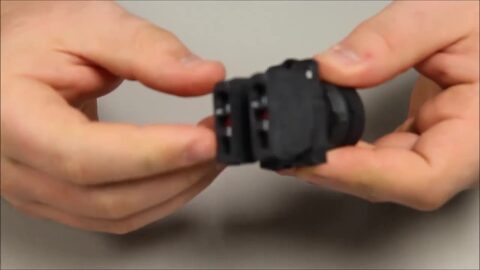 5. … and an angled push back towards you. A second block clips on the same way. 0:33
视频旁白中的步骤文本。
Schneider Electric ZB4-BD5 Selector Switch Head 3-Way | Telemecanique Harmony 22mm
Industrial Electrical Warehouse · 在YouTube上观看
文档与下载
- Datasheet — ZB4BD5 PDF · 703 KB · Schneider Electric · 原始零件
- Instruction sheet — BRU46063_01 - XB4-XB5.pdf PDF · 654 KB · Schneider Electric · 原始零件
- Environmental product profile — ENVPEP2308005EN.pdf PDF · 1.2 MB · Schneider Electric · 原始零件
- Catalogue — Push-Buttons-Digest-Catalog-0100CT2401-SEC-19.pdf PDF · 4.1 MB · Schneider Electric · 原始零件
CAD文件


购买渠道
价格范围
$19.43 — $44.64
across 3 sellers in US dollars
快速规格
- Actuator Function
- 3-position, spring return to centre from left and right (±45°)
- Actuator Type
- Selector, standard handle
- Bezel
- Chromium plated metal
- Color
- Black
- Composition
- Head only; complete unit XB4BD53 = ZB4BD5 + ZB4BZ103 (2 NO)
了解更多
相关按钮
在我们研究的网页中,与ZB4BD5一起出现的按钮,通常最先展示。
Schneider Electric
ZB4-BD3
22mm 3-Position Selector Maintained
mentioned together on 183 pages

Schneider Electric
ZB4-BD2
Schneider ZB4BD2 2-Position Stay-Put Selector Switch Head (Harmony XB4, metal)
mentioned together on 176 pages
Schneider Electric
ZB4BD4 即将推出
Schneider Harmony XB4
mentioned together on 145 pages
Schneider Electric
ZB4BZ009 即将推出
Schneider Harmony XB4
mentioned together on 134 pages
Schneider Electric
XB4BD53 即将推出
Schneider Harmony XB4
mentioned together on 101 pages
Schneider Electric
ZB4BD7 即将推出
Schneider Harmony XB4
mentioned together on 94 pages
Schneider Electric
ZBE-102
ZBE 1NC Contact Element (no mounting base)
mentioned together on 86 pages
Schneider Electric
ZB4BD8 即将推出
Schneider Harmony XB4
mentioned together on 84 pages
Schneider Electric
XB4BD33
Schneider XB4BD33 3-Position Maintained Selector Switch (2NO)
mentioned together on 75 pages
Schneider Electric
XB4BD21
Schneider XB4BD21 2-Position Maintained Selector Switch (1NO)
mentioned together on 68 pages
Schneider Electric
XB4BD25 即将推出
Schneider Harmony XB4
mentioned together on 54 pages
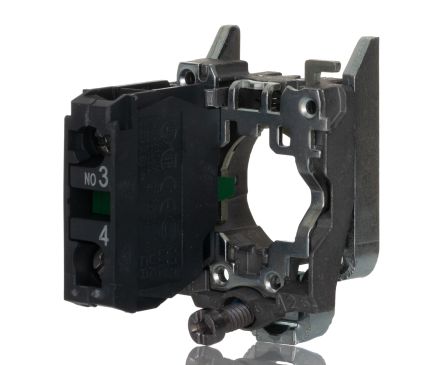
Schneider Electric
ZB4-BZ101
Harmony XB4 1NO Contact Block
mentioned together on 51 pages
显示更多 68 项
Schneider Electric
XB4BD41 即将推出
Schneider Harmony XB4
mentioned together on 44 pages
Schneider Electric
ZB4-BJ2
22mm 2-Position Selector Spring Return
mentioned together on 44 pages
Schneider Electric
ZB4BJ5 即将推出
Schneider Harmony XB4
mentioned together on 42 pages
Schneider Electric
ZB4BD57 即将推出
Schneider Harmony XB4
mentioned together on 35 pages
Schneider Electric
ZB5AD3 即将推出
Schneider Harmony XB5
mentioned together on 32 pages
Schneider Electric
ZB5AD5 即将推出
Schneider Harmony XB5
mentioned together on 32 pages
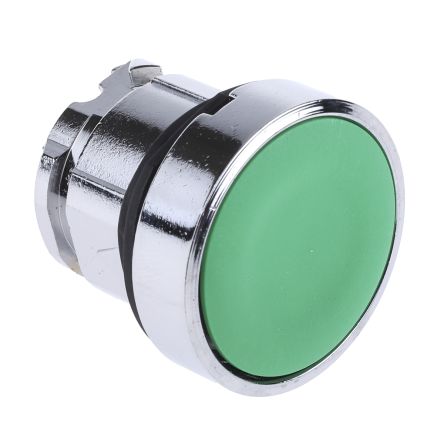
Schneider Electric
ZB4-BA3
Harmony XB4 Green Flush Push Button Head
mentioned together on 31 pages
Schneider Electric
ZB4BG2 即将推出
Schneider Harmony XB4
mentioned together on 31 pages
Schneider Electric
ZB4BJ3 即将推出
Schneider Harmony XB4
mentioned together on 31 pages

Schneider Electric
ZB4BA2
Schneider Electric ZB4BA2 Push Button Head
mentioned together on 30 pages
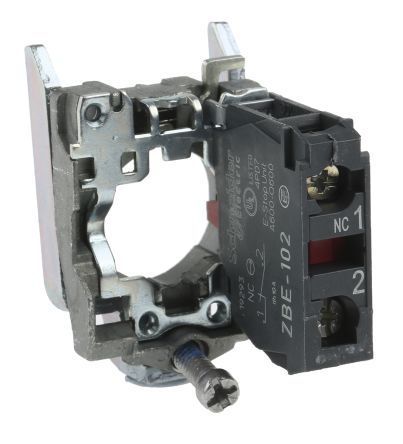
Schneider Electric
ZB4-BZ102
Harmony XB4 1NC Contact Block
mentioned together on 30 pages
Schneider Electric
ZB4BZ103 即将推出
Schneider Harmony XB4
mentioned together on 30 pages

Schneider Electric
ZB4-BA4
Harmony XB4 Red Flush Push Button Head
mentioned together on 28 pages
Schneider Electric
ZB4BD59 即将推出
Schneider Harmony XB4
mentioned together on 26 pages
Schneider Electric
ZB5AD2 即将推出
Schneider Harmony XB5
mentioned together on 26 pages
Schneider Electric
ZB4BD503 即将推出
Schneider Harmony XB4
mentioned together on 24 pages
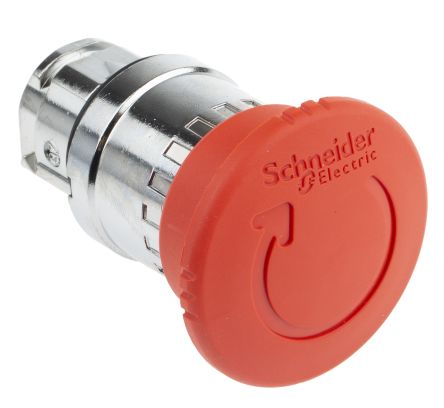
Schneider Electric
ZB4-BS844
Harmony XB4 Red Mushroom Emergency Stop (Push-Pull)
mentioned together on 23 pages
Schneider Electric
ZB4BG3 即将推出
Schneider Harmony XB4
mentioned together on 22 pages
Schneider Electric
ZB4BG4 即将推出
Schneider Harmony XB4
mentioned together on 22 pages
Eaton
M22-WRK3
22mm 3-Position Selector Spring Return Center
mentioned together on 19 pages
Schneider Electric
XB5AD33 即将推出
Schneider Harmony XB5
mentioned together on 19 pages
Schneider Electric
ZB4BG0 即将推出
Schneider Harmony XB4
mentioned together on 19 pages
Schneider Electric
ZB4BJ4 即将推出
Schneider Harmony XB4
mentioned together on 18 pages
Schneider Electric
XB5AD21 即将推出
Schneider Harmony XB5
mentioned together on 17 pages
Schneider Electric
ZB4-BK1233
22mm Green Illuminated Selector 2-Position
mentioned together on 17 pages
Eaton
M22-WRK
M22 2-Position Selector Switch
mentioned together on 16 pages
Schneider Electric
ZB4BZ105 即将推出
Schneider Harmony XB4
mentioned together on 16 pages

Schneider Electric
ZB5AS844
Schneider ZB5AS844 Emergency Stop Head, Red 40 mm Mushroom, Turn to Release
mentioned together on 16 pages
Schneider Electric
XB4BG21 即将推出
Schneider Harmony XB4
mentioned together on 15 pages
Schneider Electric
XB4FD21 即将推出
Schneider Harmony XB4
mentioned together on 15 pages
Schneider Electric
ZB4BD27 即将推出
Schneider Harmony XB4
mentioned together on 15 pages
Schneider Electric
ZB4BG7 即将推出
Schneider Harmony XB4
mentioned together on 15 pages

Schneider Electric
XB4BA31
22mm Green Complete Push Button 1NO
mentioned together on 14 pages
Schneider Electric
XB4BJ53 即将推出
Schneider Harmony XB4
mentioned together on 14 pages
Schneider Electric
ZB4-BA5
22mm Yellow Flush Push Button XB4
mentioned together on 14 pages
Schneider Electric
ZB4BD37 即将推出
Schneider Harmony XB4
mentioned together on 14 pages
Schneider Electric
ZB4BD922 即将推出
Schneider Harmony XB4
mentioned together on 14 pages
Schneider Electric
ZB5AD4 即将推出
Schneider Harmony XB5
mentioned together on 14 pages
Eaton
M22-DL-G
22mm Green Illuminated Flush 24V
mentioned together on 13 pages

Eaton Electrical
M22-PVT
Eaton Electrical M22-PVT
mentioned together on 13 pages

Schneider Electric
XB4BS8442
22mm Complete E-Stop Twist Release 1NC
mentioned together on 13 pages
Schneider Electric
ZB4BJ7 即将推出
Schneider Harmony XB4
mentioned together on 13 pages
Schneider Electric
ZB4BZ141 即将推出
Schneider Harmony XB4
mentioned together on 13 pages
Schneider Electric
ZB5AG2 即将推出
Schneider Harmony XB5
mentioned together on 12 pages
Schneider Electric
ZBY-2303
Legend Plate START Green
mentioned together on 12 pages
Schneider Electric
ZBY-2304
Legend Plate STOP Red
mentioned together on 12 pages

Schneider Electric
XB4BA21
22mm Black Complete Push Button 1NO
mentioned together on 11 pages
Schneider Electric
XB4-BVB4
22mm Red Pilot Light Complete Unit
mentioned together on 11 pages
Schneider Electric
ZB4BD204 即将推出
Schneider Harmony XB4
mentioned together on 11 pages
Schneider Electric
ZB4BD205 即将推出
Schneider Harmony XB4
mentioned together on 11 pages
Schneider Electric
ZB4BD912 即将推出
Schneider Harmony XB4
mentioned together on 11 pages
Schneider Electric
ZB4BK1333
Schneider ZB4BK1333 Green Illuminated 2-Position Selector Switch Head (Harmony XB4, head-only)
mentioned together on 11 pages
Schneider Electric
ZB4BV043 即将推出
Schneider Harmony XB4
mentioned together on 11 pages
Schneider Electric
ZB5AZ905 即将推出
Schneider Harmony XB5
mentioned together on 11 pages

Schneider Electric
ZB4BA1
Schneider Electric ZB4BA1
mentioned together on 10 pages

Schneider Electric
ZB4BG6
Schneider Electric ZB4BG6
mentioned together on 10 pages

Schneider Electric
ZB4-BW333
Harmony XB4 Illuminated Green Push Button 24V LED
mentioned together on 10 pages
Schneider Electric
XB4-BVB1
22mm White Pilot Light Complete Unit
mentioned together on 9 pages

Schneider Electric
XB4-BVB3
Schneider XB4BVB3 Green Pilot Light, Universal LED, 24 V AC/DC
mentioned together on 9 pages
Schneider Electric
XB4BW33B5
22mm Complete Green Illuminated 24V 1NO+1NC
mentioned together on 9 pages

Schneider Electric
ZB4-BA6
Harmony XB4 Blue Flush Push Button Head
mentioned together on 9 pages

Schneider Electric
ZB4-BG1
Harmony XB4 2-Position Key Switch
mentioned together on 9 pages
Schneider Electric
ZB4-BL4
22mm Red Extended Push Button XB4
mentioned together on 9 pages

Schneider Electric
ZB4BT84
Schneider Electric ZB4BT84 Emergency Stop Head
mentioned together on 9 pages

Schneider Electric
XB4BA42
22mm Red Complete Push Button 1NC
mentioned together on 8 pages

Schneider Electric
XB4BS8444
Schneider XB4BS8444 Emergency Stop, Red Ø40 mm Mushroom, Turn to Release, 2 NC (Harmony XB4, metal)
mentioned together on 8 pages

Schneider Electric
XB4BT845
Schneider Electric XB4BT845 Push Button
mentioned together on 8 pages
Schneider Electric
ZB4BS944
Schneider Electric ZB4BS944 Emergency Stop Head
mentioned together on 8 pages