ZB4BD5
ใช้งานอยู่Schneider ZB4BD5 3-Position Spring-Return Selector Switch Head
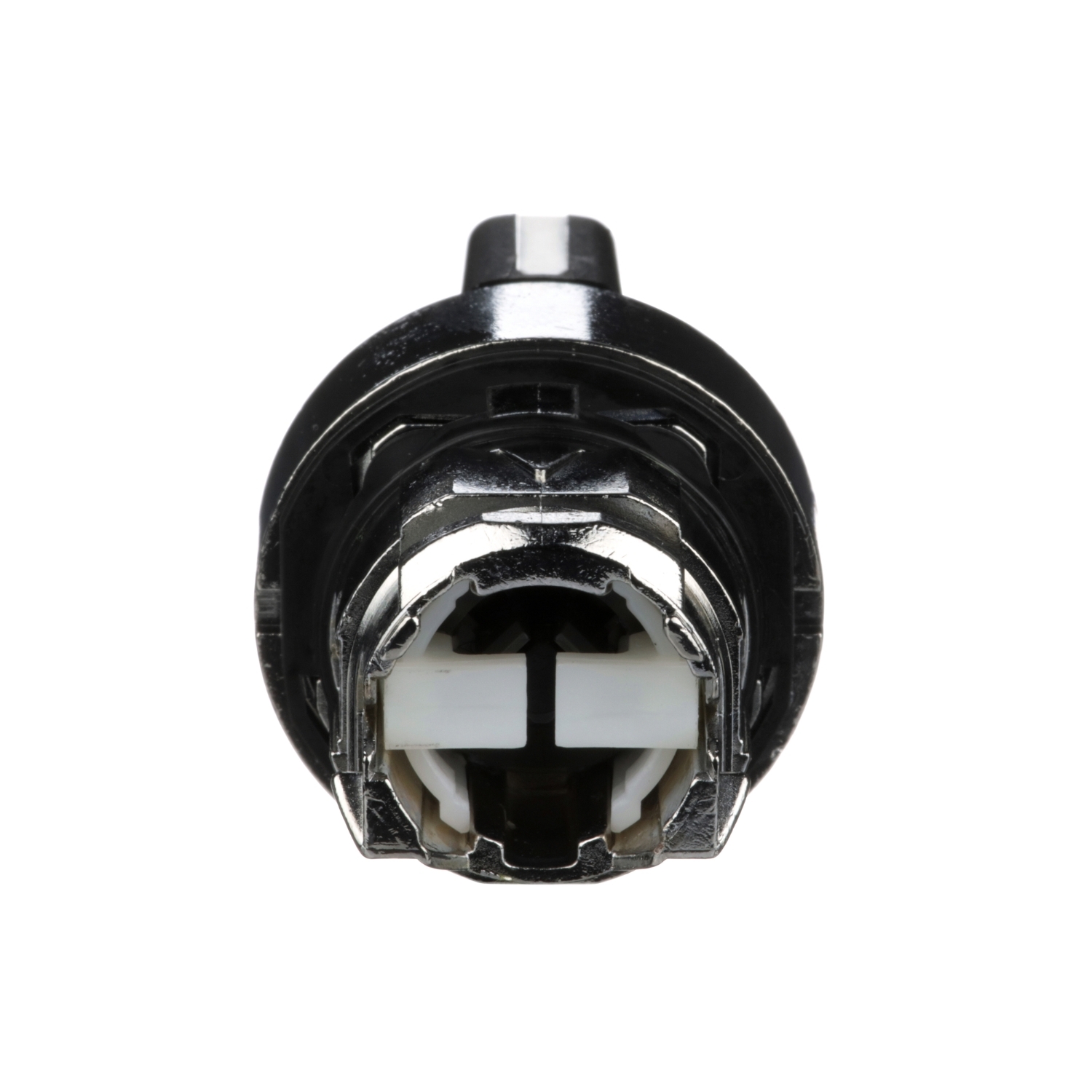
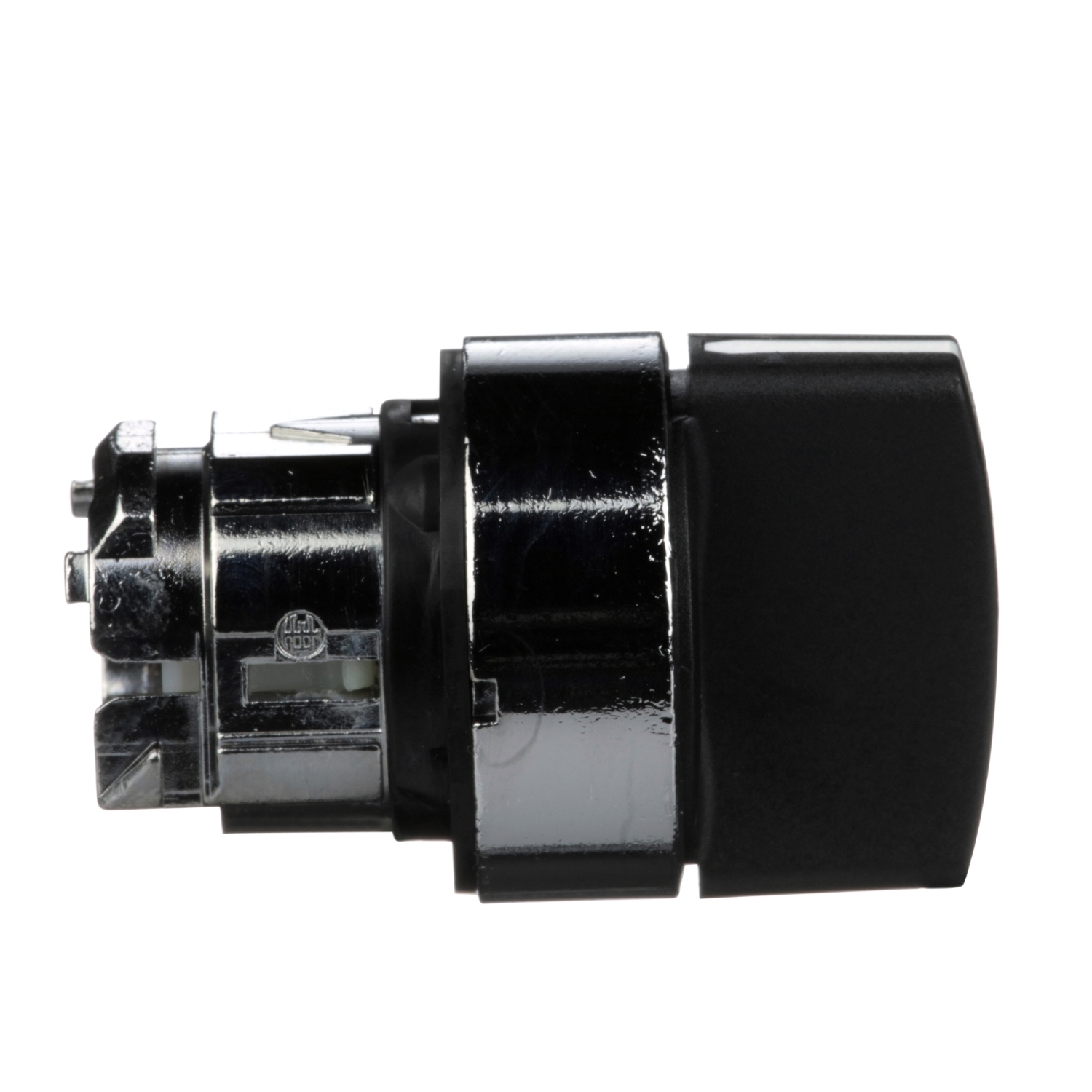
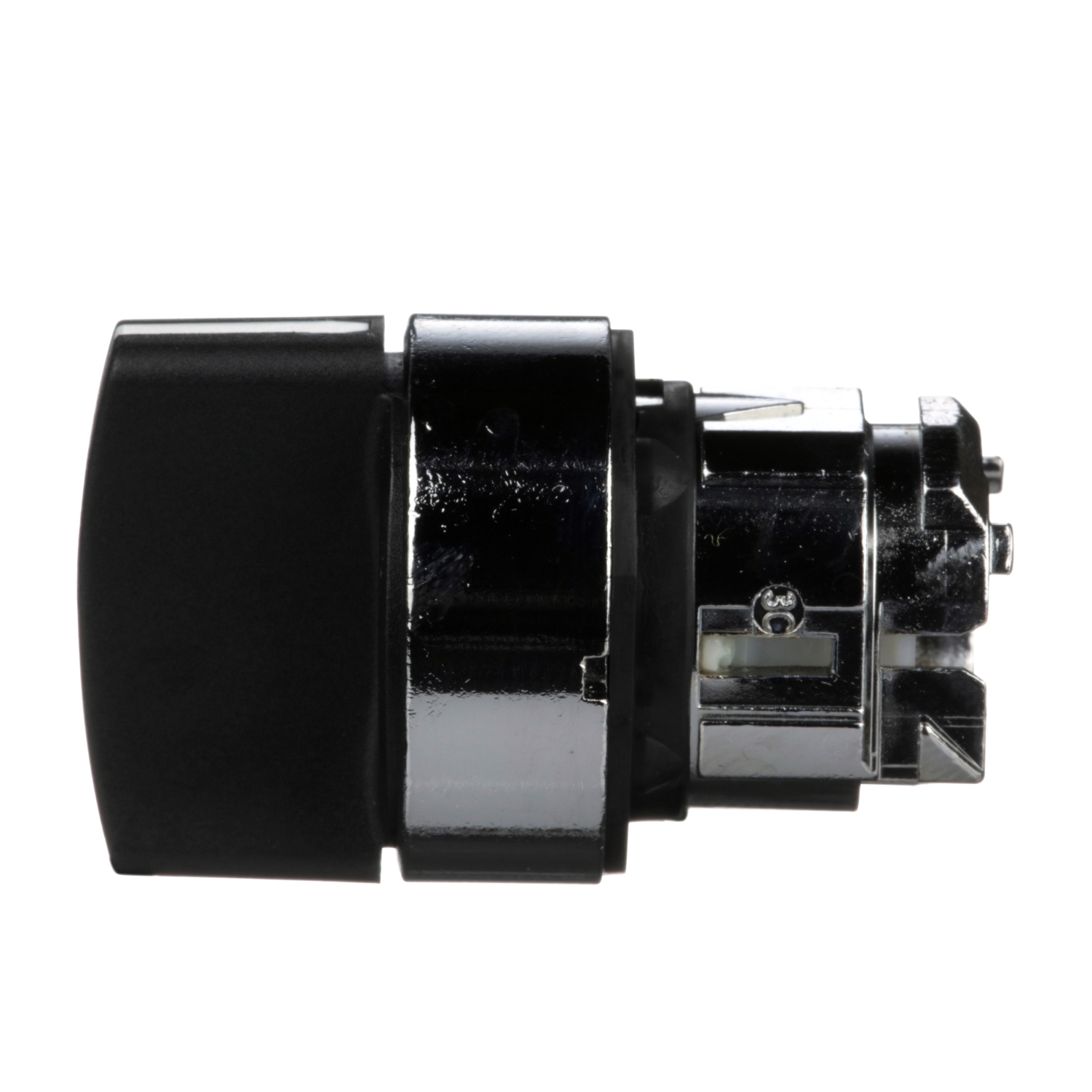
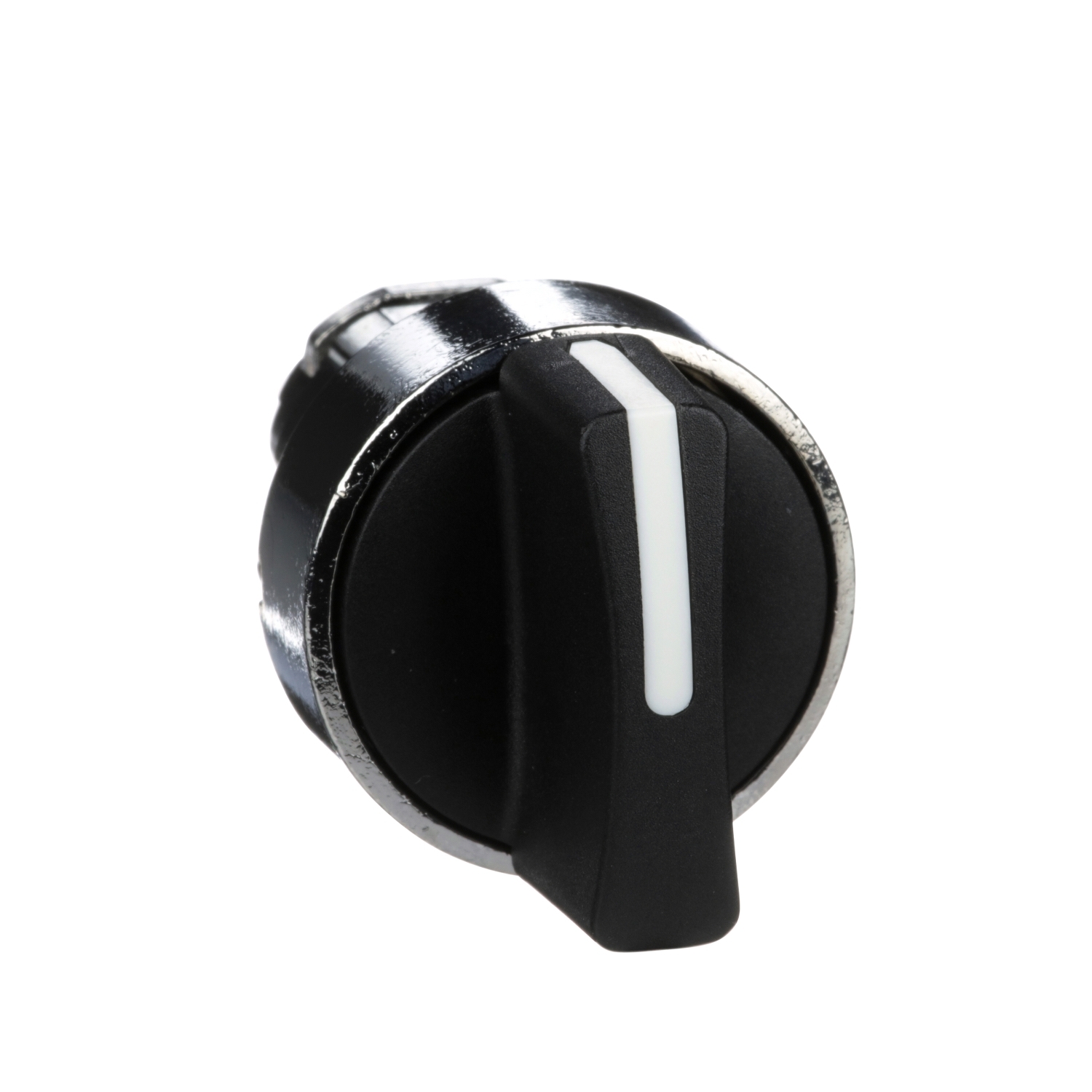
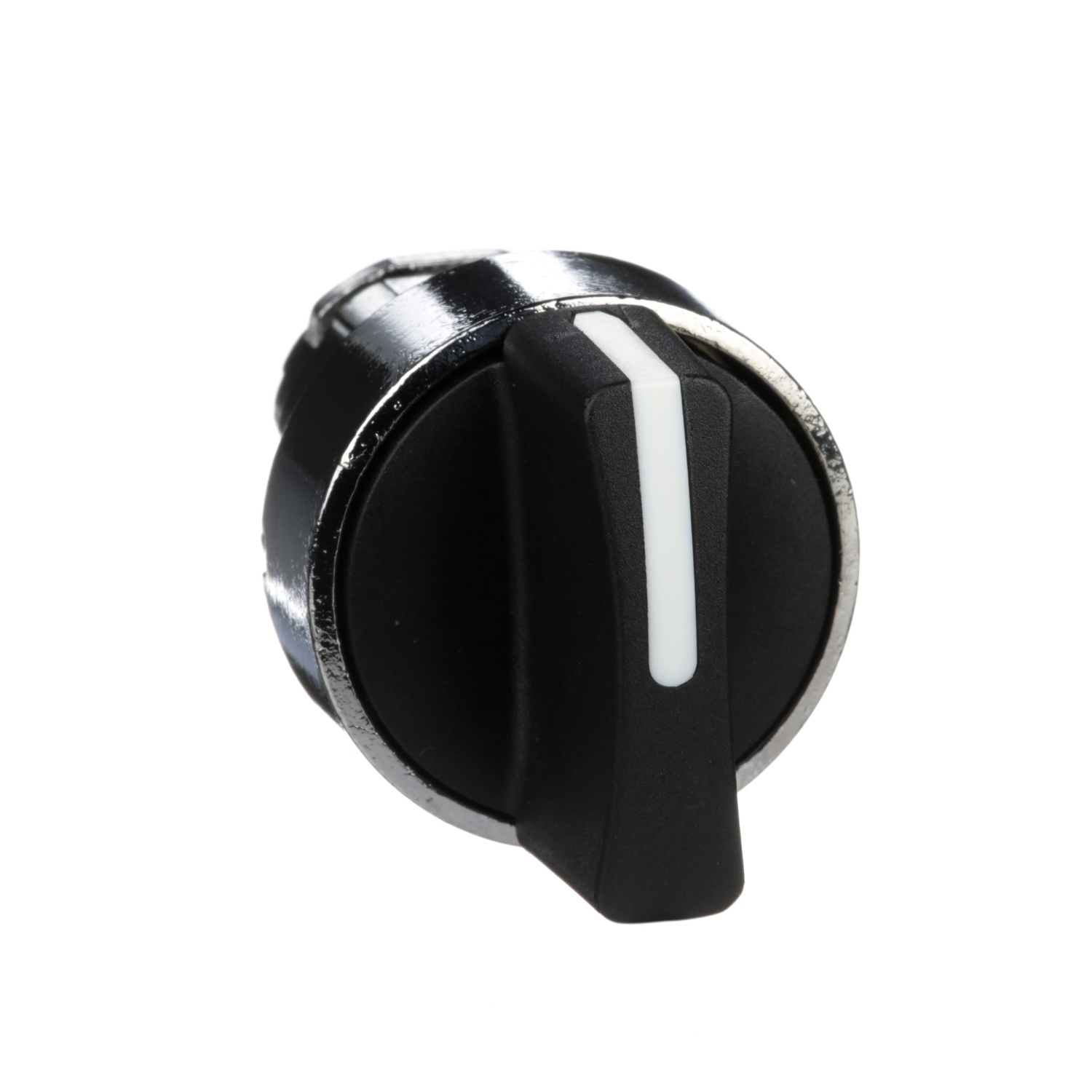
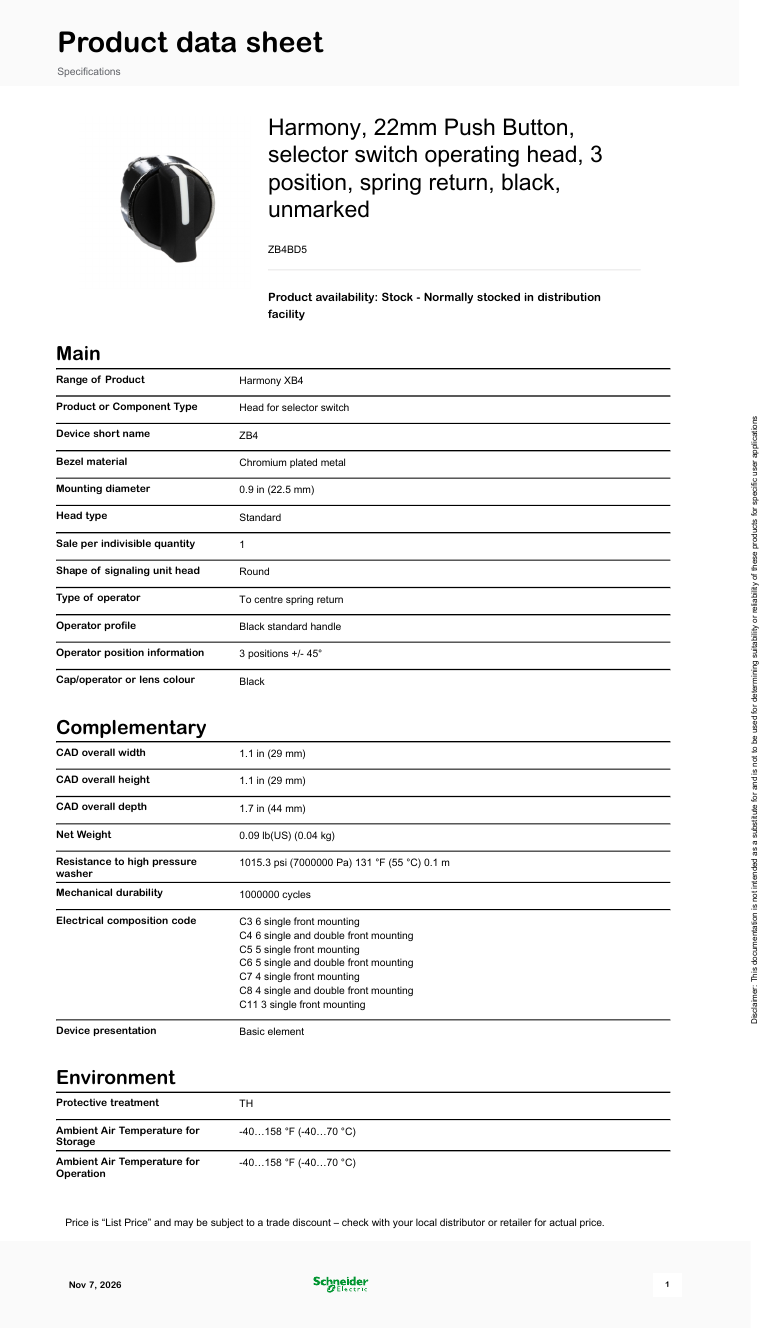
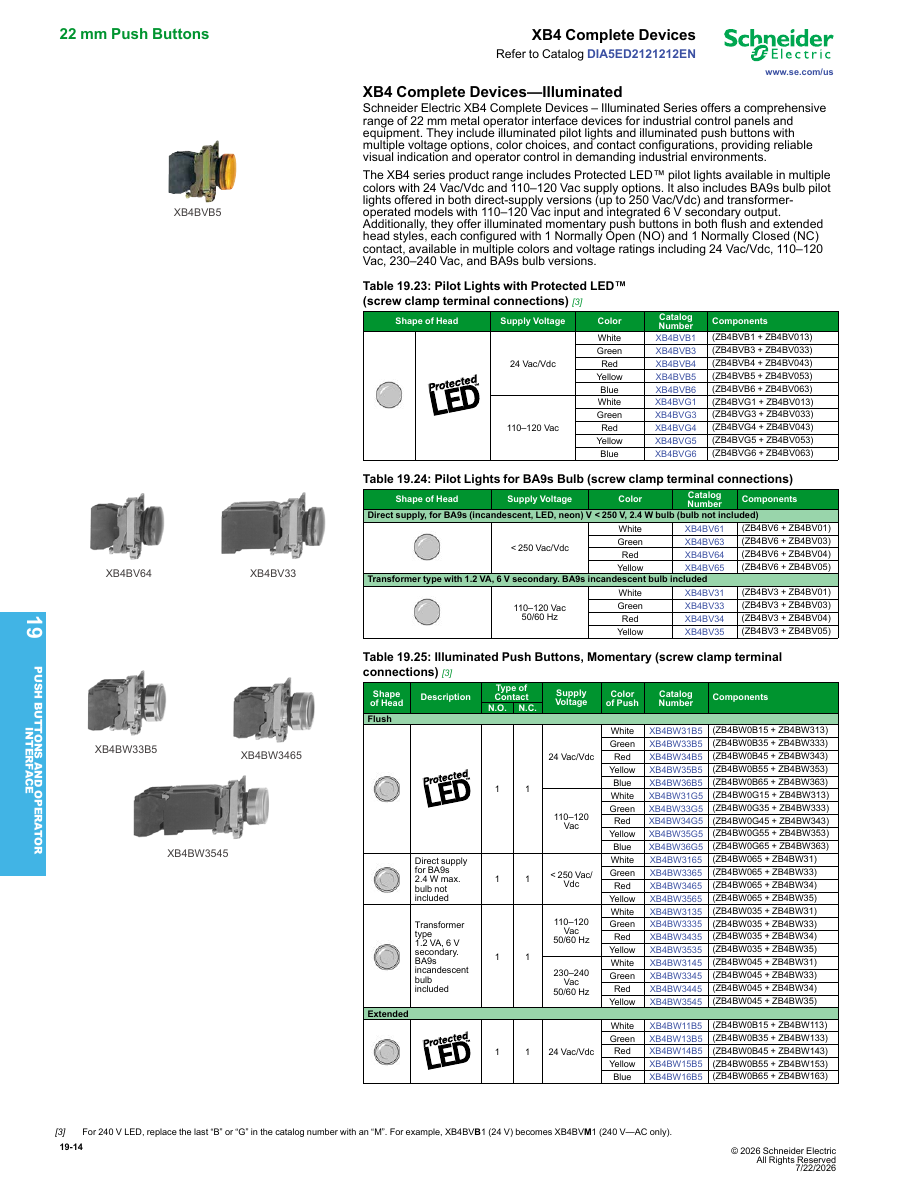
Schneider Harmony XB4 22 mm metal selector switch operating head: black standard handle, 3 positions (±45°), spring return to centre. Head only — contact blocks and the body/fixing collar are ordered separately.
การใช้งานทั่วไป
Selector switch head (3 positions, spring return to centre) for momentary left/right commands on 22 mm machine panels; needs a Harmony XB4 body with contacts (complete unit XB4BD53).
บันทึกการวิจัย
สิ่งที่มันเป็น
หัวควบคุมของสวิตช์เลือกโลหะขนาด 22 มม. จากซีรีส์ Harmony XB4 ของ Schneider Electric มีเบเซลโลหะชุบโครเมียมและมือจับมาตรฐานสีดำที่มีสามตำแหน่ง ห่างกัน 45° เมื่อหมุนไปทางซ้ายหรือขวา มือจับจะสปริงกลับสู่ศูนย์กลางเมื่อปล่อย เหมาะสำหรับคำสั่งชั่วคราวที่ไม่ควรเปิดค้างไว้ เช่น Jog Left / Off / Jog Right หรือ Lower / Stop / Raise
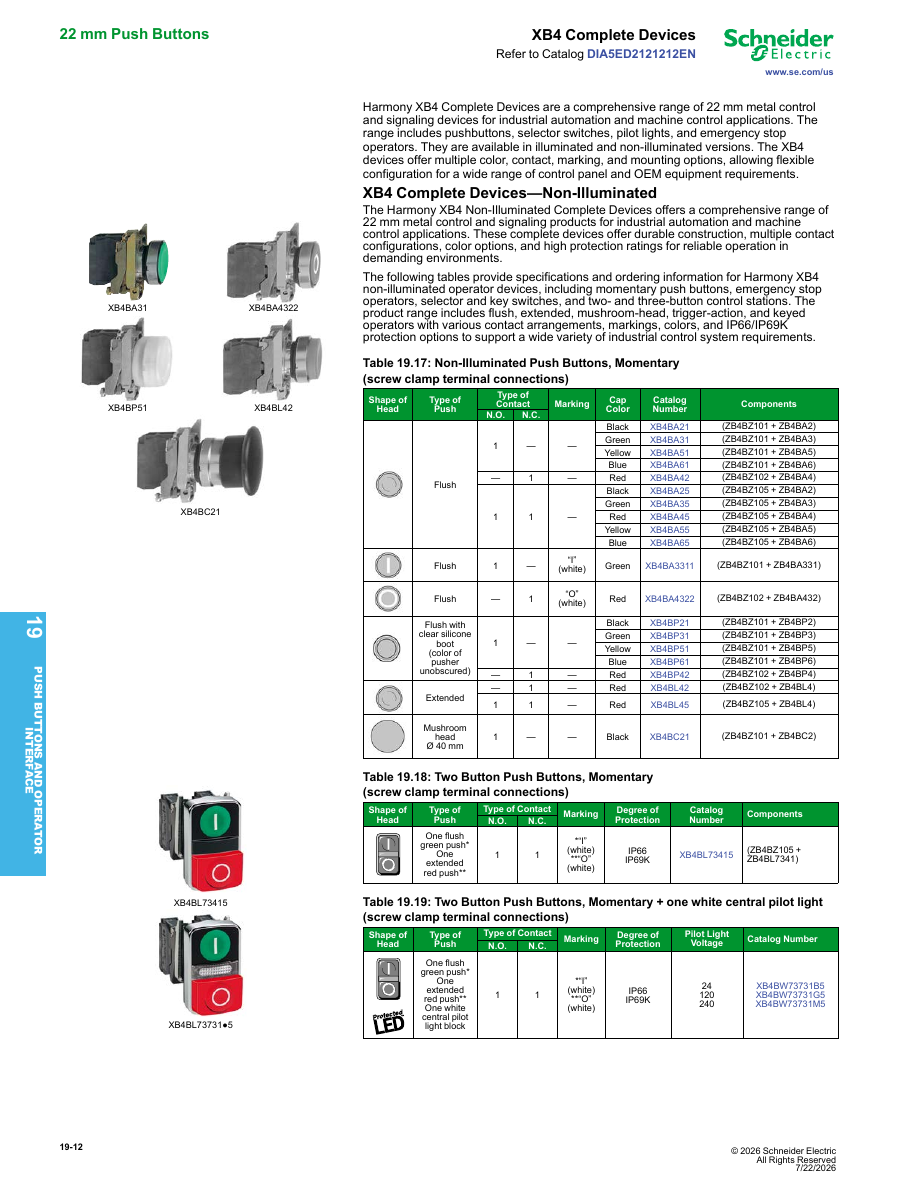
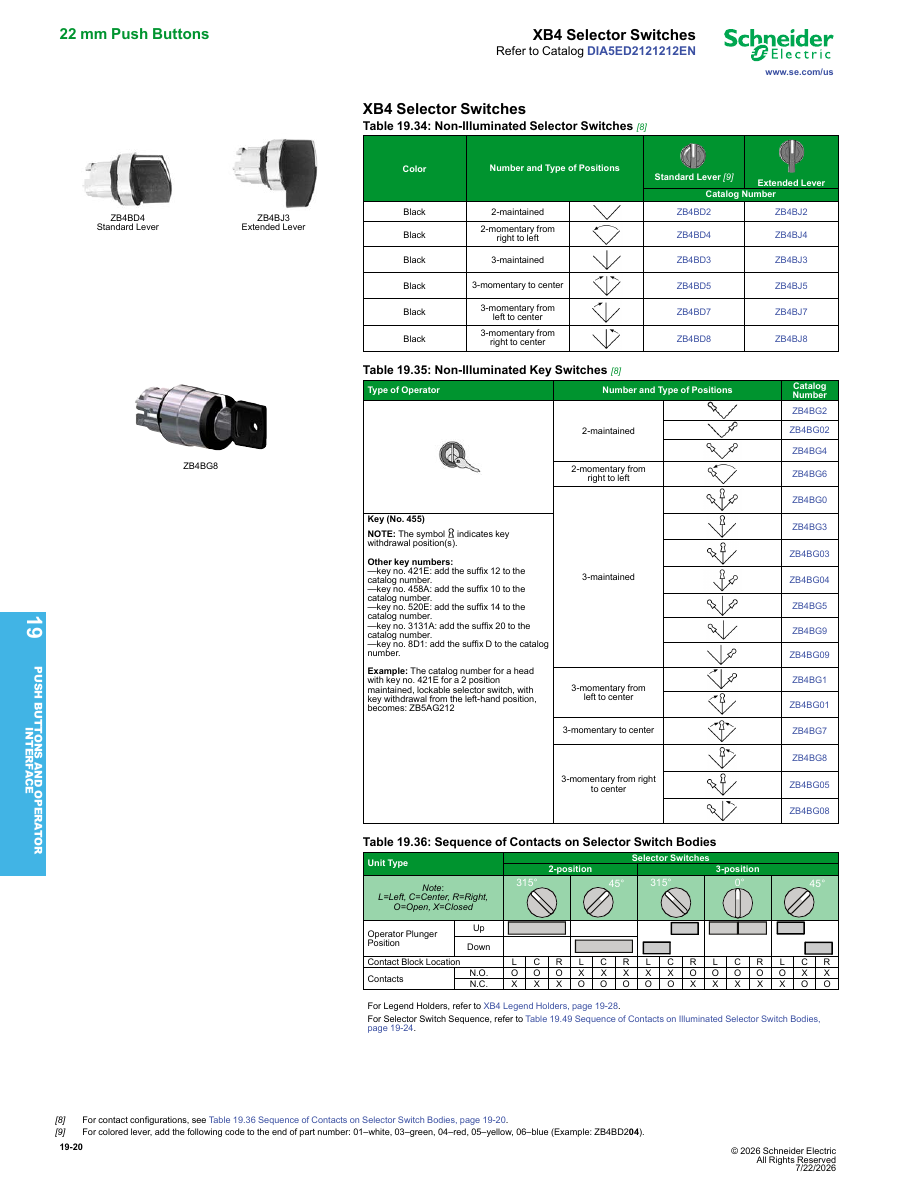
เป็นเพียงหัวเท่านั้น ไม่มีหน้าสัมผัสและไม่มีคอลลาร์ยึด คุณต้องเพิ่มตัวถัง ZB4BZ พร้อมบล็อกหน้าสัมผัส หรือซื้อชุดสมบูรณ์ XB4BD53 (ZB4BD5 + ZB4BZ103, หน้าสัมผัส NO 2 ตัว)
ข้อมูลจำเพาะหลัก (ข้อมูลจาก Schneider)
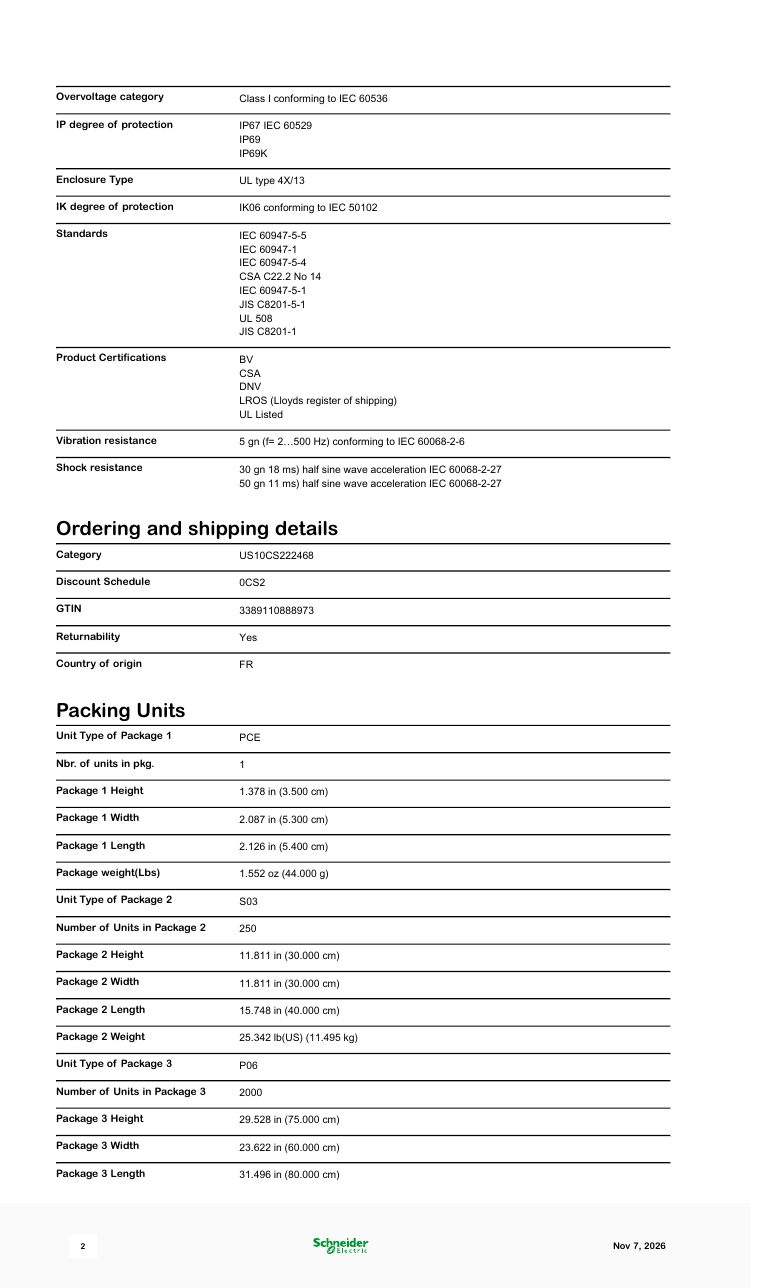
- ตำแหน่ง: 3, ±45°, สปริงกลับสู่ศูนย์กลางจากซ้ายและขวา
- มือจับ: มาตรฐาน (สั้น), สีดำ
- อายุการใช้งานทางกล: 1,000,000 ครั้ง
- การป้องกัน (หัว): IP67, IP69, IP69K; UL Type 4X/13
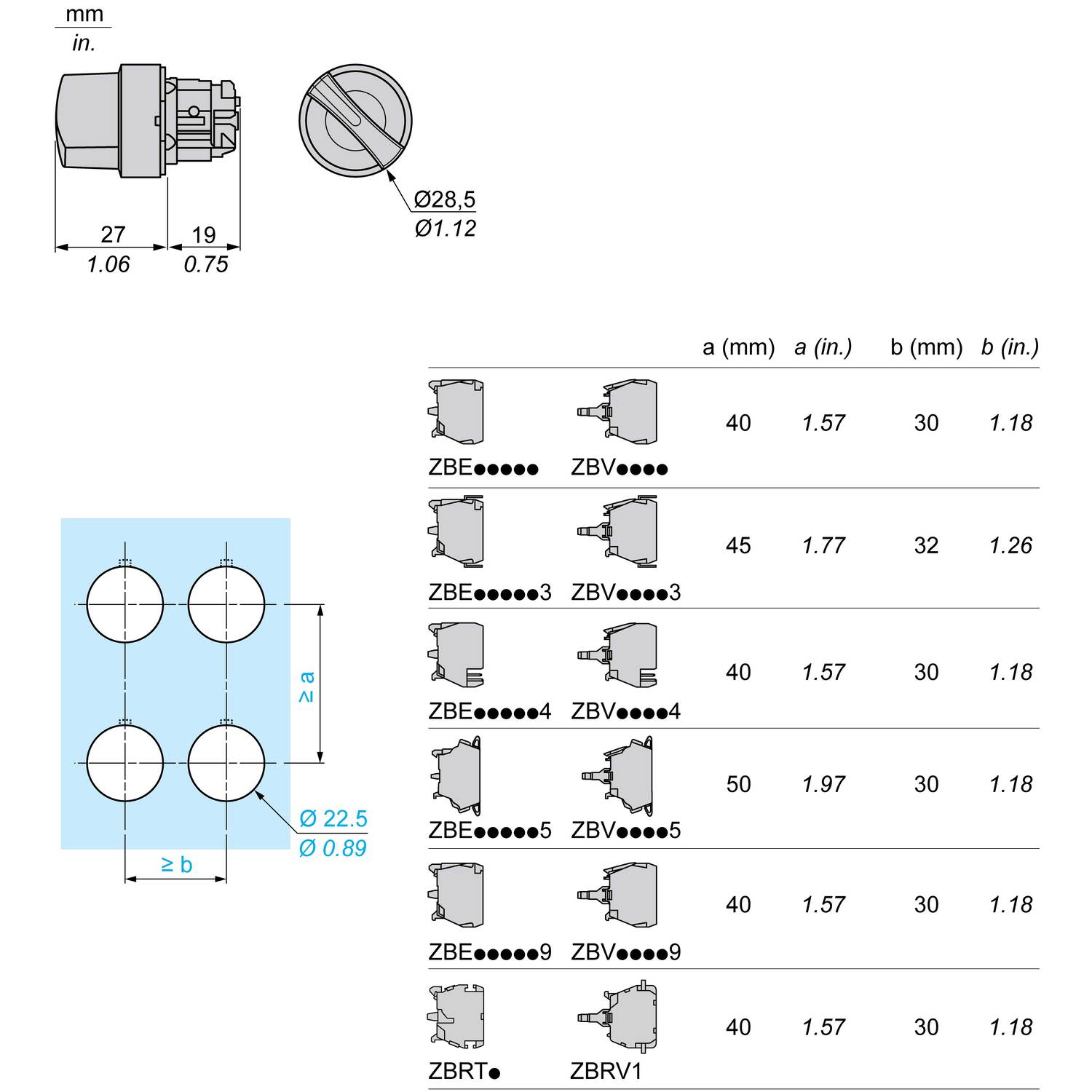
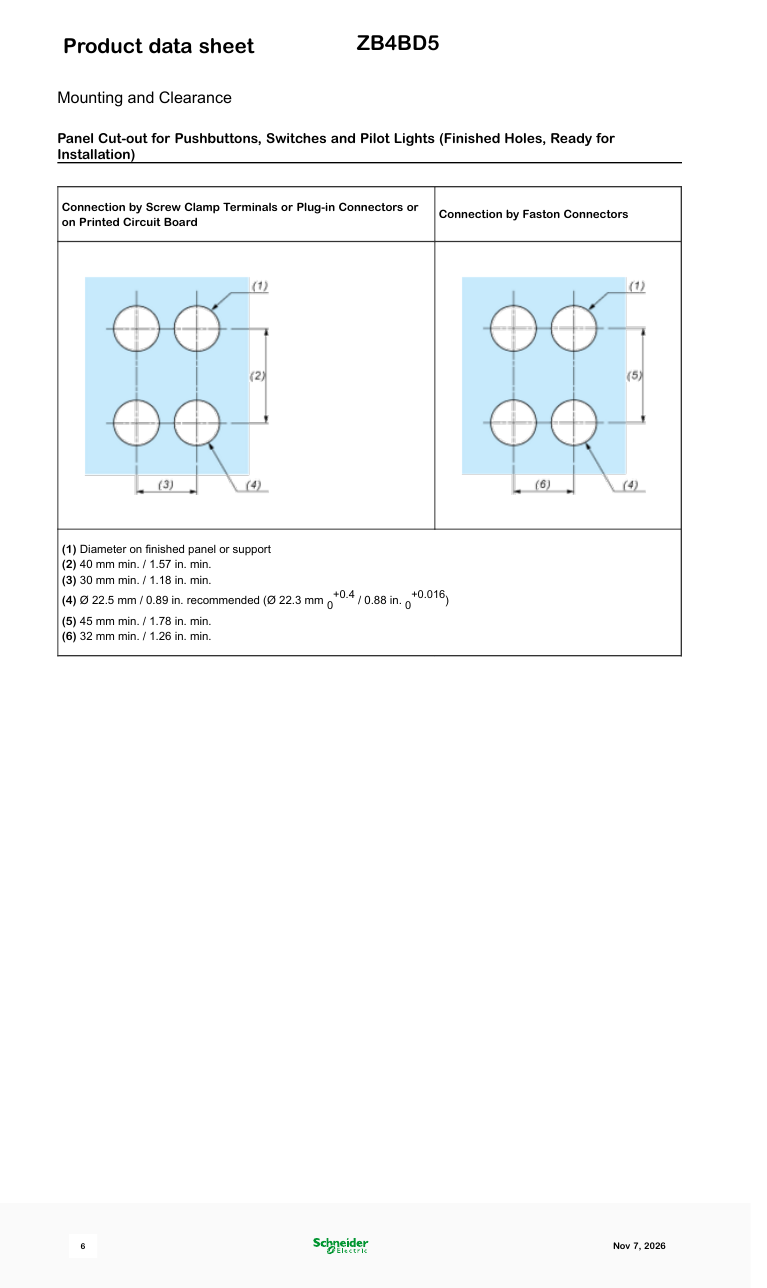
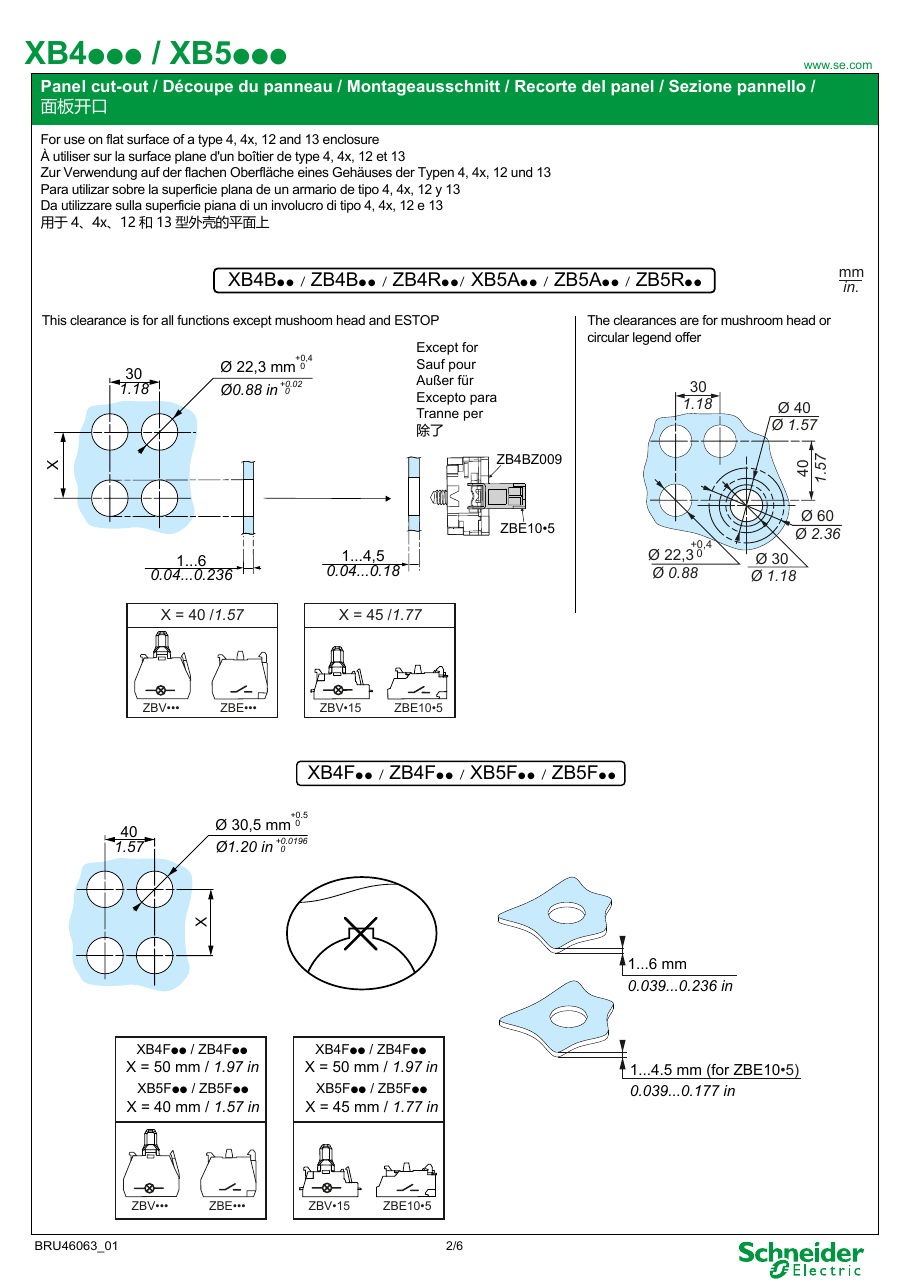
- การติดตั้ง: รู 22 มม. (แนะนำ 22.5 มม.)
- น้ำหนัก: 40 กรัม
- ตัวถัง / หน้าสัมผัส: ตัวถัง Harmony XB4 ใดๆ (ZB4BZ…) พร้อมบล็อกหน้าสัมผัส ZBE; ข้อมูลระบุองค์ประกอบไฟฟ้าที่เป็นไปได้
- รหัส: EAN 3389110888973; ประเทศต้นทาง ฝรั่งเศส
สถานะและราคา
ใช้งานได้; "ปกติมีสต็อกในการจัดจำหน่าย" ตามข้อมูลจาก Schneider (พฤศจิกายน 2026)
ราคาที่พบในเดือนพฤศจิกายน 2026:
- สหรัฐอเมริกา: Amazon $19.43; Zoro $21.69; Newark $44.64; รายการแท้บน eBay $30–75
- ยุโรป: Automation24 €10.00 (ราคาธุรกิจ); RS €13.92 (เนเธอร์แลนด์, เบลเยียม) ถึง €19.72 (สเปน); Farnell €16.73, UK £25.79; Mouser €18.58 (49 ชิ้นในสต็อก); Conrad €20.99; eBay UK £9–12, Germany €7–10
- อื่นๆ: รัสเซีย 600–700 ₽ (Wildberries, Avito); อินโดนีเซียประมาณ Rp500,000 (Tokopedia)
ส่วนที่เกี่ยวข้อง
- ชุดสมบูรณ์ที่มีหัวนี้: XB4BD53 (ZB4BD5 + ZB4BZ103, 2 NO)
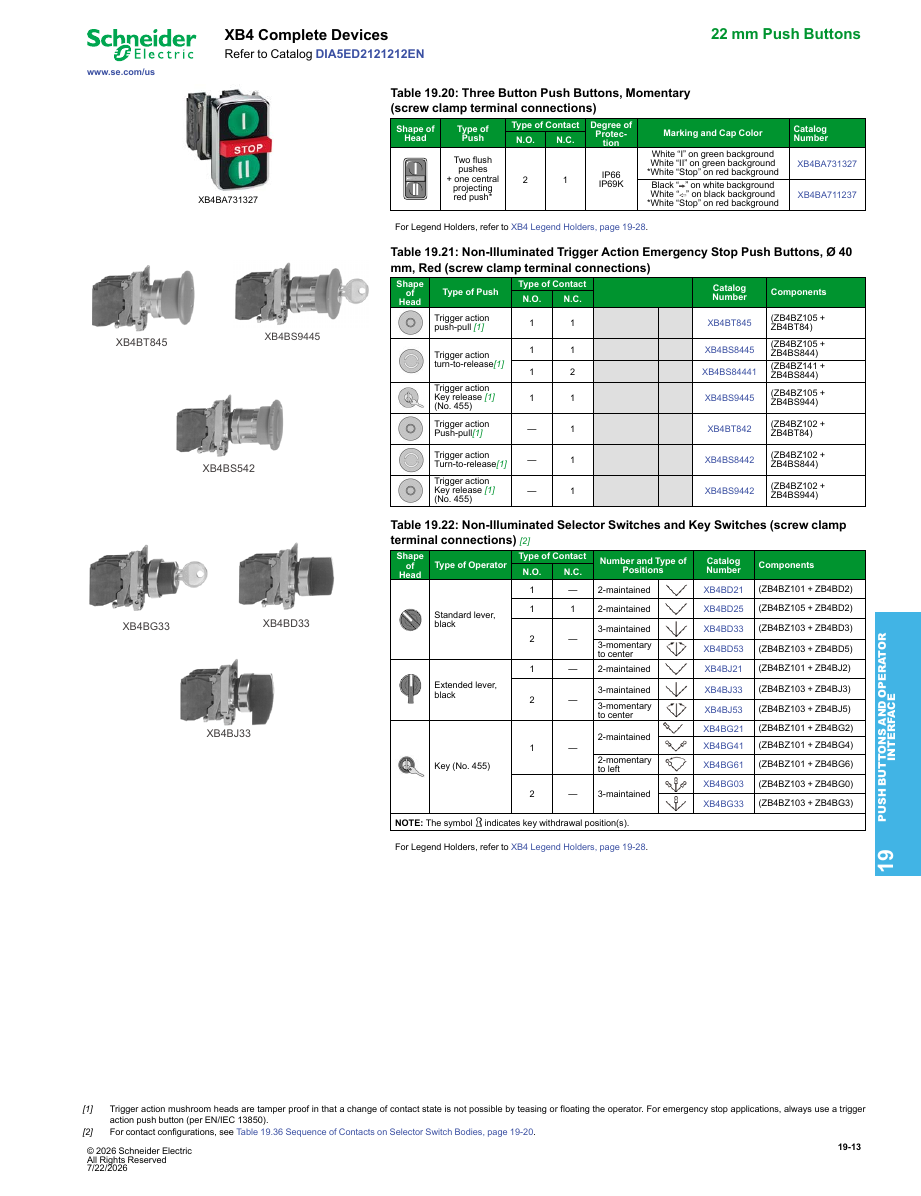
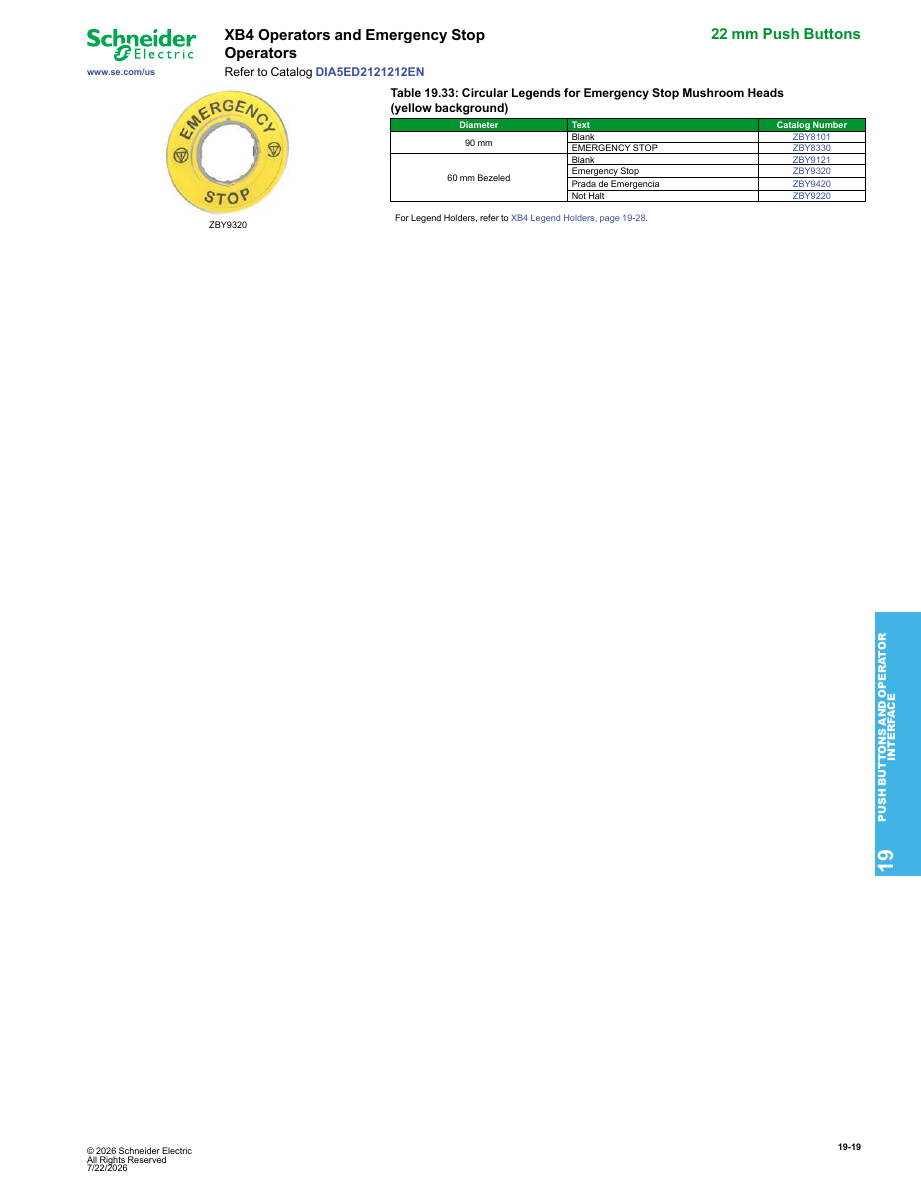
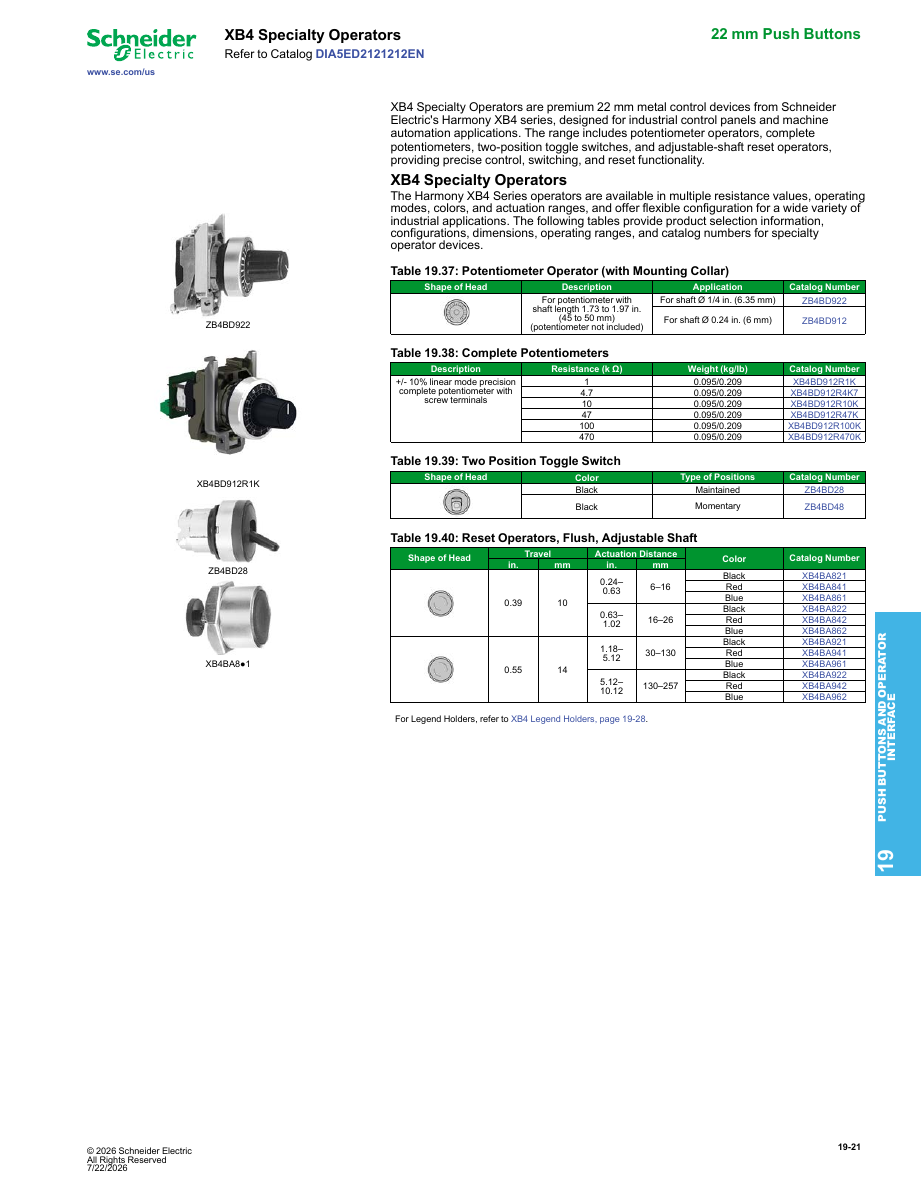
- หัวสวิตช์เลือก XB4 อื่นๆ (มือจับมาตรฐานสีดำ): ZB4BD2 (2 ตำแหน่ง, ค้างไว้), ZB4BD3 (3 ตำแหน่ง, ค้างไว้), ZB4BD4 (2 ตำแหน่ง, สปริงกลับจากขวาไปซ้าย), ZB4BD7 / ZB4BD8 (3 ตำแหน่ง, ค้างไว้ด้านหนึ่ง, สปริงกลับจากอีกด้าน)
- ตัวถัง: ZB4BZ103 (2 NO), ZB4BZ101 (1 NO), ZB4BZ105 (1 NO + 1 NC)
- พลาสติกเทียบเท่า: ZB5AD5 (Harmony XB5)
- เทียบเท่าตลาดรัสเซีย: KEAZ OptiSignal D22 A4-S-5 (332221), "3 ตำแหน่งพร้อมการกลับ, โลหะ, ZB4BD5", จากประมาณ 400 ₽. Systeme Electric ยังขายภายใต้รหัส ZB4BD5 ในรัสเซีย
ที่ใช้
- เป็นหัวของสวิตช์เลือก XB4BD53 บนแผงเครื่องจักร สำหรับฟังก์ชัน Jog หรือ Raise/Lower ที่ไม่ควรเปิดค้างไว้
- ปรากฏเป็นอะไหล่สำหรับการบำรุงรักษาในสัญญาของรัฐบาลโปรตุเกส ถัดจากหัว Harmony อื่นๆ และสถานีควบคุม Schneider XALD324
ข้อควรทราบในการซื้อ
- เฉพาะหัว ไม่สามารถต่อสายได้ตามที่เป็นอยู่ ต้องสั่งซื้อตัวถังและบล็อกหน้าสัมผัสด้วย หรือซื้อชุดสมบูรณ์ XB4BD53
- แท้หรือเลียนแบบ? ประมาณครึ่งหนึ่งของรายการตลาดที่เราเห็นที่ใช้ชื่อ "ZB4BD5" ระบุว่าเป็นของ Schneider ส่วนที่เหลือส่วนใหญ่เป็นรายการหลายรหัสจากจีน เช่น "Select Button ZB4BD2 BD3 BD4/BD5 XB4BD21/33/41/53/25" (ประเทศต้นทางจีน), หรือ "ZB4-BD5" บน AliExpress ที่ $3–15
- ข้อมูลจากเอกสารเทียบกับร้านค้า: บางร้านค้าอ้างถึง IP65 (ข้อมูลจากแคตตาล็อกเก่า) หรือ IK03 (ระดับการป้องกันของพลาสติก XB5) สำหรับหัวโลหะนี้ ควรใช้ข้อมูลจากเอกสาร
ความเห็นจากผู้ใช้
- "Perfetto — เหมือนกับคำอธิบายทุกประการ" (Amazon, 5★, ยืนยันแล้ว, อิตาลี, เมษายน 2024)
- "ใช้งานได้ดี" (Amazon Germany, 5★, ยืนยันแล้ว, อิตาลี, ตุลาคม 2023)
- รายการแท้บน Amazon (B001GPCEMA) ได้รับคะแนน 5.0★ จาก 3 การให้คะแนน
แหล่งที่มา
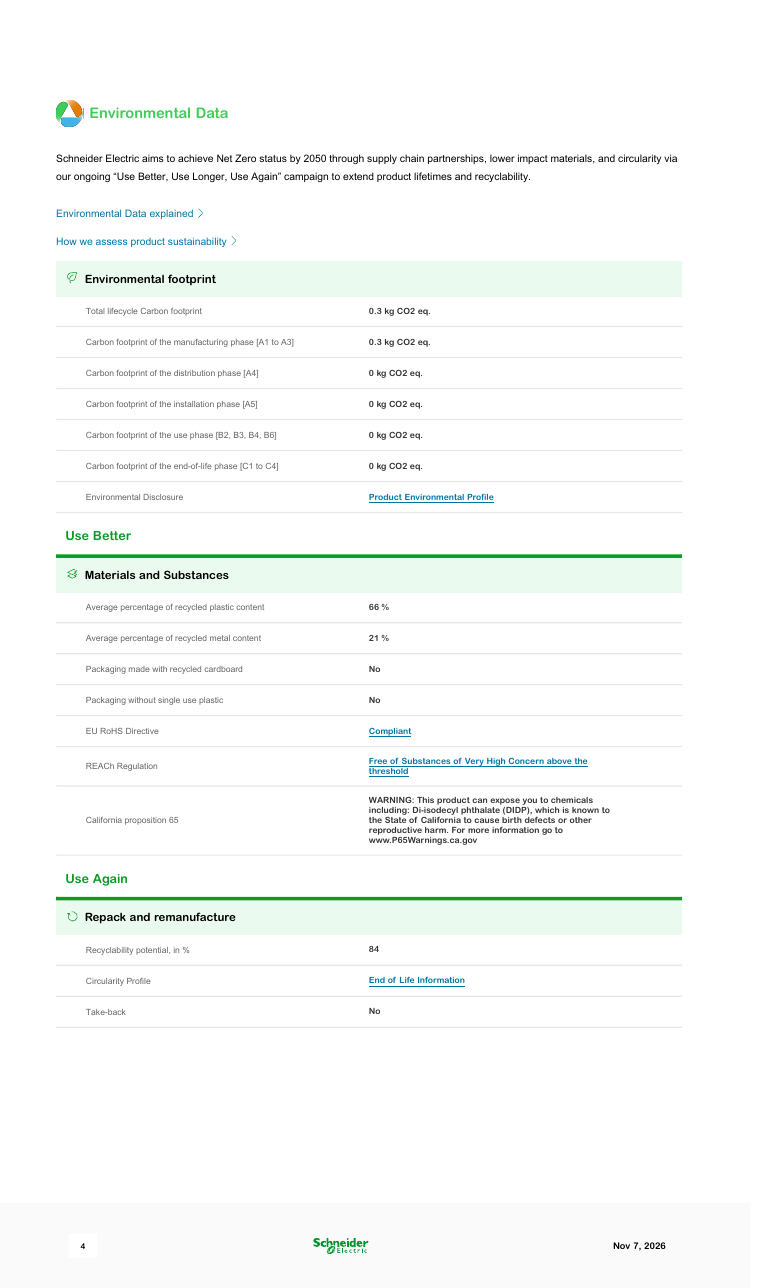
- Schneider Electric product page and datasheet: ZB4BD5 (November 2026) — Schneider Electric
- Harmony catalogue: XB4BD53 = ZB4BZ103 + ZB4BD5 — Schneider Electric (Mouser copy)
- KEAZ OptiSignal D22 A4-S-5 (332221), sold as the ZB4BD5 equivalent — KEAZ
- ZB4BD5 sold as Systeme Electric in Russia — SvetElektro
- Amazon: genuine ZB4BD5 listing and reviews — Amazon
- Newark: ZB4BD5 price (November 2026) — Newark
- Amazon: multi-code 'Select Button ZB4BD2 BD3 BD4/BD5 …' look-alike listings (November 2026) — Amazon
เกี่ยวกับกลุ่มผลิตภัณฑ์ Harmony XB4
ใช้ได้กับทุกส่วนของผลิตภัณฑ์ ไม่เพียงแต่ ZB4BD5 เท่านั้น
ช่วงผลิตภัณฑ์คืออะไร
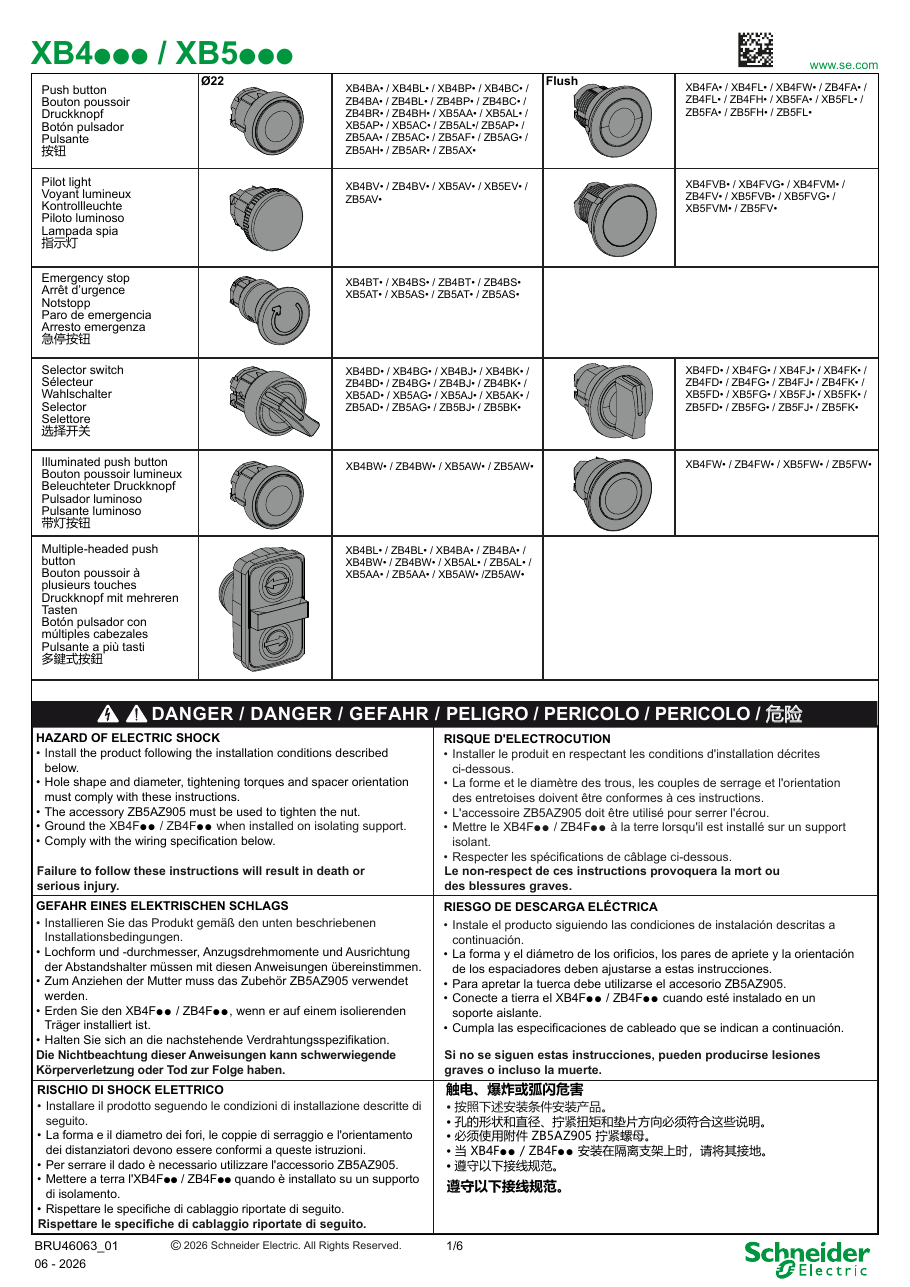
Harmony XB4 คือช่วงผลิตภัณฑ์ของ Schneider Electric สำหรับปุ่มกดโลหะขนาด 22 มม., สวิตช์เลือก, สวิตช์กุญแจ, ปุ่มหยุดฉุกเฉิน และไฟสัญญาณ ที่มีเบเซลโลหะชุบโครเมียม (หรือสีดำ) ส่วนเก่าและร้านค้าหลายแห่งยังคงใช้ชื่อ Telemecanique ฟังก์ชันเดียวกันนี้มีในรูปแบบ 30 มม. ติดตั้งแบบฝัง (XB4F / ZB4F) และ Harmony XB5 คือคู่แฝดพลาสติกที่มีฉนวนสองชั้นของช่วงผลิตภัณฑ์นี้
วิธีการประกอบหมายเลขชิ้นส่วน
- ชุดสมบูรณ์ = ตัวถัง + หัวสวิตช์ XB4BA31 คือตัวถังพร้อมหน้าสัมผัส (ZB4BZ101) และหัวสวิตช์ (ZB4BA3) คุณยังสามารถซื้อชิ้นส่วนทั้งสามแยกกันได้: คอลลาร์ยึด ZB4BZ009, บล็อกหน้าสัมผัส ZBE101 และหัวสวิตช์
- เปลี่ยนหนึ่งตัวอักษรเพื่อเปลี่ยนวิธีการติดตั้ง: ZB4B… คือหัวสวิตช์มาตรฐานขนาด 22 มม., ZB4F… คือเวอร์ชันฝังขนาด 30 มม. (ZB4BA3 → ZB4FA3)
- เบเซลโลหะสีดำ: เพิ่มเลข 7 ที่หัวสวิตช์ (ZB4BD2 → ZB4BD27)
- เทอร์มินัลแบบดันเข้า: ชุดสมบูรณ์ที่ลงท้ายด้วยเลข 5 ใช้บล็อกหน้าสัมผัสแบบดันเข้า (XB4BD335 แทน XB4BD33)
- หัวสวิตช์เลือก: ZB4BD2 สองตำแหน่งคงที่; ZB4BD4 สองตำแหน่ง, สปริงกลับจากขวาไปซ้าย; ZB4BD3 สามตำแหน่งคงที่; ZB4BD5 สปริงกลับสู่กลาง; ZB4BD7 / ZB4BD8 สปริงกลับจากซ้าย / ขวาไปกลาง J แทน D คือมือจับยาว (ZB4BJ3), G คือสวิตช์กุญแจ, K คือสวิตช์เลือกที่มีไฟส่องสว่าง
- ไฟสัญญาณ: ตัวอักษรหลัง BV คือแรงดันไฟฟ้า (B = 24 V, G = 110–120 V, M = 230–240 V); ตัวเลขสุดท้ายคือสี
ตัวถังและบล็อกหน้าสัมผัส
| ตัวถังพร้อมหน้าสัมผัส | หน้าสัมผัส | บล็อกหน้าสัมผัส | ประเภท | |
|---|---|---|---|---|
| ZB4BZ101 | 1 NO | ZBE101 | NO | |
| ZB4BZ102 | 1 NC | ZBE102 | NC | |
| ZB4BZ103 | 2 NO | ZBE203 / ZBE204 / ZBE205 | คู่: 2 NO / 2 NC / NO + NC | |
| ZB4BZ104 | 2 NC | ZBE1016 / ZBE1026 | กำลังต่ำ (อินพุตอิเล็กทรอนิกส์) | |
| ZB4BZ105 | 1 NO + 1 NC | ZBE201 / ZBE202 | NO ทำการก่อน / NC ทำการช้า | |
| ZB4BZ141 | 1 NO + 2 NC | ZBE501–ZBE505 | สวิตช์กำลังสูง |
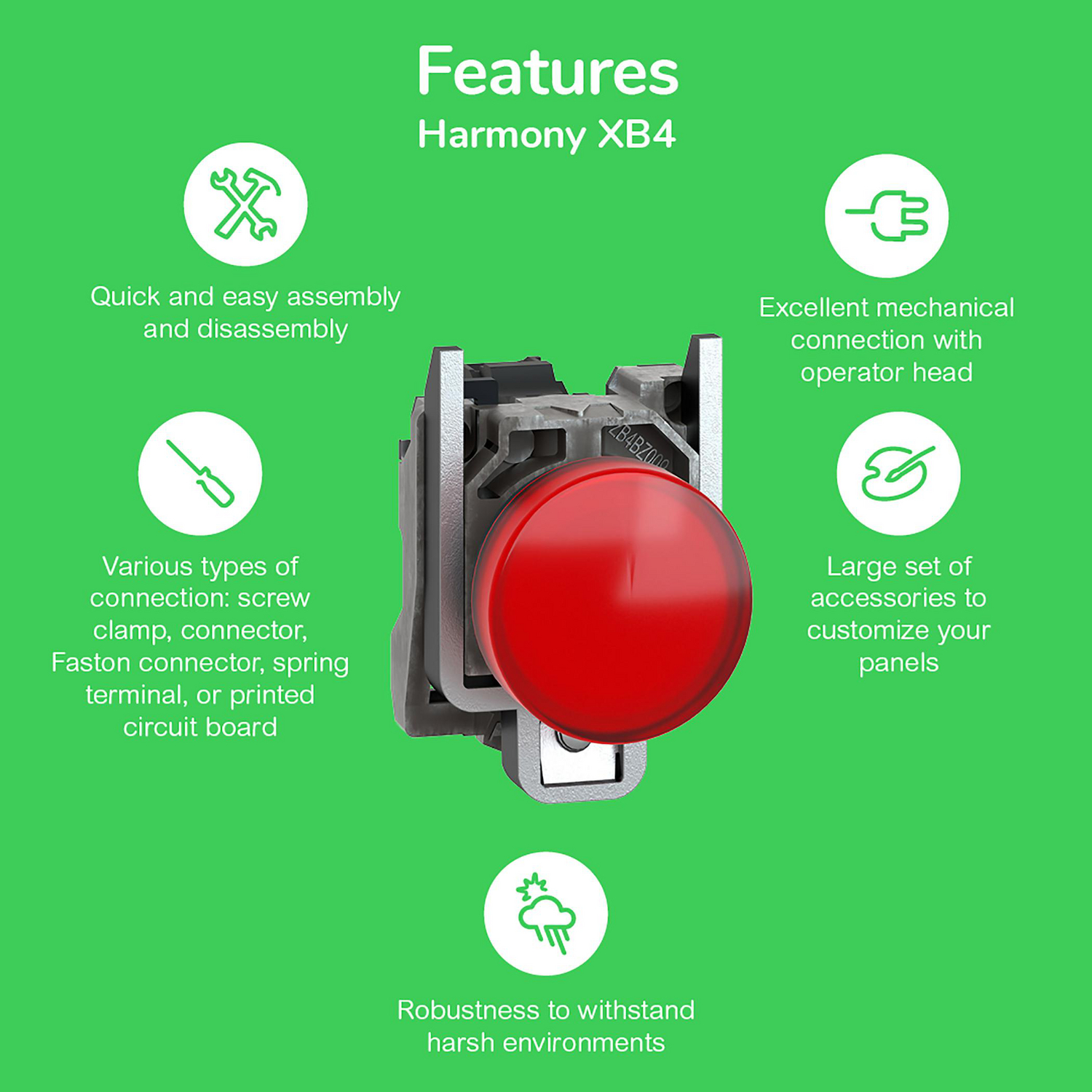
บล็อกหน้าสัมผัสสามารถคลิปเข้าได้สูงสุดสามแถว หน่วยที่มีไฟส่องสว่างใช้บล็อกไฟ LED Universal (ZBVB1 24 V, ZBVG1 110–120 V, ZBVM1 230–240 V, มีเครื่องหมาย "UN"); บล็อกเดียวใช้งานได้กับทุกสีเลนส์
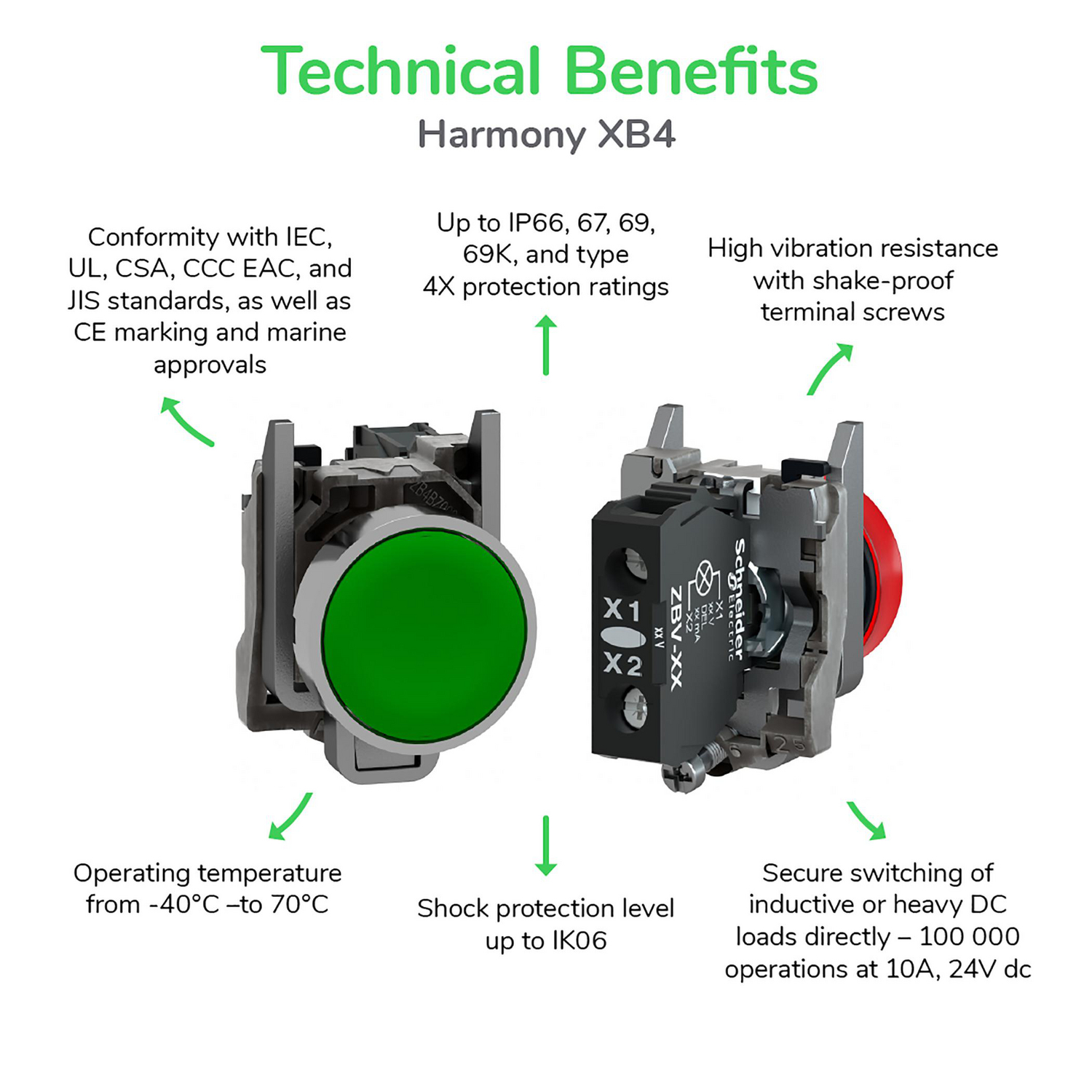
ระดับการป้องกันสำหรับช่วงผลิตภัณฑ์ทั้งหมด (แคตตาล็อก Schneider, มกราคม 2026)
- IP66, IP67, IP69, IP69K และ UL Type 4X; ทนแรงกระแทก IK06 (พลาสติก XB5: IK03)
- −40 ถึง +70 °C; สูงสุด 10 ล้านครั้งสำหรับปุ่มกด
- รูขนาด 22 มม., มีหรือไม่มีร่องป้องกันการหมุน; แผงหนา 1–6 มม.
- IEC, UL, CSA, CCC, EAC, JIS; รับรองทางทะเล (BV, Lloyd's Register, DNV)
ข้อมูลเฉพาะของแต่ละชิ้นส่วนอาจแตกต่างจากตัวเลขช่วงนี้ ตัวอย่างเช่น สวิตช์เลือก XB4BD33 มีการรับรองสำหรับ 1 ล้านรอบ
การติดตั้ง
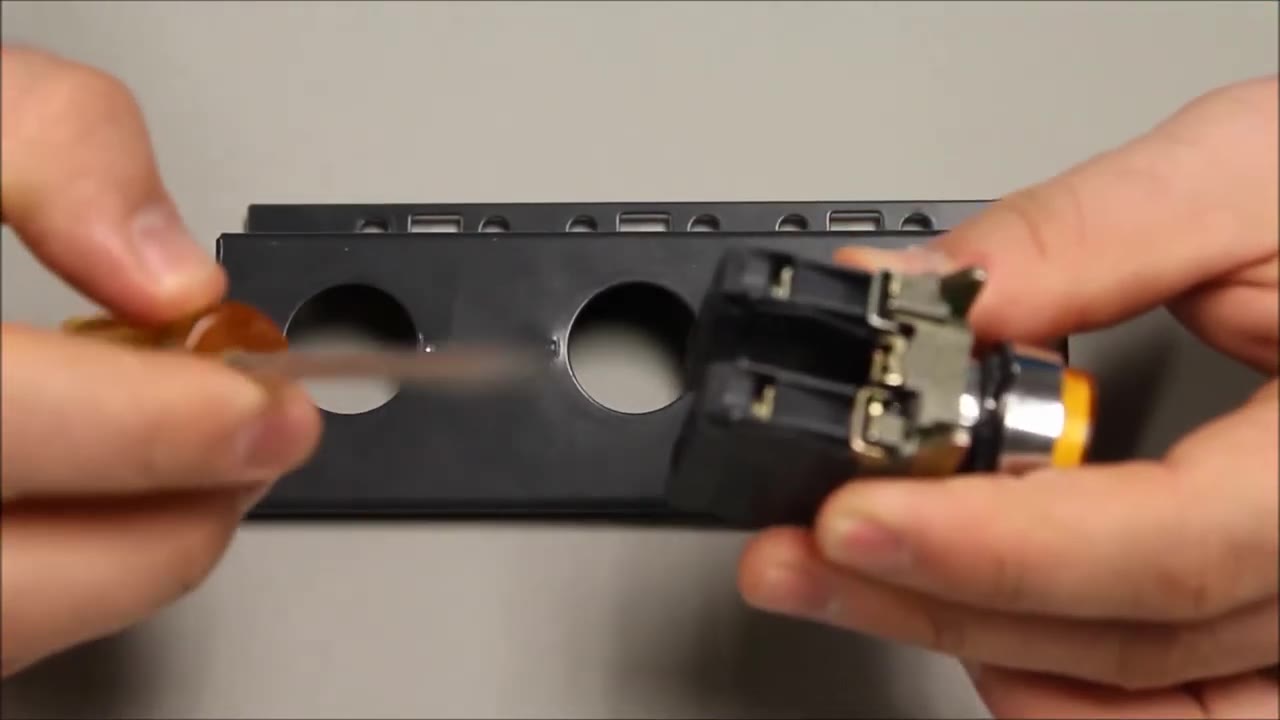
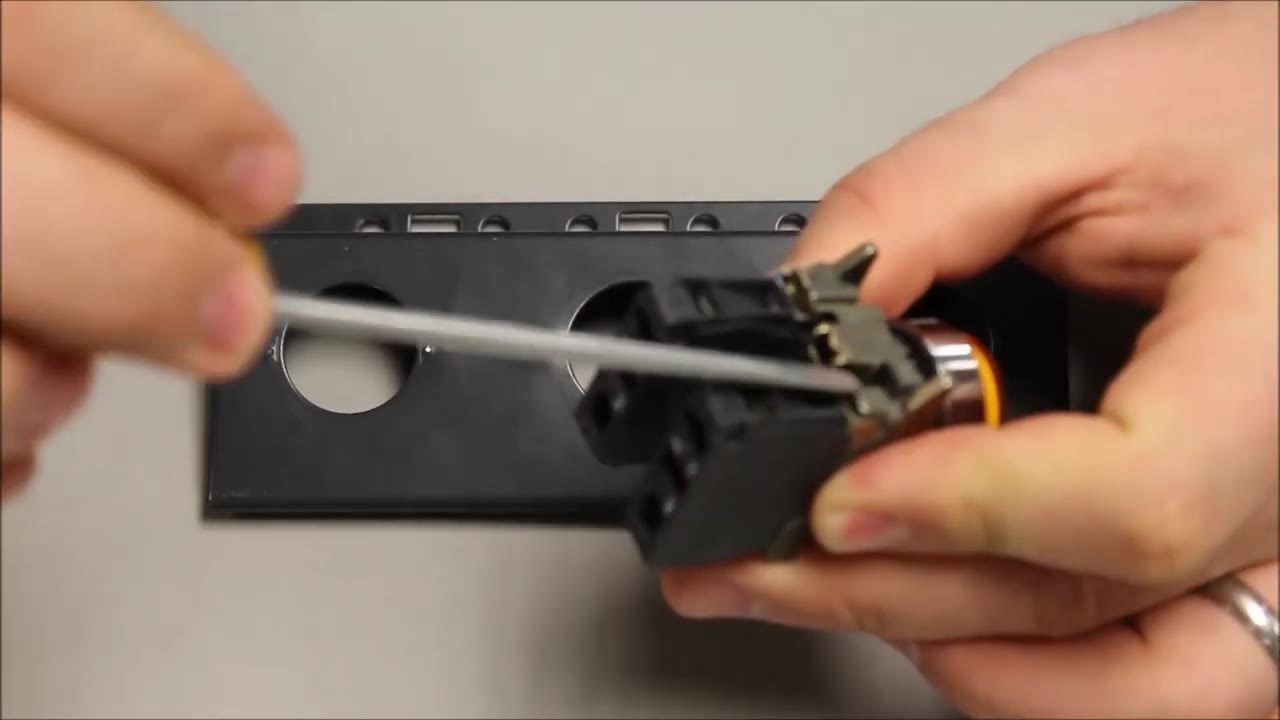
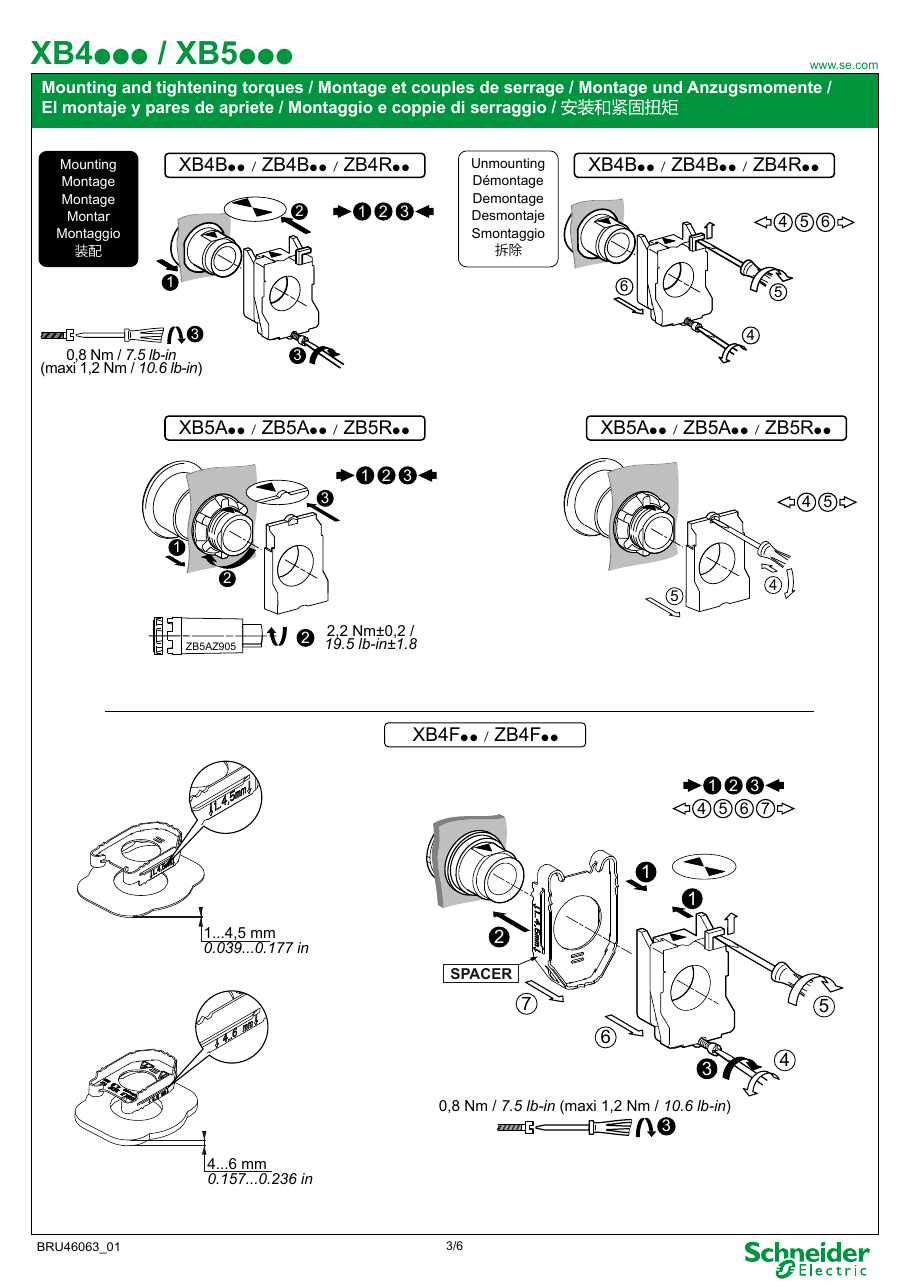
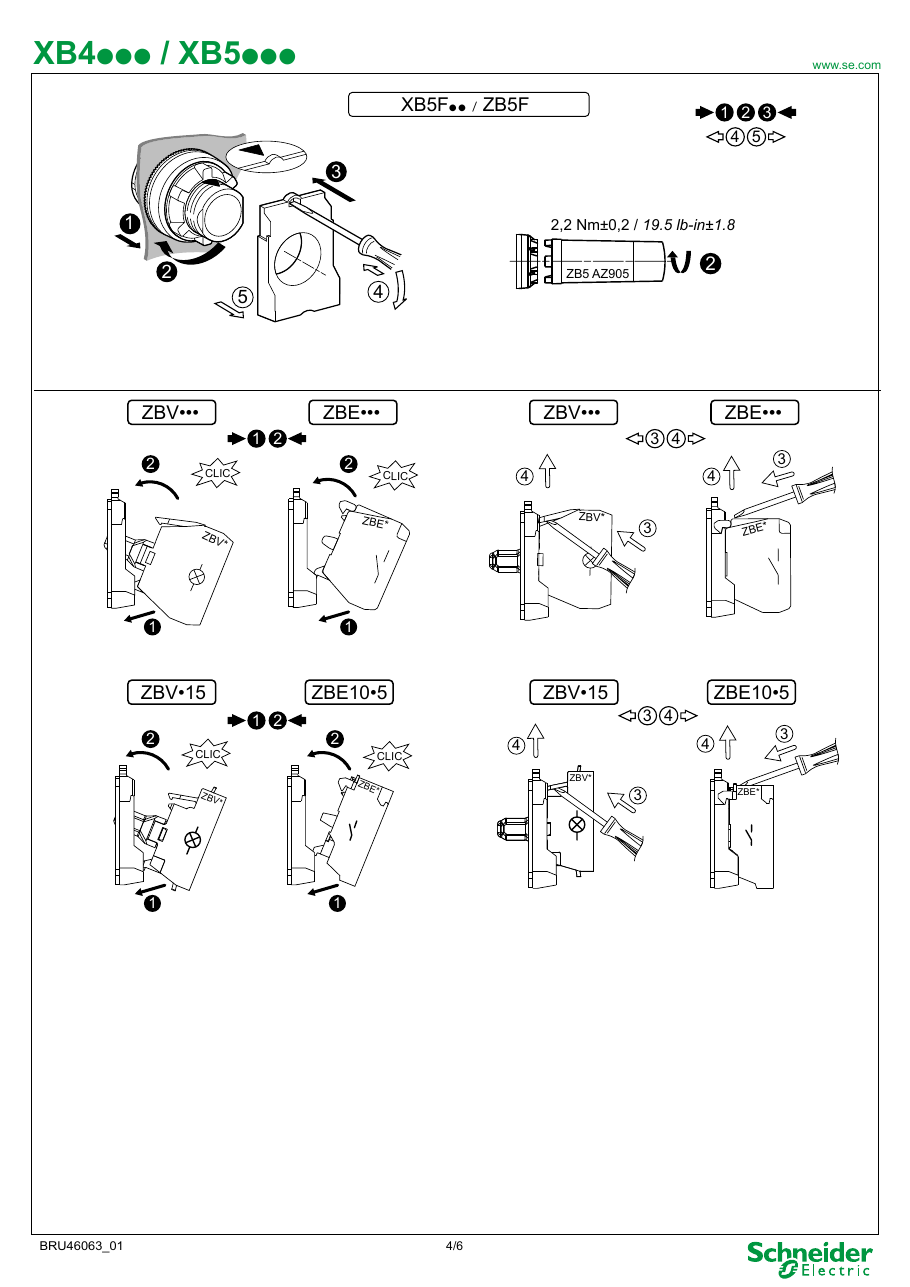
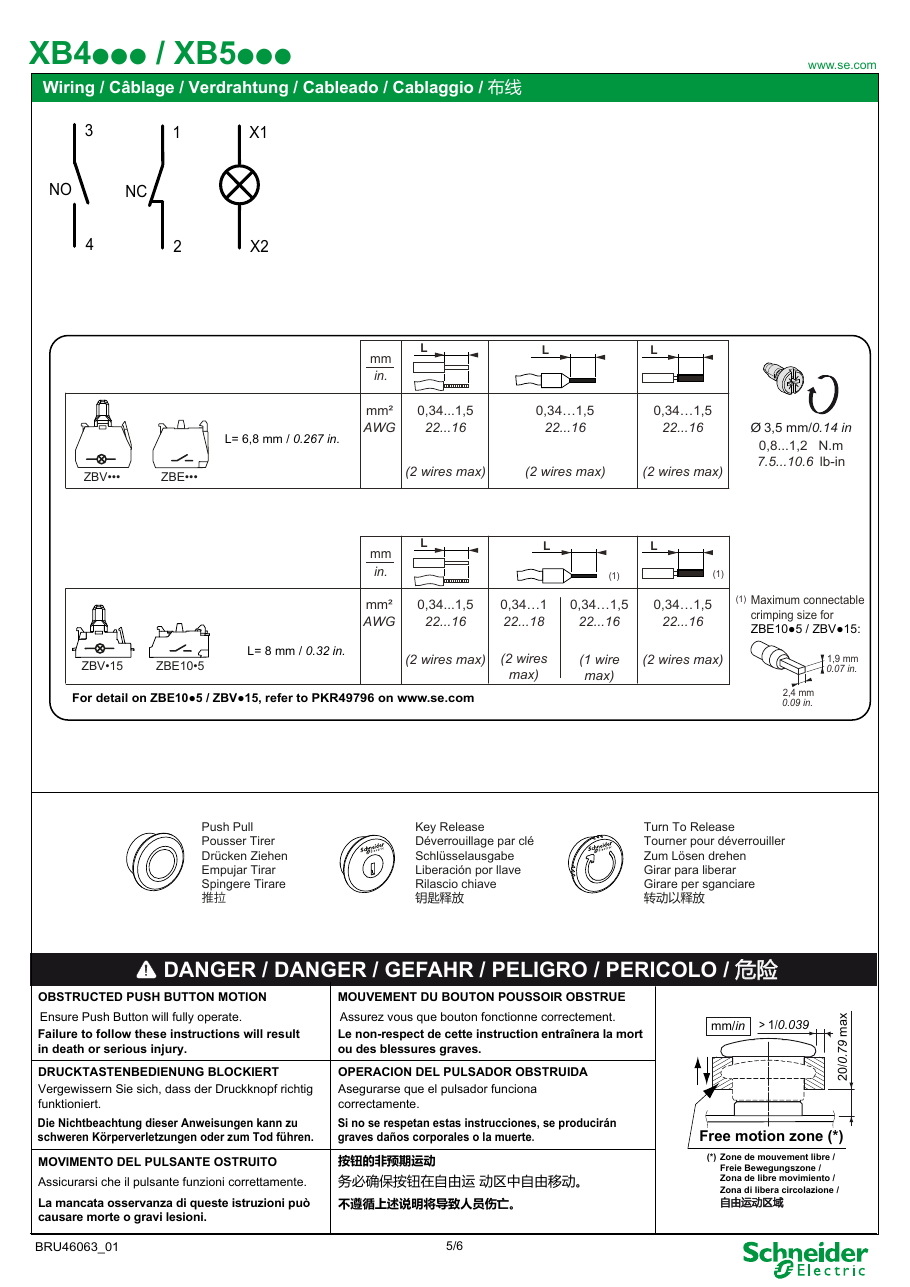
หัวสวิตช์ยึดตัวเองในรูแผง ดังนั้นหนึ่งคนสามารถติดตั้งได้ ตัวถังคลิปเข้าจากด้านหลังและถูกยึดด้วยสกรู (0.8 N·m, สูงสุด 1.2 N·m); ไม่มีน็อต, ไม่เหมือนพลาสติก XB5 ที่น็อตถูกขันด้วยเครื่องมือ ZB5AZ905 เทอร์มินัลรองรับ 0.34–1.5 mm² (AWG 22–16), สองสายต่อเทอร์มินัล, ที่ 0.8–1.2 N·m Schneider กล่าวว่าสกรูเทอร์มินัลป้องกันการคลายตัวไม่จำเป็นต้องขันใหม่เป็นระยะ ในการถอดตัวถัง, ใช้ไขควงแบนสอดเข้าไปในแท็บสีดำแล้วดึงกลับ
อุปกรณ์เสริมที่มีประโยชน์
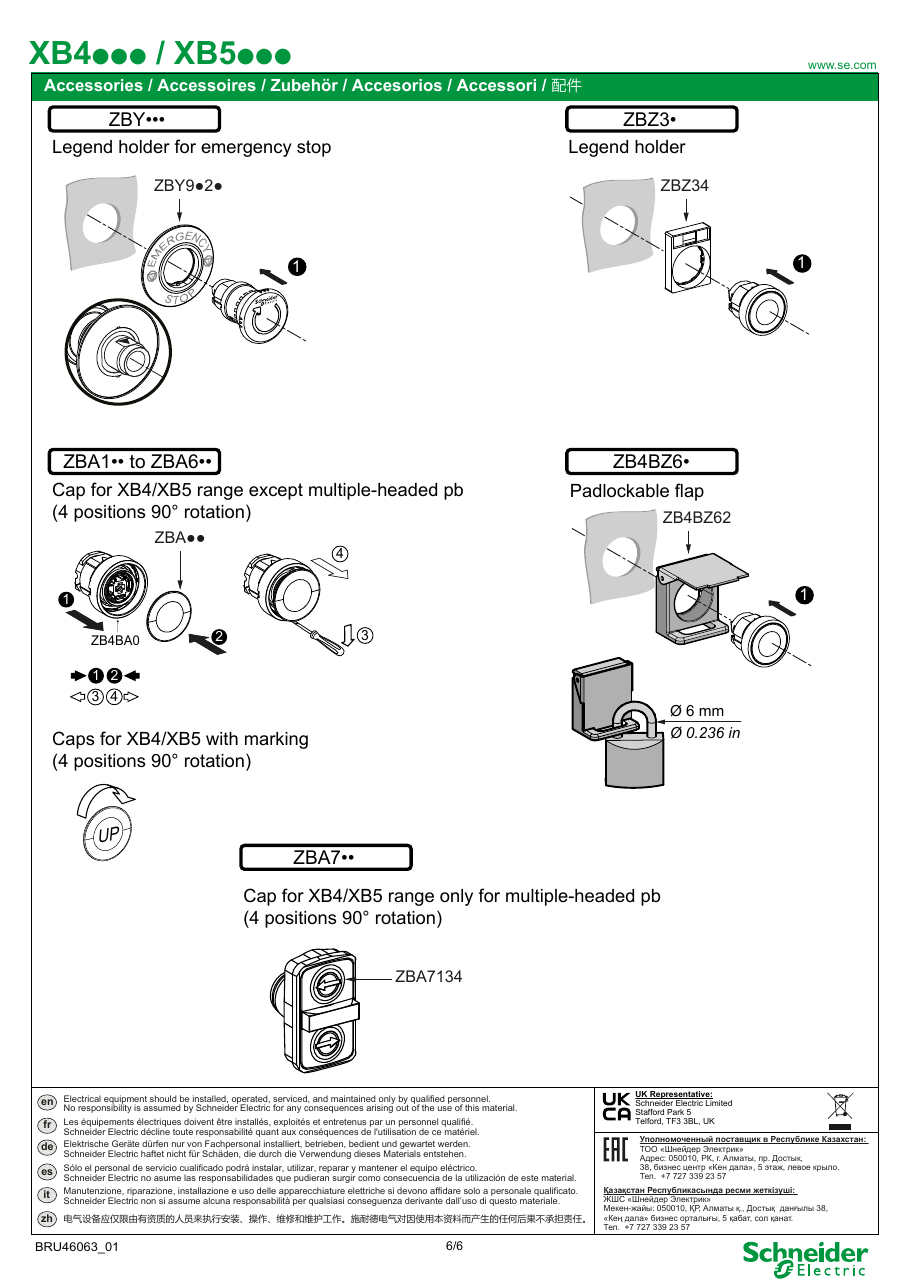
- ที่ยึดคำอธิบาย ZBZ32 (30 × 40 มม.) พร้อมคำอธิบายพิมพ์ เช่น ZBY2385 "AUTO-O-HAND", ZBY2186 "I-O-II", ZBY2178 "O-I", ZBY2303 "START", ZBY2304 "STOP"; ZBY2101 ว่างสำหรับการแกะสลัก
- ที่ป้องกัน: ZBZ2102 ที่ป้องกันพลาสติกสำหรับสวิตช์เลือกและสวิตช์กุญแจ; ZBZ1605 ที่ป้องกันโลหะสำหรับปุ่มหยุดฉุกเฉิน (สามารถล็อคด้วยกุญแจ)
- ปลั๊กปิดรู ZB4SZ3 (พร้อมคอลลาร์ ZB4BZ009) สำหรับรูที่ไม่ได้ใช้; เครื่องล้างด้วยของเหลว ZB4BZ007 ใต้หัวสวิตช์
- ชุดติดตั้งแบบฝังขนาด 30 มม. ZB4BZ021 (ปุ่มกด, ไฟสัญญาณ) และ ZB4BZ022 (สวิตช์เลือก, ปุ่มกดที่มีไฟส่องสว่าง)
โลหะ XB4 หรือพลาสติก XB5?
ทั้งสองทำหน้าที่เดียวกันและเหมาะกับรูขนาด 22 มม. เลือกโลหะสำหรับการทนต่อแรงกระแทก, การสั่นสะเทือน และความร้อน (เช่น เศษโลหะจากการเชื่อม), เลือกพลาสติกสำหรับฉนวนสองชั้นและราคาที่ต่ำกว่า; ทั้งสองมีเวอร์ชัน IP สูง Schneider China ระบุว่า XB4 เป็นการนำเข้าเท่านั้นในขณะที่ XB5 ผลิตในประเทศด้วย ช่วงผลิตภัณฑ์ราคาถูกของ Schneider คือ Easy Harmony XA2 (โลหะ) และ XB2 / XB7
ข้อควรรู้ในการซื้อ
- ของเลียนแบบ: รายการในตลาดหลายแห่งใช้รหัส XB4 สำหรับของเลียนแบบที่ไม่มีแบรนด์, ในราคาโรงงานประมาณ $1 ต่อชิ้น วิดีโอของผู้ขายที่เปรียบเทียบ "ของเลียนแบบคุณภาพสูง" กับบล็อกหน้าสัมผัสแท้แสดงให้เห็นว่าหน้าสัมผัส NO ของเลียนแบบตัดขาดในการทดสอบความต่อเนื่อง ซื้อจากผู้จัดจำหน่ายที่ได้รับอนุญาตและตรวจสอบเครื่องหมาย Schneider
- IP66 เทียบกับ IP67/IP69K: หัวข้อส่วนของแคตตาล็อกระบุ IP66 สำหรับกลุ่มผลิตภัณฑ์ทั้งหมด, ในขณะที่ข้อมูลเฉพาะของแต่ละชิ้นส่วนระบุ IP67, IP69 และ IP69K ร้านค้าคัดลอกตัวเลขใดตัวเลขหนึ่ง
- รหัสที่ยกเลิกและหายไป: ชุดสมบูรณ์บางชุดไม่มีการผลิตอีกต่อไป เช่น XB4BD73 (มกราคม 2022) หัวสวิตช์มักยังคงขายได้ ดังนั้นสวิตช์สามารถประกอบจากหัวสวิตช์ + ตัวถัง
- ปัญหาในการใช้งาน: เราไม่พบรูปแบบความล้มเหลวซ้ำซ้อนสำหรับช่วงผลิตภัณฑ์นี้ในฟอรัมและรีวิวที่เราอ่านได้; ข้อร้องเรียนที่เราพบคือเกี่ยวกับของเลียนแบบและรายการที่ผิด
แหล่งที่มา
- Harmony XB4 metal Control and signaling units catalog (DIA5ED2121212EN, January 2026) — Schneider Electric
- Instruction sheet XB4/XB5 - mounting and tightening torques (BRU46063) — Schneider Electric
- XB4BD73 - discontinued on 27 January 2022 — Schneider Electric
- FAQ FA421338: difference between XB4 and XB5 (2022) — Schneider Electric China
- Pulsadores Schneider Harmony XB4 y XB5 (IK06 vs IK03, ratings) — Schneider Electric Latinoamérica, YouTube, 2019
- Botonería Harmony XB4 y XB5 - how to choose — Dominio Electric, YouTube, 2024
- Mounting Tutorial: Harmony XB4/ZB4 22 mm Pushbutton & Contacts — RS Americas, YouTube, 2020
- How to Spot Counterfeit Schneider XB4 Push Buttons (seller's demo) — Alara, YouTube, 2026
ข้อมูลจำเพาะ
|
Actuator Function
Momentary = springs back when released. Maintained/latching = stays pressed until pressed again.
|
3-position, spring return to centre from left and right (±45°)
|
|
Actuator Type
The button head style. Flush sits level with the bezel (prevents accidental presses). Extended protrudes for easy access.
|
Selector, standard handle
|
|
Bezel
The ring around the button face. Chrome/silver for standard use, black for stealth panels.
|
Chromium plated metal
|
|
Color
Button/actuator color. Green = start/go, Red = stop/emergency, Yellow = caution, Blue = reset (per IEC 60204-1).
|
Black
|
|
Composition
|
Head only; complete unit XB4BD53 = ZB4BD5 + ZB4BZ103 (2 NO)
|
|
Contact Configuration
Normally Open — circuit is off until you press. Standard for start/go/enable functions.
|
None (head only)
|
|
Country of origin
|
France
|
|
Cutout Diameter
The hole size you drill in your panel to mount this button. 22mm is the most common industrial standard worldwide.
|
22mm (22.5 mm recommended)
|
|
Ean
|
3389110888973
|
|
Environmental Rating
Combined dust/water/impact protection. IP67 = dust-tight + survives temporary submersion. NEMA 4X = corrosion-resistant outdoor use.
|
UL Type 4X/13
|
|
IP Rating
IP69K: Dust-tight and withstands high-pressure, high-temperature steam jets. Built for food processing washdown environments.
|
IP67, IP69, IP69K
|
|
Mechanical Life
How many press cycles before mechanical failure. Higher is better — 10M cycles at 100 presses/day = 274 years.
|
1,000,000 cycles
|
|
Pn status
|
verified-catalogue
|
|
Weight
|
40 g
|
คู่มือการติดตั้งอย่างรวดเร็ว
Panel cutout: 22mm (22.5 mm recommended). Align the selector positions with the desired panel markings before tightening.
Contact blocks: Attach one contact block per position. Wire each to a separate PLC input for position feedback. A 2-position switch needs 1-2 blocks; 3-position needs 2-3.
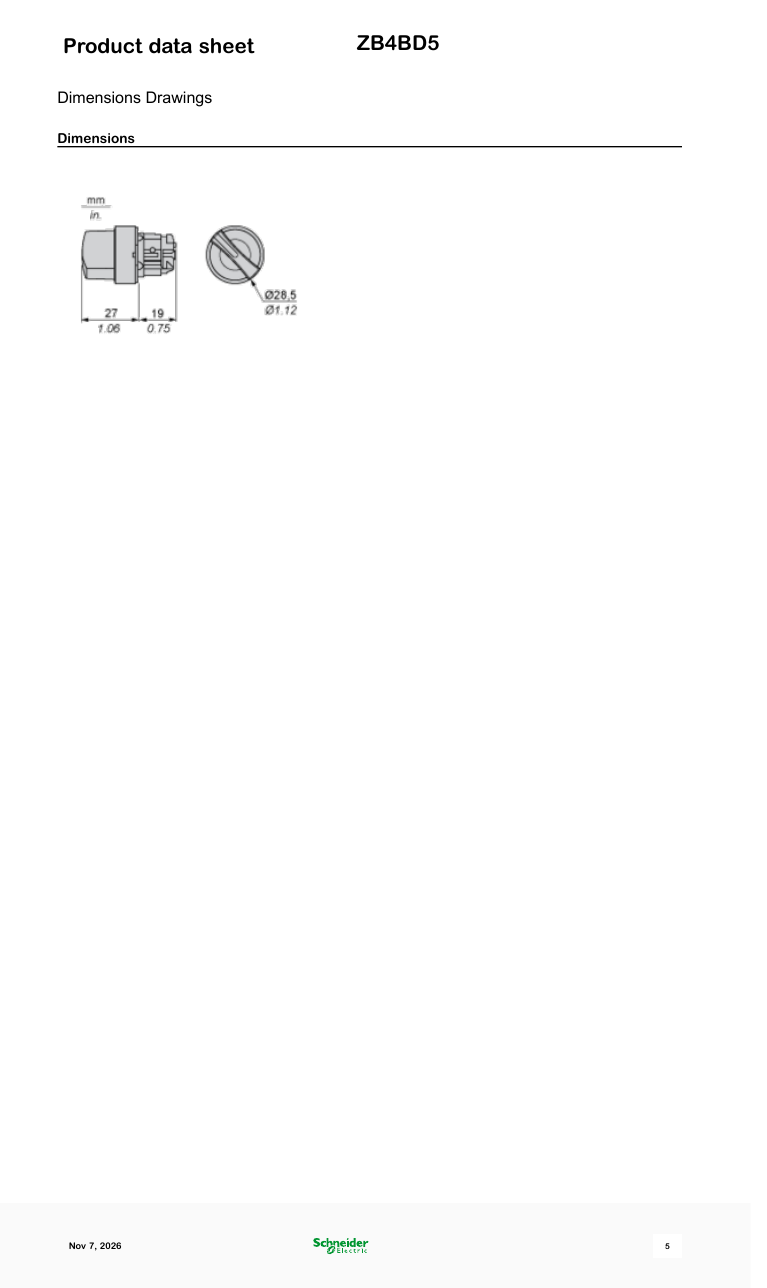
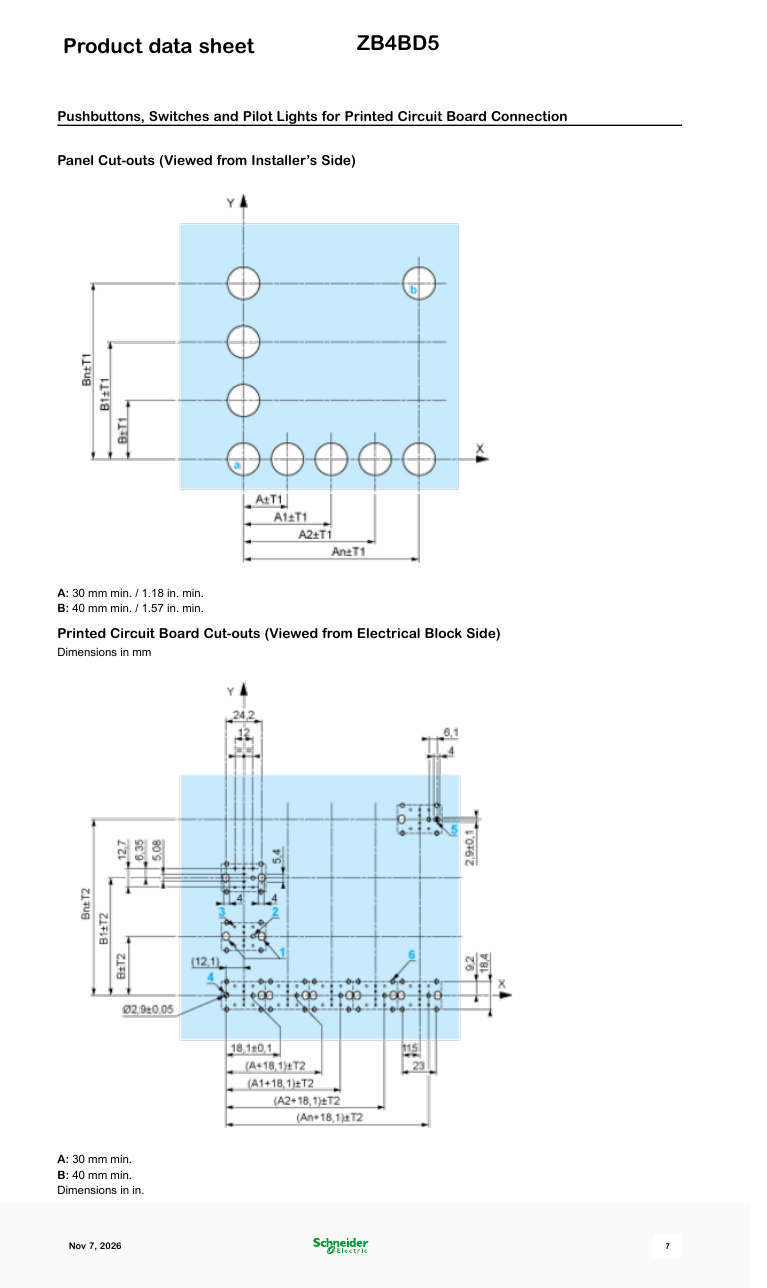
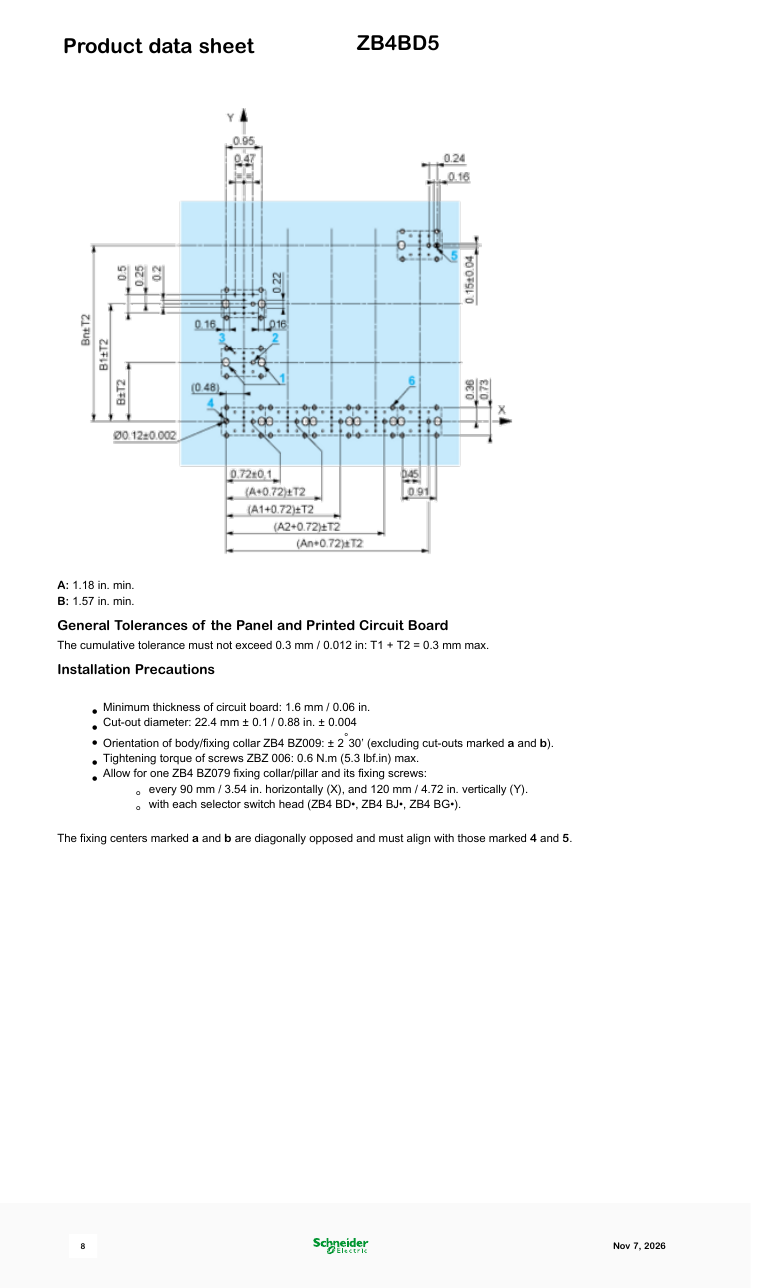
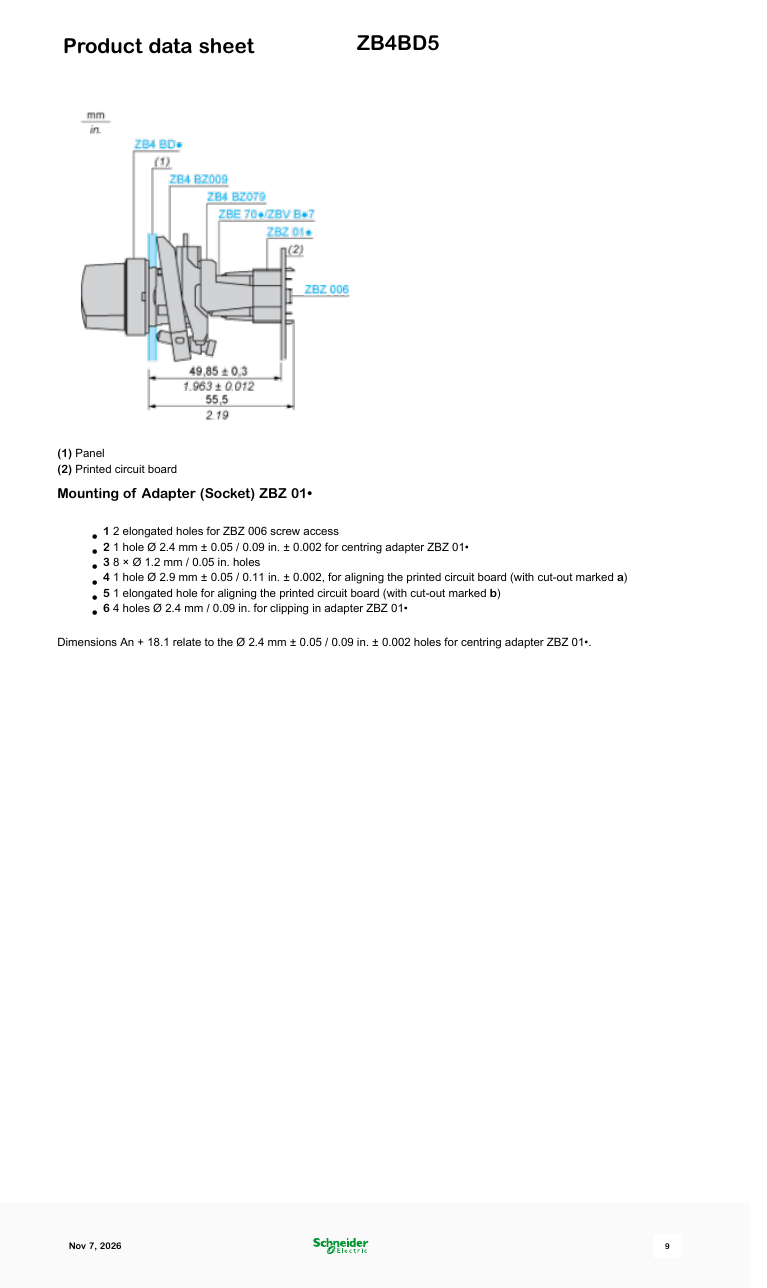
ขนาด
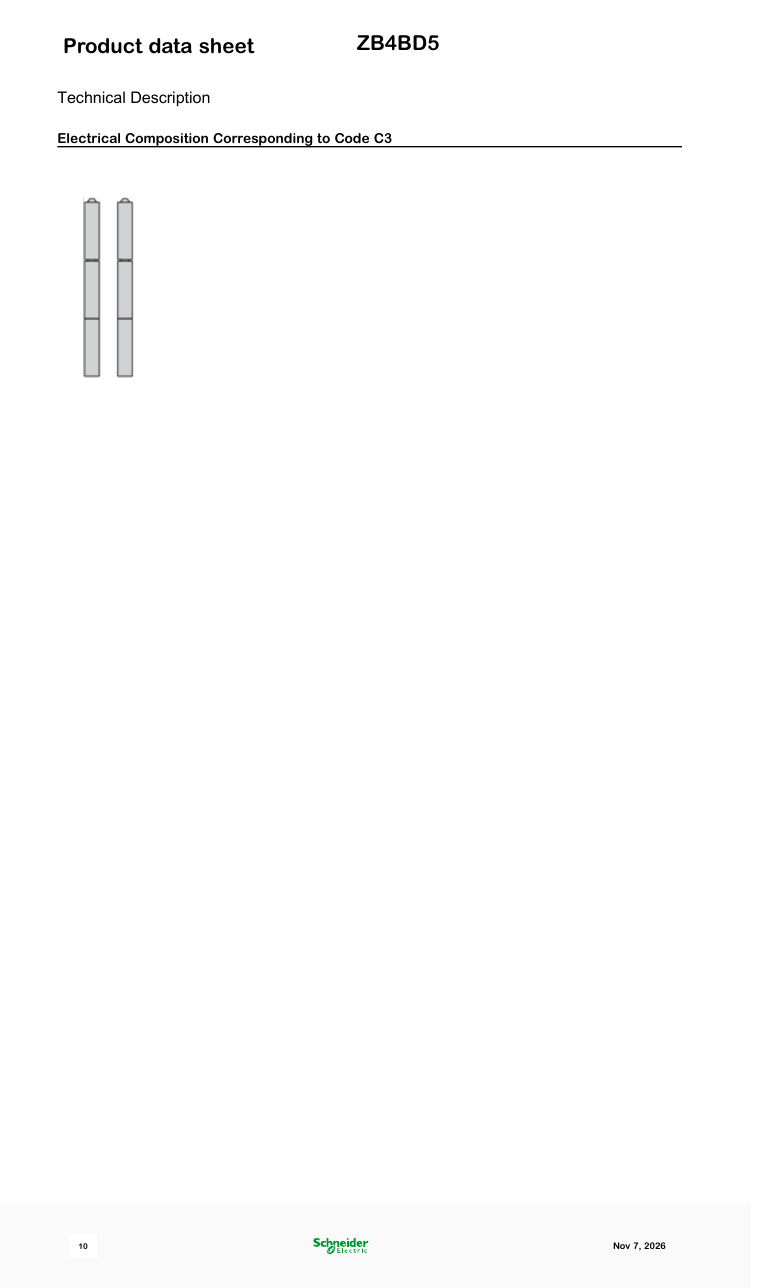
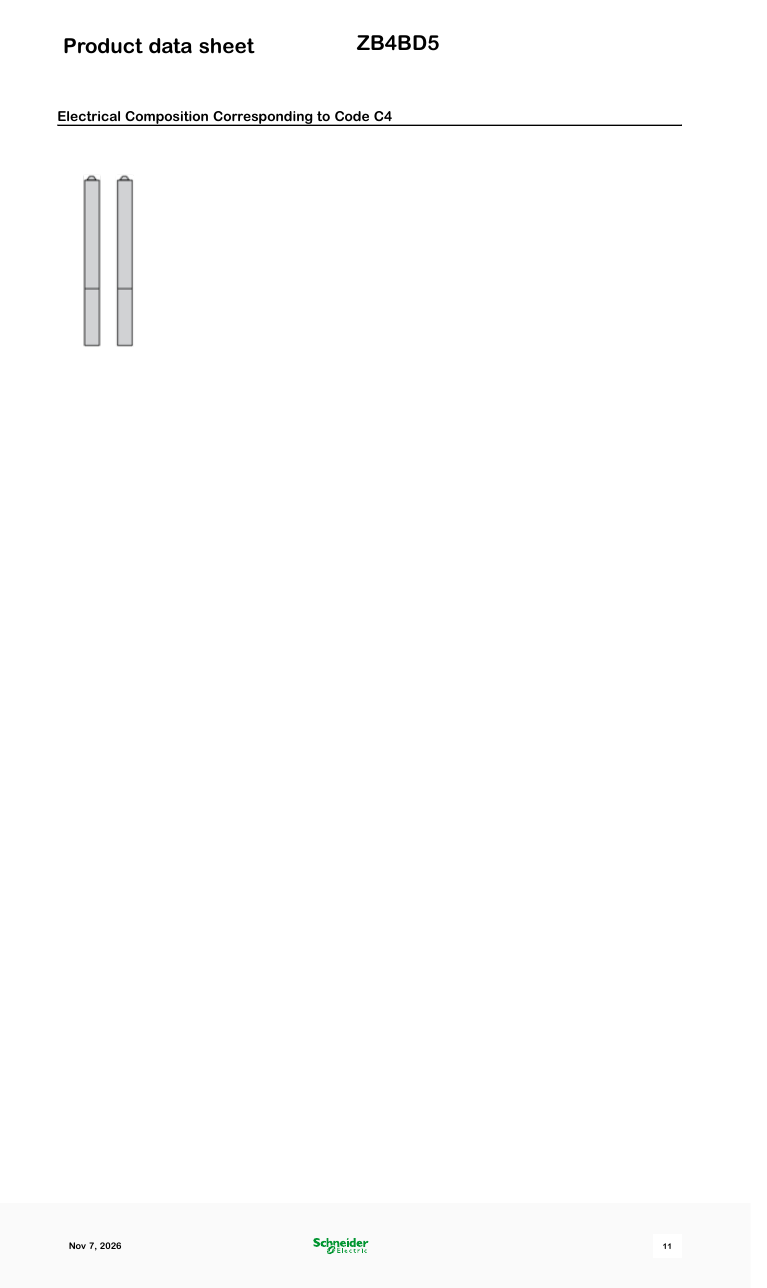
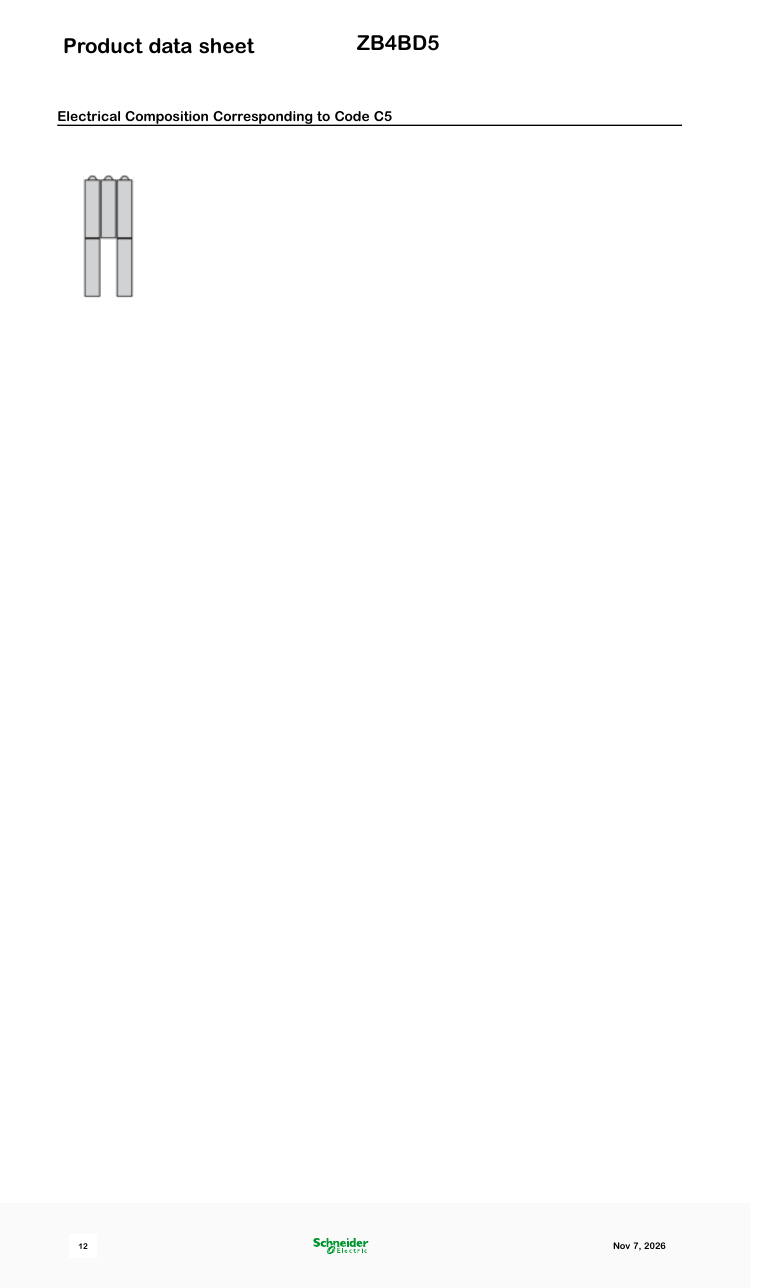
แผนภาพการเดินสายไฟฟ้า
การแก้ไขปัญหา
Not responding to input
Check wiring continuity with a multimeter. Verify the contact block is properly seated. Inspect terminals for loose connections.
รูปภาพและแบบแปลน
รูปภาพ: Schneider Electric
Mounting the Harmony XB4 ZB4 22mm Metal Push Button & Contacts | Schneider Electric Support
Schneider Electric · ดูบน YouTube
ขั้นตอนทีละขั้น
-
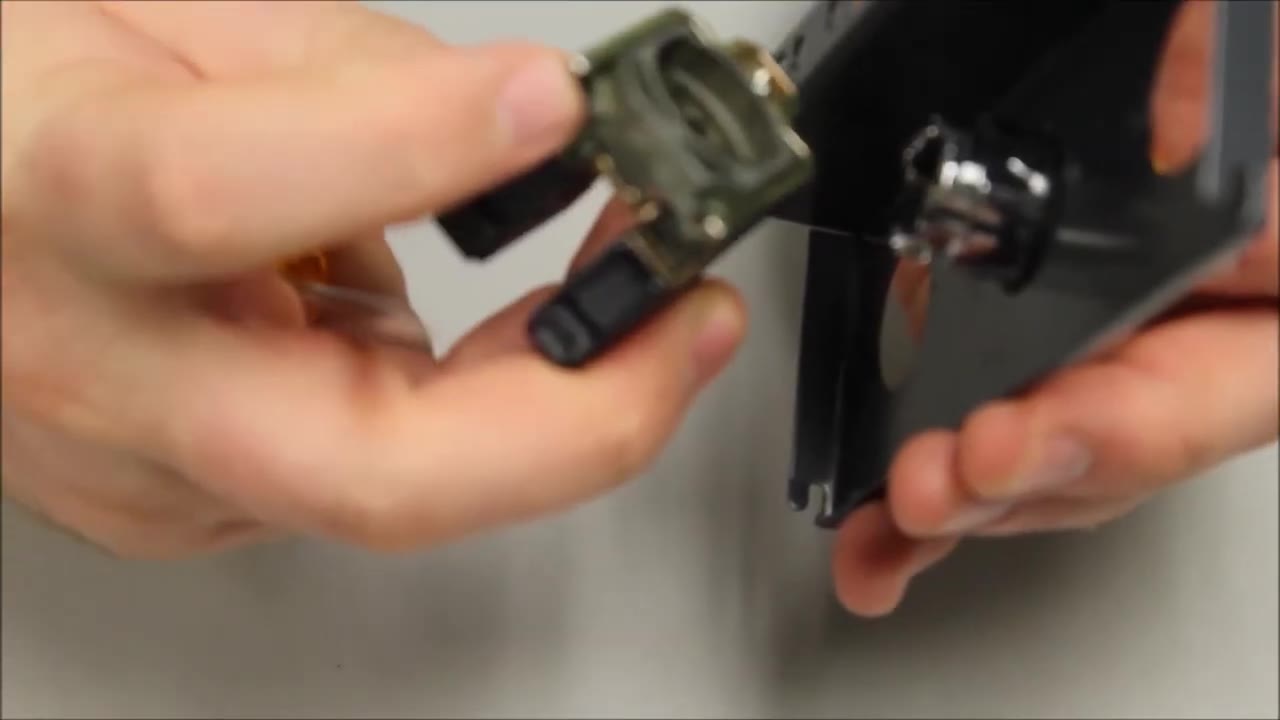
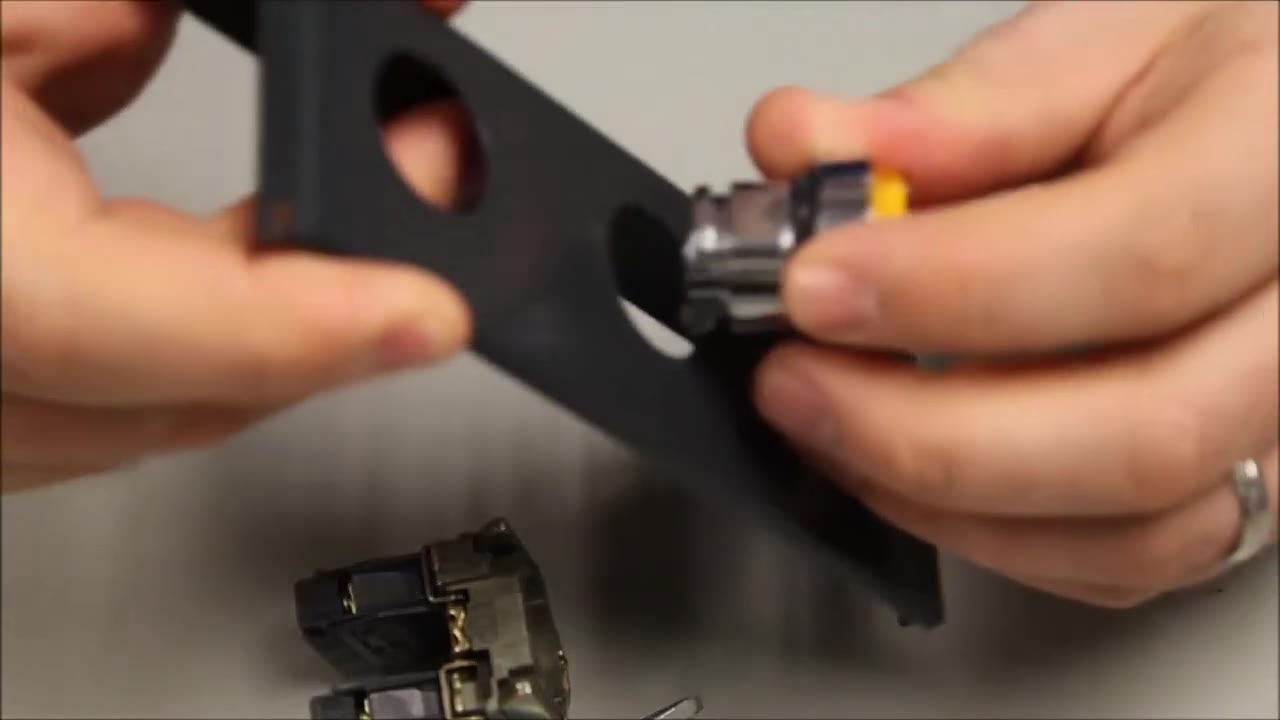
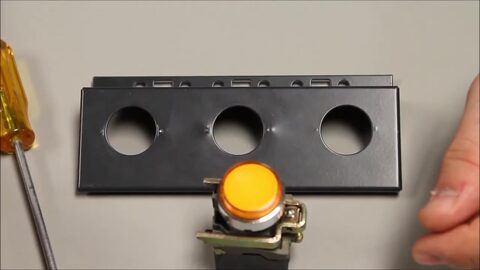 1. Mounting a 22 mm Harmony XB4/ZB4 metal operator: you need the operator and a flat screwdriver. 0:13
-
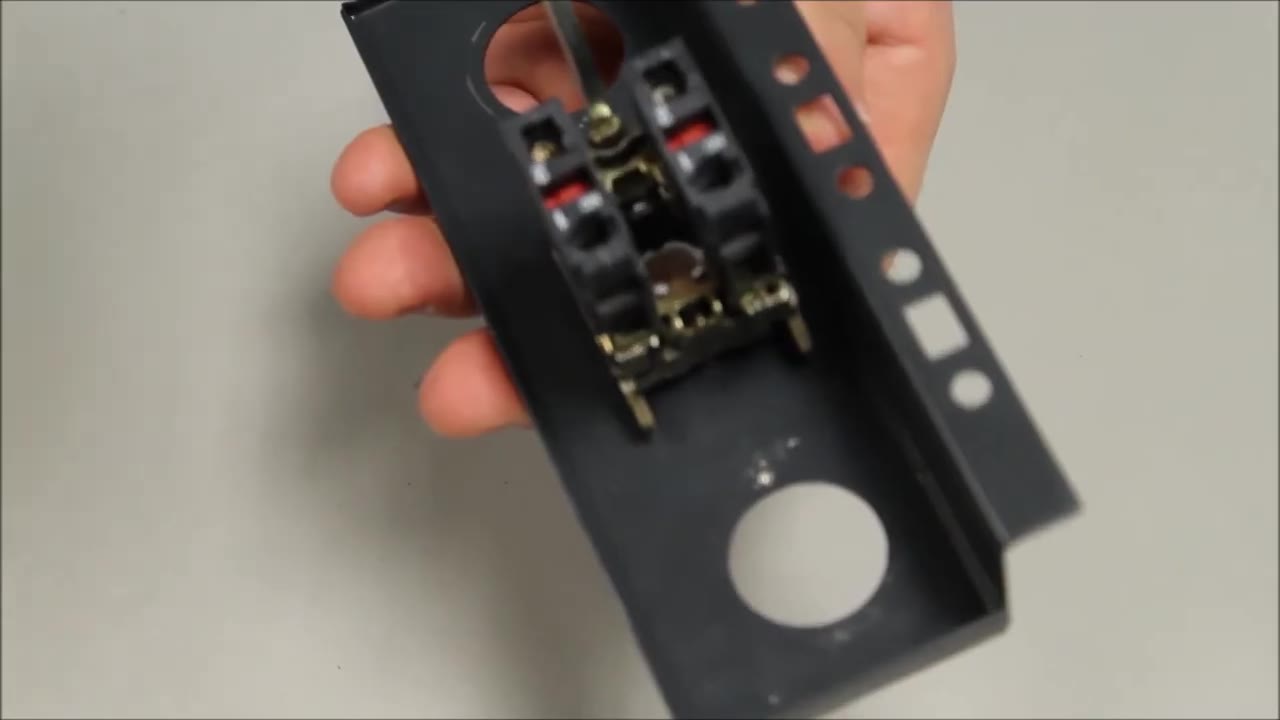
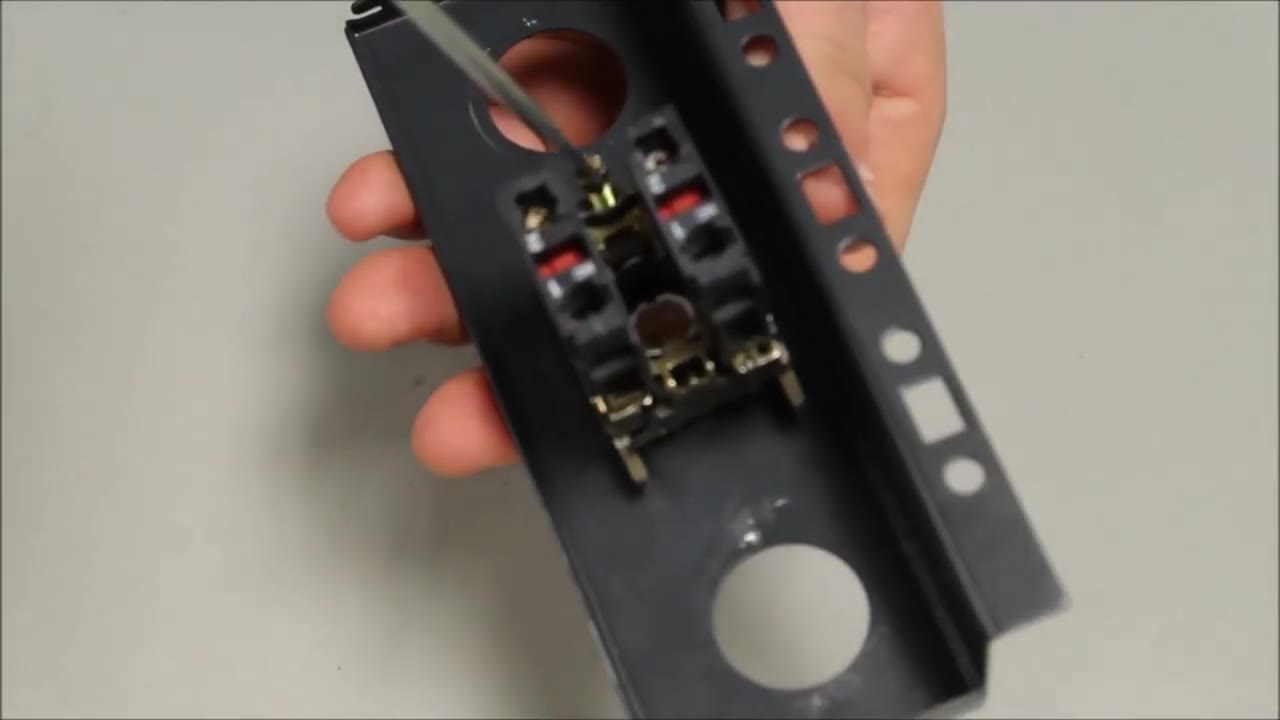
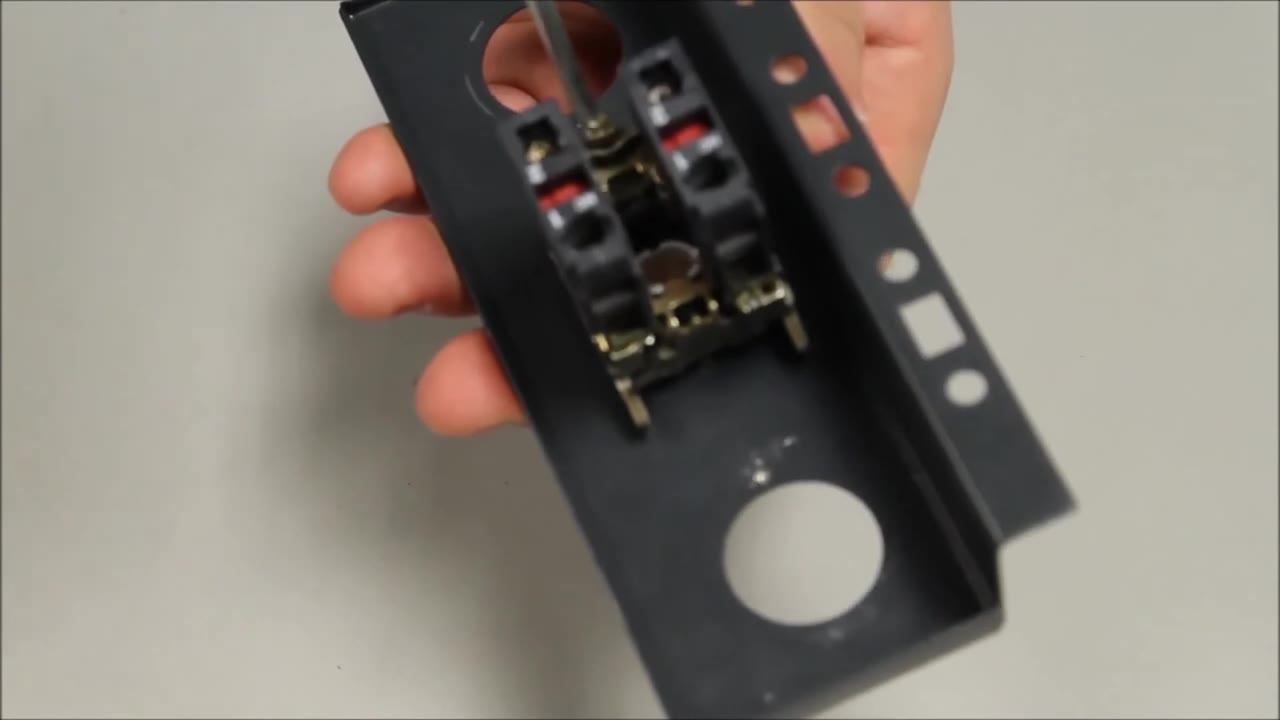
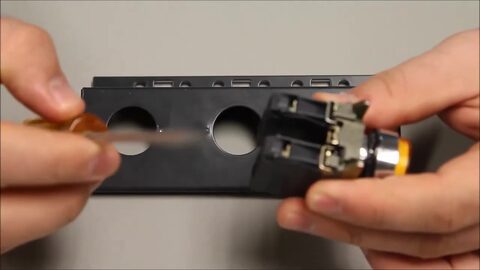 2. Hold the operator with its mounting collar and contact blocks attached, and take a flat screwdriver. 0:19
-
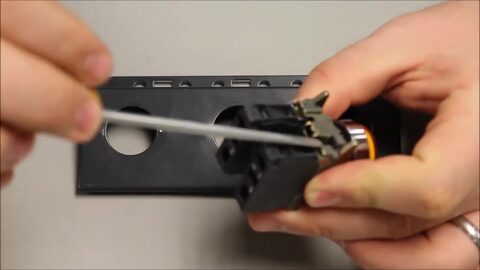 3. Find the black tab on the collar and insert the screwdriver underneath it. 0:20
-
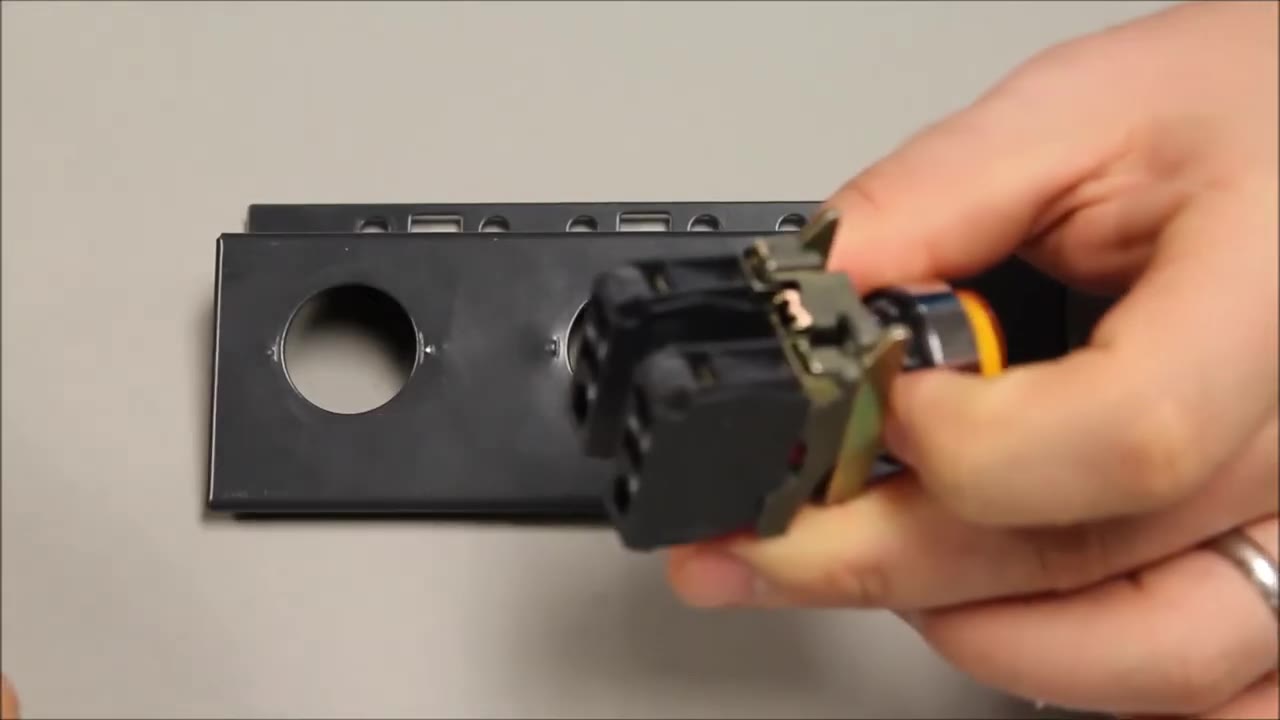
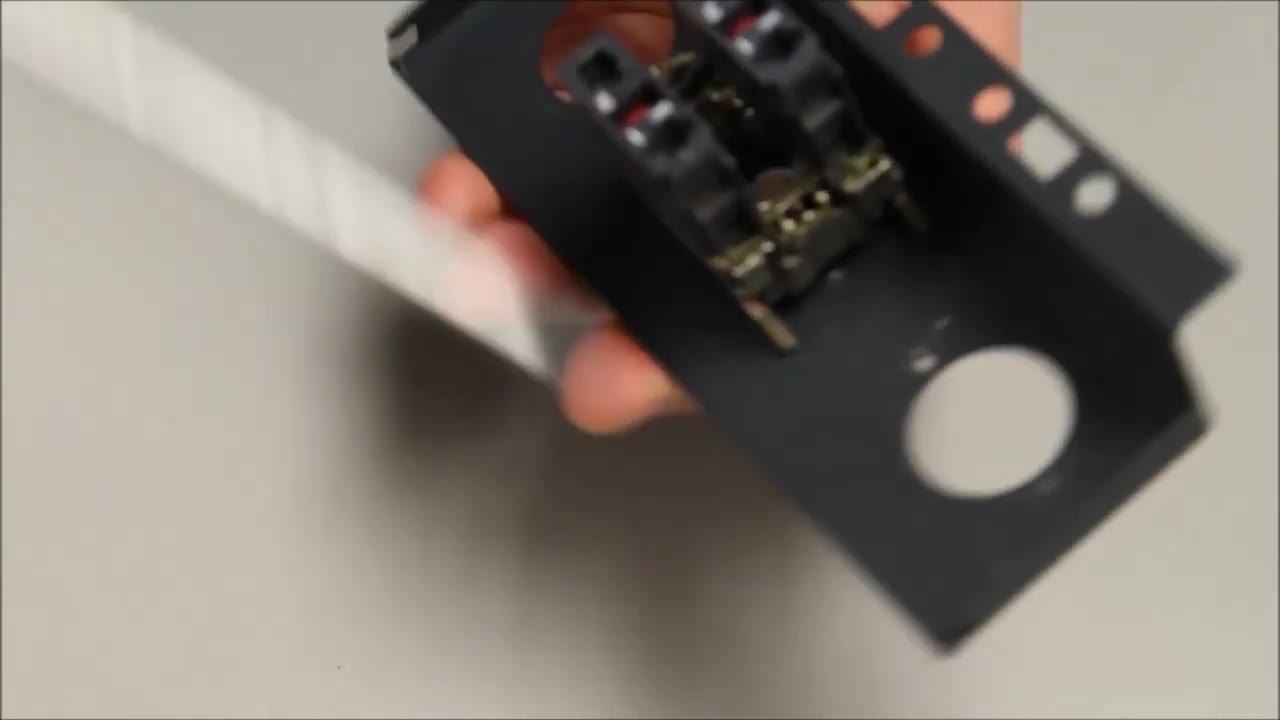
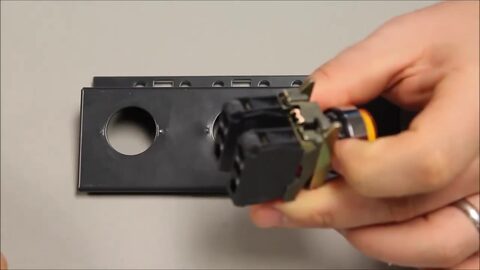 4. Lever the tab up to release the head from the collar. 0:26
-
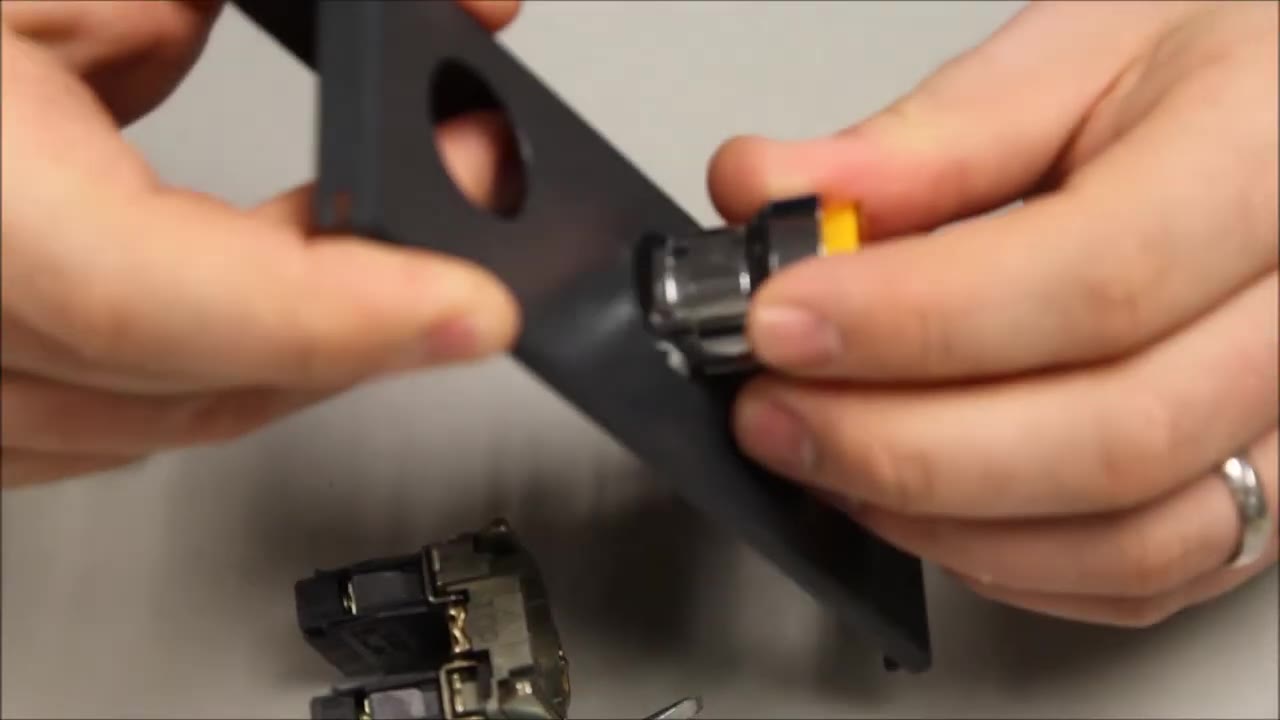
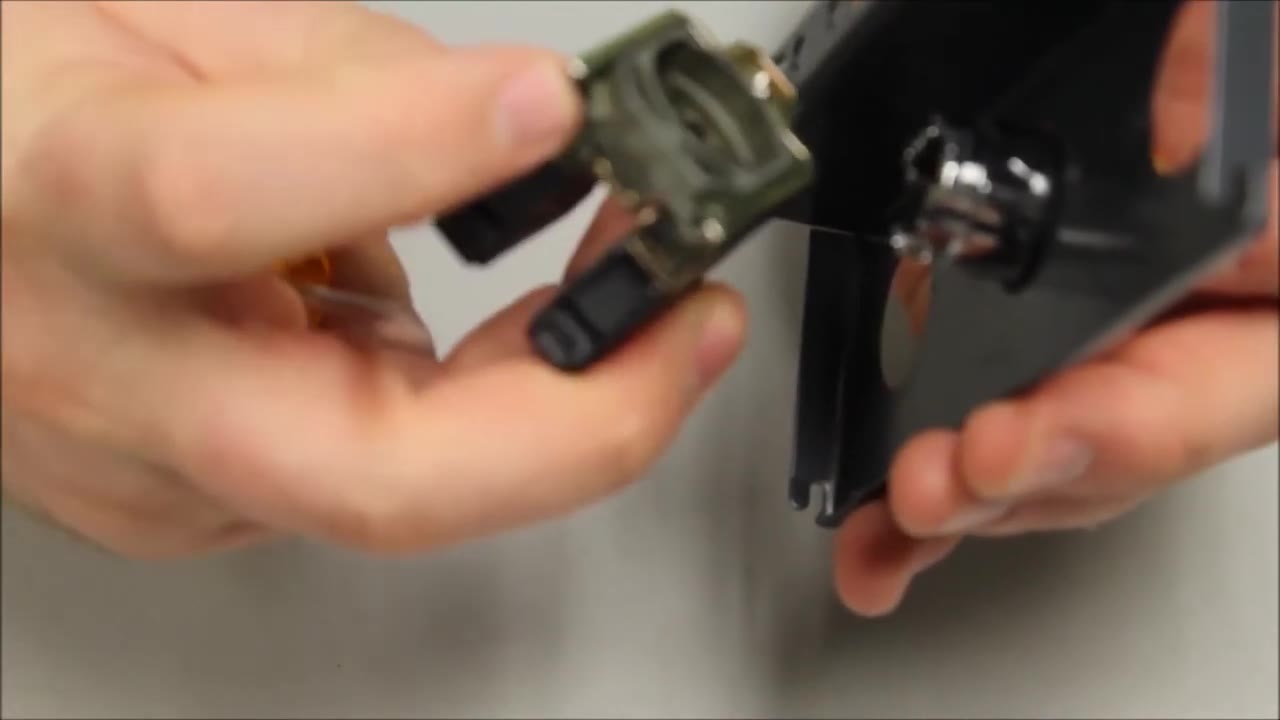
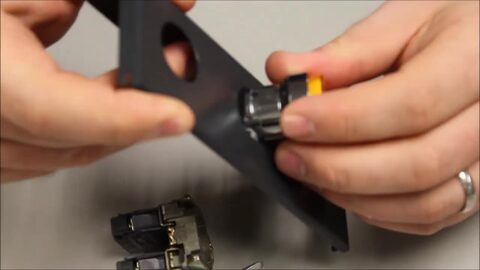 5. Push the head through the 22 mm hole in the panel or door from the front. 0:31
-
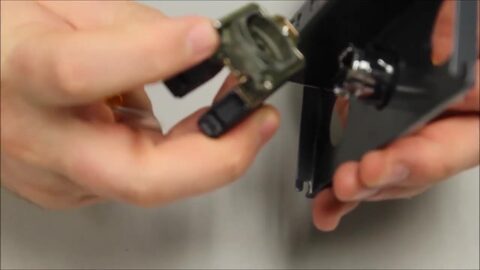 6. From behind, take the mounting collar. 0:37
-
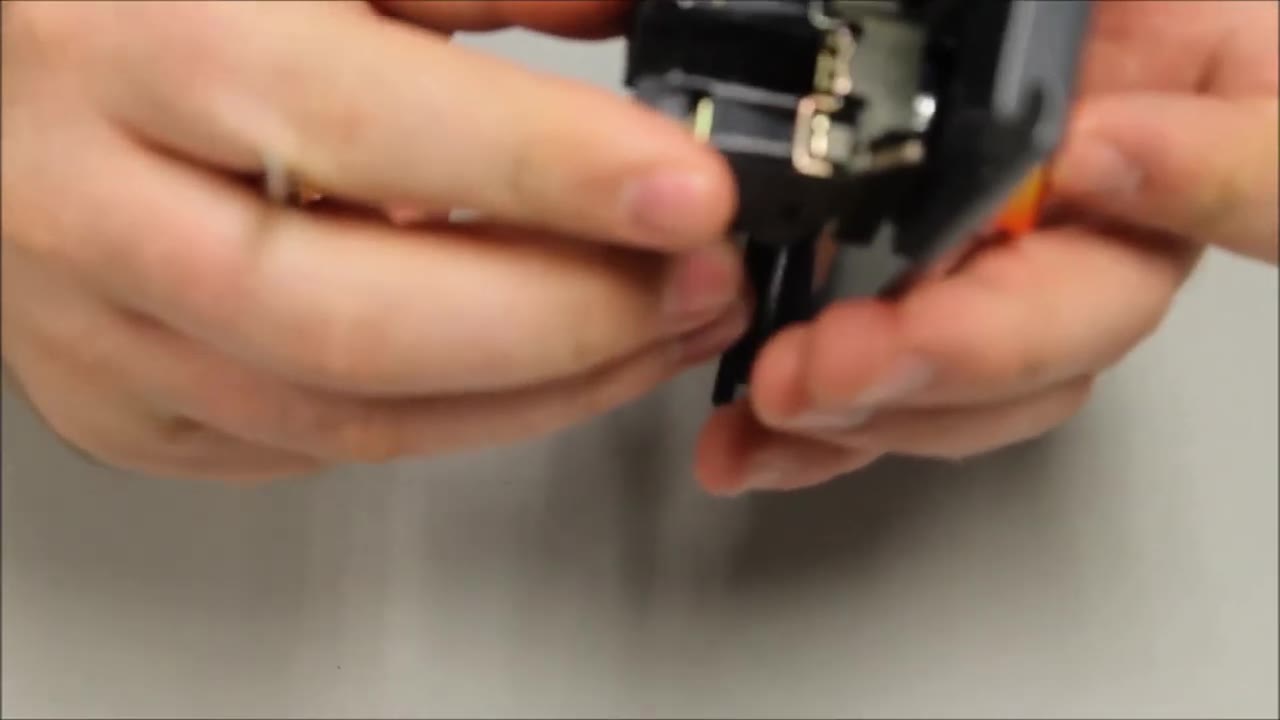
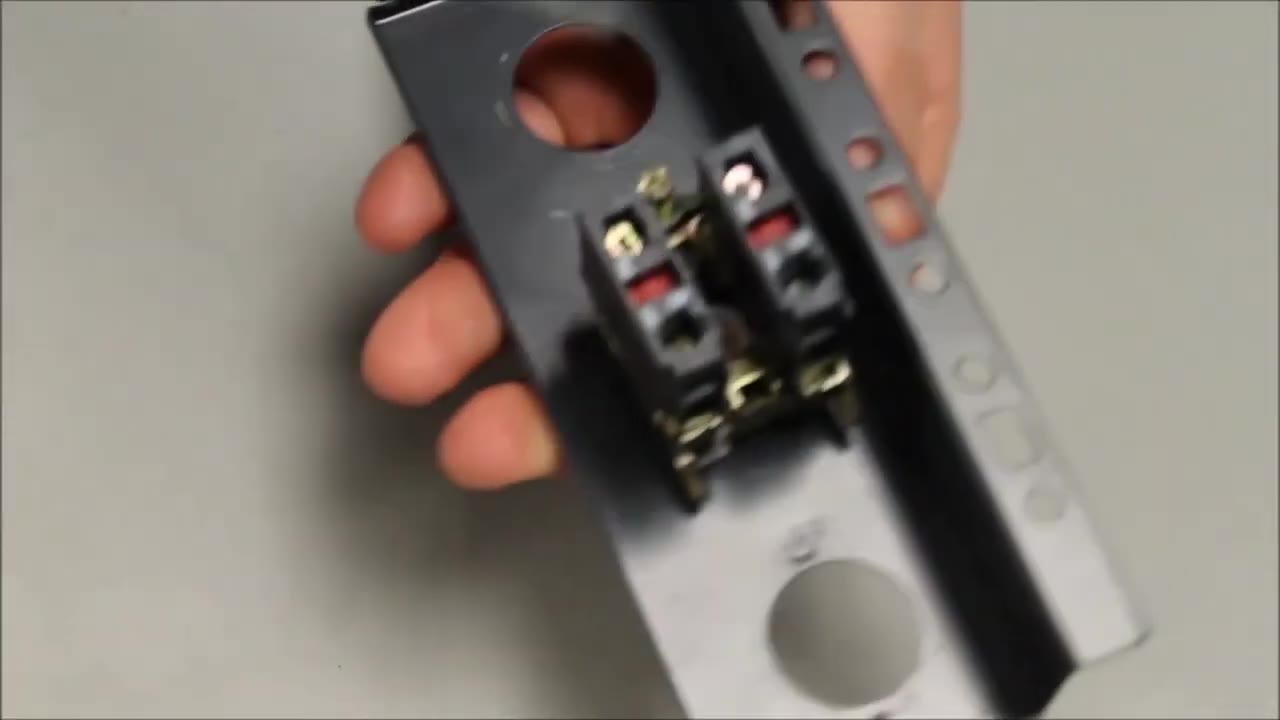
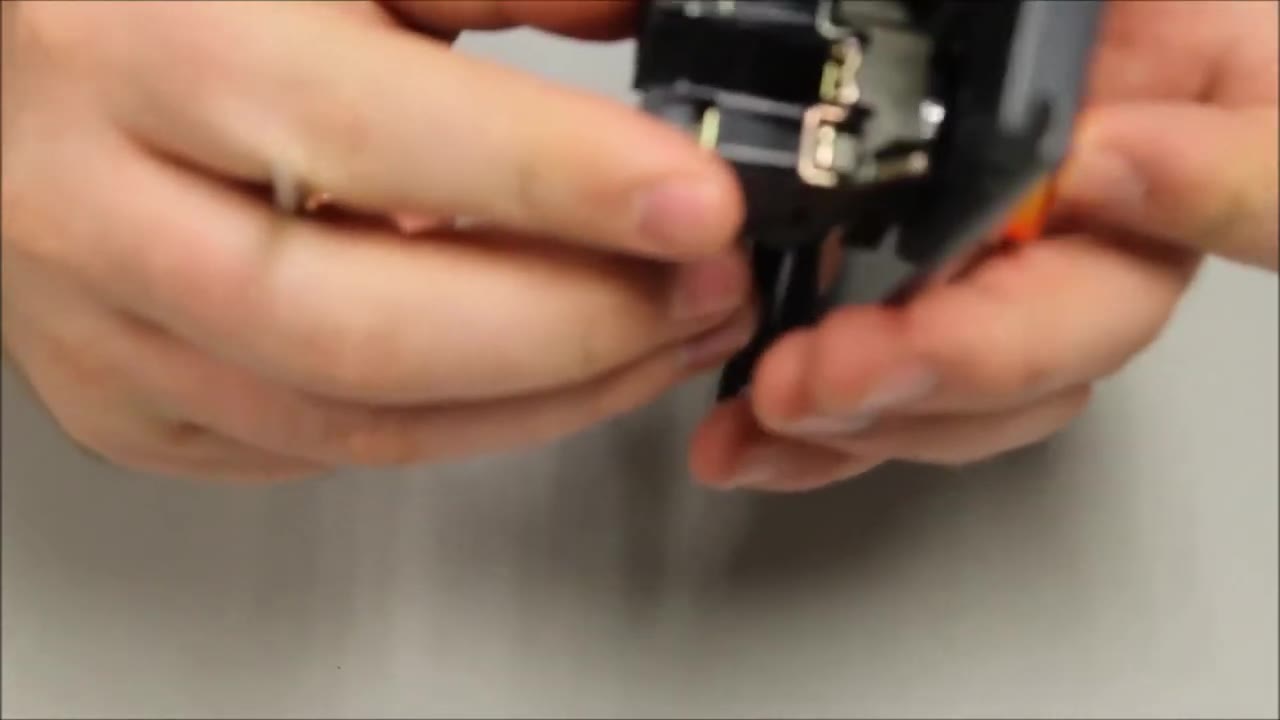
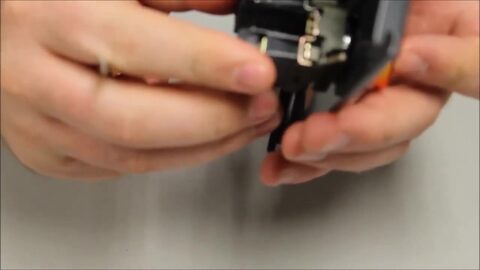 7. With its forks facing up, snap the collar onto the back of the head. 0:43
-
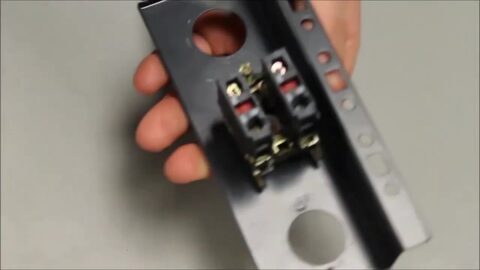 8. The collar now holds in place on its own. 0:46
-
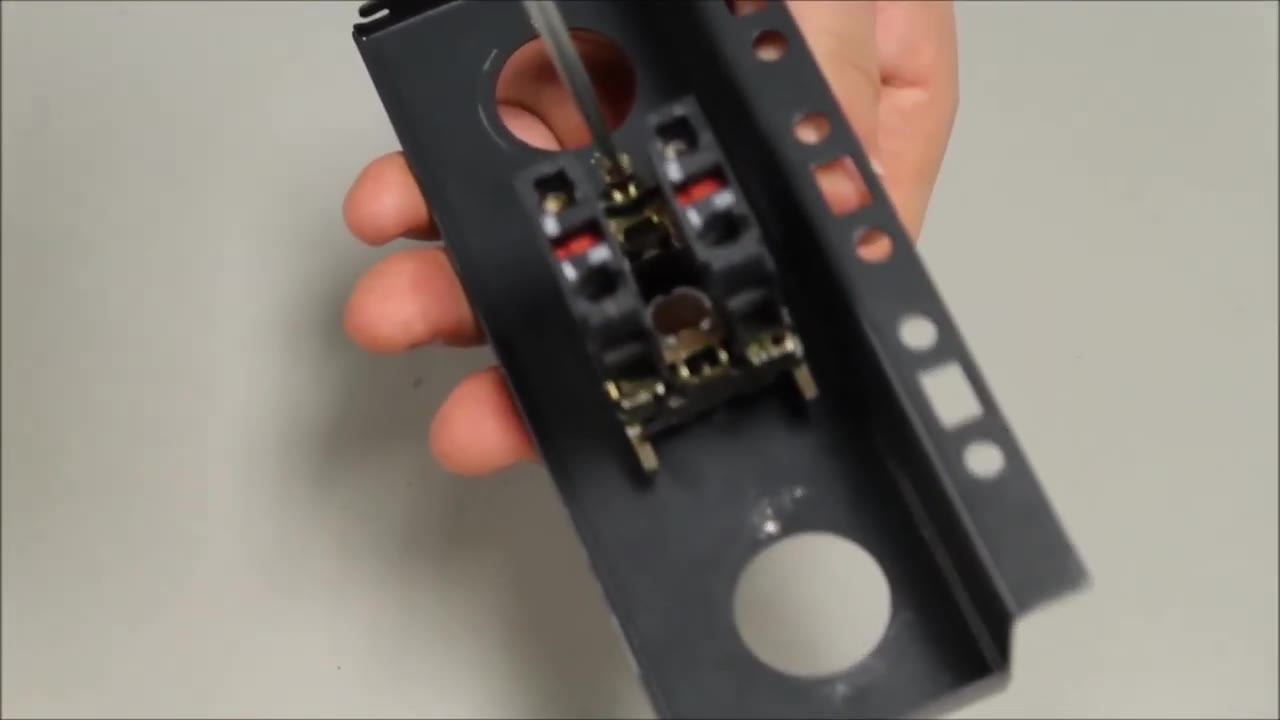
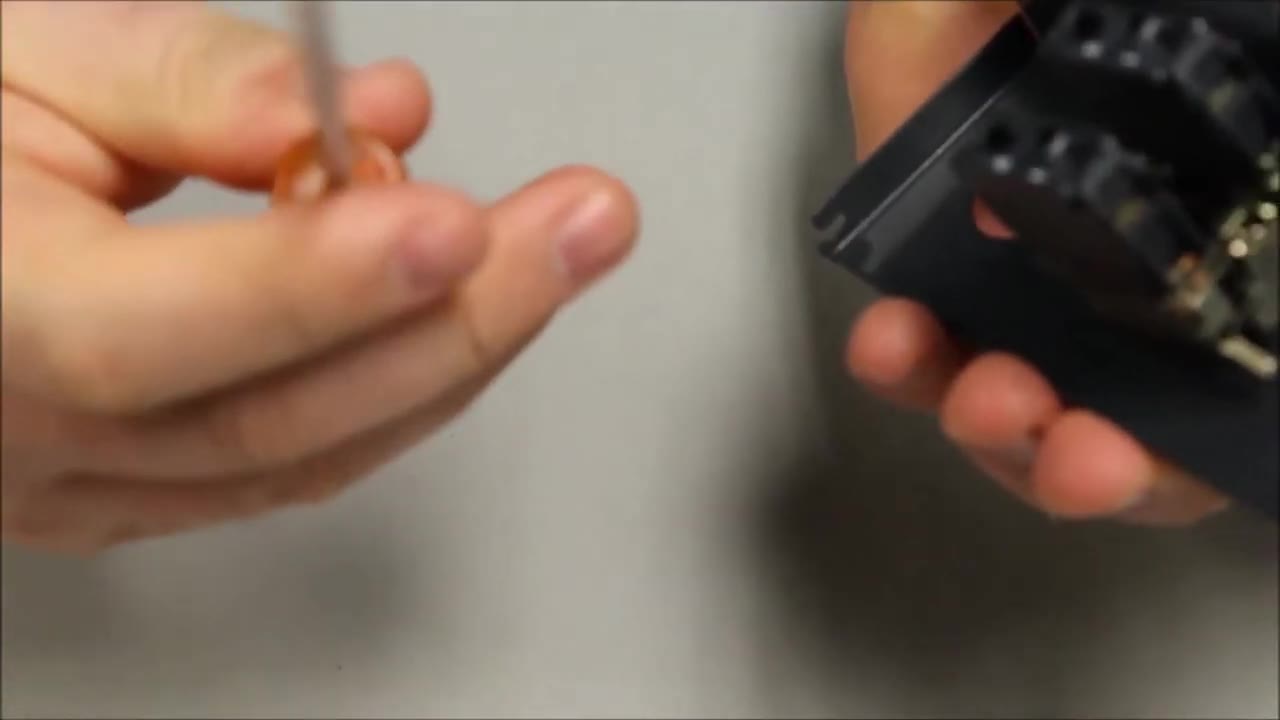
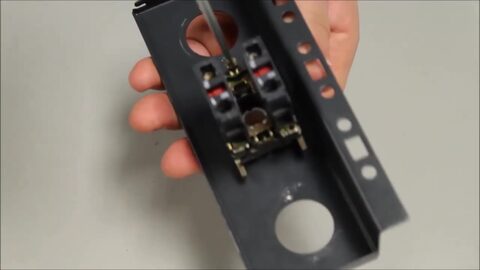 9. Tighten the fixing screw (Schneider calls it the ground screw). 0:50
-
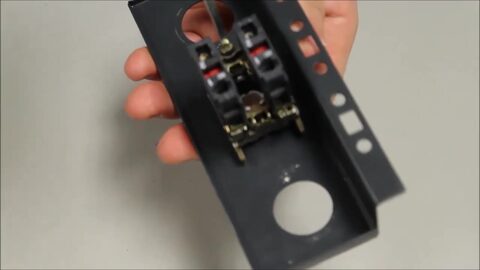 10. Press down firmly while you turn the screw. 0:52
-
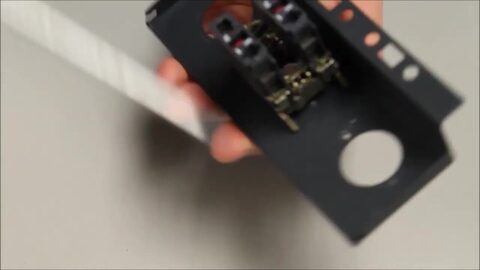 11. Keep turning until the operator sits tight on the panel and no longer turns. 1:00
ข้อความขั้นตอนที่เขียนจากคำบรรยายในวิดีโอ
Mounting Tutorial: Harmony XB4/ZB4 22 mm Pushbutton & Contacts — Allied Electronics & Automation
RS Americas · ดูบน YouTube
ขั้นตอนทีละขั้น
-
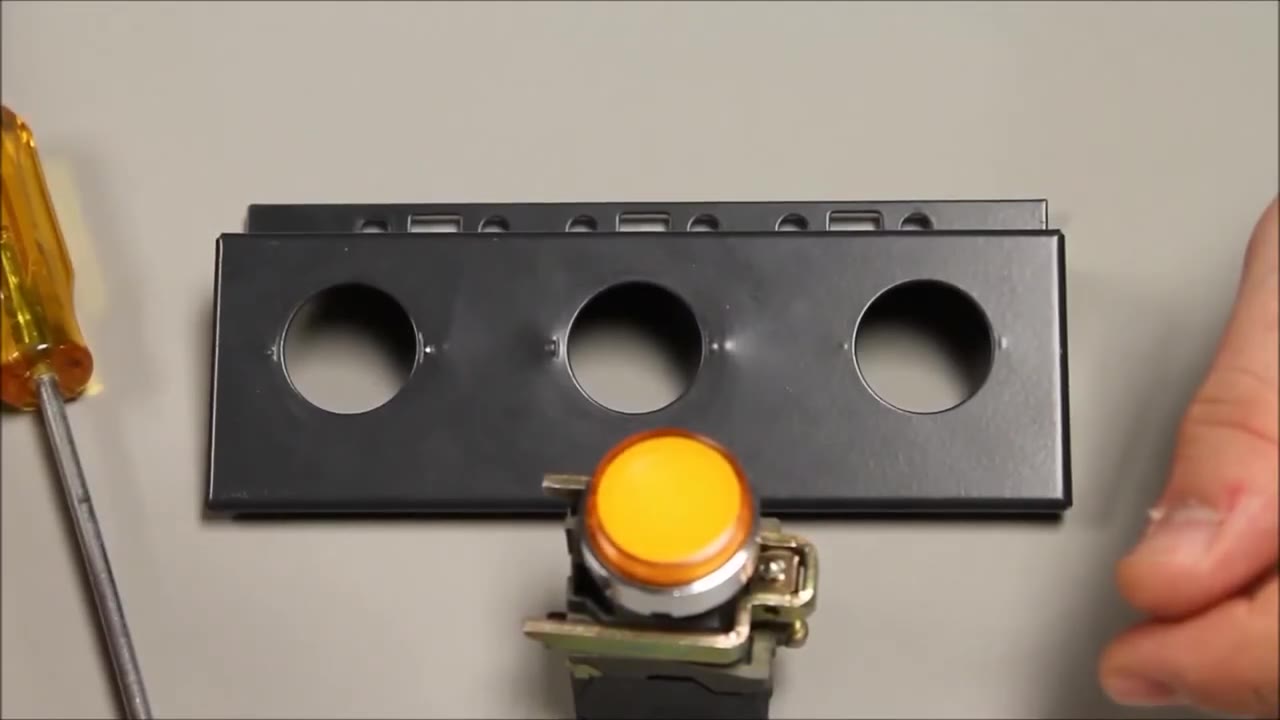
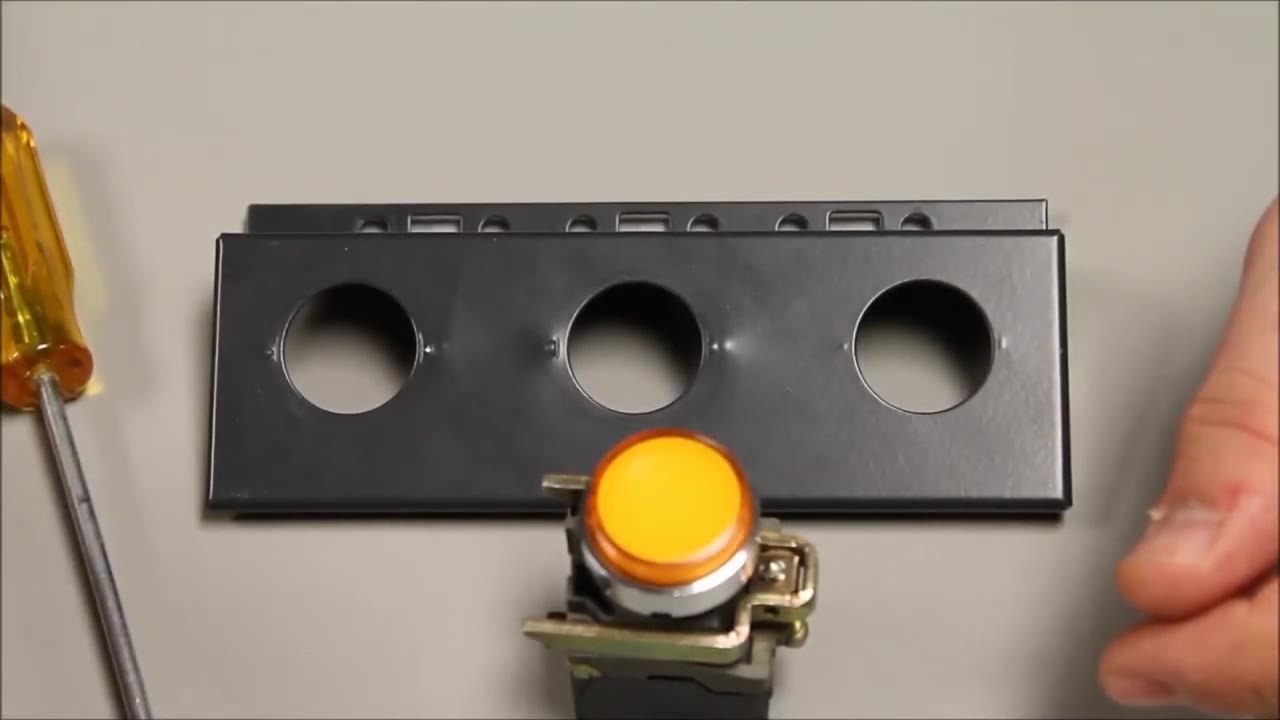
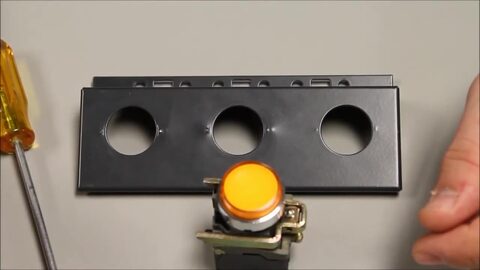 2. The parts: a 22 mm Harmony XB4 metal operator (here an illuminated pushbutton) and a panel with 22 mm holes. 0:13
-
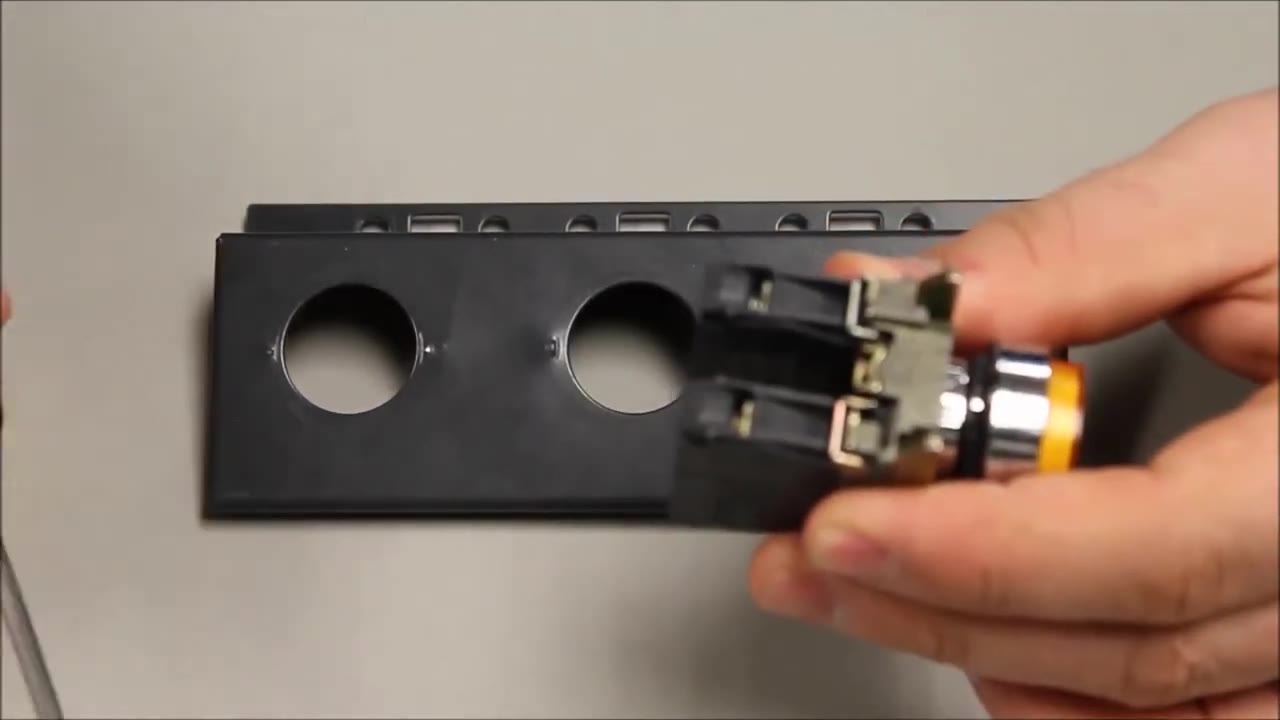
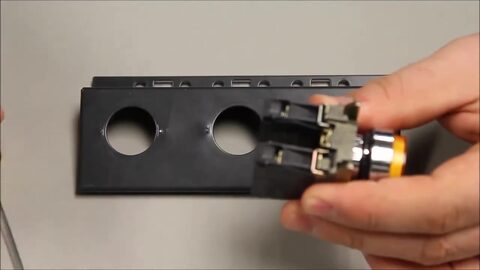 3. Take the operator: the head with its body and contact blocks attached. 0:18
-
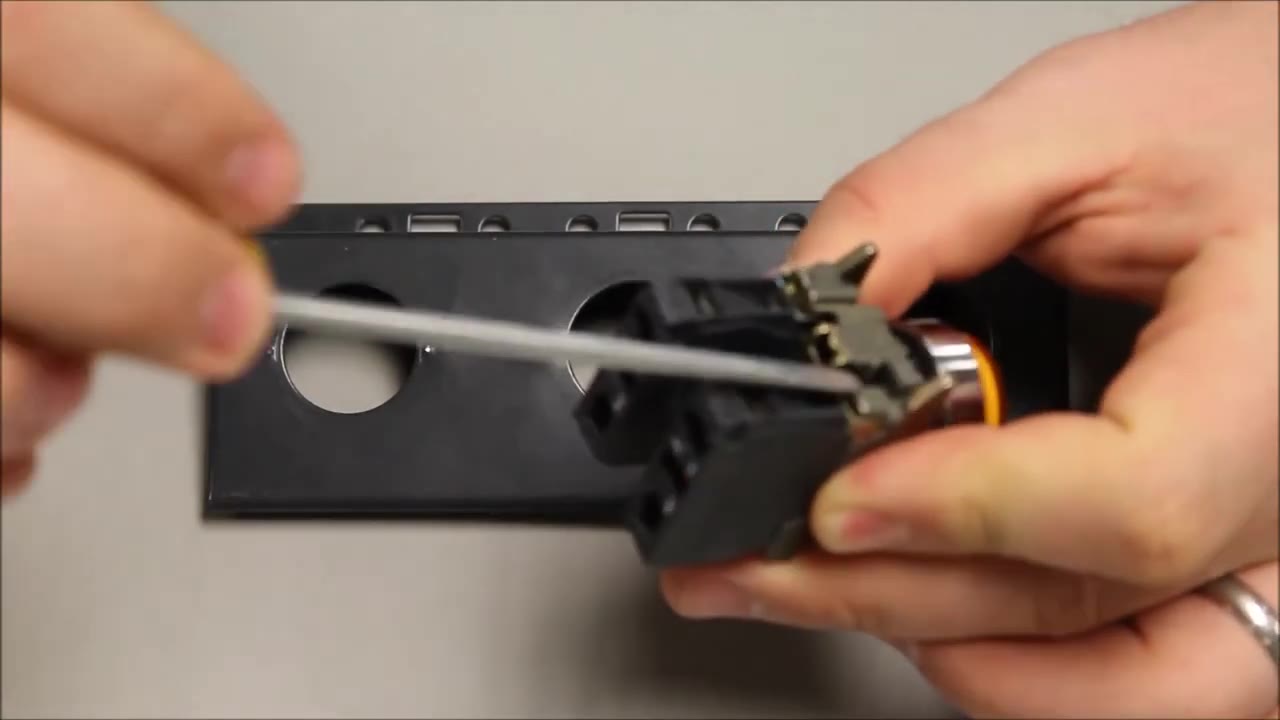
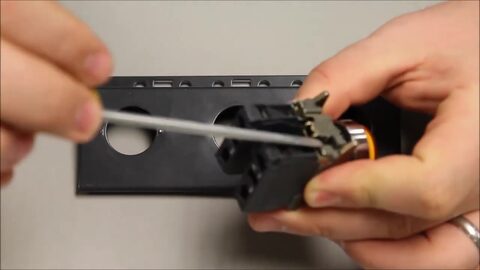 4. Put a flat screwdriver under the black tab on the body. 0:20
-
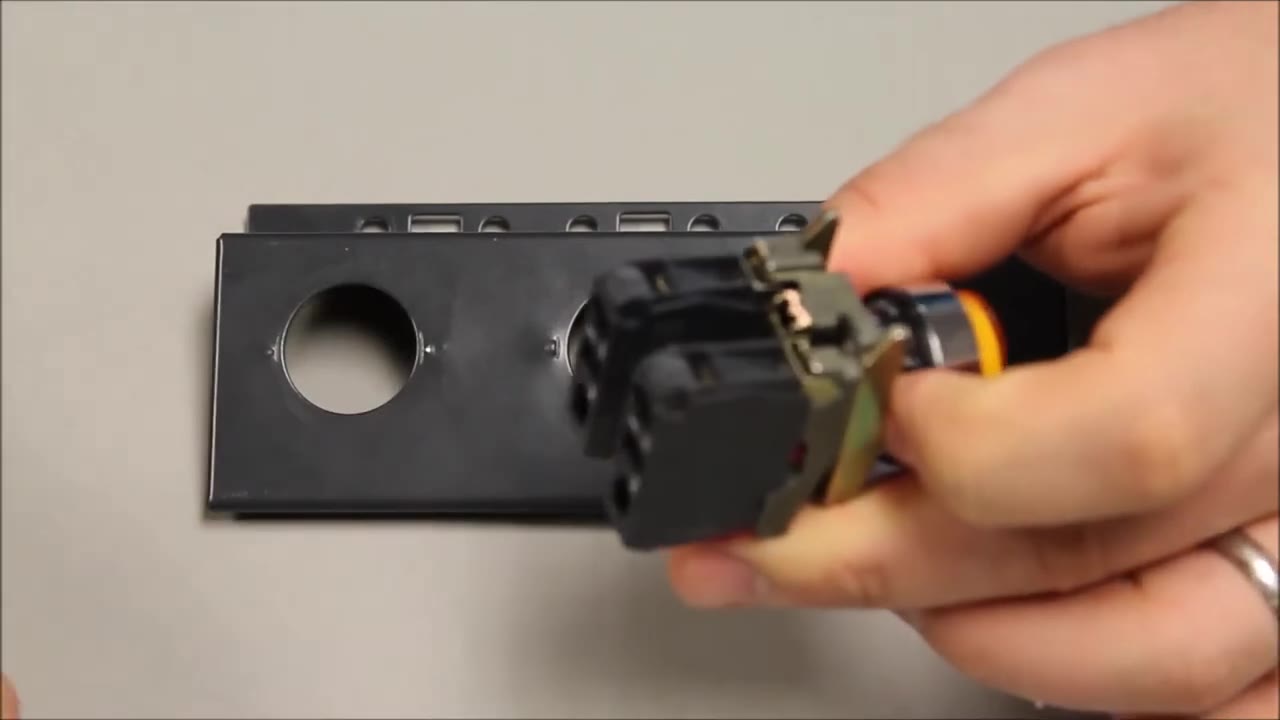
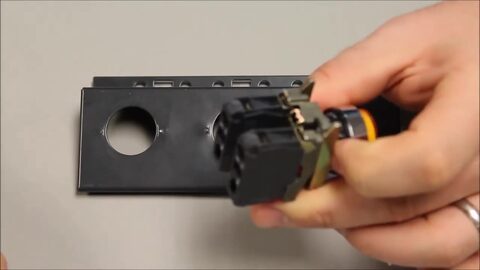 5. Lever the tab up - this releases the head from the body. 0:26
-
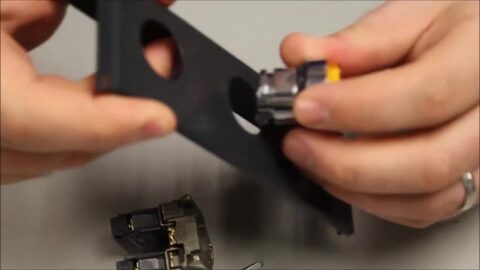 6. Push the head through the hole in the panel or door from the front. 0:31
-
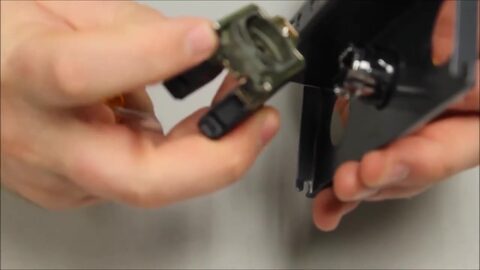 7. Behind the panel, take the body (mounting collar) with its forks pointing up. 0:37
-
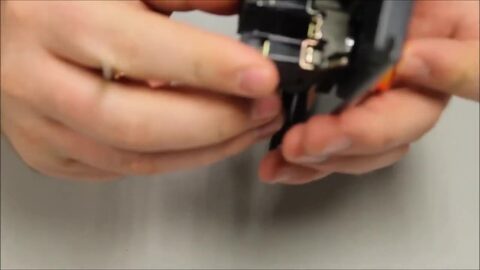 8. Snap the body onto the back of the head. 0:42
-
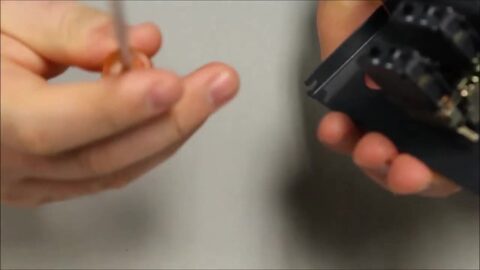 9. It now stays in place on its own. 0:45
-
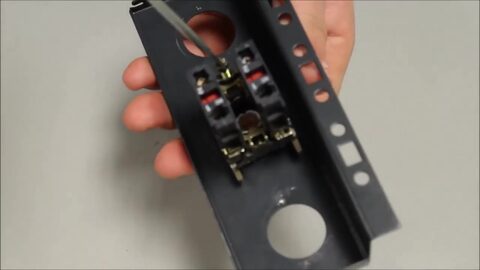 10. Tighten the fixing screw on the body firmly - a Phillips screwdriver is best. 0:48
-
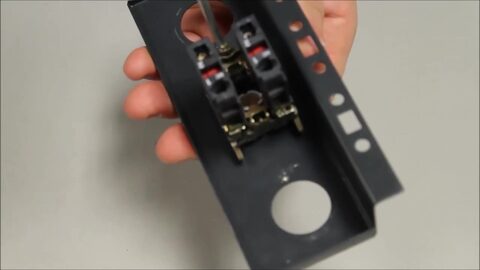 11. Keep turning until the operator is held tight against the panel. 0:52
ข้อความขั้นตอนที่เขียนจากคำบรรยายในวิดีโอ
Removing Contacts from Harmony XB4 22mm Metal Push Button | Schneider Electric
Schneider Electric · ดูบน YouTube
ขั้นตอนทีละขั้น
-
 1. Removing the contact blocks from a 22 mm Harmony XB4 metal operator. 0:12
-
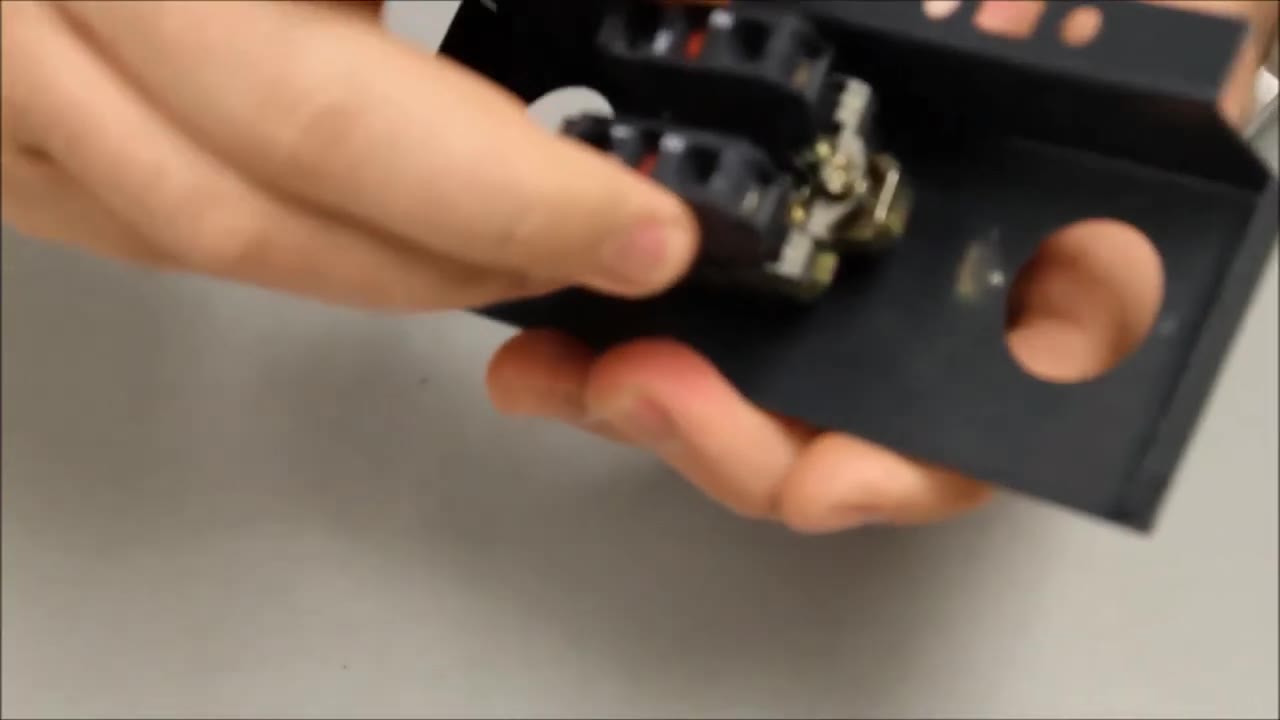
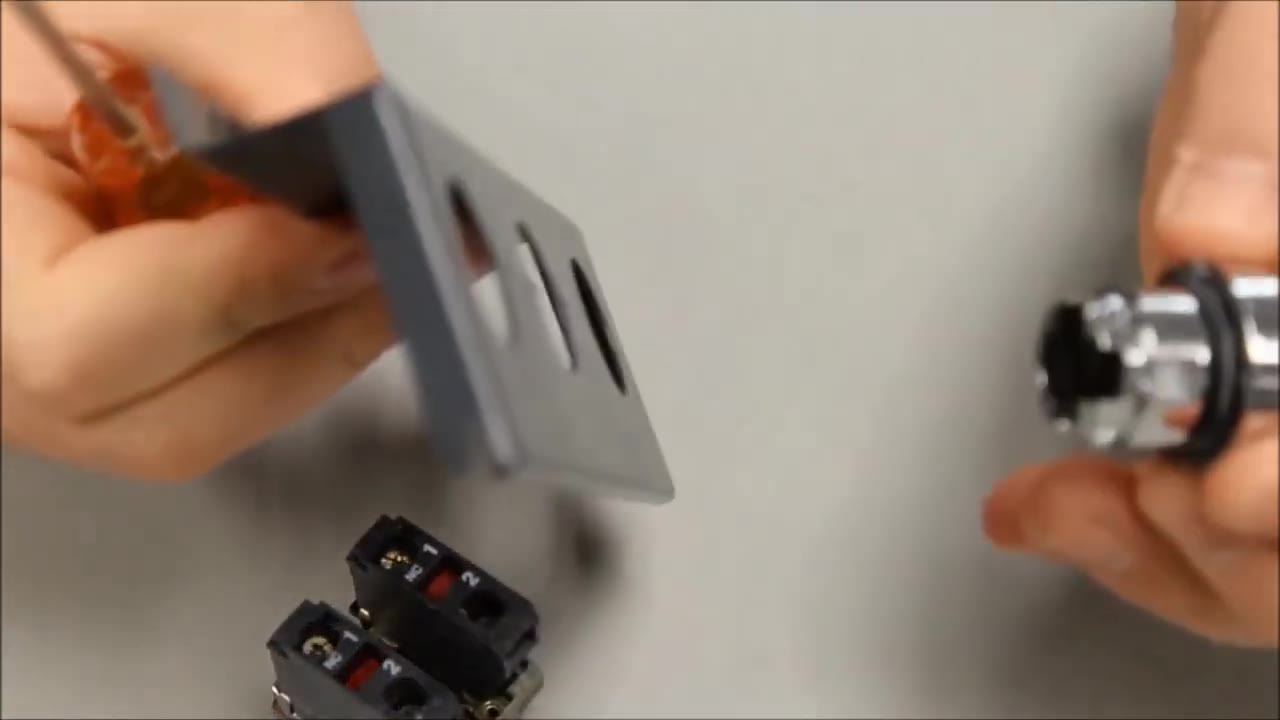
 2. Loosen the fixing screw on the back of the collar. 0:18
-
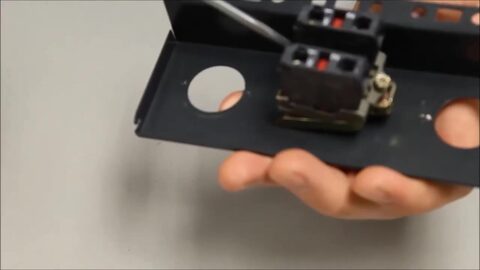 3. Once it is loose, find the black tab that holds the collar to the head. 0:22
-
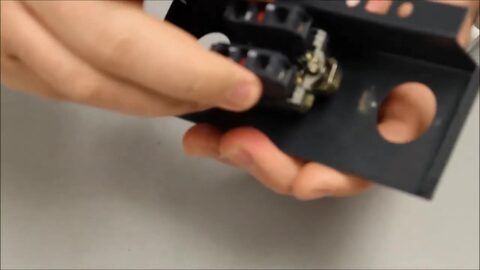 4. Insert the screwdriver under the tab and pull back to release the head. 0:29
-
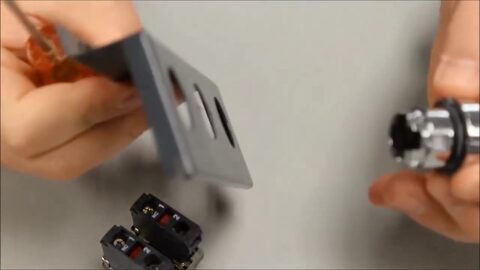 5. The collar with its contact blocks comes away from the head. 0:34
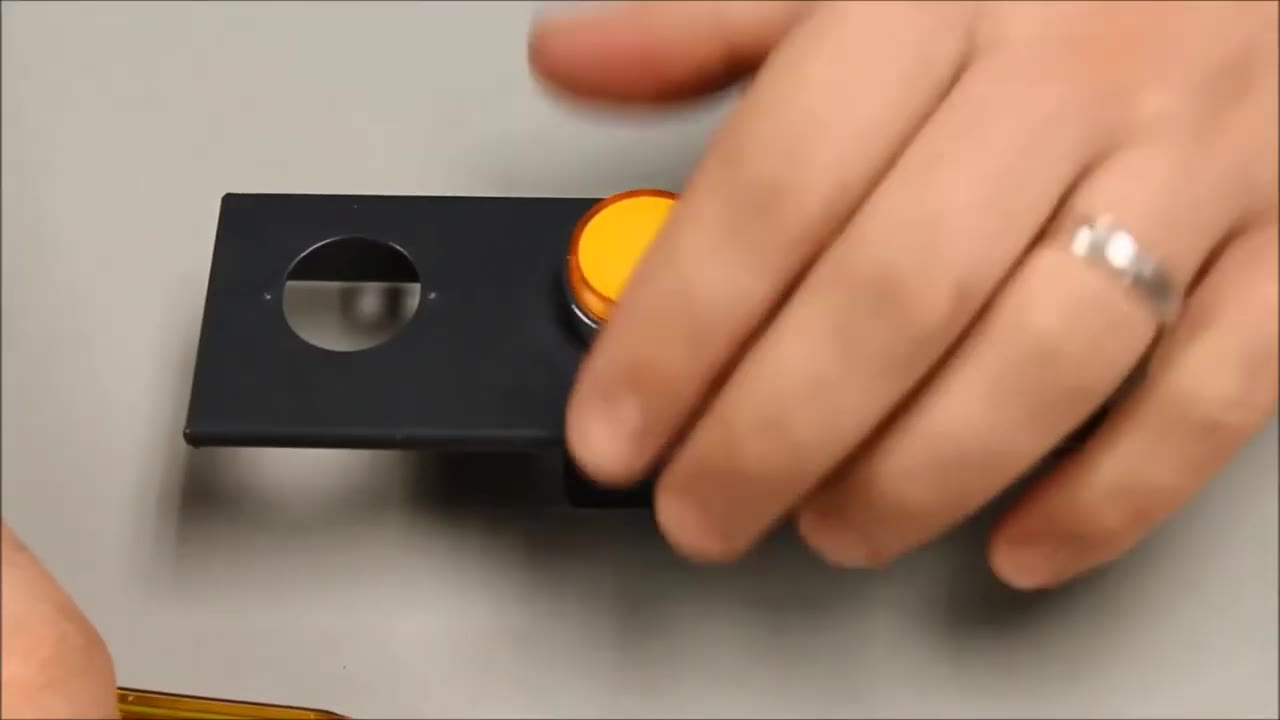

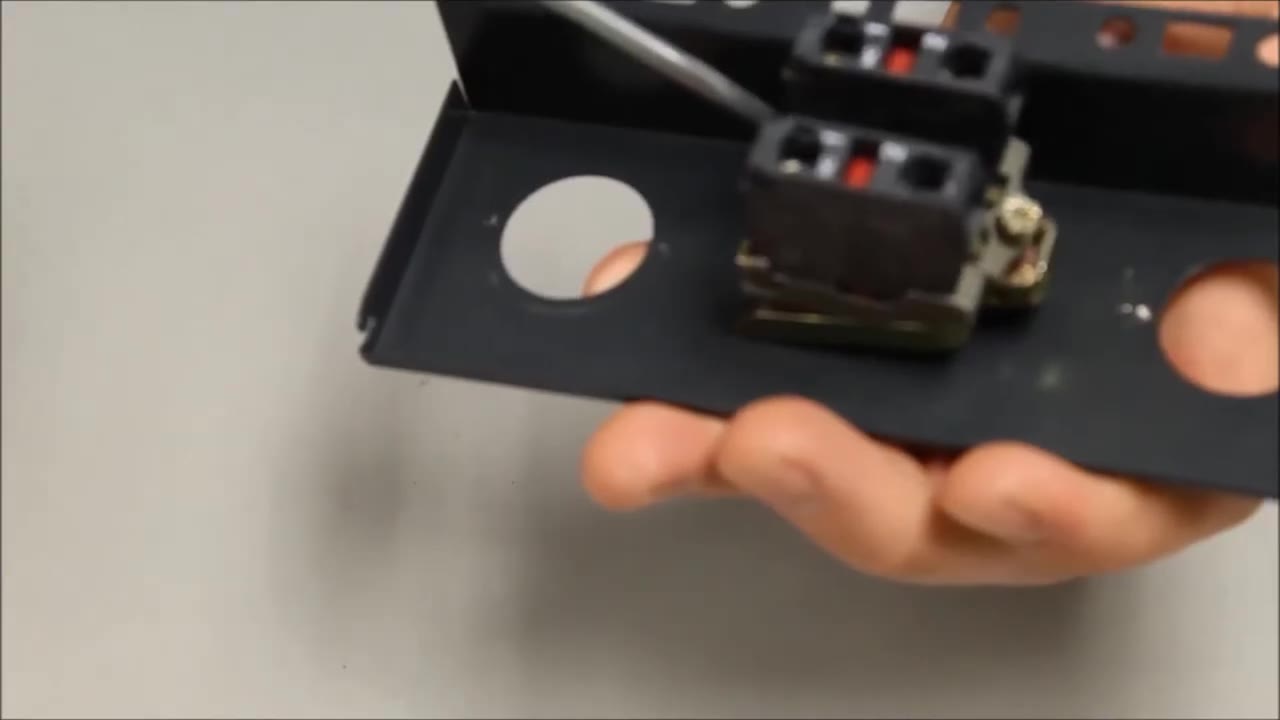
ข้อความขั้นตอนที่เขียนจากคำบรรยายในวิดีโอ
Mounting Contacts onto Harmony XB4 XB5 22mm Push Button | Schneider Electric Support
Schneider Electric · ดูบน YouTube
ขั้นตอนทีละขั้น
-
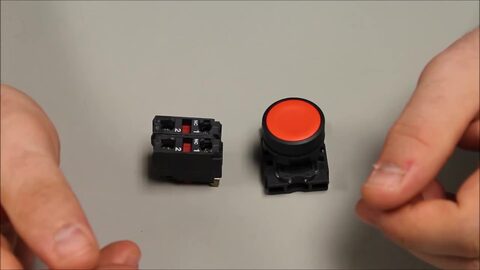 1. Installing a contact block on the back of a 22 mm Harmony pushbutton (shown on a plastic XB5; the metal XB4 works the same way). 0:14
-
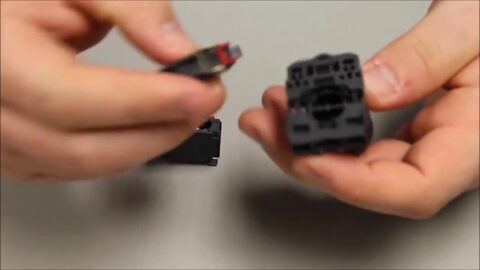 2. Take the black fixing collar and line up the contact block with it. 0:20
-
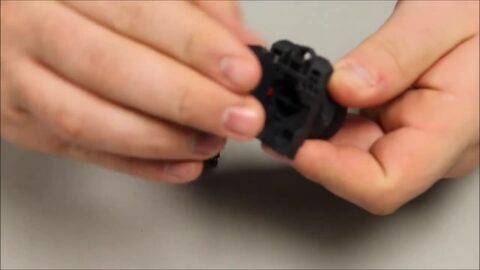 3. The contact block goes onto the back of the mounting collar. 0:25
-
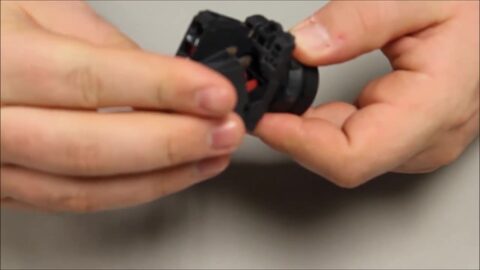 4. It snaps in with a forward motion … 0:30
-
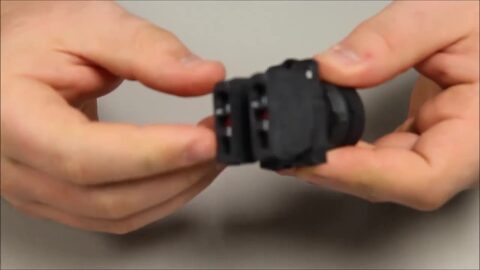 5. … and an angled push back towards you. A second block clips on the same way. 0:33
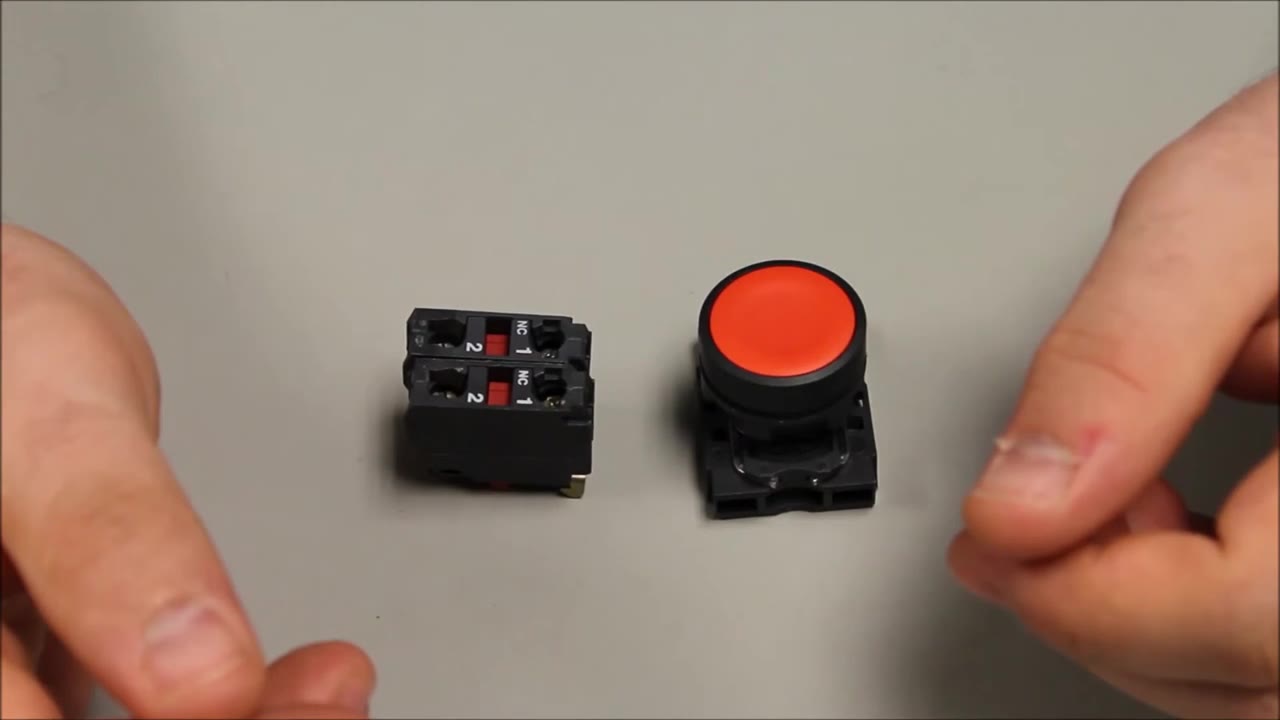
ข้อความขั้นตอนที่เขียนจากคำบรรยายในวิดีโอ
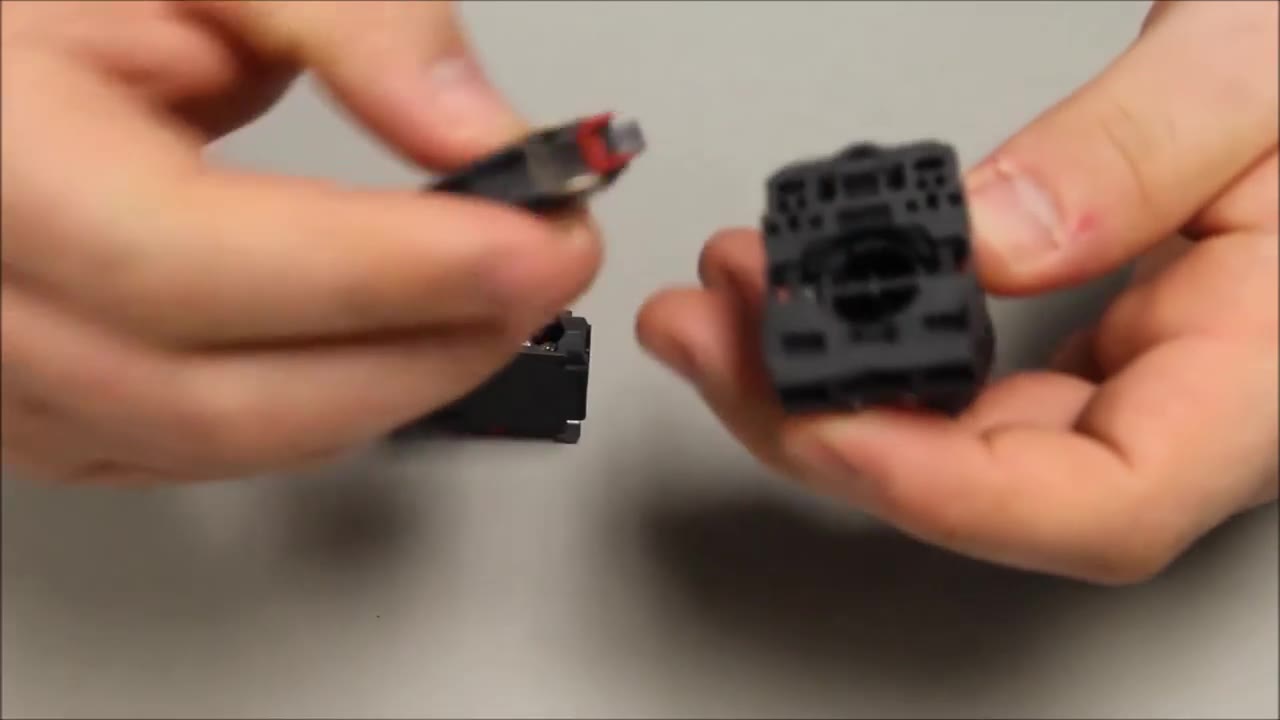
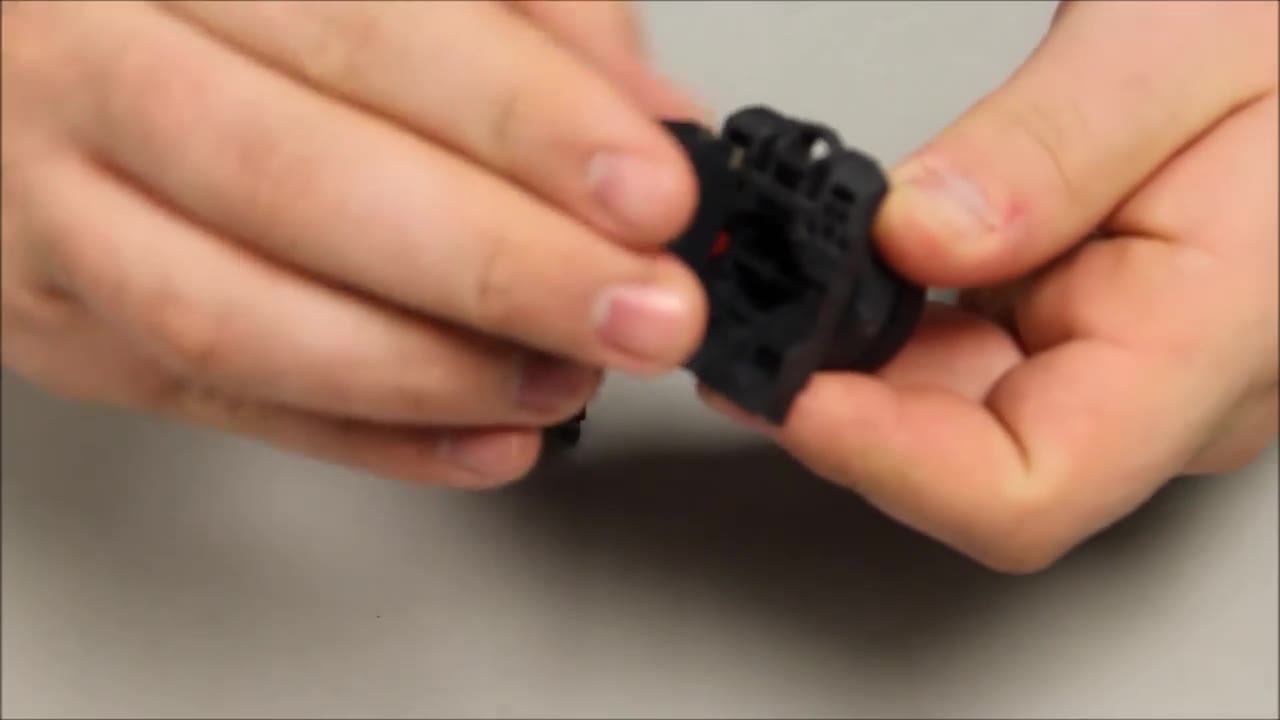
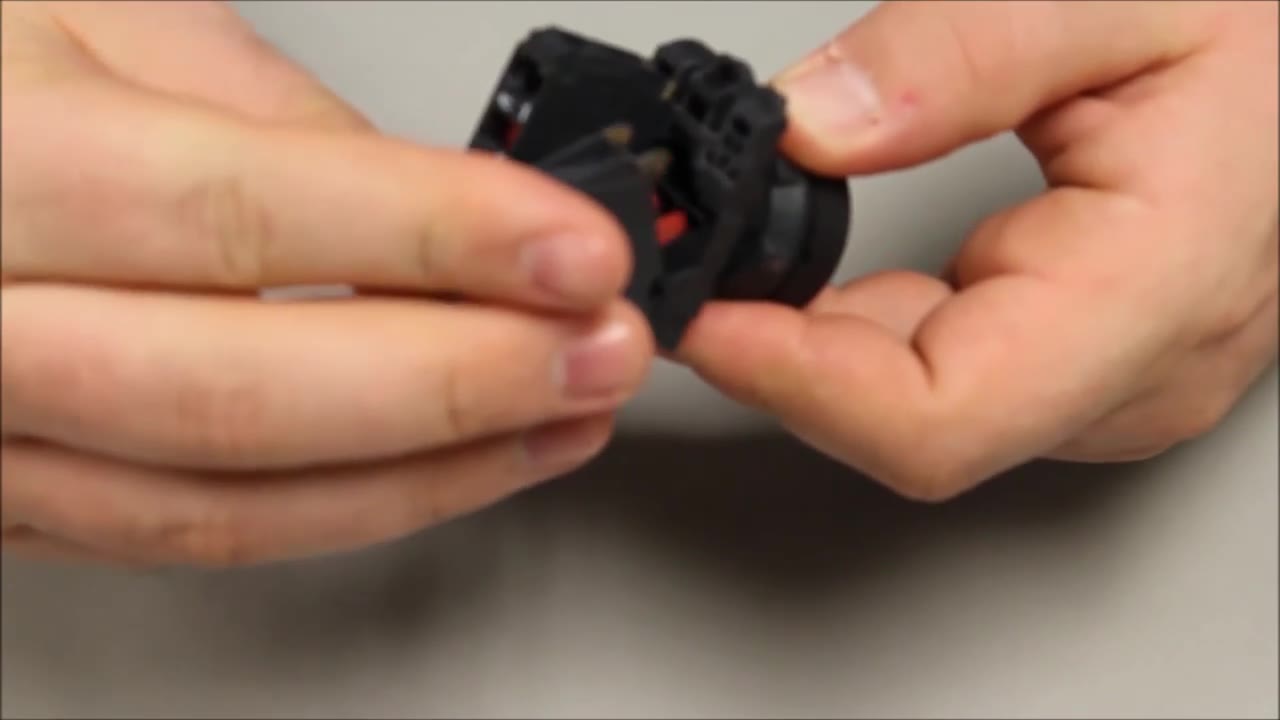
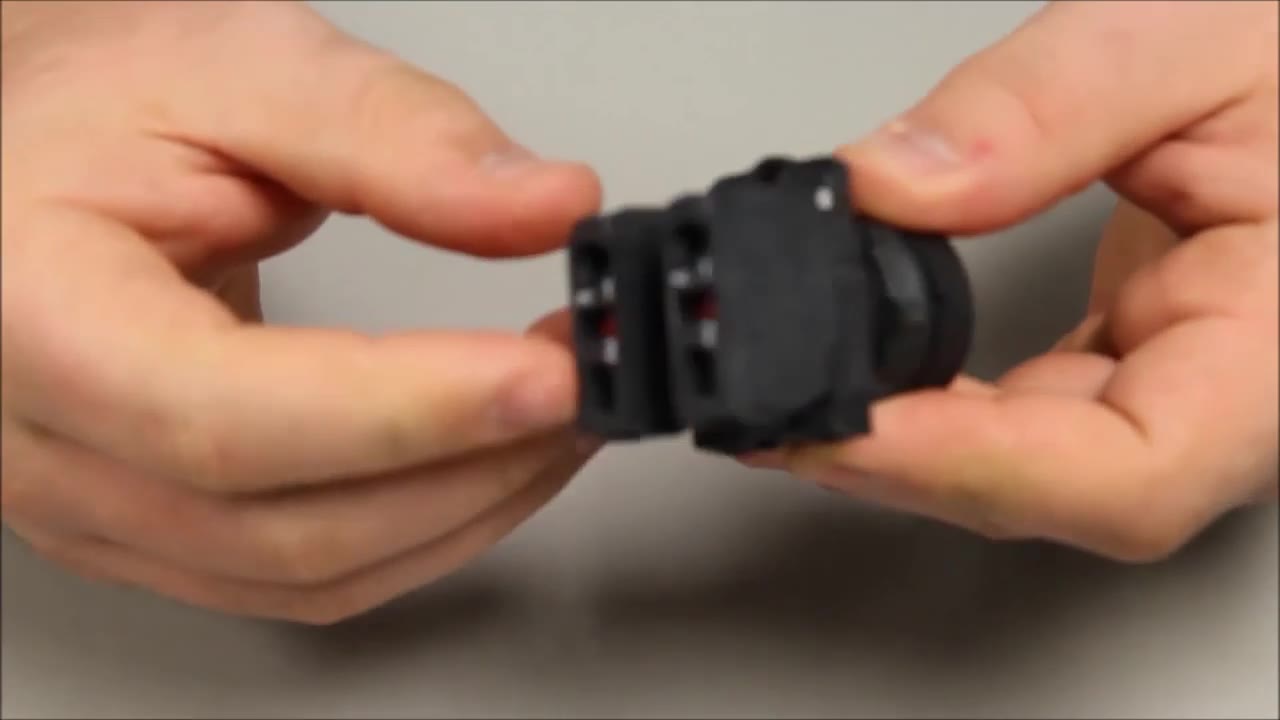
Schneider Electric ZB4-BD5 Selector Switch Head 3-Way | Telemecanique Harmony 22mm
Industrial Electrical Warehouse · ดูบน YouTube
เอกสารและดาวน์โหลด
- Datasheet — ZB4BD5 PDF · 703 KB · Schneider Electric · ชิ้นส่วนเดิม
- Instruction sheet — BRU46063_01 - XB4-XB5.pdf PDF · 654 KB · Schneider Electric · ชิ้นส่วนเดิม
- Environmental product profile — ENVPEP2308005EN.pdf PDF · 1.2 MB · Schneider Electric · ชิ้นส่วนเดิม
- Catalogue — Push-Buttons-Digest-Catalog-0100CT2401-SEC-19.pdf PDF · 4.1 MB · Schneider Electric · ชิ้นส่วนเดิม
ไฟล์ CAD
วิดีโอเพิ่มเติม


สถานที่จำหน่าย
ช่วงราคา
$19.43 — $44.64
across 3 sellers in US dollars
ข้อมูลจำเพาะอย่างย่อ
- Actuator Function
- 3-position, spring return to centre from left and right (±45°)
- Actuator Type
- Selector, standard handle
- Bezel
- Chromium plated metal
- Color
- Black
- Composition
- Head only; complete unit XB4BD53 = ZB4BD5 + ZB4BZ103 (2 NO)
เรียนรู้เพิ่มเติม
ปุ่มที่เกี่ยวข้อง
ปุ่มที่ปรากฏพร้อมกับ ZB4BD5 บนหน้าเว็บที่เราวิจัยพบว่ามักจะปรากฏเป็นอันดับแรก
Schneider Electric
ZB4-BD3
22mm 3-Position Selector Maintained
mentioned together on 183 pages

Schneider Electric
ZB4-BD2
Schneider ZB4BD2 2-Position Stay-Put Selector Switch Head (Harmony XB4, metal)
mentioned together on 176 pages
Schneider Electric
ZB4BD4 เร็วๆ นี้
Schneider Harmony XB4
mentioned together on 145 pages
Schneider Electric
ZB4BZ009 เร็วๆ นี้
Schneider Harmony XB4
mentioned together on 134 pages
Schneider Electric
XB4BD53 เร็วๆ นี้
Schneider Harmony XB4
mentioned together on 101 pages
Schneider Electric
ZB4BD7 เร็วๆ นี้
Schneider Harmony XB4
mentioned together on 94 pages
Schneider Electric
ZBE-102
ZBE 1NC Contact Element (no mounting base)
mentioned together on 86 pages
Schneider Electric
ZB4BD8 เร็วๆ นี้
Schneider Harmony XB4
mentioned together on 84 pages
Schneider Electric
XB4BD33
Schneider XB4BD33 3-Position Maintained Selector Switch (2NO)
mentioned together on 75 pages
Schneider Electric
XB4BD21
Schneider XB4BD21 2-Position Maintained Selector Switch (1NO)
mentioned together on 68 pages
Schneider Electric
XB4BD25 เร็วๆ นี้
Schneider Harmony XB4
mentioned together on 54 pages
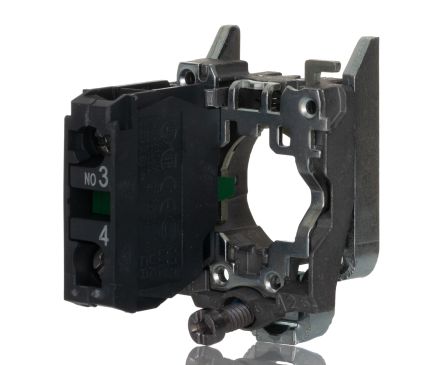
Schneider Electric
ZB4-BZ101
Harmony XB4 1NO Contact Block
mentioned together on 51 pages
แสดงเพิ่มอีก 68 รายการ
Schneider Electric
XB4BD41 เร็วๆ นี้
Schneider Harmony XB4
mentioned together on 44 pages
Schneider Electric
ZB4-BJ2
22mm 2-Position Selector Spring Return
mentioned together on 44 pages
Schneider Electric
ZB4BJ5 เร็วๆ นี้
Schneider Harmony XB4
mentioned together on 42 pages
Schneider Electric
ZB4BD57 เร็วๆ นี้
Schneider Harmony XB4
mentioned together on 35 pages
Schneider Electric
ZB5AD3 เร็วๆ นี้
Schneider Harmony XB5
mentioned together on 32 pages
Schneider Electric
ZB5AD5 เร็วๆ นี้
Schneider Harmony XB5
mentioned together on 32 pages
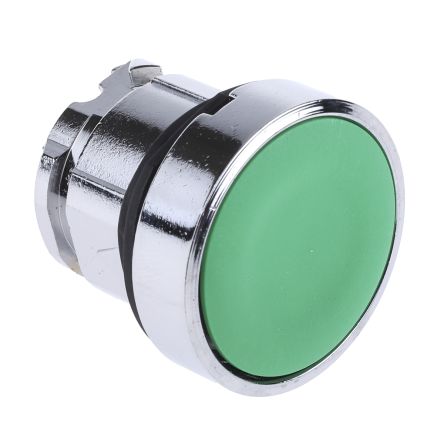
Schneider Electric
ZB4-BA3
Harmony XB4 Green Flush Push Button Head
mentioned together on 31 pages
Schneider Electric
ZB4BG2 เร็วๆ นี้
Schneider Harmony XB4
mentioned together on 31 pages
Schneider Electric
ZB4BJ3 เร็วๆ นี้
Schneider Harmony XB4
mentioned together on 31 pages

Schneider Electric
ZB4BA2
Schneider Electric ZB4BA2 Push Button Head
mentioned together on 30 pages
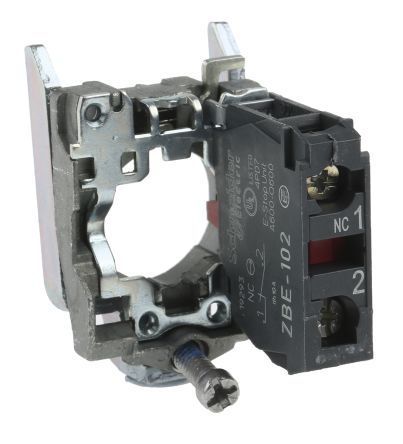
Schneider Electric
ZB4-BZ102
Harmony XB4 1NC Contact Block
mentioned together on 30 pages
Schneider Electric
ZB4BZ103 เร็วๆ นี้
Schneider Harmony XB4
mentioned together on 30 pages

Schneider Electric
ZB4-BA4
Harmony XB4 Red Flush Push Button Head
mentioned together on 28 pages
Schneider Electric
ZB4BD59 เร็วๆ นี้
Schneider Harmony XB4
mentioned together on 26 pages
Schneider Electric
ZB5AD2 เร็วๆ นี้
Schneider Harmony XB5
mentioned together on 26 pages
Schneider Electric
ZB4BD503 เร็วๆ นี้
Schneider Harmony XB4
mentioned together on 24 pages
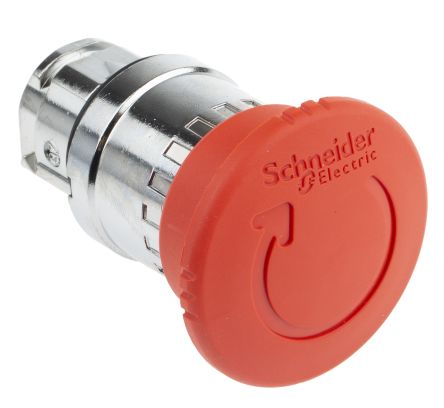
Schneider Electric
ZB4-BS844
Harmony XB4 Red Mushroom Emergency Stop (Push-Pull)
mentioned together on 23 pages
Schneider Electric
ZB4BG3 เร็วๆ นี้
Schneider Harmony XB4
mentioned together on 22 pages
Schneider Electric
ZB4BG4 เร็วๆ นี้
Schneider Harmony XB4
mentioned together on 22 pages
Eaton
M22-WRK3
22mm 3-Position Selector Spring Return Center
mentioned together on 19 pages
Schneider Electric
XB5AD33 เร็วๆ นี้
Schneider Harmony XB5
mentioned together on 19 pages
Schneider Electric
ZB4BG0 เร็วๆ นี้
Schneider Harmony XB4
mentioned together on 19 pages
Schneider Electric
ZB4BJ4 เร็วๆ นี้
Schneider Harmony XB4
mentioned together on 18 pages
Schneider Electric
XB5AD21 เร็วๆ นี้
Schneider Harmony XB5
mentioned together on 17 pages
Schneider Electric
ZB4-BK1233
22mm Green Illuminated Selector 2-Position
mentioned together on 17 pages
Eaton
M22-WRK
M22 2-Position Selector Switch
mentioned together on 16 pages
Schneider Electric
ZB4BZ105 เร็วๆ นี้
Schneider Harmony XB4
mentioned together on 16 pages

Schneider Electric
ZB5AS844
Schneider ZB5AS844 Emergency Stop Head, Red 40 mm Mushroom, Turn to Release
mentioned together on 16 pages
Schneider Electric
XB4BG21 เร็วๆ นี้
Schneider Harmony XB4
mentioned together on 15 pages
Schneider Electric
XB4FD21 เร็วๆ นี้
Schneider Harmony XB4
mentioned together on 15 pages
Schneider Electric
ZB4BD27 เร็วๆ นี้
Schneider Harmony XB4
mentioned together on 15 pages
Schneider Electric
ZB4BG7 เร็วๆ นี้
Schneider Harmony XB4
mentioned together on 15 pages

Schneider Electric
XB4BA31
22mm Green Complete Push Button 1NO
mentioned together on 14 pages
Schneider Electric
XB4BJ53 เร็วๆ นี้
Schneider Harmony XB4
mentioned together on 14 pages
Schneider Electric
ZB4-BA5
22mm Yellow Flush Push Button XB4
mentioned together on 14 pages
Schneider Electric
ZB4BD37 เร็วๆ นี้
Schneider Harmony XB4
mentioned together on 14 pages
Schneider Electric
ZB4BD922 เร็วๆ นี้
Schneider Harmony XB4
mentioned together on 14 pages
Schneider Electric
ZB5AD4 เร็วๆ นี้
Schneider Harmony XB5
mentioned together on 14 pages
Eaton
M22-DL-G
22mm Green Illuminated Flush 24V
mentioned together on 13 pages

Eaton Electrical
M22-PVT
Eaton Electrical M22-PVT
mentioned together on 13 pages

Schneider Electric
XB4BS8442
22mm Complete E-Stop Twist Release 1NC
mentioned together on 13 pages
Schneider Electric
ZB4BJ7 เร็วๆ นี้
Schneider Harmony XB4
mentioned together on 13 pages
Schneider Electric
ZB4BZ141 เร็วๆ นี้
Schneider Harmony XB4
mentioned together on 13 pages
Schneider Electric
ZB5AG2 เร็วๆ นี้
Schneider Harmony XB5
mentioned together on 12 pages
Schneider Electric
ZBY-2303
Legend Plate START Green
mentioned together on 12 pages
Schneider Electric
ZBY-2304
Legend Plate STOP Red
mentioned together on 12 pages

Schneider Electric
XB4BA21
22mm Black Complete Push Button 1NO
mentioned together on 11 pages
Schneider Electric
XB4-BVB4
22mm Red Pilot Light Complete Unit
mentioned together on 11 pages
Schneider Electric
ZB4BD204 เร็วๆ นี้
Schneider Harmony XB4
mentioned together on 11 pages
Schneider Electric
ZB4BD205 เร็วๆ นี้
Schneider Harmony XB4
mentioned together on 11 pages
Schneider Electric
ZB4BD912 เร็วๆ นี้
Schneider Harmony XB4
mentioned together on 11 pages
Schneider Electric
ZB4BK1333
Schneider ZB4BK1333 Green Illuminated 2-Position Selector Switch Head (Harmony XB4, head-only)
mentioned together on 11 pages
Schneider Electric
ZB4BV043 เร็วๆ นี้
Schneider Harmony XB4
mentioned together on 11 pages
Schneider Electric
ZB5AZ905 เร็วๆ นี้
Schneider Harmony XB5
mentioned together on 11 pages

Schneider Electric
ZB4BA1
Schneider Electric ZB4BA1
mentioned together on 10 pages

Schneider Electric
ZB4BG6
Schneider Electric ZB4BG6
mentioned together on 10 pages

Schneider Electric
ZB4-BW333
Harmony XB4 Illuminated Green Push Button 24V LED
mentioned together on 10 pages
Schneider Electric
XB4-BVB1
22mm White Pilot Light Complete Unit
mentioned together on 9 pages

Schneider Electric
XB4-BVB3
Schneider XB4BVB3 Green Pilot Light, Universal LED, 24 V AC/DC
mentioned together on 9 pages
Schneider Electric
XB4BW33B5
22mm Complete Green Illuminated 24V 1NO+1NC
mentioned together on 9 pages

Schneider Electric
ZB4-BA6
Harmony XB4 Blue Flush Push Button Head
mentioned together on 9 pages

Schneider Electric
ZB4-BG1
Harmony XB4 2-Position Key Switch
mentioned together on 9 pages
Schneider Electric
ZB4-BL4
22mm Red Extended Push Button XB4
mentioned together on 9 pages

Schneider Electric
ZB4BT84
Schneider Electric ZB4BT84 Emergency Stop Head
mentioned together on 9 pages

Schneider Electric
XB4BA42
22mm Red Complete Push Button 1NC
mentioned together on 8 pages

Schneider Electric
XB4BS8444
Schneider XB4BS8444 Emergency Stop, Red Ø40 mm Mushroom, Turn to Release, 2 NC (Harmony XB4, metal)
mentioned together on 8 pages

Schneider Electric
XB4BT845
Schneider Electric XB4BT845 Push Button
mentioned together on 8 pages
Schneider Electric
ZB4BS944
Schneider Electric ZB4BS944 Emergency Stop Head
mentioned together on 8 pages