OBSN-30
ActiveOBSN-30 Screw-in Arcade Button (30mm)
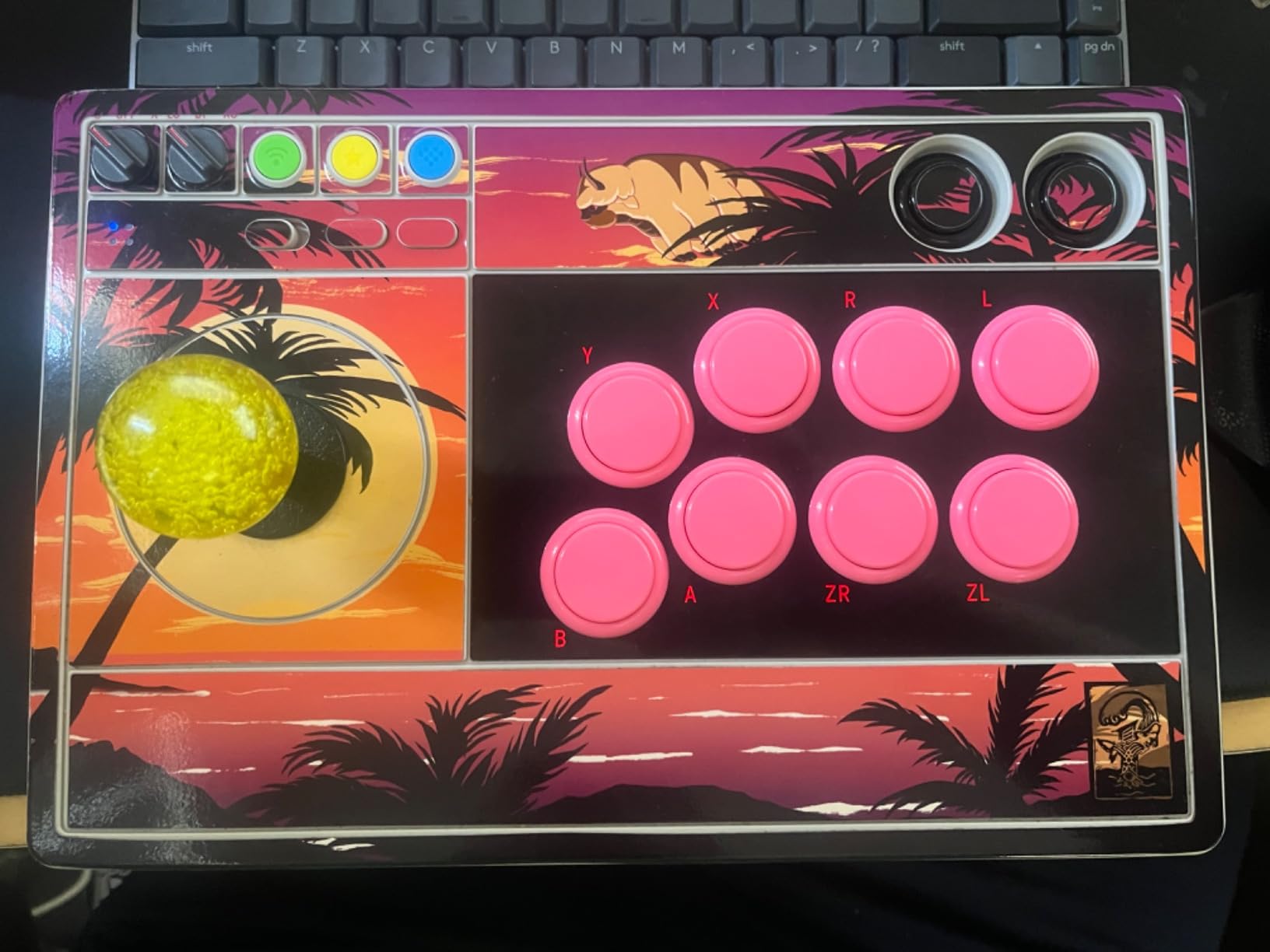
30mm screw-in arcade push button from Sanwa Denshi. Uses the same high-quality built-in microswitch as the OBSF-30 but with a threaded body and screw-on nut for secure mounting in metal panels or high-stress environments.
Common Applications
Preferred for metal control panels and commercial arcade cabinets where snap-in tabs might not grip properly. The screw-in design provides a more permanent and secure mount. Interchangeable with OBSF-30 button caps.
Specifications
|
Actuation Force
The force needed to press the button. Lower = more sensitive. Sanwa ~65g (light), Seimitsu ~85g (medium), Happ ~130g (heavy).
|
65g
|
|
Color
Button/actuator color. Green = start/go, Red = stop/emergency, Yellow = caution, Blue = reset (per IEC 60204-1).
|
Various (White, Black, Red, Blue, Yellow, Green, etc.)
|
|
Contact Configuration
Normally Open — circuit is off until you press. Standard for start/go/enable functions.
|
NO (normally open)
|
|
Diameter
|
30mm
|
|
Material
The bezel/body material. Metal bezels are more durable in harsh environments. Plastic is lighter and cheaper.
|
ABS plastic
|
|
Mechanical Life
How many press cycles before mechanical failure. Higher is better — 10M cycles at 100 presses/day = 274 years.
|
5,000,000 cycles
|
|
Microswitch Type
The internal switch mechanism. Built-in = sealed unit. Cherry D44X = replaceable, clicky. Omron = quieter, longer life.
|
built-in
|
|
Mounting Type
How the button attaches to the panel. Panel mount is standard — installs through a cutout from the front.
|
screw-in
|
|
Panel thickness
|
1-8mm
|
|
Travel Distance
How far the button moves when pressed. Shorter = faster response. Sanwa 0.85mm is extremely short for competitive gaming.
|
0.85mm
|
Compatible Alternatives
These products are functionally equivalent cross-references from other manufacturers.
Installation Quick Reference
Mounting: Snap-in buttons push into a 30mm hole from the top of the panel. Screw-in buttons thread from below and secure with a nut. Use 2-3mm acrylic, wood, or metal panel.
Wiring: Connect the microswitch terminals to your encoder or PCB. Common ground shared across all buttons. Quick-disconnect (0.110") terminals are standard on Japanese buttons.
Dimensions
Wiring Diagram
Troubleshooting
Not responding to input
Check wiring continuity with a multimeter. Verify the contact block is properly seated. Inspect terminals for loose connections.
Where to Buy
Quick Specs
- Actuation Force
- 65g
- Color
- Various (White, Black, Red, Blue, Yellow, Green, etc.)
- Contact Configuration
- NO (normally open)
- Diameter
- 30mm
- Material
- ABS plastic
What People Are Saying
“Sanwa Denshi OBSN-30 is solid for both casual and competitive play. The feel is consistent across the product line which is what matters for muscle memory.”


