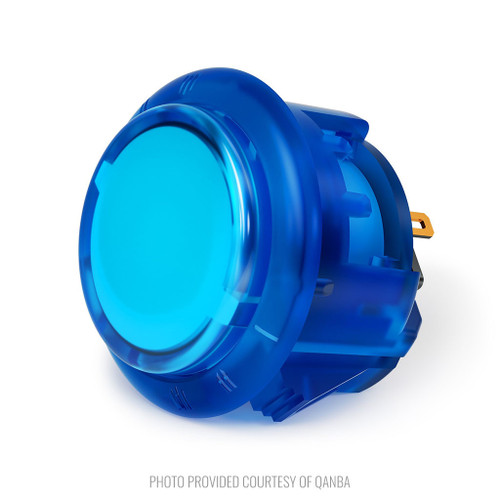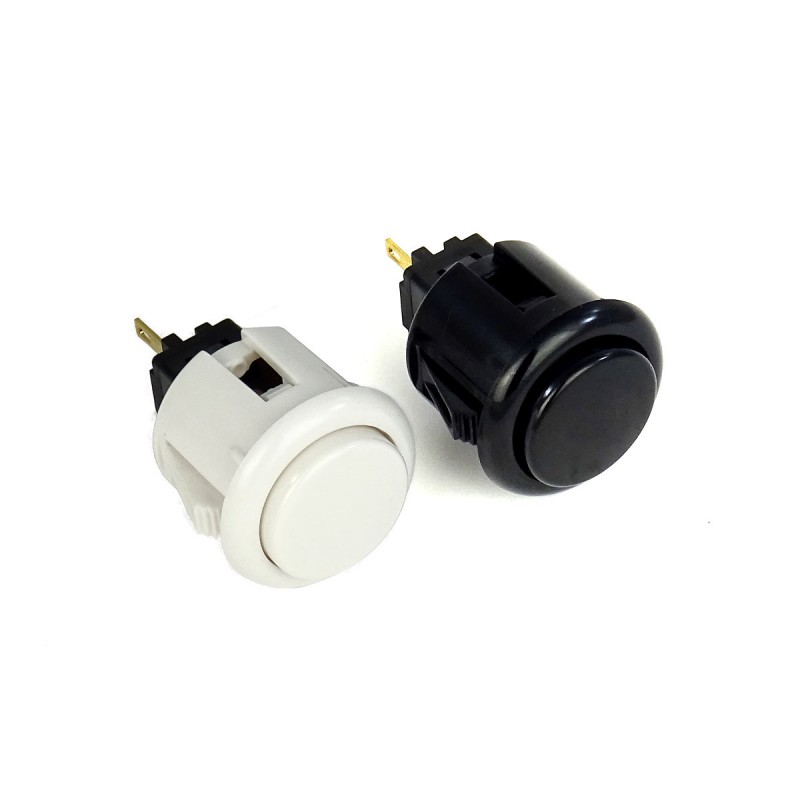
QanBa 24mm Snap In Arcade Button. This action button is very similar to the Sanwa OBSF-24 and is used on QanBa's Fighsticks and Arcade Sticks.
Research Notes
1. Overview
A Qanba-brand 24 mm snap-in arcade pushbutton (solid color) — the 24 mm Start/aux size of Qanba's snap-in line. OBSF-24 form factor: 24 mm snap-in, built-in microswitch, solid plunger. Budget alternative to Sanwa OBSF-24; fits standard 24 mm cutouts.
2. Technical Specifications & Compatibility
See the structured specs on this page (diameter, mounting, plunger/finish, microswitch). These are standard arcade-button form factors — confirm the panel cutout (30 mm / 24 mm / 18 mm as applicable) and the snap-in vs screw-in mount for your panel thickness before ordering.
3. Sources
2 sources
- Qanba 24 mm Snap-In Arcade Pushbutton (Solid) — qanba.com
- Qanba 24 mm Snap-In Arcade Pushbutton (Solid) — www.slagcoin.com
仕様一覧
|
Arcade express id
|
756
|
|
Device type
|
Qanba 24mm snap-in arcade pushbutton (OBSF-24 form factor)
|
|
Diameter
|
24mm
|
|
Finish
|
Solid/opaque plunger
|
|
Mounting Type
How the button attaches to the panel. Panel mount is standard — installs through a cutout from the front.
|
Snap-in
|
|
Reference pn
|
Qanba 24mm snap-in (AX-756 is an Arcade Express catalog ID)
|
|
Weight kg
|
0.006000
|
取付クイックリファレンス
Mounting: Snap-in buttons push into a 24mm hole from the top of the panel. Screw-in buttons thread from below and secure with a nut. Use 2-3mm acrylic, wood, or metal panel.
Wiring: Connect the microswitch terminals to your encoder or PCB. Common ground shared across all buttons. Quick-disconnect (0.110") terminals are standard on Japanese buttons.
外形寸法
トラブルシューティング
Not responding to input
Check wiring continuity with a multimeter. Verify the contact block is properly seated. Inspect terminals for loose connections.
主要仕様
- Arcade express id
- 756
- Device type
- Qanba 24mm snap-in arcade pushbutton (OBSF-24 form factor)
- Diameter
- 24mm
- Finish
- Solid/opaque plunger
- Mounting Type
- Snap-in