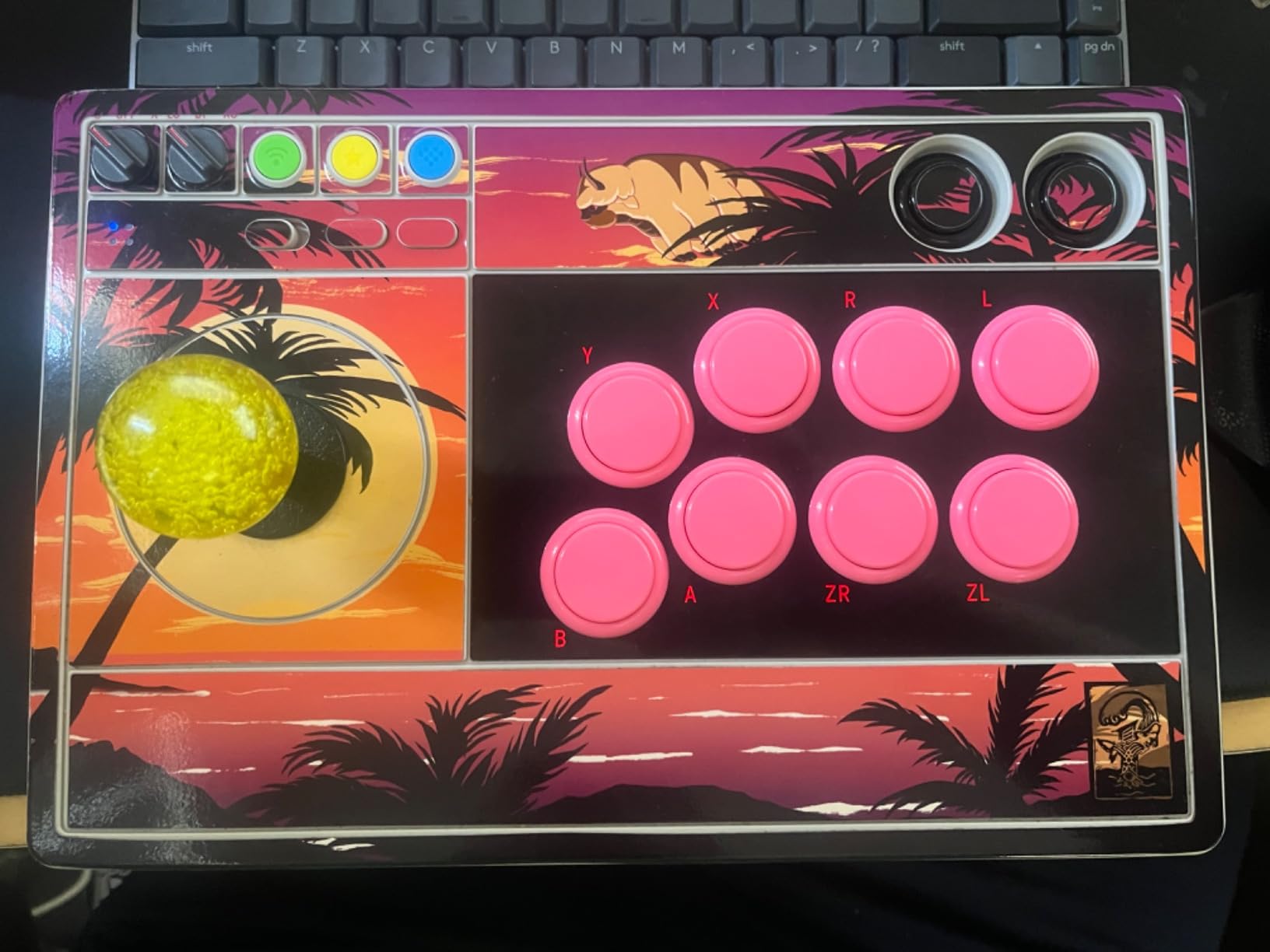
Description Reviews Warranty 24 vs 30mm Please measure your Fightstick Button Hole Before Purchasing PS-14-G/D The Seimitsu PS-14-G and PS-14-D model has a slightly wider housing diameter, which makes it incompatible with a number of Fightsticks whose action button layout adhere strictly to the diameter of Sanwa's 29.5mm button housing PS-14-D 24mm housing diameter is 23.65mm PS-14-G 30mm housing diameter is 29.75MM Please make sure your Fightstick's button holes have at least a +.25mm tolerance for the housing (29.75mm or more), or it will not fit. The Seimitsu PS-14-D is a solid color 24mm pushbutton designed to snap into a thin (1.3mm or .051") metal panel. It has a noticeably flat plunger top, preferable to some who don't like the coonvex shape of other Japanese pushbuttons. This pushbutton is available in 7 colors, along with with a black rim/color plunger variation in 6 colors. The PS-14-D uses the Seimitsu PS-14-D Button Micro Switch. Please see our product photo gallery for full specs. This product hasn't received any reviews yet. Be the first to review this product! WRITE A REVIEW Write a Review Close × Seimitsu Seimitsu PS-14-D 24mm Pushbutton Black Rating Required Select Rating 1 star (worst) 2 stars 3 stars (average) 4 stars 5 stars (best) Name Required Email Required Review Subject Required Comments Required - When processing orders, a frequent mistake we found among new players is choosing the wrong size for action buttons, such as punch and kick. Within the fighting game genre, Japanese arcade buttons commonly consist of two diameter sizes: 24 millimeter and 30 milllimeter (mm). In most configurations, 30mm represents your action button. These are front facing, appearing most prominent on your Fightstick control panel. Option button, such as "Start", "Select", or more recently "Option", "Touch", or "Share" are usually 24mm. UPDATE: Owners of Neo Geo AES Joysticks will need 24mm pushbuttons instead of 30mm (Thanks SRK's DEZALB) Below is a visual representation of a common Fightstick control panel. Throughout this article, we will mark 24mm in green, and 30mm in Orange. Checking the Proper Size Another way that players can misinterpret the pushbutton size is by measuring the pushbutton plunger. Have a look at the diagram at right. The plunger - the part that you press down to represent an input - is 25mm or a bit smaller in most 30mm pushbuttons. Often this leads to the conclusion that one needs a 24mm button and not 30mm. Similarly measuring the button rim can lead to confusion, as it is intentionally larger than the button hole it is placed in. You don't want to use these measurements. Instead, review the button housing diameter, or the hole the button will be placed in. You can do this with a caliper - a digital caliper is often quite helpful for this and other arcade-related projects. Control Panel Configuration Most Fightsticks from MadCatz, Hori, Qanba, and similar will use these two sizes. How the buttons are used will depend on the model joystick that you own. Over time, we'll provide example configurations for specific popular Fightstick models and arcade cabinets using the color key for 24mm (green) and 30mm (orange). We'll also expand the key for future models if another size is introduced, and we offer for sale.
Specifications
|
Arcade family
|
Seimitsu PS-14
|
|
Device class
|
arcade pushbutton
|
|
Diameter
|
24mm
|
|
Enriched by
|
arcade-decoder-2026-08-12
|
|
Pn status
|
decoded
|
|
Series description
|
Seimitsu arcade pushbutton — Seimitsu PS-14
|
Installation Quick Reference
Mounting: Snap-in buttons push into a 24mm hole from the top of the panel. Screw-in buttons thread from below and secure with a nut. Use 2-3mm acrylic, wood, or metal panel.
Wiring: Connect the microswitch terminals to your encoder or PCB. Common ground shared across all buttons. Quick-disconnect (0.110") terminals are standard on Japanese buttons.
Dimensions
Troubleshooting
Not responding to input
Check wiring continuity with a multimeter. Verify the contact block is properly seated. Inspect terminals for loose connections.
Quick Specs
- Arcade family
- Seimitsu PS-14
- Device class
- arcade pushbutton
- Diameter
- 24mm
- Enriched by
- arcade-decoder-2026-08-12
- Pn status
- decoded